VoIP Hardware Lifecycle: When to Upgrade, Replace, or Retire Your Business Phones
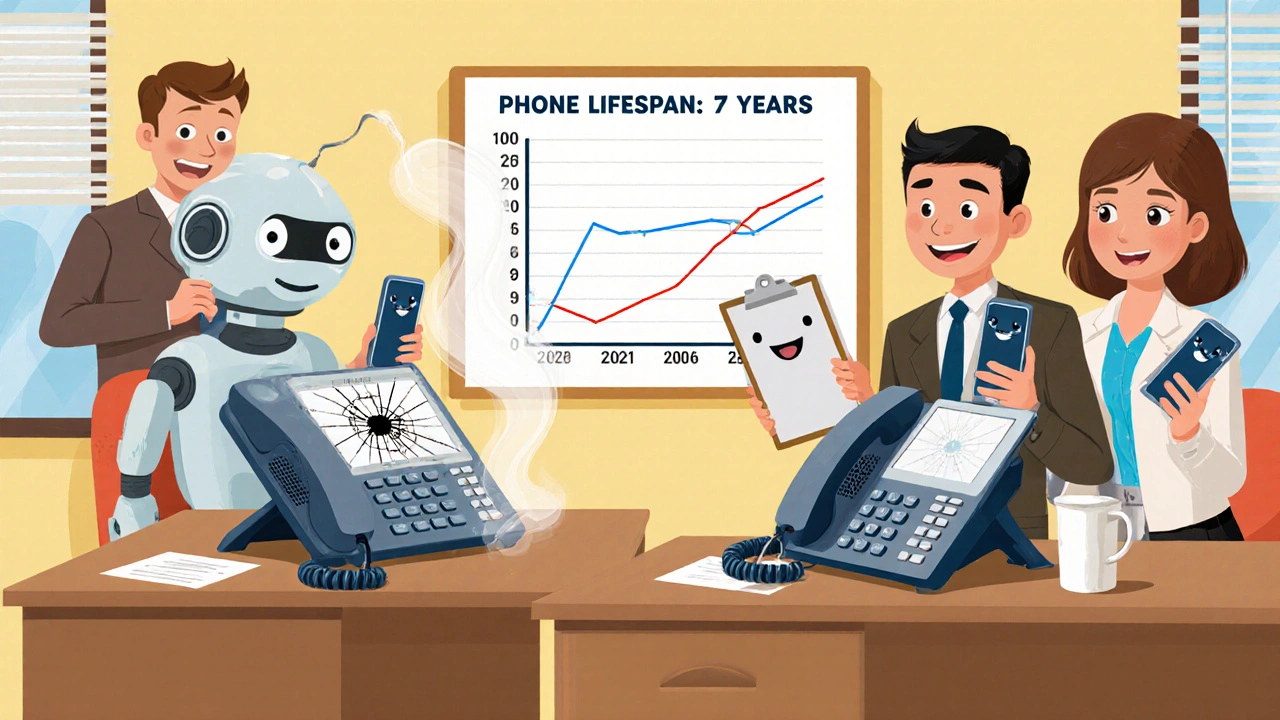
When you buy a VoIP phone, you're not just buying a device—you're investing in a piece of your communication infrastructure. The VoIP hardware lifecycle, the full period from purchase to replacement of business-grade VoIP phones and related equipment. Also known as VoIP equipment lifespan, it typically lasts 3 to 5 years, but many businesses hold onto gear far too long—or replace it too soon. Unlike consumer gadgets, VoIP phones don’t suddenly stop working. They degrade quietly: audio gets fuzzy, buttons become unresponsive, firmware updates stop, and security holes open up. That’s why tracking the lifecycle isn’t about waiting for failure—it’s about planning for decline.
What drives the lifecycle? Three things: VoIP phones, physical endpoints like desk phones, headsets, and DECT handsets that connect to your IP network, VoIP hardware replacement, the strategic decision to swap out aging devices for newer models, and VoIP hardware leasing, a financial model where you rent equipment instead of buying it outright. If you lease, your replacement cycle is often built into the contract. If you buy, you’re on your own. Most SMBs don’t realize that after 4 years, the cost of repairs, lost productivity, and dropped calls often exceeds the price of new gear. And newer phones? They support modern codecs like Opus, better encryption like ZRTP, and integrate cleanly with CRMs like Salesforce and HubSpot—things your 5-year-old device can’t handle.
Don’t confuse lifespan with obsolescence. A phone might still ring, but if it doesn’t support secure SIP registration, can’t be managed remotely, or has no patch for a known vulnerability, it’s a liability. Many businesses keep old Yealink or Polycom units because they "still work," but they’re missing out on features like AI noise suppression, Bluetooth pairing, and cloud-based provisioning. And if your network uses VLANs or DSCP markings to prioritize voice traffic, older phones often don’t tag packets correctly—leading to choppy audio even on a fast connection.
There’s no magic number for when to replace VoIP hardware, but here’s a simple rule: if your device is older than the latest firmware update, it’s time to look. Check your vendor’s end-of-life list. If they stopped releasing security patches two years ago, you’re running on borrowed time. Also, consider your team. If agents are complaining about heavy handsets, poor battery life, or slow boot times, that’s not just comfort—it’s productivity loss. A 10-second delay per call adds up to hours per week across your team.
And don’t forget the hidden costs. Old hardware eats up more power, generates more heat, and increases IT support tickets. Replacing a single outdated phone can cut helpdesk calls by 30%. Meanwhile, refurbished gear from certified vendors offers 90% of the performance of new units at half the price—perfect for teams that don’t need cutting-edge features.
Below, you’ll find real-world breakdowns of how businesses manage their VoIP hardware—from cost comparisons between leasing and buying, to when refurbished phones make sense, to how cable types like CAT6 impact performance. No theory. No fluff. Just what actually happens when VoIP gear ages—and how smart teams handle it before it costs them more than they saved.