Voice over IP codec negotiation: How devices pick the best audio format
When you make a VoIP call, your phone and the server don’t just start talking—they Voice over IP codec negotiation, the process where two devices agree on which audio format to use to send your voice over the internet. Also known as codec selection, it’s the silent handshake that decides if your call sounds clear or robotic. This isn’t just technical jargon—it’s what keeps your voice from turning into glitchy noise when you’re on a weak connection.
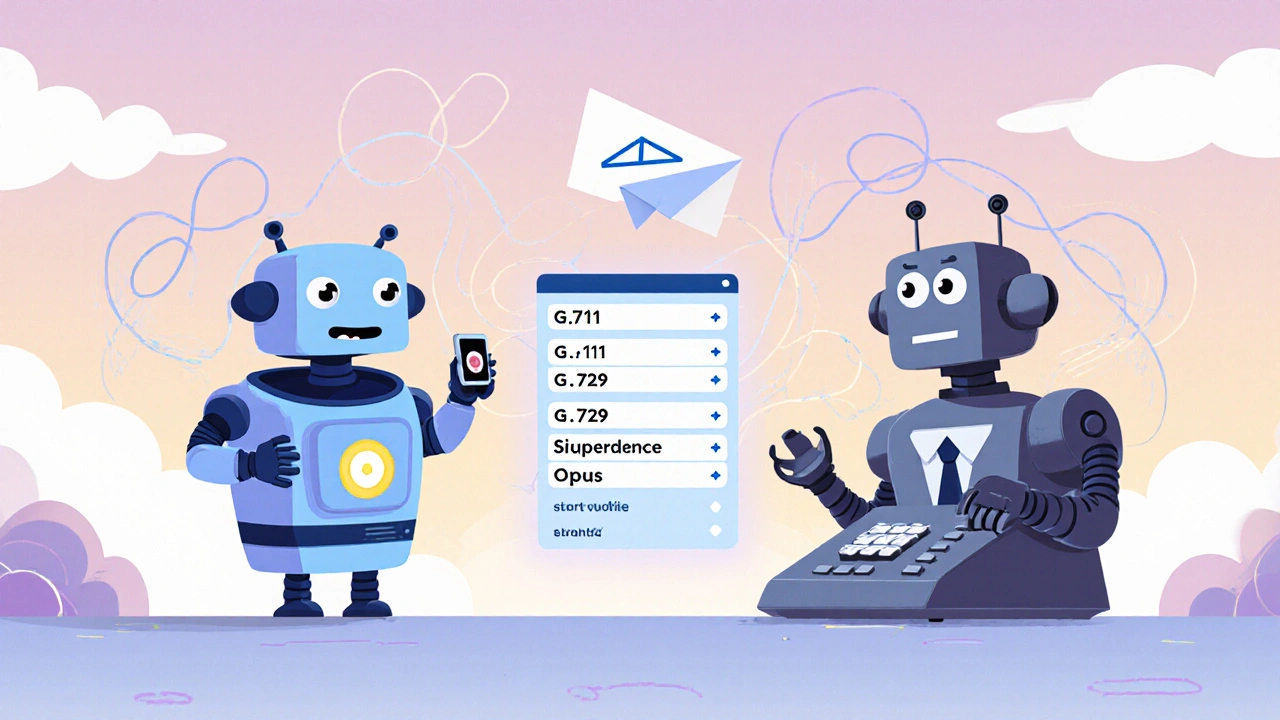
Behind every call is a negotiation between SIP codec, the signaling protocol that coordinates which audio formats devices can use and RTP payload, the actual container that carries the compressed voice data. Your phone might support G.711, G.729, and OPUS. The server might only accept G.711 and OPUS. The system tests what both sides support and picks the best match—usually the one with the highest quality that still works over your network. If they can’t agree, the call drops or falls back to a low-quality fallback like G.711, which uses more bandwidth but rarely fails.
This process happens in milliseconds, but it’s why some calls sound perfect on Wi-Fi and terrible on mobile data. Codec compatibility, how well different devices and providers support the same audio formats matters more than you think. A business phone system from Vendor A might not play nice with a home softphone from Vendor B if they use different default codecs. That’s why many providers now push OPUS—it’s adaptive, efficient, and works well even when bandwidth drops. If your calls are choppy, it’s often not your internet—it’s a codec mismatch your router can’t fix.
What you see as a simple call is really a chain of decisions: which codec to use, how much bandwidth to spend, whether to prioritize quality or reliability. And it’s all handled automatically. But knowing how it works helps you troubleshoot. If your call quality drops when you switch networks, check your VoIP settings. Maybe your phone is forcing G.729 to save bandwidth, but your network can handle OPUS. Or maybe your firewall blocks the UDP ports needed for real-time negotiation. The right setup means your phone and server always find the best path—without you lifting a finger.
Below, you’ll find real-world guides on fixing audio issues, securing voice traffic, and choosing hardware that plays nice with modern codecs. These aren’t theory pieces—they’re fixes people used to make their calls clear, stable, and secure. Whether you’re setting up a home office or managing a call center, understanding how codec negotiation works means you’ll know when to blame the network… and when to blame the settings.