
Think about the last time you had to juggle five different apps just to send a message, make a call, and share a file. You opened Slack for chat, switched to Zoom for video, dialed into a VoIP number for a quick check-in, then emailed someone a document because the chat didn’t support attachments. Sound familiar? That’s not efficiency-that’s friction. And it’s costing teams time, focus, and money.
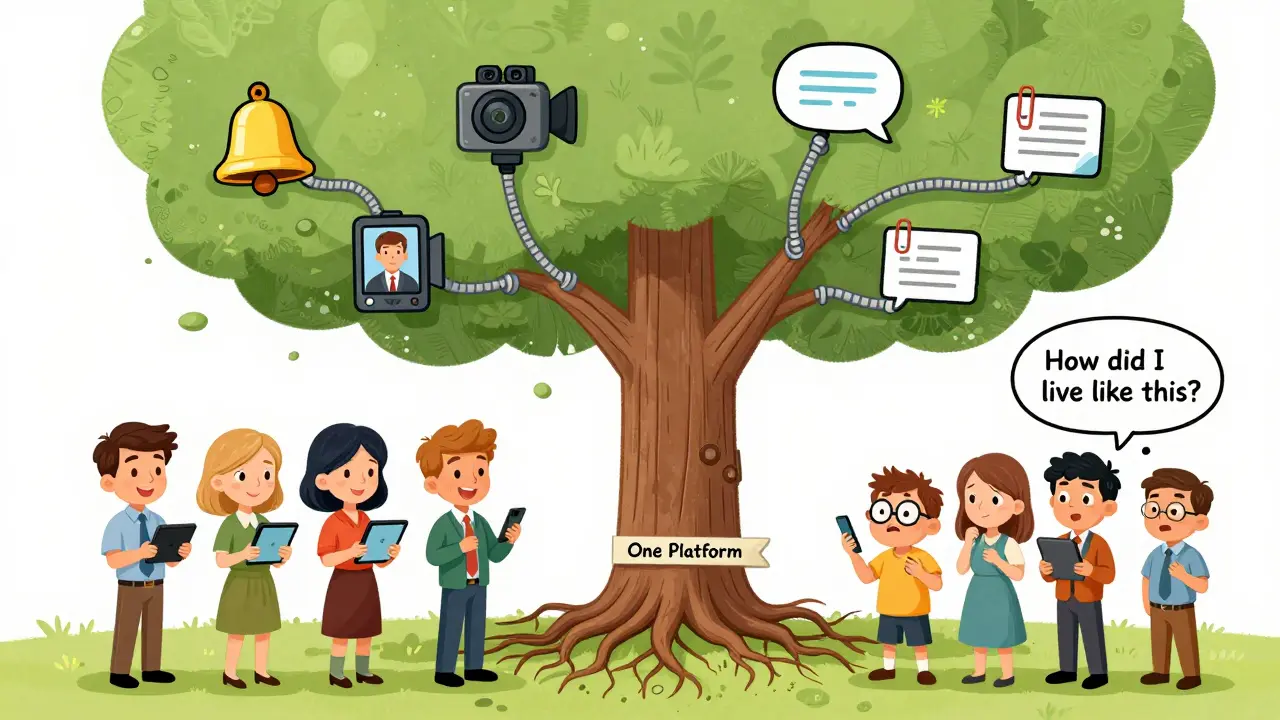
By 2026, the businesses that thrive aren’t the ones with the most tools. They’re the ones with the one platform that does it all: VoIP calling, video meetings, team chat, file sharing, and presence status-all in one place. This isn’t a luxury anymore. It’s the baseline for how modern teams work.
What Exactly Is a Unified Communications Platform?
A unified communications (UC) platform isn’t just another app. It’s a single system that brings together everything your team needs to communicate: voice over IP (VoIP) calls, HD video conferencing, instant messaging, screen sharing, and even SMS and email routing-all under one roof. No more logging into separate services. No more switching tabs. Just one login, one interface, one set of rules.
At its core, it runs on SIP (Session Initiation Protocol), the same technology that powers modern VoIP systems. But instead of just handling voice, it handles video, chat, and data transfer all at once. Employees access it through softphones-apps on their laptops or phones that act like traditional desk phones, but run over the internet. That means no expensive hardware. No tangled cables. Just a clean, cloud-based system anyone can use from anywhere.
And here’s the kicker: it works with personal devices. Whether someone uses an iPhone, Android, Windows, or Mac, their work profile-calls, contacts, security settings-syncs automatically when they log in. That’s BYOD (Bring Your Own Device) done right, without compromising security or control.
The Four Pillars of a True UC Platform
Not all platforms are built the same. A real unified system has four essential components working together seamlessly.
- Voice and VoIP Calling: This isn’t just about making calls. It’s about intelligent routing-auto attendants that answer after hours, call forwarding based on availability, extension dialing, and detailed analytics that show who’s talking to whom, how long, and how often. Some systems even flag repeated missed calls or long hold times to help managers spot bottlenecks.
- HD Video Conferencing: Think 1080p resolution, support for up to 200 participants, screen sharing with annotation tools, live in-meeting chat, and automatic recording saved to the cloud. No more “Can you resend that?” because the file got lost in email. Everything’s attached to the meeting timeline.
- Team Chat and Messaging: Group chats, private DMs, @mentions, threaded replies, GIFs, and embedded file uploads. But it goes further: some platforms integrate WhatsApp, SMS, and even Instagram DMs into one inbox. Customer messages from social media? They appear alongside internal team chats. No more missed messages on Slack because someone replied on WhatsApp.
- Presence and Status Indicators: Ever called someone only to get voicemail because they were in a meeting? With presence status, you see if they’re available, in a call, away, or busy-before you even dial. It cuts down on wasted time and makes collaboration feel intuitive.
These four elements aren’t just features. They’re interconnected. Click a name in chat? One click starts a call. Start a video meeting? The chat window pops up alongside. Share a file in a chat? It auto-saves to the cloud and links to the conversation history. That’s integration-not just coexistence.
How Real Companies Are Using It
Take a mid-sized marketing agency in Exeter. Before UC, they used Zoom for meetings, Google Voice for calls, Slack for chat, and Dropbox for files. Team members were constantly switching between apps. Project updates got lost. Clients complained about slow replies.
They switched to RingCentral. Now, when a client texts a question, it shows up in the team’s unified inbox. One person replies via chat. If it gets complex, they hit “Call” and jump straight into a VoIP call. If they need to show a design, they start a video meeting, share their screen, and record it. The recording auto-saves with the client’s name and date. No more digging through email chains.
Another example: a remote-first SaaS company with 80 employees across six countries. They use Microsoft Teams. Their sales team doesn’t just use the chat. They integrated Teams with their CRM. When a lead calls, the system auto-opens their CRM profile. The rep can start a call, log notes, and schedule a follow-up-all without leaving the app. Sales cycles shortened by 22% in six months.
These aren’t edge cases. They’re becoming the norm.

Who’s Leading the Market in 2026?
The UC platform space is crowded, but a few players stand out-not because they have the most features, but because they get the integration right.
- Microsoft Teams: Deep integration with Office 365. If your team already uses Word, Excel, or Outlook, Teams feels like a natural extension. Call forwarding, voicemail-to-email, and meeting transcription are seamless. It’s the default for many enterprises.
- RingCentral: Strong for global teams. Offers VoIP, video, SMS, and fax in one plan. Excellent call analytics and CRM integrations. Popular with sales and support teams.
- 8x8: Built for scalability. AI-powered analytics track meeting productivity, call volume trends, and even employee engagement. Great for larger organizations that need data-driven insights.
- Nextiva: Simple, clean, and affordable for small to medium businesses. Easy setup. Strong video and chat features. No overcomplicated menus.
- Avaya: Enterprise-grade. If you need contact center integration, advanced call routing, or telephony controls for call centers, Avaya is still the go-to.
There’s no single “best” platform. But there is a best fit-for your team size, your workflows, and your existing tools.
Why This Matters More Than Ever in 2026
Remote work isn’t a trend anymore. It’s the structure. Hybrid models are standard. Teams span time zones. Clients expect instant responses. And legacy phone systems? They’re obsolete.
Here’s what happens when you don’t unify:
- Employees waste 2-3 hours a week switching between apps.
- Messages get lost across platforms-SMS on one, Slack on another, email buried in an inbox.
- Security becomes a nightmare. Different passwords, different compliance rules.
- IT spends more time managing seven tools than fixing real problems.
When you unify:
- Phone bills drop by 30-50% because you’re using internet-based calling instead of landlines or mobile plans.
- Travel costs fall because video meetings replace in-person visits.
- Onboarding gets faster-new hires get one login, one setup, one training.
- Customer service improves because agents see the full history: chat logs, call recordings, email threads-all in one view.
It’s not about having more tech. It’s about having less chaos.
What You Need to Get Started
Moving to a UC platform doesn’t require a full IT overhaul. Here’s what actually matters:
- Internet connection: You need reliable, high-speed internet. A minimum of 10 Mbps upload/download per user is ideal for HD video and VoIP.
- Softphone apps: Download the platform’s app on desktop and mobile. That’s your new phone.
- Training: Spend 30 minutes showing your team how to start a call from chat, share a file in a meeting, and check presence status. That’s it.
- Choose your plan: Most platforms offer tiered pricing-basic (calls + chat), standard (adds video), premium (adds analytics, CRM, SMS). Start simple. Scale as you go.
Most providers offer free trials. Try one for 14 days. Don’t overthink it. Just set it up for your core team. See how much time you save.
The Future Is Smarter, Not Just More Connected
The next wave isn’t just about adding more features. It’s about automation. AI is now built into UC platforms to handle routine tasks:
- AI transcribes meetings and highlights action items.
- Chatbots answer common customer questions before a human even gets involved.
- Analytics predict when teams are overloaded based on call volume and message response times.
- Smart routing sends a support ticket to the right person based on their availability and past performance.
This isn’t sci-fi. It’s happening now. Companies using AI-powered UC tools report 40% fewer repetitive tasks and 30% faster issue resolution.
The goal isn’t to replace humans. It’s to remove the noise so humans can focus on what matters-solving problems, building relationships, and creating value.
Final Thought: Stop Complicating Communication
Communication should make work easier, not harder. If your team is still juggling apps, you’re not just inefficient-you’re outdated.
Unified communications isn’t about buying a new phone system. It’s about building a smarter way to work. One platform. One login. One place where everything connects. That’s how teams win in 2026.
Do I need to buy new phones to use a unified communications platform?
No. Unified communications runs over the internet using softphone apps on your existing devices-laptops, smartphones, or tablets. You don’t need desk phones unless you want them. Most teams use the app on their personal devices, and the platform securely syncs their work profile automatically.
Can a UC platform replace my current phone system entirely?
Yes. Modern UC platforms fully replace traditional landline and PBX systems. They offer call routing, voicemail, extensions, call recording, and auto attendants-all through the cloud. Many businesses shut down their old phone lines and save 30-50% on monthly telecom costs.
Is a unified platform secure enough for sensitive business data?
Top UC platforms use end-to-end encryption for calls and messages, multi-factor authentication, and compliance with standards like GDPR and HIPAA. Since everything is managed centrally, IT can enforce security policies, monitor access, and revoke permissions instantly-something impossible with scattered apps.
Can I integrate a UC platform with my CRM or project tools?
Absolutely. Platforms like RingCentral, Microsoft Teams, and 8x8 offer APIs and pre-built integrations with Salesforce, HubSpot, Asana, Slack, and Google Calendar. You can start a call from a CRM record, log meeting notes automatically, or trigger a task when a message is sent-all without switching apps.
What’s the biggest mistake companies make when adopting UC?
Trying to do everything at once. The biggest win comes from starting small-get VoIP and chat working for one team first. Once people see how much time they save, adoption spreads naturally. Don’t force training. Let the convenience speak for itself.