
Small businesses are switching to VoIP because it’s cheap, flexible, and works great with remote teams. But here’s the problem: VoIP security is often ignored until it’s too late. In 2024, 68% of VoIP breaches happened because someone stole a password. No fancy hack. No malware. Just a weak password and no extra layer of protection. If your business uses VoIP and you’re still relying on passwords alone, you’re leaving the door wide open.
Why VoIP Security Can’t Wait
VoIP isn’t just about making calls. It’s your customer service line, your sales team’s lifeline, and sometimes your only way to reach clients. Hackers know this. They don’t break into your system-they call it. Toll fraud is the most common attack: they use your system to make expensive international calls, and you pay the bill. One small business in Ohio lost $12,000 in a single month because their VoIP system had no MFA. That’s not an outlier. It’s the norm for unsecured systems.
According to CrowdStrike’s 2024 report, credential-based attacks have jumped 350% since 2020. And 99.9% of the VoIP account takeovers Cisco investigated happened on systems without MFA. That’s not a coincidence. That’s a warning.
What Is MFA and Why It’s Non-Negotiable
Multi-Factor Authentication (MFA) means you need more than just a password to log in. You need something you know (password), something you have (phone or token), or something you are (fingerprint or face). For VoIP, that means even if a hacker gets your password, they can’t log in without your phone or biometric scan.
Companies using MFA see a 99.2% drop in successful breaches, according to Cebod Telecom’s 2024 data. That’s not a guess. That’s real-world results. And it’s not just about logging in. MFA protects your admin portal, your call routing settings, and your user extensions. Without it, a single stolen password can let someone reroute all your incoming calls to a scammer overseas.
Most VoIP providers now support TOTP (Time-Based One-Time Password) through apps like Microsoft Authenticator or Google Authenticator. These are free, easy to set up, and way more secure than SMS codes-which can be intercepted. Cisco’s 2024 guidelines say you should require at least two different factors and force re-authentication every 15 minutes for admin sessions. That’s not overkill. That’s basic hygiene.
Access Control: Who Can Do What
MFA stops outsiders. Access control stops insiders from doing too much.
Not every employee needs to change call queues, add new users, or turn on call recording. But in most small businesses, everyone has admin access because it’s easier. That’s a disaster waiting to happen. A disgruntled employee, a compromised account, or a phishing victim with admin rights can wreck your system in minutes.
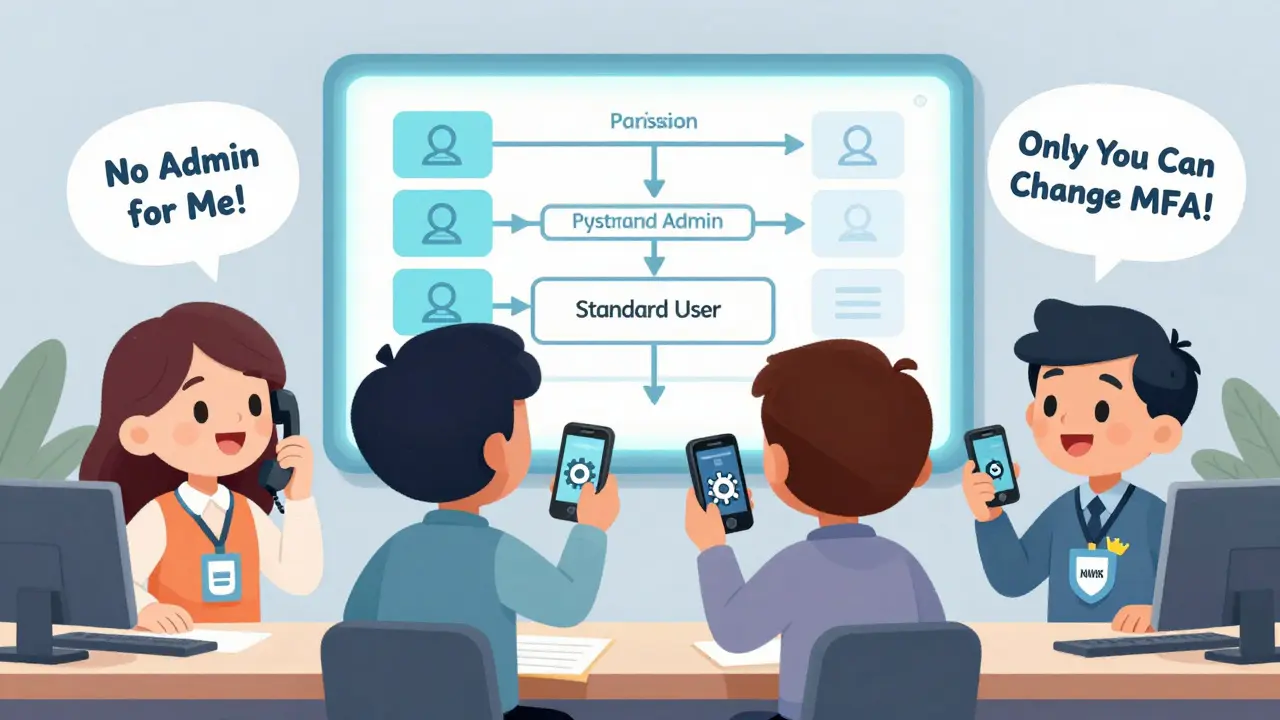
Use Role-Based Access Control (RBAC). Here’s how it works:
- Standard User-Can make and receive calls. Nothing else.
- Department Manager-Can see call logs for their team, mute calls, maybe transfer them. Can’t change settings.
- System Administrator-Can add users, assign extensions, change call routing. Can’t touch security settings.
- Security Administrator-Only this person can manage MFA, revoke access, or change permissions.
Cebod Telecom’s platform lets you create up to 15 custom roles. Vonage and RingCentral stick to 4. For most small businesses, 4 is enough. The key isn’t complexity-it’s precision. Give people the least access they need to do their job. That’s the principle of least privilege. And it works.
How to Pick the Right VoIP Provider
Not all VoIP services are built the same. Some treat MFA like an optional add-on. Others bake it in.
Here’s how the top providers stack up as of late 2024:
| Provider | MFA Options | Custom Access Roles | Extra Cost per User | Biometric Support |
|---|---|---|---|---|
| Vonage Business | Authenticator app, SMS, hardware token, biometrics | Up to 10 customizable roles | $2.25 | Yes |
| Cebod Telecom | Authenticator app, TOTP, hardware token | 15 customizable roles | $2.50 | Yes |
| 8x8 | Authenticator app, SMS | 4 standard roles | $1.75 | No |
| RingCentral | Authenticator app, SMS | 4 standard roles | $2.00 | No |
| Nextiva | Authenticator app, SMS | 4 standard roles | $1.90 | No |
Vonage and Cebod lead in features. If you need biometrics or fine-tuned permissions, they’re worth the extra cost. If you’re on a tight budget and just need basic protection, 8x8 or Nextiva will do the job. But avoid providers that don’t offer MFA at all. If they don’t support it, they’re not serious about security.
How to Implement MFA Without Losing Your Mind
You don’t need a tech team to set this up. Here’s a simple 4-step plan:
- Take inventory. List every VoIP user, extension, and admin account. Delete unused ones. Old accounts are the most common entry point.
- Choose your MFA method. Skip SMS. Use an authenticator app. It’s faster, more secure, and works offline. Microsoft Authenticator and Google Authenticator are free and work with nearly every VoIP system.
- Set up roles. Assign access levels. Don’t give everyone admin rights. Start with the minimum. You can always add more later.
- Train your team. Create a 5-minute video showing how to approve a login prompt. Give everyone a printed backup code. Most people hate MFA at first-but they stop complaining once they realize they’re not getting billed for $5,000 in fake international calls.
According to Capterra, 41% of SMBs struggle with onboarding non-tech staff. The fix? Video tutorials and physical backup codes. 82% of successful implementations use both. And it takes about 2.7 weeks for full staff adoption. That’s not long. It’s worth it.
What to Watch Out For
MFA isn’t magic. It’s a tool. And like any tool, it can be misused.
Some users get annoyed by constant prompts. Sales teams making 50 calls a day hate being asked to approve each login. That’s why adaptive MFA is the next step. Vonage’s ‘Intelligent MFA’, launched in October 2024, only asks for extra verification if it detects something odd-like a login from a new country or a device you’ve never used. If you’re on your office Wi-Fi, using your company phone, and calling from your usual hours? No extra step.
Another risk: MFA fatigue. Hackers bomb users with login requests until they just tap “approve” to make it stop. That’s how 23% of VoIP breaches in Q3 2024 happened, according to SecureVoice Consulting. The fix? Combine MFA with session timeouts and automatic permission revocation. Cebod Telecom’s new system automatically removes admin access after a configuration task is done. That cuts down on standing privileges-the #1 reason insiders cause damage.

Is Your Hardware Ready?
Here’s the ugly truth: 42% of VoIP phones made before 2020 can’t support modern MFA. If you’re still using old desk phones or an on-premise PBX from 2018, you’re at risk. No amount of software MFA can fix hardware that doesn’t talk to cloud authentication servers.
Check your equipment. If your phones don’t support TLS 1.2+ or can’t connect to Azure AD, Okta, or Google Workspace, it’s time to upgrade. Cloud-based VoIP systems like Vonage or Cebod Telecom handle all the security on their end. You just need a good internet connection and modern endpoints.
Regulations Are Catching Up
It’s not just about avoiding hacks. It’s about staying legal.
Healthcare providers using VoIP must comply with HIPAA. Financial firms need to meet GLBA rules. In 2024, 67% of healthcare SMBs implemented MFA specifically to pass audits. If you handle patient data, credit card info, or private communications, you’re already under pressure to secure your systems. MFA isn’t optional anymore-it’s a compliance requirement.
And it’s only getting stricter. Gartner predicts that by 2026, 95% of VoIP breaches will happen on systems without MFA. That means if you don’t have it, you’re not just vulnerable-you’re negligent.
What Comes Next
The future of VoIP security is passwordless. Biometrics, device trust, and behavioral analysis are replacing passwords entirely. By 2027, 73% of experts believe we’ll stop using passwords for VoIP access.
But you don’t need to wait for that future. Right now, MFA and smart access control are enough. They’re affordable, proven, and effective. You don’t need the latest tech. You just need to stop using passwords alone.
Start today. Inventory your users. Turn on MFA. Limit access. Test it. Train your team. And don’t wait for a breach to act. By the time you notice a problem, it’s already too late.