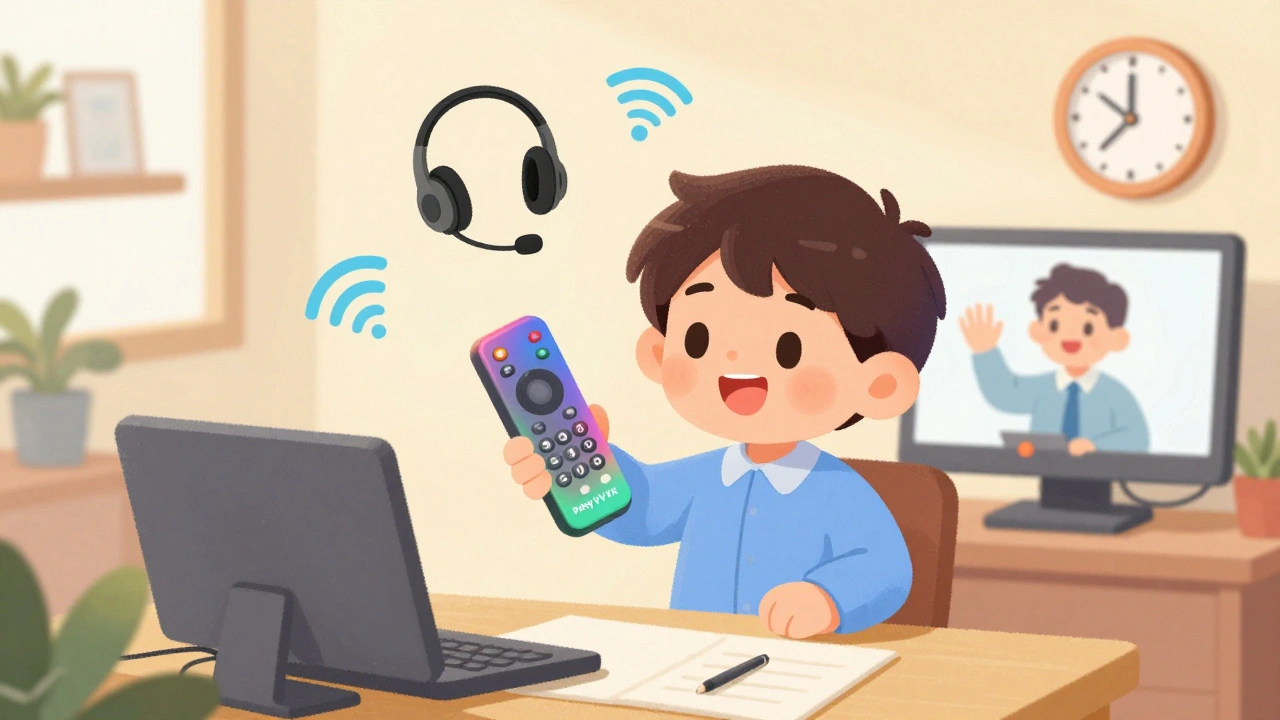
When a new hire starts remotely, they shouldn’t have to spend their first day figuring out how to call their manager. Yet that’s exactly what happens in too many companies-because VoIP onboarding is treated like an afterthought. The truth? How you set up a remote employee’s phone system on day one directly impacts whether they feel connected, confident, and ready to contribute. And it’s not just about handing them a device. It’s about building trust from the first ring.
Why VoIP Onboarding Matters More Than Ever
In 2025, over half of U.S. workers have some form of remote flexibility. That means your team likely spans multiple time zones, home offices, and internet connections. Traditional phone systems don’t work here. Landlines are gone. Mobile numbers are personal. What’s left? VoIP-Voice over Internet Protocol. But setting it up right isn’t automatic.Buffer’s 2023 State of Remote Work report found that 74% of remote employees feel disconnected during onboarding. The biggest reason? Lack of clear communication channels. If your new hire can’t easily reach their team, they’ll wait. They’ll email. They’ll get frustrated. And worse-they’ll start doubting if they belong.
Companies that nail VoIP onboarding see up to a 50% boost in new hire productivity within the first 90 days, according to Deloitte. That’s not magic. It’s structure. It’s intention. It’s making sure the first thing a new person does is not log into a laptop, but connect with a person.
What You Need Before Day One
Don’t wait until the new hire’s start date to begin. Start seven days before. Here’s what you need ready:- Equipment shipped: Send a company-approved VoIP phone or headset with a USB connection. Popular models include Poly VVX, Yealink T4, or even a simple USB headset like Jabra Evolve2. Avoid generic earbuds-they’re not built for all-day calls.
- Account provisioned: Use your HRIS (like Workday or BambooHR) to trigger automatic VoIP account creation. Platforms like RingCentral, Zoom Phone, and Microsoft Teams Phone can sync with these systems. If your HR tool doesn’t connect, manually create the account at least 48 hours before start day.
- Internet requirements confirmed: Your employee needs at least 3 Mbps upload and download speed for clear voice and video calls. If they’re on shaky Wi-Fi, offer a $50 monthly stipend for an upgrade-or send them a mobile hotspot. Owl Labs found 56% of remote workers struggle with internet quality.
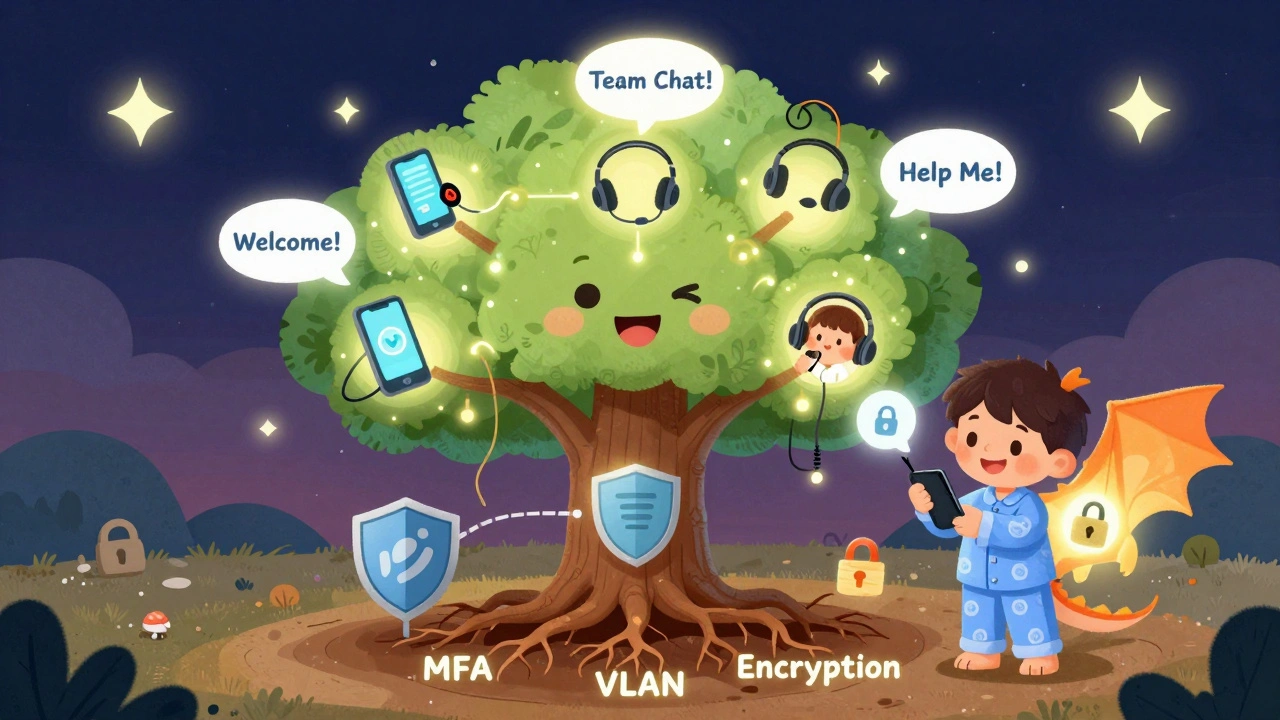
- Security settings locked down: All VoIP traffic must use TLS 1.2+ and SRTP encryption. Enable multi-factor authentication. Segment VoIP devices on a separate VLAN to keep your network safe. One unsecured endpoint can open your whole system to attack.
Pro tip: Don’t just send a link to a setup guide. Record a 5-minute video walking through the exact steps: plug in the device, open the app, log in, test the mic. Send it with a personal note: “Your first call is with me at 10 a.m. Let’s make sure you’re ready.”
Choosing the Right VoIP Platform
Not all VoIP systems are built for onboarding. Here’s how the top three stack up:| Platform | Best For | Onboarding Speed | Training Time | Key Limitation |
|---|---|---|---|---|
| RingCentral | Automation-heavy teams | Under 24 hours | 3 hours | Pricing is confusing for new admins |
| Zoom Phone | Global teams, simple setup | Under 12 hours | 1.5 hours | Weak integration with legacy PBX systems |
| Microsoft Teams Phone | Microsoft 365 users | Under 24 hours | 2.5 hours | Requires full Microsoft 365 subscription |
RingCentral leads in automation. Its OnboardIQ feature auto-assigns phone numbers and links to Slack, Teams, and Google Calendar. Zoom wins for ease-of-use-new hires in a TechValidate survey needed just 1.5 hours of training. Microsoft Teams is the default if your company already uses Office 365. But if you’re on Google Workspace, Teams will cause headaches.
Don’t pick based on features alone. Pick based on your team’s habits. If your sales team lives in Zoom calls, go with Zoom Phone. If your engineers live in Outlook and Teams, stick with Microsoft. Consistency reduces friction.

Day One: The First 48 Hours
The first two days are critical. This isn’t about paperwork. It’s about connection.- Day 1, 9:30 a.m.: Schedule a 15-minute video call with their manager. Not a meeting. A call. Make it warm. Say, “Welcome. What’s one thing you’re excited to tackle this week?”
- Day 1, 11 a.m.: Send them to a 30-minute group call with their immediate team. No agenda. Just chat. Let them see faces, hear voices. This builds rapport faster than any Slack welcome message.
- Day 1, 3 p.m.: Assign a buddy. Not just any teammate. Someone who’s been here over six months. Their job? Answer one question a day for the first week. “How do I request PTO?” “Who handles IT tickets?”
- Day 2, 10 a.m.: Run a 20-minute VoIP troubleshooting session. Practice making a call, muting, sharing screen, leaving a voicemail. Then simulate a problem: “Your mic isn’t working. What do you do?”
Dr. Lynda Gratton from London Business School says it best: “The first 90 days determine 72% of an employee’s long-term engagement.” That starts with how you help them hear you.
Common Pitfalls (And How to Avoid Them)
Even with good tools, mistakes happen. Here are the top three-and how to fix them:- “I can’t hear them.” Most times, it’s not the VoIP system-it’s the headset. New hires often plug in cheap earbuds. Solution: Require approved hardware. Test it before they start.
- “I got locked out of my account.” This happens when MFA is set up but not explained. Solution: Send a video showing how to approve logins via authenticator app or SMS. Include backup codes.
- “I feel like I’m being monitored.” If your team expects constant availability, you’re creating burnout. Solution: Set clear norms. “We don’t expect replies after 6 p.m.” “Use status indicators: green = available, yellow = focused, red = offline.”
And don’t ignore security. A Reddit user in r/sysadmin shared how a single unsecured VoIP device let hackers access their entire network. That’s not hypothetical. It’s happened. Mandate VLAN segmentation. Require endpoint protection. Train new hires on phishing calls-yes, scammers now fake internal VoIP numbers.
What Success Looks Like
Adobe cut new hire ramp-up time by 40% using a structured VoIP onboarding process. Their secret? They treated communication like a core skill-not a tool.Here’s what they did:
- Assigned every new hire a “communication coach” for the first month
- Tracked call volume and response time as a metric for engagement
- Used AI tools to flag new hires who hadn’t joined a team call in 72 hours
Meanwhile, a healthcare startup failed because they rushed VoIP setup during rapid hiring. They didn’t test E911 compliance. When a new employee had a medical emergency at home, 911 couldn’t locate them. That’s not just a tech failure-it’s a legal and moral one.
VoIP isn’t just about making calls. It’s about making people feel safe, seen, and supported.
What’s Next: AI and the Future of Onboarding
By 2026, 85% of VoIP onboarding will include AI tools. Zoom’s new “AI Companion” gives real-time tips during calls: “You’re speaking too fast,” or “Try pausing before answering.” Microsoft’s Teams now integrates with Viva Learning to auto-suggest onboarding videos based on what you’re doing.But here’s the catch: AI can’t replace human warmth. It can remind you to say “hello,” but it can’t tell if someone’s voice sounds tired. That’s still your job.
The goal isn’t to automate onboarding. It’s to humanize it. Use tech to remove barriers-not replace connection.
Final Checklist: Your VoIP Onboarding Quick Guide
Use this before every new hire starts:- ☐ Equipment shipped 7 days before start date
- ☐ VoIP account created and tested
- ☐ Internet speed verified (3+ Mbps)
- ☐ Security: MFA + VLAN + encryption enabled
- ☐ First call scheduled with manager (day one, 9:30 a.m.)
- ☐ Buddy assigned
- ☐ 30-minute VoIP demo completed
- ☐ Communication norms documented and shared
If you check every box, you’re not just setting up a phone. You’re setting up belonging.
Do remote employees need a physical VoIP phone?
No, but it helps. A dedicated VoIP phone (like a Poly or Yealink) gives better sound quality and reliability than a laptop speaker. But if your team is fully mobile, a softphone app on a company-issued phone or tablet works fine. The key is consistency-don’t mix personal devices with work calls.
Can I use Zoom or Teams for VoIP without paying extra?
Yes, if you already have Microsoft 365 or Zoom Workplace. Both include phone features in their higher-tier plans. RingCentral requires a separate subscription. Check your current licenses before buying new ones. Many companies overpay because they assume they need a standalone VoIP system.
How do I handle VoIP for employees in different countries?
Use local numbers where possible. RingCentral and Zoom let you assign local numbers in over 100 countries. This makes it cheaper and easier for local clients or partners to reach them. For internal calls, use the company’s main number. Always check local laws-some countries require call recording consent or specific data storage rules.
What if my new hire has bad internet?
Don’t assume they can fix it. Offer a $50 monthly internet stipend or provide a mobile hotspot. Test their connection before day one using a speed test tool. If their upload speed is below 2 Mbps, they’ll have choppy calls. A stable connection isn’t a luxury-it’s a requirement.
Is VoIP secure enough for sensitive industries like healthcare or finance?
Yes-if configured correctly. HIPAA and GDPR require end-to-end encryption, secure storage, and access controls. Platforms like RingCentral and Microsoft Teams offer compliant versions. But compliance isn’t automatic. You must enable encryption, disable call recording unless approved, and train staff on handling protected data. Never use consumer-grade apps like Skype or WhatsApp for work calls.