Why VoIP Is Changing How Events Are Run
Imagine this: it’s the morning of your biggest event. Hundreds of people are calling to confirm tickets, ask about seating, or report tech issues. Your old phone system is ringing off the hook, calls are dropping, and your team is scrambling to answer while juggling spreadsheets and emails. Now picture a system that routes every call automatically, pulls up the caller’s ticket history in real time, and alerts your VIP support rep the second a high-value attendee dials in. That’s not science fiction-it’s what VoIP delivers for event management today.
VoIP isn’t just cheaper phone service. It’s a communication backbone built for events. By replacing landlines and scattered apps with one integrated system, organizers cut costs, reduce errors, and give attendees a smoother experience. According to the International Association of Exhibitions and Events, 78% of event pros now use VoIP for registration and support-up from 42% just four years ago. The shift isn’t about saving money alone. It’s about turning every call into useful data that helps you personalize the event experience.
How VoIP Handles Registration and Ticketing
Traditional registration meant long hold times, manual data entry, and lost tickets. VoIP changes that by connecting your phone system directly to your ticketing platform-whether it’s Eventbrite, Cvent, or another tool. When someone calls to buy a ticket, the system doesn’t just answer. It identifies them by number, checks their past event history, and offers personalized options: "Welcome back, Sarah. Your VIP pass for last year’s summit is still active. Would you like to upgrade?"
Auto-attendants and IVR menus are no longer generic. Event-specific setups let callers navigate with simple prompts: "Press 1 to purchase tickets, Press 2 for accessibility requests, Press 3 to speak with a live agent." Yeastar’s Event Management Package, for example, uses this setup to handle over 1,200 calls per hour during peak registration without dropping a single one. That’s 4x the capacity of most legacy phone systems.
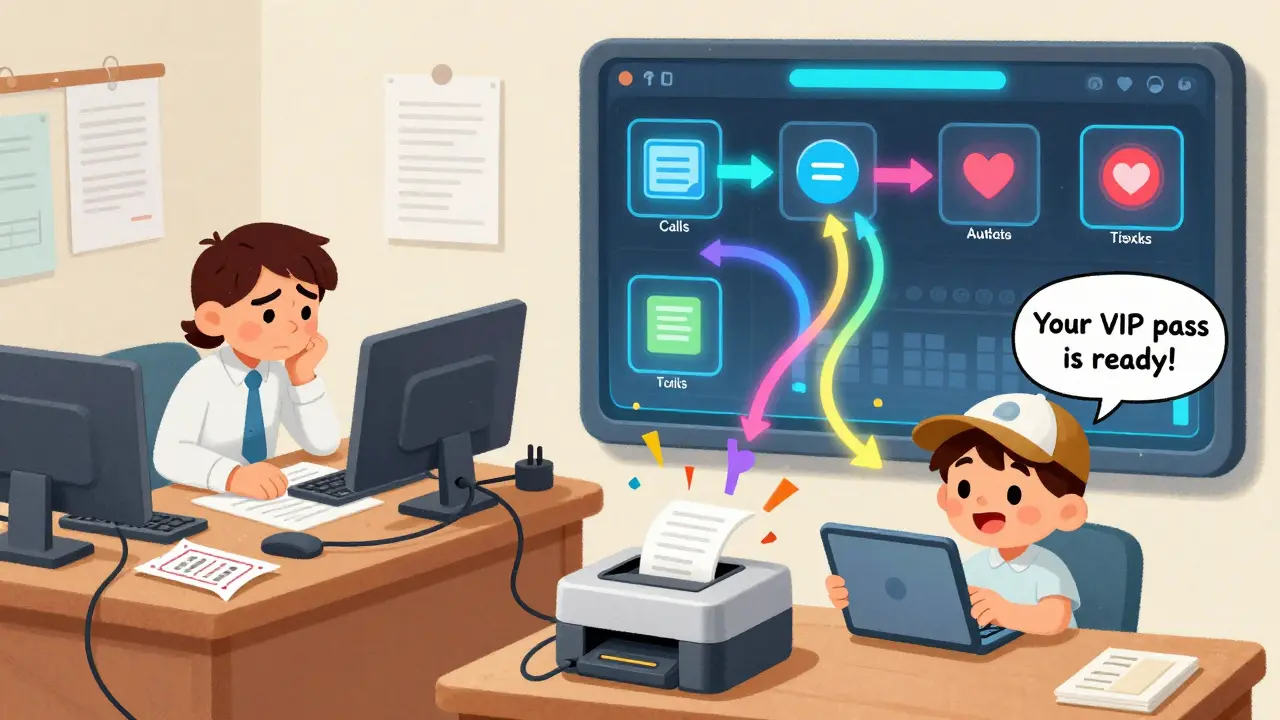
Call routing takes it further. If someone calls about a platinum-tier ticket, the system doesn’t send them to the general support line. It routes them straight to a dedicated agent trained on premium services. In one case study, this cut VIP response time from over 3 minutes to under 30 seconds. And because the system syncs with your database, every interaction updates in real time-no more double-booking or mismatched names.
Support That Actually Works During Events
Support during an event isn’t about answering questions. It’s about preventing chaos. VoIP systems do this by anticipating problems before they explode. Callers reporting Wi-Fi issues? The system tags the call and alerts the IT team instantly. Someone’s badge isn’t scanning? The system pulls their registration details and sends a text to the help desk with their photo and booth location.
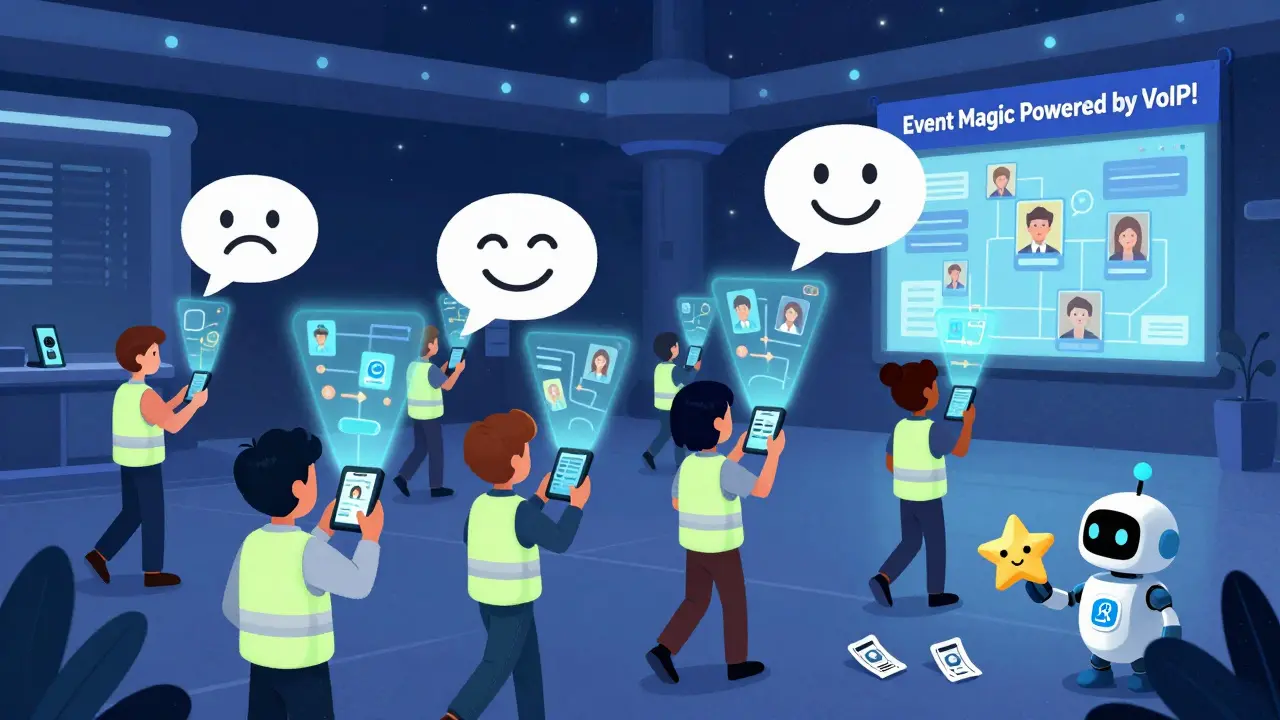
Advanced platforms like Mitel and Nextiva now include AI features that listen for frustration in a caller’s tone. If someone’s voice rises, repeats themselves, or uses words like "angry" or "this is ridiculous," the system flags the call as high-priority and moves it to the front of the queue. In November 2024, Mitel rolled out this sentiment analysis feature-and event organizers saw a 40% drop in complaints about slow support.
Mobile apps for staff are just as critical. Event teams use them to take calls from anywhere-during setup, between venues, even while walking the expo floor. One organizer in Raleigh told me their team reduced response time by 65% simply by giving everyone a VoIP app on their phone. No more running back to a desk. No more missed calls.
Costs and Pricing: What You Really Pay
VoIP isn’t cheap, but it’s cheaper than what you’re spending now. Basic packages start at $25 per user per month (Nextiva’s Event Basic), which covers call routing, auto-attendant, and mobile app access. That’s about $1,500 a year for a 5-person team.
Mid-tier plans like Momentum Event Pro ($45/user/month) add API integrations with ticketing systems, call recording, and analytics dashboards. Enterprise options like BluIP Event Suite ($75/user/month) include CRM sync, AI features, and custom reporting. Most event pros find the mid-tier sweet spot-it’s where you get the automation without paying for features you won’t use.
Don’t forget hidden costs. Bandwidth is the biggest one. A 3,000-person event needs at least 4.5Gbps dedicated internet. Most convention centers don’t offer that. You’ll likely need to hire a third-party network provider-expect to pay $1,000-$3,000 for event-day infrastructure. But compared to hiring extra staff to handle calls or paying for lost ticket sales due to system crashes, it’s a bargain.
VoIP vs. Traditional Systems: The Real Difference
Landlines don’t integrate. They just ring. If a caller says they bought a ticket but it’s not in the system, your team has to dig through files, check emails, and guess what happened. VoIP pulls up their entire history in two seconds.
Here’s a side-by-side look:
| Feature | VoIP System | Traditional Phone System |
|---|---|---|
| Call Routing | Smart, based on ticket type, past attendance, caller ID | Basic menu; all calls go to one line |
| Integration with Ticketing | Real-time sync with Eventbrite, Cvent, etc. | None-manual entry required |
| Staff Mobility | Full mobile app access; work from anywhere | Fixed desk phones only |
| Cost per Call | $0.01-$0.03 (domestic) | $0.10-$0.25 (long-distance fees) |
| Uptime During Outages | Depends on internet; backup needed | 99.999% with landline |
| Analytics | Tracks call volume, wait times, caller behavior | No data beyond call logs |
VoIP wins on integration, cost, and flexibility. But if your event is in a remote location with spotty internet-or you’re running a high-stakes corporate summit where downtime could cost millions-many pros still keep a backup landline. Hybrid setups are common.
What Can Go Wrong (And How to Avoid It)
VoIP isn’t magic. It breaks if you don’t plan for it. The top three issues event planners face:
- Bandwidth overload - 63% of users report this as their biggest pre-event worry. Solution: Test your network with a full load simulation two weeks before the event. Use a dedicated internet line, not shared office Wi-Fi.
- Integration failures - 37% of first-time users struggle to connect VoIP to their ticketing platform. Solution: Pick a provider with native integrations (Yeastar works with Cvent; Nextiva with Eventbrite). Don’t try to build your own API unless you have a dev team.
- Staff training - 29% of problems come from untrained staff. Solution: Don’t wait until the day before. Run a 2-hour training session with real call scenarios. Use the video tutorials most providers now include-89% of 2024 systems have them.
Also, don’t ignore security. VoIP systems store attendee names, emails, payment info. Make sure your provider uses TLS encryption and SRTP. Enable IP blocklists and number allowlists. If you’re handling EU attendees, get consent before recording calls-GDPR fines can hit $20 million.
The Future: AI, AR, and Blockchain Tickets
VoIP for events is getting smarter. In 2024, Yeastar launched predictive routing-using past behavior to guess what a caller needs before they even ask. Nextiva added real-time translation for international events. Mitel’s AI now detects stress in voices and reroutes calls automatically.
What’s next? Yeastar plans blockchain-verified tickets by mid-2025 to stop counterfeiting. Nextiva is testing augmented reality venue maps you can access through the app while walking the event floor. Mitel is working on biometric check-in using voice recognition.
By 2027, industry analysts predict VoIP will be the default for events. But don’t wait for perfection. The tech is good enough now. The real question isn’t whether you should adopt it-it’s how fast you can get started.
Getting Started: Your 4-Step Plan
- Choose your platform - If you use Eventbrite, go with Nextiva. If you use Cvent, pick Yeastar. Avoid generic VoIP providers without event-specific features.
- Test your network - Run a bandwidth test with 10 concurrent calls. If your upload speed is below 1.5 Mbps per call, upgrade your internet or hire a network specialist.
- Train your team - Spend 2-3 hours on call routing, mobile app use, and handling common questions. Use the provider’s video tutorials.
- Run a dry run - Do a mock event with 50 fake calls. Time how long it takes to resolve each issue. Fix what breaks.
Most event planners who follow this plan go live with zero major issues. Those who skip the dry run? They’re the ones posting on Reddit at 2 a.m. asking why their system crashed.