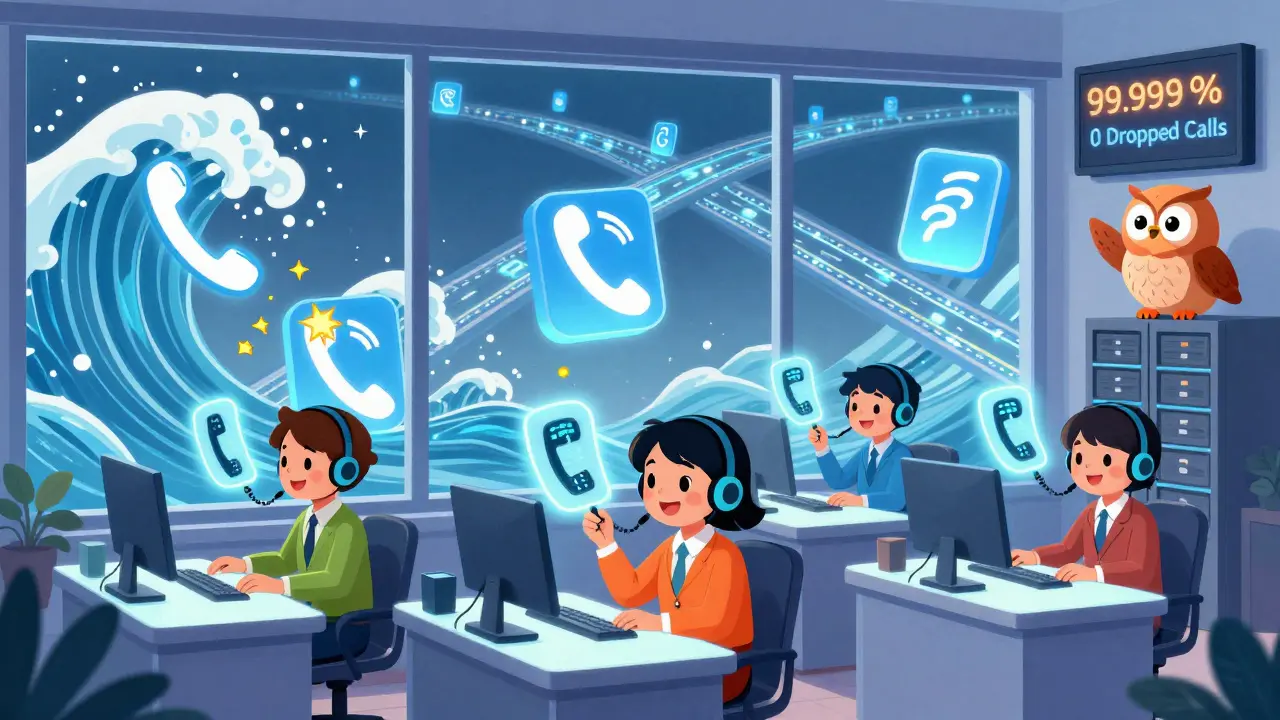
When your call center hits 1,000 calls a day-and then suddenly doubles that during a product launch or holiday rush-traditional phone systems don’t just struggle. They collapse. That’s where modern VoIP for call centers steps in. Not as a fancy upgrade, but as the only thing keeping your business from losing customers, revenue, and reputation.
Why VoIP Isn’t Just a Phone Replacement
VoIP isn’t about saving a few bucks on your monthly phone bill. It’s about building a system that bends under pressure without breaking. Traditional PBX systems? They’re like a fixed-size elevator. Once you hit capacity, everyone waits. VoIP is more like a digital highway with on-ramps that appear when traffic spikes. Companies like Dialpad, RingCentral, and Nextiva now handle up to 50,000 concurrent calls on a single platform. That’s not theoretical. It’s happening right now in call centers across the U.S., Europe, and Asia.Here’s what makes it work: cloud infrastructure. These platforms run on AWS, Google Cloud, or Microsoft Azure, with automatic failover across multiple data centers. If one server goes down, another picks up instantly. No downtime. No dropped calls. No angry customers. This is why enterprise-grade VoIP systems promise 99.999% uptime-the "five nines" standard that used to be reserved for banks and airlines.
Costs That Actually Add Up
You’ve heard the number: VoIP cuts costs by 37% compared to legacy systems. But what does that really mean for your bottom line?On a premise-based system, each agent seat costs $75-$200 per month. That includes hardware, maintenance, and IT staff to keep it running. With cloud VoIP, you’re paying $45-$120 per seat-no physical phones, no on-site servers, no technician on call at 2 a.m. When you scale from 50 to 500 agents, you don’t need to buy new equipment. You just click a button. One client, ShoeDazzle, cut abandoned calls by 43% during Black Friday using Nextiva’s callback feature. That’s not just cost savings. That’s lost sales recovered.
But here’s the catch: pricing can backfire. Some vendors charge based on peak usage. If your call volume spikes unexpectedly, your bill can jump 200-300%. That’s why smart teams track usage patterns, set alerts, and negotiate tiered plans. Don’t just sign up for the cheapest plan. Look for one that includes burst capacity.
Speed, Scale, and the Hidden Bottlenecks
High-volume VoIP systems don’t just handle more calls-they handle them faster. The average speed to answer in top-performing centers is under 23 seconds. Abandoned call rates stay below 5%, even during surges. How? It’s not magic. It’s intelligent routing.AI-powered systems now analyze caller intent in real time. Dialpad’s AI, for example, scans 1,200+ speech patterns to detect frustration, urgency, or confusion. If it senses a customer is about to hang up, it can route them to a supervisor or offer a callback. That’s not just efficiency-it’s empathy built into the tech.
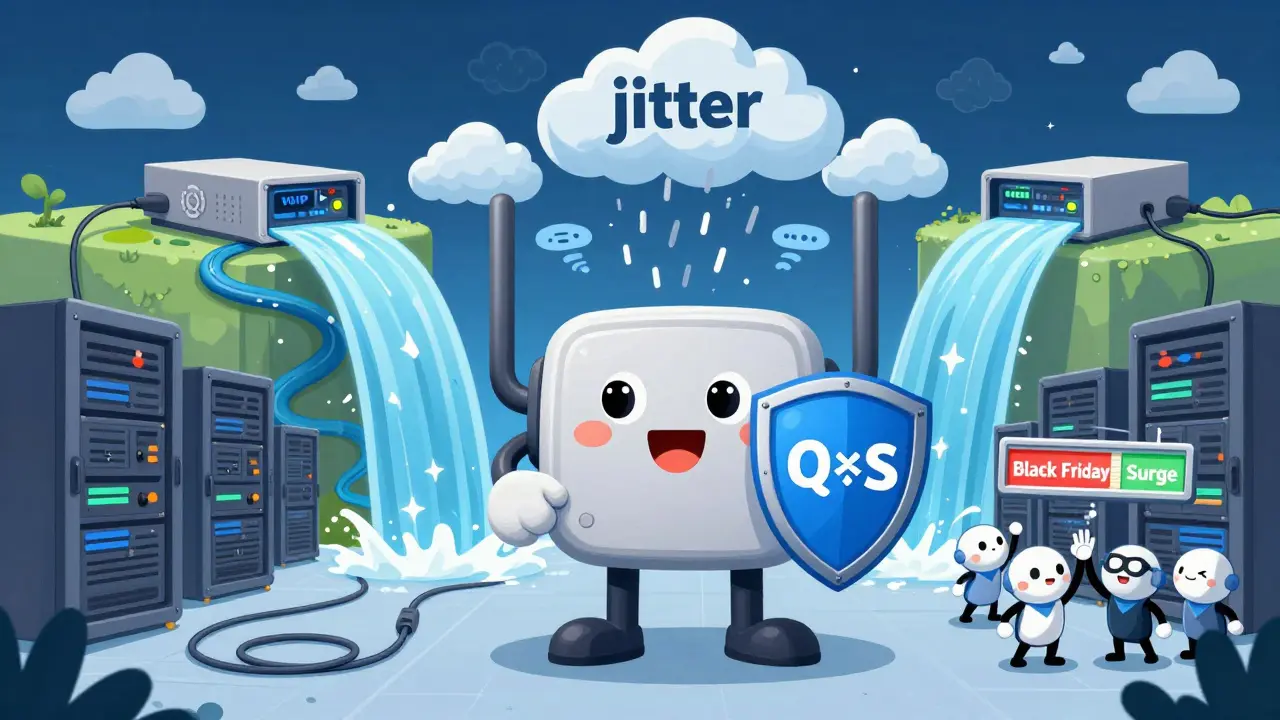
But bandwidth is the silent killer. If you’re running 100 agents on a 100 Mbps connection, you’re asking for trouble. Each call needs at least 40-100 Kbps, depending on the codec. Cisco’s guidelines say you need 1.5 Mbps per 10 agents. That’s not optional. It’s the foundation. Skip QoS (Quality of Service) settings on your router, and your calls will sound like they’re underwater. Jitter above 30ms? That’s a 28% spike in customer frustration.
Omnichannel Isn’t a Buzzword-It’s a Survival Tool
Customers don’t just call anymore. They text. They DM. They chat. They email. And they expect you to know it’s the same person.Legacy systems could handle voice. Maybe email. But VoIP platforms today manage voice, SMS, WhatsApp, Facebook Messenger, live chat, and social media-all in one dashboard. A customer texts about a billing error. The system recognizes their number, pulls up their history, and routes the message to the right agent. That agent sees the full context: previous calls, recent purchases, even the tone of past interactions.
Forrester found this reduces average handle time by 22%. Why? Because agents aren’t wasting minutes asking, "What’s your account number?" They already know. And when they do, first contact resolution jumps by 18%.
AI: The Double-Edged Sword
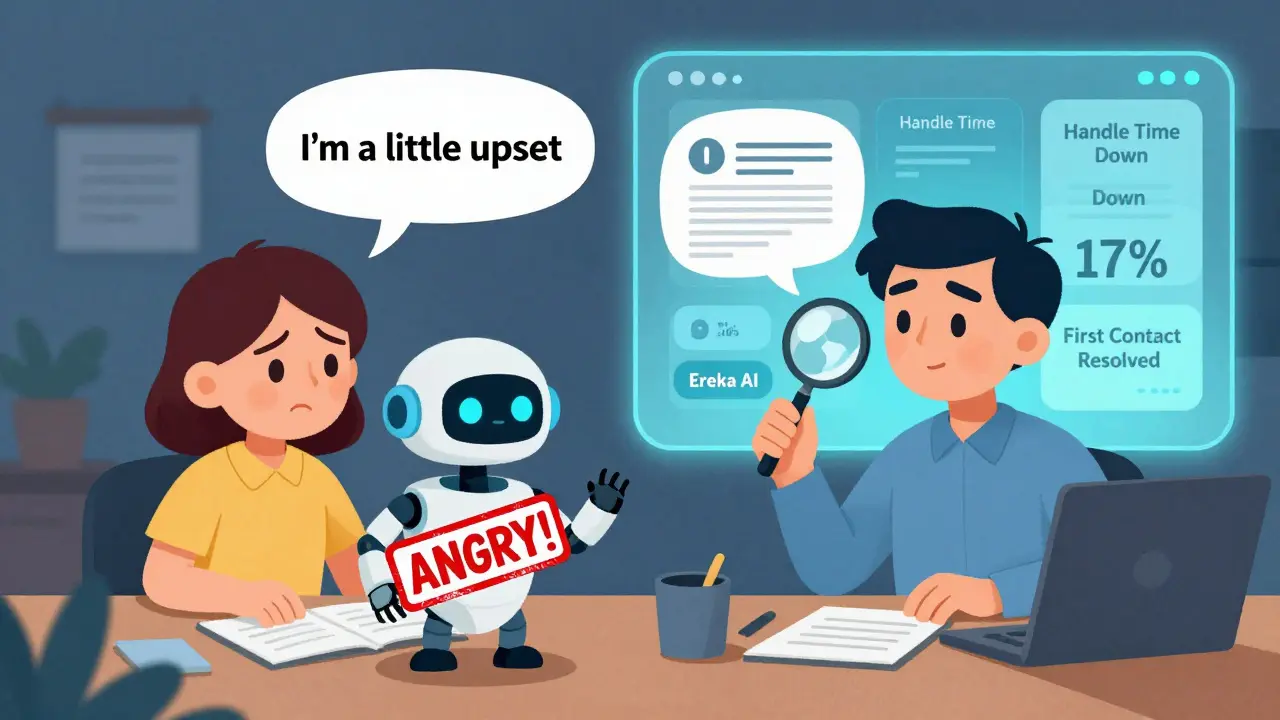
AI is everywhere in modern call centers. Generative AI suggests responses in real time. Voice analytics flag angry callers. Chatbots handle simple queries. It sounds perfect. But it’s not flawless.Dr. John Goodman’s research shows AI misinterprets sentiment in 23% of cases-especially with non-native English speakers. A customer saying "I’m a little upset" might be flagged as "angry," triggering an unnecessary escalation. And if your IVR has more than four menu levels, 31% of customers will hang up in frustration, according to Temkin Group.
The key isn’t to use AI more. It’s to use it smarter. Genesys Cloud’s "Eureka" AI, released in January 2025, cuts handle time by 17% by suggesting the right knowledge article as the agent speaks. But that only works if your knowledge base is clean, updated, and trained on real customer questions. Bad data in = bad advice out.
Real-World Failures (And How to Avoid Them)
Reddit threads from r/ContactCenter are full of horror stories. One team lost 78% of calls during a product launch because their internet wasn’t redundant. Another had agents working from home with no QoS, causing choppy audio that made customers think they were being disconnected.Here’s what actually works:
- Bandwidth redundancy: Use dual ISP connections or LTE failover. Don’t rely on one router.
- QoS settings: Prioritize VoIP traffic on your network. Mark it as "high priority" in your firewall.
- Agent training: 8-12 hours per agent isn’t optional. They need to know how to use the CRM, interpret AI suggestions, and handle system alerts.
- Integration testing: If your VoIP doesn’t sync with Salesforce in under 2.3 seconds, you’re losing data. Test it before launch.
And never skip disaster recovery. Cloud VoIP systems can recover from outages with a Recovery Point Objective (RPO) of less than 15 seconds. Premise systems? Four hours or more. That’s four hours of lost sales, lost trust, and lost reputation.
Who’s Winning in 2026?
The market is split. RingCentral, Genesys Cloud, and Five9 lead the enterprise space. Dialpad and Nextiva dominate mid-market with simpler pricing and better support. Five9’s acquisition of Balto for $475 million in late 2024 shows where the money’s going: real-time AI coaching for agents.But adoption isn’t just for big players. SMBs with 10-100 agents are moving fast. 54% are already on VoIP. Another 32% plan to switch in the next year. Why? Because they can’t afford to lose customers. And VoIP gives them enterprise-grade tools without enterprise-level complexity.
What’s Next? The Predictive Call Center
The next leap isn’t just handling calls-it’s predicting them. Dialpad’s case study with American Airlines showed predictive analytics forecasting call volume with 91.3% accuracy up to 72 hours ahead. That means staffing adjustments aren’t reactive. They’re proactive. Labor costs dropped 18.7% while service levels stayed high.By 2027, Deloitte predicts 85% of high-volume centers will use conversational AI to handle 30-50% of initial calls. That doesn’t mean fewer jobs. It means smarter ones. Agents won’t be answering the same questions over and over. They’ll be handling the complex cases-the angry customers, the refund requests, the emotional moments that bots can’t touch.
VoIP for call centers isn’t about technology. It’s about resilience. It’s about giving your team the tools to stay calm when the system is under fire. It’s about turning a cost center into a customer experience engine.
If you’re still using a PBX in 2026, you’re not saving money. You’re just delaying the inevitable.
What bandwidth do I need for a 100-agent VoIP call center?
For 100 agents using the G.729 codec, you need at least 1.5 Mbps per 10 agents-that’s 15 Mbps minimum. But add a 50% buffer for overhead, QoS, and other network traffic. So plan for 22-25 Mbps. If you’re using G.711 (higher quality), double that. Always use dual internet connections and enable QoS to prioritize VoIP traffic.
Can VoIP handle holiday spikes like Black Friday?
Yes-when set up correctly. Platforms like Nextiva and RingCentral auto-scale to handle 300%+ increases in call volume. ShoeDazzle used Nextiva’s callback feature to reduce abandoned calls by 43% during Black Friday. The key is testing your system under simulated peak loads before the event and ensuring your network has enough bandwidth and failover protection.
Is AI in VoIP call centers reliable?
AI works well for routing, sentiment detection, and real-time suggestions-but it’s not perfect. Studies show it misreads sentiment in 23% of cases, especially with non-native speakers. Use AI to assist agents, not replace them. Always monitor AI outputs and train your team to override suggestions when they feel off. Quality assurance is non-negotiable.
What’s the biggest mistake companies make switching to VoIP?
Skipping network preparation. Many companies focus only on the software and forget about bandwidth, QoS, and redundancy. The result? Choppy audio, dropped calls, and angry customers. Another common mistake is undertraining agents. VoIP systems have more features-but that means more to learn. Plan for 8-12 hours of training per agent.
How long does it take to deploy a high-volume VoIP system?
Full deployment takes 2-6 weeks. Setup is fast-often under a week-but integration with your CRM, testing call flows, training staff, and network optimization take time. ICMI benchmarks show the average is 4 weeks. Rushing leads to failures. Don’t cut corners on testing.
Do I need to replace all my phones?
Not necessarily. Most VoIP providers support SIP-compatible phones. If your current handsets are less than 5 years old and support SIP, you can likely keep them. But if you’re using old analog phones, you’ll need IP phones or adapters. Many teams opt for softphones (apps on laptops or phones) to save money and increase flexibility.
Is VoIP secure for handling customer data?
Yes, if you choose a compliant provider. Enterprise VoIP platforms use AES-256 encryption for data at rest and in transit, plus TLS 1.3 for signaling. They’re certified for GDPR, HIPAA, and PCI DSS 4.0. Always ask for compliance documentation before signing up. Avoid providers who can’t prove they meet these standards.