Ever notice how your video call doesn’t feel like it’s eating your internet? That’s not magic. It’s Voice Activity Detection - the quiet hero behind every clear, low-bandwidth VoIP call you’ve ever made. Without it, your Zoom meeting would use twice as much data, your mobile plan would drain faster, and your office’s network would choke during peak hours. VAD doesn’t just save bandwidth - it makes real-time voice communication possible at scale.
What Exactly Is Voice Activity Detection?
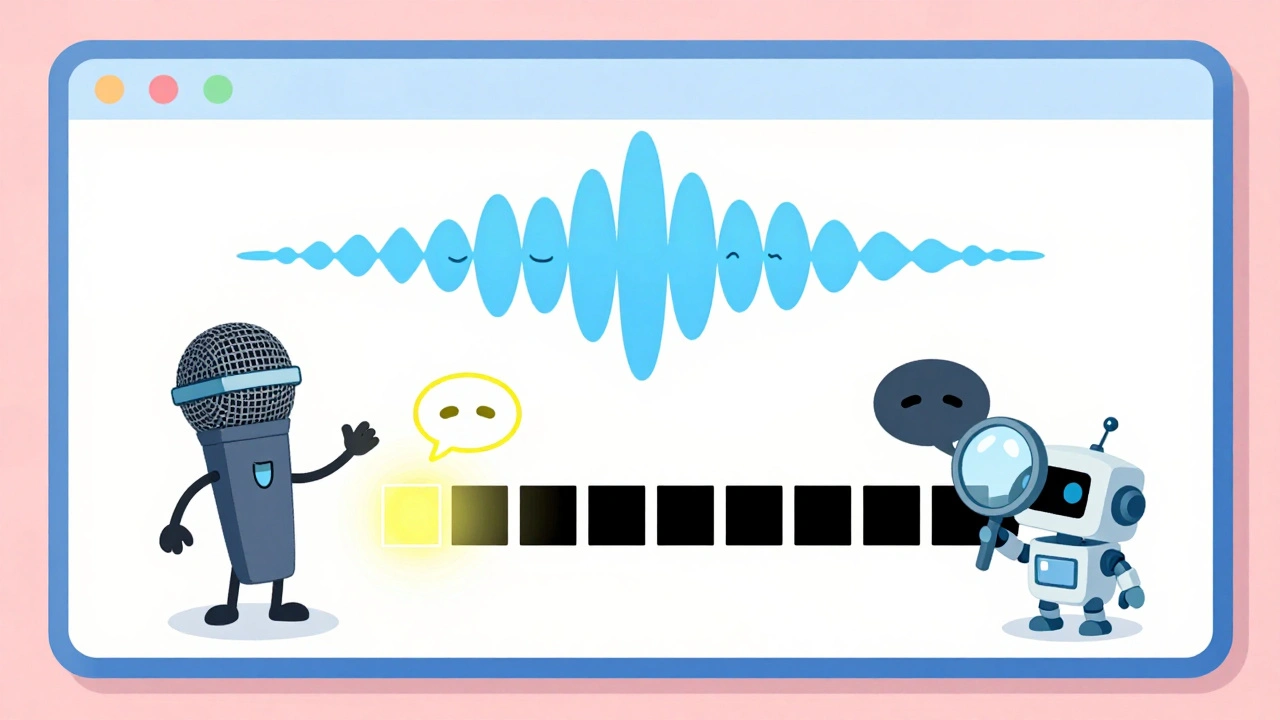
At its core, Voice Activity Detection (VAD) is a simple idea: listen for speech, and only send data when someone is talking. It watches the audio stream, frame by frame, and decides whether each 20-30 millisecond chunk contains actual voice or just silence or background noise. When it detects silence, it stops transmitting. When it hears speech, it wakes up the codec and sends the audio.
This isn’t new. The concept dates back to the 1970s, but it became practical in the 1990s with standards like ITU-T G.729 and GSM. Today, VAD is built into almost every VoIP system, from consumer apps like WhatsApp to enterprise platforms like Cisco Webex and Microsoft Teams. It’s not optional - it’s essential.
How VAD Saves Bandwidth (And Why It Matters)
Here’s the math: a typical VoIP call using G.711 codec without VAD uses about 80 kbps continuously, even when nobody’s speaking. That’s 80 kilobits per second - 24/7. Now add VAD. In a normal conversation, people speak only about 30-40% of the time. The rest? Silence. Pauses. Breaths. Background rustling.
VAD cuts that waste. By transmitting only during speech, bandwidth usage drops by 30% to 50%. That’s not a small gain - it’s the difference between a call that works on a weak Wi-Fi signal and one that freezes every 30 seconds. For companies with hundreds of employees on VoIP, that’s hundreds of megabytes saved every hour. Multiply that across a global workforce, and you’re talking terabytes of bandwidth saved annually.
And it’s not just about cost. In mobile VoIP apps, lower bandwidth means less data usage for users. In remote areas with spotty internet, VAD makes calls reliable. In contact centers, it reduces infrastructure load and cuts cloud costs by up to 45%, according to Gartner’s 2022 analysis of 15 major deployments.
How VAD Works Under the Hood
VAD doesn’t just detect volume. It analyzes patterns. Traditional systems look at short-term energy levels, zero-crossing rates, and spectral features. Modern systems? They use deep learning.
Old-school VAD (like in G.729) uses fixed thresholds. If the energy in a frame is above a set level, it’s speech. Simple. But it fails badly in noisy rooms - a dog barking or a printer running can trigger false speech detection.
Today’s best VADs, like WebRTC VAD, Silero VAD, and TEN VAD, use neural networks. They’ve been trained on thousands of hours of real speech in real environments. They know the difference between a person whispering and a fan running. They adapt to changing noise levels using parameters like:
- VTRACK: How fast the system adjusts to changes in voice volume.
- NTRACK: How it tracks background noise - crucial for offices or busy homes.
- PWR: The sensitivity ratio between voice and noise.
- MINEVENT: The minimum length of speech it will accept (to avoid chopping off the start of words).
These systems measure performance with three key metrics:
- False Alarm Rate (FAR): How often it thinks there’s speech when there isn’t.
- Missing Rate (MR): How often it misses actual speech.
- Detection Error Rate (DER): FAR + MR. Lower is better.
Modern DNN-based VADs like Silero and TEN VAD can hit DERs under 5%, while older systems often sit above 10%. That means fewer dropped words and fewer false silences.

Real-World Trade-Offs: Aggressiveness vs. Quality
There’s no perfect setting. Too aggressive, and VAD cuts off the start of your sentences - you say “Hey,” and the system misses the “H.” Too lazy, and it sends noise like a fan or keyboard clacking - wasting bandwidth and making the call sound cluttered.
Users on Reddit’s r/signalprocessing reported that WebRTC VAD’s default setting (aggressiveness level 2) cut bandwidth by 42% without noticeable quality loss. But another user on GitHub said Silero VAD’s default setting truncated 12-15% of speech from soft-spoken people. That’s not a bug - it’s a tuning issue.
Enterprise teams spend weeks fine-tuning these parameters. One Polycom user on G2 said it took their team two weeks to find the right NTRACK and VTRACK values for their noisy office. The result? A 38% bandwidth drop with zero complaints from callers.
And latency? Modern VAD adds only 5-10ms of delay. Barely noticeable. But if you’re building a live translation app or a gaming voice chat, that tiny lag matters. That’s why some systems use predictive models - they guess speech is coming before it fully starts, to avoid clipping.
Embedded and Mobile Use: Power Savings That Matter
VAD isn’t just for bandwidth. It’s for battery life.
In smart speakers, wearables, and IoT voice devices, keeping the main processor running 24/7 drains batteries fast. VAD changes that. Renesas’ embedded VAD chips, for example, use less than 7 microamperes in standby mode - just enough to listen for speech. Everything else shuts down. One developer reported their battery-powered device went from 8 hours to 72 hours of runtime after adding VAD.
Mobile apps benefit too. If your app uses VAD, it doesn’t need to constantly upload audio to the cloud. It only sends data when someone speaks. That saves data, reduces server load, and cuts cloud costs - which is why Amazon Polly and Google Cloud TTS rely on client-side VAD to reduce their bandwidth bills by nearly 40%.

Modern VAD: The Rise of Deep Learning
Traditional VAD used hand-crafted features. Modern VAD uses AI.
Google’s Personal VAD 2.0 (2023) uses a Conformer neural network and 8-bit quantization. It’s smaller, faster, and smarter. It doesn’t just detect speech - it learns who’s speaking. If you’re in a room with multiple people, it can focus on your voice and ignore others. That’s huge for voice assistants and meeting transcription tools.
Research from arXiv shows that adding feature fusion - combining multiple audio features like energy, pitch, and spectral shape - improves accuracy by 2.04% over older models like Pyannote. That might sound small, but in a system handling millions of calls, it means thousands fewer errors per day.
And it’s not just about speech recognition. VAD is now tightly linked with speech synthesis. If your text-to-speech system knows when a human is speaking, it can time its responses better - no more talking over each other. That’s why experts say the future of TTS depends as much on VAD as on the model itself.
Implementation Challenges and Best Practices
Getting VAD right isn’t plug-and-play. Here’s what works:
- Start with moderate aggressiveness - level 2 on WebRTC’s 0-3 scale. Adjust up or down based on your environment.
- Test in real conditions - not a quiet lab. Use your actual office, home, or call center noise.
- Use feedback loops - let VAD decisions improve noise estimation. If it thinks a frame is silence, use that to update the background noise profile.
- Parallelize processing - don’t wait for VAD to finish before processing speech. Run it alongside your codec or ASR system.
- Don’t ignore edge cases - background music at 60dB SPL causes 22% more false negatives, according to FutureBeeAI. If your users are in cafes or cars, plan for it.
For developers: WebRTC VAD is free and well-documented but lacks real-world tuning examples. Silero VAD is easier to integrate but needs more CPU. TEN VAD is state-of-the-art for embedded use but has limited documentation on tuning.
The Bigger Picture: Why VAD Isn’t Going Away
The global VAD market is growing fast - from $1.2 billion in 2022 to an expected $2.8 billion by 2028. Why? Because voice is everywhere. Voice assistants are hitting 8.4 billion devices by 2024. Over 30% of global voice traffic now runs over IP networks. Every smart speaker, every call center, every video conferencing tool needs VAD to work.
It’s not just about saving money. It’s about making communication natural. Without VAD, your voice calls would be full of static, lag, and wasted bandwidth. With it, they’re clear, efficient, and reliable.
Future versions will get smarter. They’ll use visual cues from video calls to confirm speech. They’ll adapt to your voice tone and speaking habits. They’ll run on chips that use less than 1 microampere. But the core idea won’t change: if no one’s talking, don’t send anything.
VAD isn’t flashy. It doesn’t get headlines. But it’s the reason your VoIP calls still work when the internet is slow. And that’s worth more than any AI demo.
Does VAD reduce call quality?
No - when properly tuned, VAD doesn’t reduce quality. It removes silence and noise, which actually makes speech clearer. Poor tuning can cause speech to be cut off or false silences to occur, but modern VAD systems like Silero VAD and WebRTC VAD have error rates below 5%. Most users won’t notice any difference unless the settings are wildly off.
Can VAD work with any VoIP codec?
Yes. VAD is independent of the codec. It works with G.711, G.729, Opus, and others. The codec handles audio compression; VAD handles when to send it. Many codecs, like Opus, even have built-in VAD support. You can enable or disable it regardless of the codec you’re using.
Is VAD only for VoIP calls?
No. VAD is used in voice assistants (Alexa, Siri), transcription services, speech recognition systems, smart speakers, and even hearing aids. Any system that processes audio in real time benefits from VAD. It reduces processing load, saves power, and improves accuracy by focusing only on speech segments.
What’s the difference between WebRTC VAD and Silero VAD?
WebRTC VAD is older, lightweight, and uses traditional energy-based analysis. It’s good for basic use and runs on low-power devices. Silero VAD is newer, uses deep learning, and is more accurate - especially in noisy environments. But it needs more CPU power. WebRTC is better for embedded systems; Silero is better for apps where quality matters more than power use.
How do I tune VAD for my environment?
Start with the default aggressiveness setting (usually level 2). Record real audio from your space - with background noise, people talking nearby, doors closing. Test how often speech is missed or falsely detected. Adjust NTRACK if noise changes a lot. Lower VTRACK if voices are soft. Use a DER calculator if available. Don’t guess - test.
Does VAD help with GDPR compliance?
Indirectly, yes. By reducing the amount of audio data transmitted and stored - especially silence - VAD minimizes the volume of personal data processed. This helps meet GDPR’s data minimization principle. However, VAD itself doesn’t anonymize voice. You still need encryption and access controls for the speech data it does process.