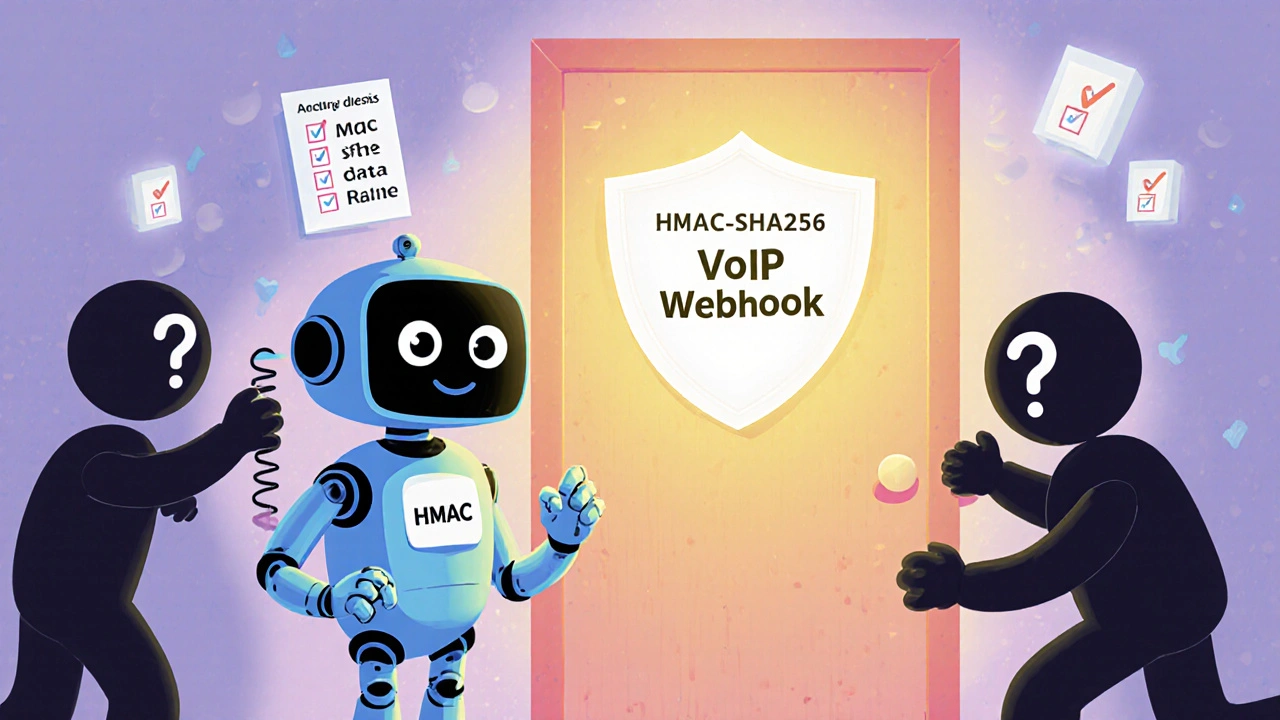
Webhook Authentication: Secure Your VoIP Integrations with Reliable Verification
When your VoIP system talks to other apps—like CRM tools, help desks, or automation platforms—it often uses webhook authentication, a method that verifies incoming data requests from external services before processing them. Also known as webhook signing, it ensures only trusted sources can send call logs, missed call alerts, or transcription data to your systems. Without it, anyone could flood your tools with fake data, steal customer info, or crash your workflows.
Think of it like a door with a digital lock. Your VoIP provider sends a notification—say, a new call was answered—to your Google Sheet or Salesforce. But how does that app know the message is real and not from a hacker? webhook authentication, uses secret tokens, HMAC signatures, or OAuth to confirm the sender’s identity. This isn’t just tech jargon—it’s what stops spam calls from triggering fake CRM updates or bots from harvesting your call transcripts. Companies using Zapier VoIP, a popular automation tool for connecting VoIP systems to other apps. rely on this to keep their automated alerts accurate and secure. If your webhook lacks authentication, you’re basically leaving your door open with a note that says "come in anytime."
Most VoIP providers that offer integrations—like Nextiva, OpenPhone, or Service Cloud Voice—require you to set up webhook authentication manually. You’ll usually get a secret key or signature method from your VoIP dashboard, then paste it into the app you’re connecting. Zapier, for example, lets you pick HMAC-SHA256 and enter your token. If the signature doesn’t match, the request gets blocked. This is why API security, the broader practice of protecting data exchanges between systems. matters so much in VoIP. A single unsecured webhook can expose your entire call history, agent performance data, or customer contact lists.
You’ll find this topic come up often in posts about call automation, CRM syncs, and real-time analytics. For instance, setting up missed call alerts in Google Sheets using Zapier only works if the webhook is authenticated. Same goes for sending voicemail transcripts to Slack or logging call outcomes in your sales pipeline. Without proper verification, those automations break—or worse, they get hijacked. Even simple tools like SIP intercoms or door phones that trigger notifications over the internet need this layer of protection.
It’s not hard to set up, but most people skip it because they think "it’s just a little data." But in 2025, a single unauthenticated webhook led to a $12,000 GDPR fine for a small business that leaked 300 customer calls. The fix? A 10-minute config change. You don’t need to be a developer—just follow your provider’s steps. Look for terms like "signing secret," "HMAC header," or "webhook URL with token" in your VoIP settings. If you’re using a third-party tool, check its integration docs. The best systems make it obvious.
What you’ll find below are real guides on how to set up secure webhooks with tools you’re already using—Zapier, Salesforce, Google Sheets, and more. No fluff. Just clear steps, common mistakes to avoid, and how to test if your authentication is actually working. Whether you’re automating call tagging, logging analytics, or triggering alerts, this is the foundation that keeps it all safe and reliable.