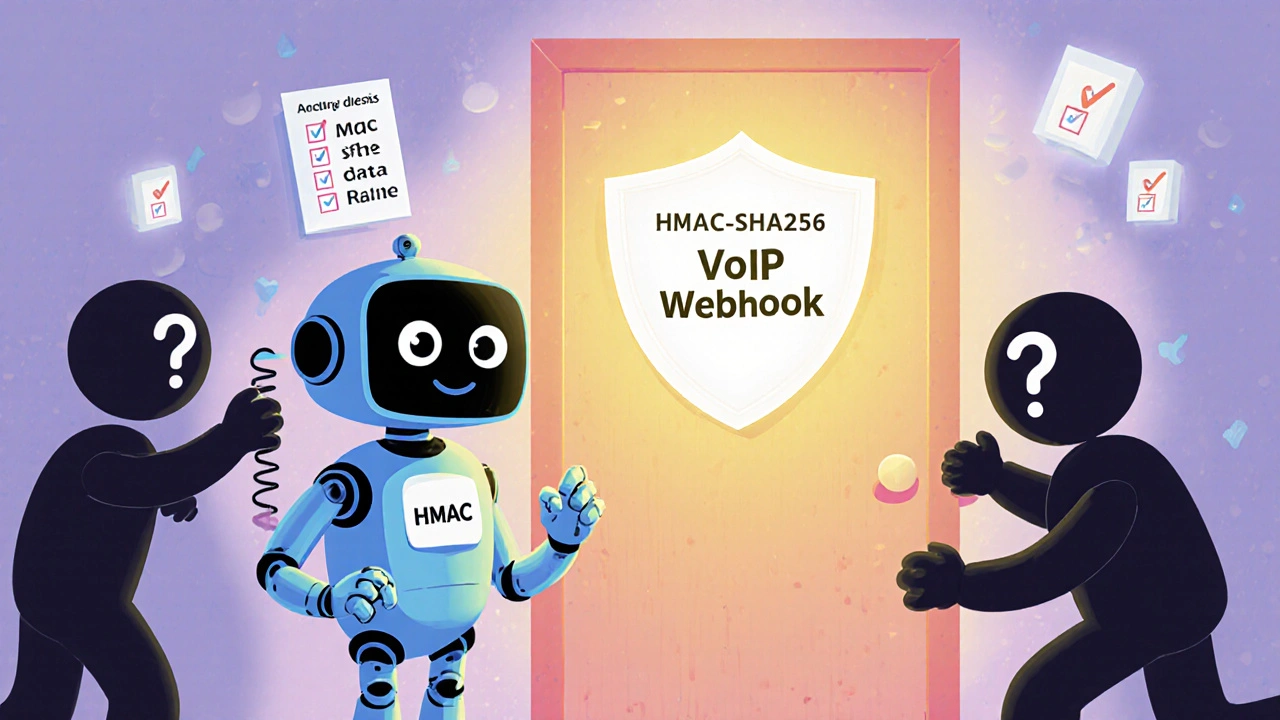
VoIP Webhook Security: Protect Your Automation from Attacks
When your VoIP system sends data to other apps—like logging calls to Salesforce or triggering SMS alerts through Zapier—it uses VoIP webhook, a secure HTTP callback that lets systems talk to each other in real time. Also known as API webhooks, these connections are the silent backbone of modern call centers and remote teams. But if they’re not secured, they’re also the easiest backdoor for hackers to steal customer data, flood your system with fake calls, or even take over your entire phone system. You might think your VoIP provider handles security, but webhooks live outside their control. They’re your own integrations, and if they’re set up with default keys, unencrypted traffic, or no verification, they’re wide open.
Attackers don’t need to break into your PBX. They just need to guess or intercept a webhook URL. A single unsecured webhook connected to your CRM can let them dump thousands of customer records, send spam texts from your number, or trigger endless automated calls that crash your system. Real cases show businesses losing over $50,000 in fines and recovery costs from just one leaked webhook token. That’s why webhook authentication, the process of verifying that only trusted sources can send or receive data isn’t optional—it’s your first line of defense. And it’s not just about passwords. You need signature validation, IP allowlisting, and encrypted HTTPS to stop bots and insiders alike.
Most small businesses skip this step because they assume their tools are "secure by default." But tools like Zapier, Service Cloud Voice, or custom scripts don’t auto-lock down your webhooks. You have to turn it on. That means checking if your VoIP provider lets you set up HMAC signatures, if your CRM requires token-based access, and whether your network blocks incoming traffic from unknown sources. It’s not complicated, but it’s easy to forget. The posts below show exactly how companies fixed broken webhooks, what tools actually work, and how to test your setup before it’s too late. You’ll find real examples from call centers, remote teams, and SMBs who avoided disasters by locking down their automations. No theory. No fluff. Just what to do next.