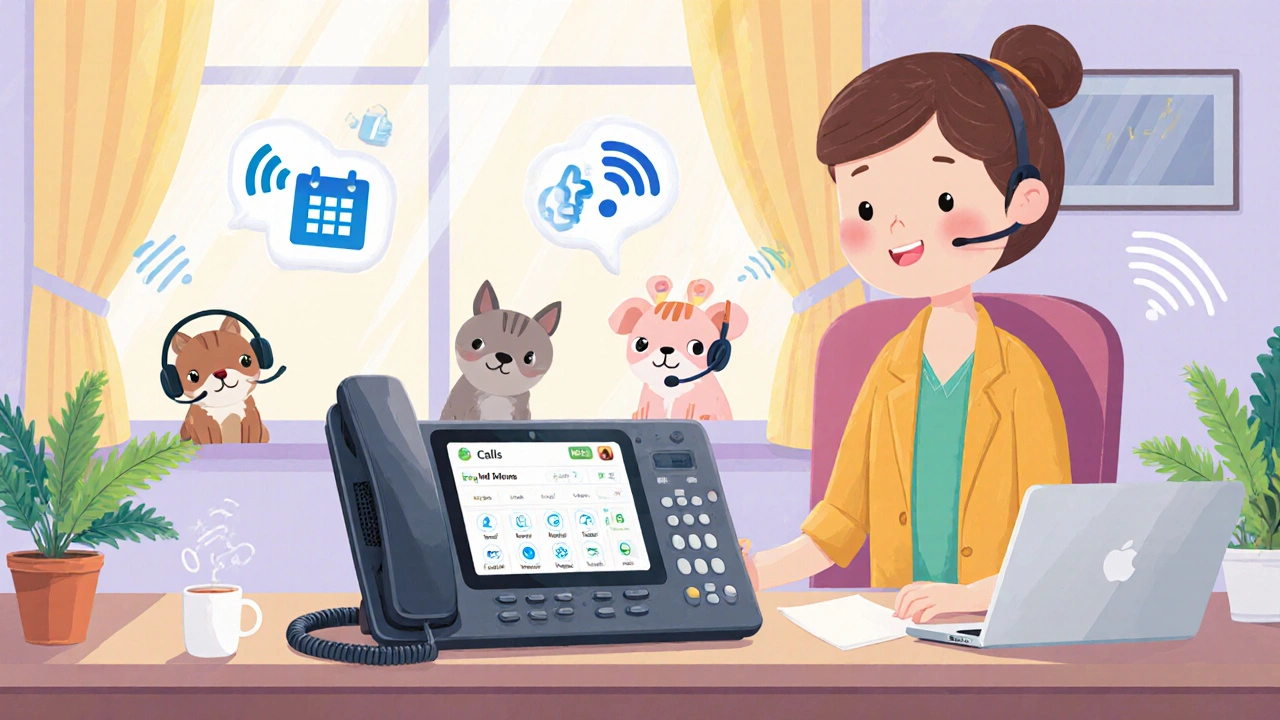
VoIP Phone System: How It Works and What You Need to Know
When you use a Voice over IP (VoIP) phone system, a technology that turns your voice into digital data sent over the internet. Also known as internet phone system, it replaces old landlines with something faster, cheaper, and smarter—no matter if you’re running a one-person shop or a 50-person call center.
At its core, a VoIP phone system relies on SIP (Session Initiation Protocol), the signaling standard that sets up and manages voice calls over IP networks. This is what lets your desk phone, softphone app, or even your smartphone connect to the same system. Unlike traditional phone lines, SIP doesn’t need physical wires—it works over any internet connection. That’s why you can pick up your call on your laptop at home, then answer it on your tablet in the car. And because it’s software-based, adding new users or features like call forwarding, voicemail-to-email, or auto-attendants takes minutes, not days.
But a VoIP phone system isn’t just about making calls. It’s about making them better. Call quality, how clear and stable your voice sounds during a call, depends on your network setup. Things like DSCP markings, VLANs, and bandwidth management aren’t just tech jargon—they’re what keep your calls from cutting out or sounding robotic. If your team uses tools like Salesforce or HubSpot, a good VoIP system integrates directly, logging calls automatically, popping up customer info when they answer, and turning every call into a data point. That’s not just convenience—it’s a productivity boost you can measure in hours saved and deals closed.
And it’s not just about the tech. Businesses use VoIP because it saves money. No more paying for separate phone lines. No more expensive hardware upgrades every few years. You can buy refurbished handsets, lease equipment to preserve cash flow, or even use your existing WiFi and a softphone app. Many small businesses cut their phone bills by half—or more—after switching. Meanwhile, features like queue callback, agent scripting, and real-time wallboards turn your phone system from a cost center into a customer service engine.
What you’ll find here isn’t a list of buzzwords. It’s a collection of real, practical guides written by people who’ve set up these systems, fixed the broken calls, and learned the hard way what works. Whether you’re choosing between Nextiva and RingCentral, troubleshooting choppy audio, securing your calls with ZRTP encryption, or setting up a voice VLAN to keep your calls from getting drowned out by downloads—you’ll find a step-by-step fix. No fluff. No theory without action. Just what you need to make your VoIP phone system work the way it’s supposed to.