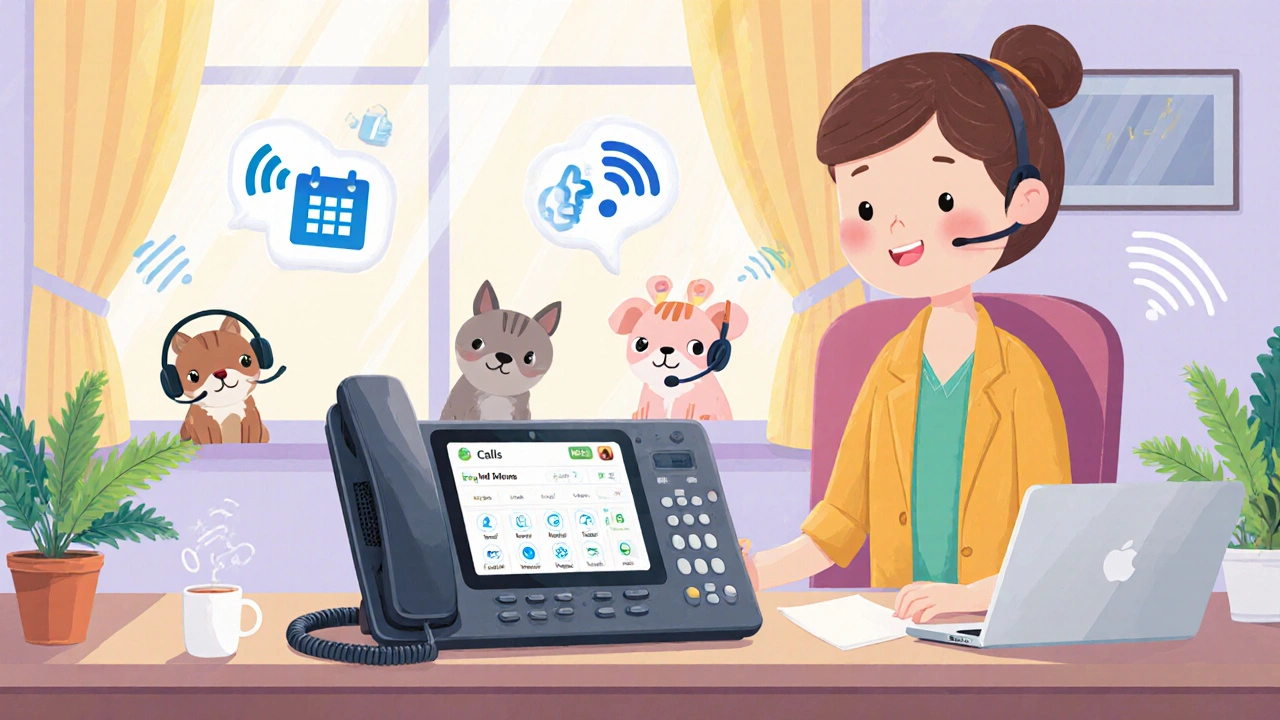
Softphone: What It Is and How It Changes Business Calling
When you think of a phone, you probably picture a device on your desk. But a softphone, a software application that turns your computer or mobile device into a full-featured phone using VoIP technology. Also known as a SIP softphone, it lets you make and receive calls over the internet—no physical handset needed. This isn’t just a convenience. It’s a shift in how teams communicate. You can answer a client call while walking to lunch, log into your office system from a hotel room, or route calls through your CRM—all from the same app.
Softphones rely on SIP, a protocol that manages voice and video sessions over IP networks to connect calls. That means they work with most modern VoIP providers like Nextiva, RingCentral, or OpenPhone. You don’t need special wiring or expensive hardware. Just a headset, a stable internet connection, and the right app. And because they’re software, updates happen automatically. No waiting for IT to swap out a broken phone. If your laptop dies, you log in on your phone and pick up right where you left off.
Many businesses use softphones to reduce costs and improve flexibility. A business phone system, a cloud-based telephony setup that replaces traditional landlines with internet-powered calling built around softphones cuts monthly bills by up to 60%. Remote teams thrive with them. Call centers use them to scale quickly without buying hundreds of desk phones. Even sales reps love them—call logs sync automatically to Salesforce, and screen pops show customer history before the ring even ends.
But softphones aren’t magic. Call quality depends on your network. If your Wi-Fi is weak or your bandwidth is shared with video streams, your calls will crackle or drop. That’s why many guides here focus on call quality fixes—like DSCP marking, codec settings, and network prioritization. You’ll also find comparisons of top softphone apps, tips for securing SIP traffic, and how to avoid common setup mistakes that turn a powerful tool into a frustrating one.
Whether you’re a solo entrepreneur, a small team working from home, or a growing company scaling its support desk, the right softphone setup can save time, money, and stress. Below, you’ll find real-world guides on choosing the best apps, fixing audio issues, integrating with tools like Zapier and Salesforce, and making sure your calls stay secure and clear—no hardware required.