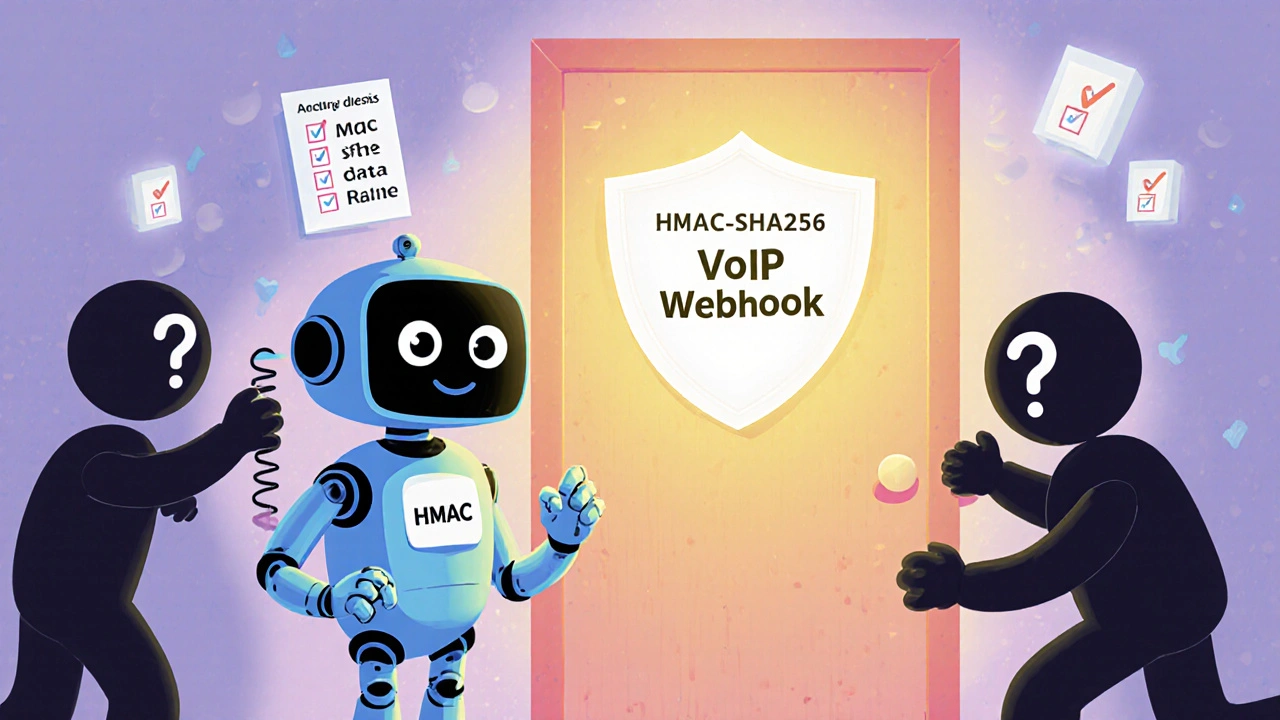
IP Allowlisting: Secure Your VoIP Network with Trusted IP Addresses
When you use VoIP, your phone system is just another device on your network—and that means it’s exposed to the same risks as your computers. IP allowlisting, a security method that only permits connections from pre-approved IP addresses. Also known as IP whitelisting, it’s one of the simplest and most effective ways to block hackers, bots, and unauthorized callers from hijacking your phone lines. Without it, your system could be targeted by brute-force attacks, toll fraud, or even ransomware that locks your call records. Many small businesses don’t realize their VoIP system is wide open until they get a $20,000 phone bill from international scam calls.
IP allowlisting works by creating a short list of approved IP addresses—like your office router, cloud PBX server, or remote worker’s static IP—and blocking everything else. It’s not magic, but it’s powerful. If your VoIP provider uses SIP, then every call attempt starts with a connection from an IP address. If that IP isn’t on your list, the request gets dropped before it even reaches your phone. This stops most automated attacks before they begin. It’s especially useful when paired with SIP firewall, a specialized security layer that filters VoIP traffic based on rules like source IP, port, and protocol. Together, they form a basic but strong first line of defense.
Some people think firewalls alone are enough, but that’s not true. A regular network firewall might block ports, but it won’t know if a SIP invite from a spoofed IP is legit. IP allowlisting cuts through that noise. It’s not about complexity—it’s about control. You decide who can talk to your system. For example, if your team uses RingCentral or Nextiva, you can allow only their known server IPs. If you run your own PBX, you can lock it down to your office network and a few remote workers’ home IPs. No guesswork. No exceptions.
It’s not just for big companies. Even a home office with a VoIP desk phone benefits. If you’re using a SIP phone like a Yealink or Grandstream, and you’ve opened ports for remote access, you’re inviting trouble. IP allowlisting turns that risk into a non-issue. You don’t need expensive tools—most business-grade routers and VoIP servers include this feature. You just need to know where to look and what to add.
And it’s not just about blocking bad traffic. It also helps with performance. When your system only accepts calls from known sources, it spends less time processing junk requests. That means faster call setup, fewer dropped calls, and less strain on your bandwidth. It’s security that also improves quality.
What you’ll find in the posts below are real, practical guides on how to set this up—whether you’re using a cloud provider like Dialpad, managing your own SIP server, or securing a hybrid setup. You’ll learn how to identify your trusted IPs, configure your router or PBX, avoid common mistakes like forgetting mobile hotspots or dynamic IPs, and how to combine IP allowlisting with other protections like ZRTP encryption and DSCP traffic marking. No fluff. Just what works in 2025.