
When you run a small business, every dollar counts. That’s why switching from old landline phones to VoIP isn’t just a tech upgrade-it’s a financial move that can save you thousands a year. But with so many plans out there, how do you know which one actually delivers value? Not all $10-a-month VoIP deals are created equal. Some hide fees in the fine print. Others cut corners on features you actually need. And a few promise the moon but leave you stranded when your team grows.
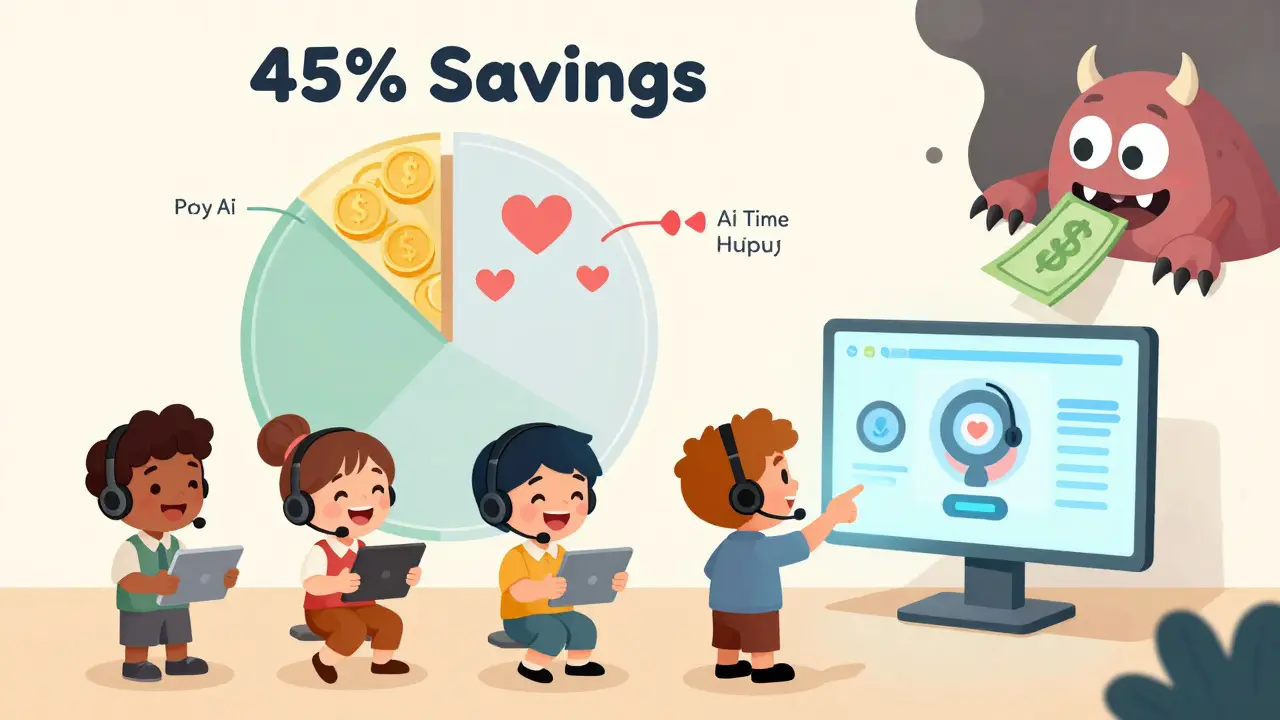
Let’s cut through the noise. In 2026, the best small business VoIP plans don’t just look cheap on paper-they pay for themselves fast. The average business saves 45% on monthly phone bills compared to traditional systems. Some even cut staffing costs by hiring one fewer customer service rep thanks to AI call handling. But here’s the catch: you have to pick the right plan. The wrong one can cost you more than you saved.
What You Actually Get for $10-$25 per User
At the entry level, you’ll find plans from $10 to $25 per user per month. These are the sweet spot for teams under 20 people. Google Voice Starter starts at $10, but if you ever call outside the U.S., you’ll pay extra-on average $8.32 more per user each month. That’s not a deal. That’s a trap.
Real value starts at $19-$23. CloudTalk Lite costs $19 and includes AI voice agents that answer basic customer questions without a human. That’s a feature you’d normally pay $40+ for elsewhere. Vonage Basic is $19.99 and gives you unlimited U.S. calling, mobile apps, and CRM sync-but no video meetings. Ooma Essentials is $19.95 and includes a virtual receptionist, but you can’t add video unless you jump to their $24.95 Pro plan.
Here’s what you get across the board at this price range:
- Unlimited domestic calling (U.S. and Canada)
- Mobile and desktop apps
- Voicemail to email
- Basic IVR (automated phone menus)
- Call forwarding and hold music
- BYOD support (use your own phones or headsets)
That’s it. No call analytics. No AI transcription. No advanced reporting. If you need those, you’re looking at the next tier. But for a solo entrepreneur or a small retail shop, this is more than enough. And it’s way cheaper than paying $50-$100 a month for a physical phone system with a technician on retainer.
Hidden Costs That Sneak Up on You
Most people think the monthly price is the total cost. It’s not.
First, there are taxes and fees. FCC-mandated E911 compliance adds $0.50 to $1.20 per user each month. That’s non-negotiable, but many providers bury it in the final invoice. Then there’s international calling. If you talk to suppliers in Mexico, clients in the UK, or partners in India, you’ll pay $0.01-$0.05 per minute. For a business that makes 200 international calls a month, that’s $40-$200 extra. Google Voice users report an average $6.41 hidden cost per user monthly just for global calls.
Second, hardware. Sure, most providers say “bring your own phone.” But if you’re using an old desk phone or a cheap headset from Amazon, your calls will sound muddy. 63% of small businesses under 20 employees end up buying quality headsets. They cost $99-$199 each. That’s $1,200 upfront for a 12-person team. You can’t ignore that.
Third, setup. Porting your old number takes 3-7 days. Configuring call routing-like sending calls to the right department or after-hours voicemail-takes time. 83% of small businesses hire help for this. It’s not hard, but it’s not plug-and-play either. Expect to spend 8-12 hours total on setup, whether you do it yourself or pay a pro.
And then there’s the annual billing trap. Many providers offer 15-20% off if you pay yearly. Sounds great-until you hire or fire someone. If you’re locked into a 12-month contract and your team shrinks from 10 to 6 people, you’re still paying for 10. Month-to-month plans cost more per user, but they give you flexibility. For growing businesses, that’s worth the extra $2-$3 per person.
Who Delivers the Best ROI?
ROI isn’t just about saving money on calls. It’s about saving time, reducing stress, and increasing sales.
CloudTalk Lite at $19 gets you AI voice agents that handle routine questions like “What are your hours?” or “Do you ship to Canada?” That’s not a bonus-it’s a replacement for one full-time customer service rep. Gartner’s January 2026 report says businesses using this plan save 1.2 FTEs annually. That’s $45,000+ in salary and benefits saved in a year. Payback time? Under six months.
Vonage Basic at $19.99 wins for sales teams. It syncs directly with Salesforce, HubSpot, and Zoho. When a customer calls, the rep’s screen pops up with their entire history-last purchase, open tickets, notes. That cuts call time by 30%. Dr. Evelyn Torres from Nemertes Research found Vonage users get 28% higher productivity per rep than with traditional systems. For a sales team of 8, that’s an extra 15-20 closed deals a month.
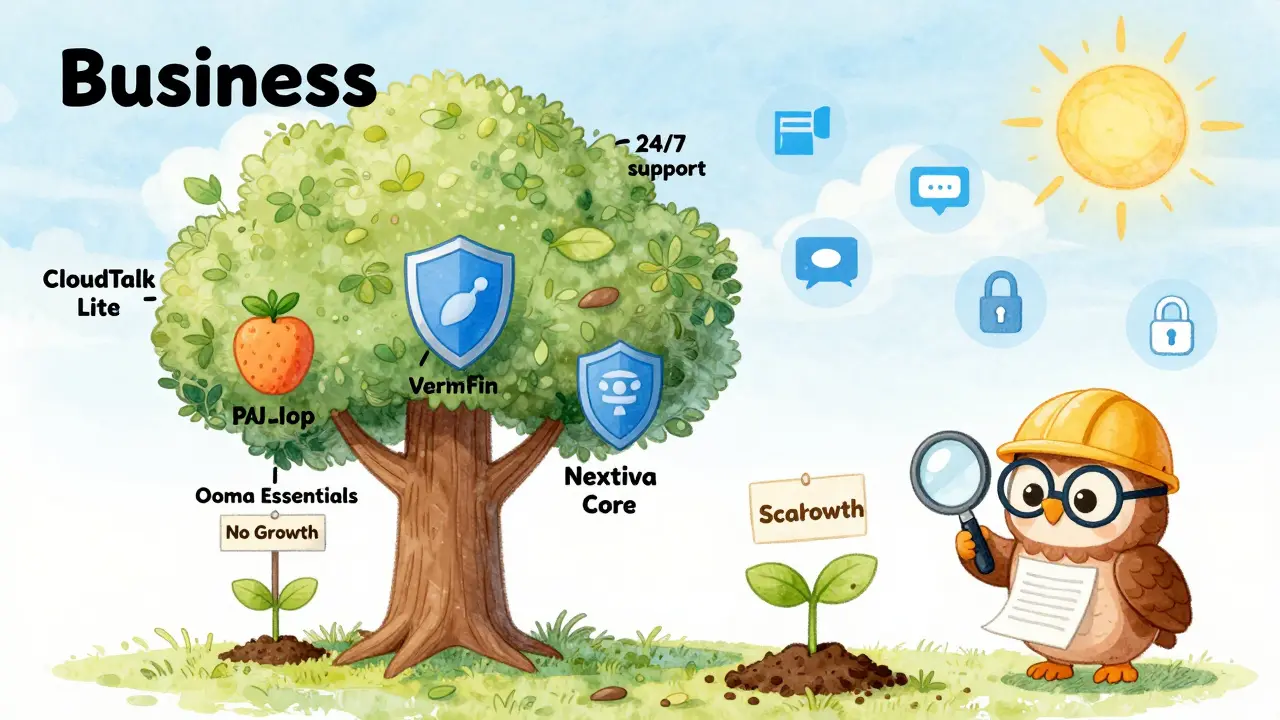
Nextiva Core at $23 is the best all-in-one. It includes 24/7 phone support (rare at this price), built-in video meetings, and CRM integrations that just work. No plugins. No setup headaches. It’s why Nextiva has a 4.4/5 rating on G2 from over 1,600 reviews. If you want one system that does everything without needing a tech guru, this is it.
Ooma Essentials is the cheapest on paper at $19.95, but it’s not scalable. At 10 users, it’s fine. At 50 users, you need add-ons that push your cost 34% higher than CloudTalk. It’s a great starter plan, but if you plan to grow, it’s a dead end.
What You Should Avoid
Don’t go with Google Voice if you do any international business. It’s cheap, but the minute you call abroad, your bill balloons. It’s also missing key features like call analytics and team voicemail boxes.
Avoid Vonage Basic if you need video calls. It doesn’t support them at all. If you’re a remote team or do client demos, you’ll have to add Zoom or Teams anyway-making the savings pointless.
Don’t buy RingCentral Ultra or Dialpad Premium unless you have over 50 employees. These are enterprise tools. They cost $50-$75 per user. They come with fancy dashboards, AI receptionists, and contact center tools you’ll never use. You’re paying for power you don’t need-and complexity you don’t want.
And never skip support. Vonage Basic gives you business hours only. If your system goes down at 7 p.m. on a Friday, you’re stuck until Monday. Nextiva offers 24/7 support. That’s worth $5-$10 extra per user if you’re serious about keeping customers happy.
Setting Up Without the Headaches
Here’s how to do it right:
- Choose your plan based on team size and needs. Under 10 users? CloudTalk Lite or Vonage Basic. 10-25 users? Nextiva Core.
- Port your existing number early. Give yourself 5-7 days. Your old phone won’t work during this time.
- Test the call quality. Use a headset. Run a call to a friend. Listen for lag, echo, or dropouts.
- Set up your IVR. “Press 1 for sales, 2 for support.” Keep it simple. Too many options confuse customers.
- Connect your CRM. If you use Salesforce or HubSpot, make sure it syncs. Test it with a fake call.
- Train your team. Show them how to use the app on their phone. Show them how to transfer calls.
Most providers offer free onboarding. Use it. Don’t try to DIY everything. The first week is critical. Get it right, and you’ll never look back.
What’s Next for VoIP in 2026 and Beyond
AI is changing everything. By late 2026, 75% of plans under $25 will include basic AI call routing. That means calls will be answered, routed, or even resolved without a human. The gap between cheap and premium plans will shrink from 47% to 28%. You won’t need to pay $50 to get smart features.
Security is getting tighter. New FCC rules may add $3.50-$7.20 per user to cover encrypted calls and data protection. If you handle customer data, you’ll need this. Don’t wait until you’re fined.
Market consolidation is coming. There are 12 big VoIP providers today. By 2027, that number will drop to 8. If you pick a small provider now, make sure they’re backed by solid funding. Don’t bet on a startup that vanishes in 18 months.
For now, the choice is clear. If you’re a small business with under 25 employees, spend $19-$23 per user. Get CloudTalk or Nextiva. Skip the $10 plans. Avoid the $75 ones. And don’t forget to factor in setup, headsets, and international fees. Do that, and your phone system won’t just save you money-it’ll make your business run smoother, faster, and smarter.
Is VoIP really cheaper than traditional phone systems?
Yes, by 40-60%. Traditional phone systems require physical lines, hardware, and technicians to maintain. VoIP runs over your internet connection, so you eliminate those costs. Most small businesses cut their monthly phone bills from $300-$800 down to $100-$200. Some save even more by reducing staff through AI call handling.
What’s the cheapest VoIP plan that actually works?
CloudTalk Lite at $19 per user is the best value. It includes AI voice agents, unlimited calling, CRM sync, and a call flow designer-all without hidden fees. Vonage Basic at $19.99 is close, but lacks video and has weaker support. Avoid Google Voice if you ever call outside the U.S.-its international fees add $6-$8 per user monthly.
Do I need to buy new phones for VoIP?
No, you don’t. Most providers let you use your existing phones or softphones on your computer or phone. But if you want clear call quality, you’ll want a good headset. Most small businesses spend $99-$199 per headset. It’s not mandatory, but it’s smart. Poor audio ruins customer trust.
How long does it take to switch to VoIP?
Plan for 3-14 days. Porting your old number takes 3-7 days. Setup and training take another 2-5 days. Total IT effort averages 8.2 hours. If you’re not tech-savvy, hire a pro for setup-it’s worth the $200-$500. Most providers offer free onboarding, so use it.
Can VoIP handle international calls?
Yes, but not all plans include it. Most charge $0.01-$0.05 per minute. If you make international calls often, choose a provider with flat-rate international plans. Vonage and Nextiva offer these. Avoid Google Voice-it’s cheap for U.S. calls but expensive globally. Track your usage for the first month to avoid surprises.
What happens if my internet goes down?
Most VoIP systems automatically forward calls to your mobile phone or another number. You can also set up a backup internet connection, like a mobile hotspot. Some providers offer cellular failover as an add-on. Always test your backup routing before switching. Don’t assume it works-prove it.
Is VoIP secure for customer data?
Yes, if you pick a reputable provider. All major VoIP services encrypt calls and comply with GDPR and CCPA. But watch for add-ons-some cheaper plans skip advanced security. If you handle payments or sensitive info, make sure your plan includes end-to-end encryption. That’s standard in mid-tier plans like Nextiva Core or RingCentral Core.
Will my VoIP system grow with my business?
It should. CloudTalk, Nextiva, and RingCentral let you add users anytime without switching plans. Ooma and Vonage Basic don’t scale well-they force you to upgrade to pricier tiers. If you plan to grow past 25 employees, skip the entry-level plans. Choose a provider that offers flexible, pay-as-you-go pricing. You’ll thank yourself in 12 months.