
Imagine a customer calls your business line. They’ve been on hold for 45 seconds. One person in your team picks up - but everyone else still gets a missed call alert. That’s not efficiency. That’s noise.
Ring groups solve this. They let you route incoming calls to multiple people at once - or in order - so no call slips through the cracks. But the real magic isn’t just who rings. It’s who gets notified, and when. Too many teams set up ring groups and wonder why their phones never stop buzzing, even after a call is answered. The problem isn’t the tech. It’s the notification settings.
What Exactly Is a Ring Group?
A ring group is a group of phone extensions or devices that answer calls together. Instead of one person being the only one who can take a call, you assign a team - like sales, support, or dispatch - to handle calls for a single number. When someone dials that number, the system rings everyone in the group based on rules you set.
This isn’t new. Ring groups started in PBX systems back in the 80s. But today’s cloud platforms like RingCentral, 8x8, CloudTalk, and Aloware have turned them into smart tools. The goal? Make sure calls get answered fast - and only the right people get paged.
The Three Main Ways Ring Groups Ring
Not all ring groups work the same. The way calls are distributed changes everything - especially for notifications. Here are the three most common strategies:
- Ring All: Every phone in the group rings at the same time. The first person to pick up ends it. This is the most popular choice for customer service teams - 78% use it, according to the 2024 Contact Center Technology Survey. It’s fast. It’s simple. But if someone doesn’t answer, everyone still gets a missed call alert unless you fix the notification rules.
- Round Robin: Calls rotate between team members in order. If ext. 101 doesn’t answer, the call goes to ext. 102, then 103, then back to 101. This spreads the load evenly. It’s great for technical support teams where consistency matters. But it has a catch: if your system doesn’t skip busy agents, someone on a call might still get pinged - and that’s frustrating.
- Random: The system picks someone at random from the group. Useful when you don’t care who answers, just that someone does. Less common, but works for smaller teams or backup lines.
Some platforms go further. Aloware adds Longest Available, which routes calls to whoever’s been idle the longest. PBXware 7 lets you assign priority levels from 0 to 10 - where 0 is highest priority. If you set a ring group to “Ring All,” only the lowest-priority available users ring. That’s a hidden gem for busy offices.
Why Notification Settings Break Teams
Here’s the ugly truth: most teams get overwhelmed not because they have too many calls - but because they get too many notifications.
Take 3CX. In 2020, users reported a widespread bug: everyone in a ring group got a missed call alert - even if the call was answered by someone else. That meant 5 people got paged for one call. Five alerts. Five distractions. Five people checking their phones for nothing.
It’s still a problem in 43% of businesses, according to the 2025 UC Pain Points Report. And it’s not just 3CX. Some platforms send voicemail notifications to every member. Others send missed call alerts to the whole group by default. That’s not helpful. It’s harassment.
CloudTalk fixed this in July 2023. Now, voicemail notifications only go to the person who answered - or the group admin. Aloware doesn’t send missed call alerts at all unless the call went to voicemail after cycling through the group. That’s the right way.
If your system sends notifications to everyone, you’re not improving service. You’re just making your team tired.
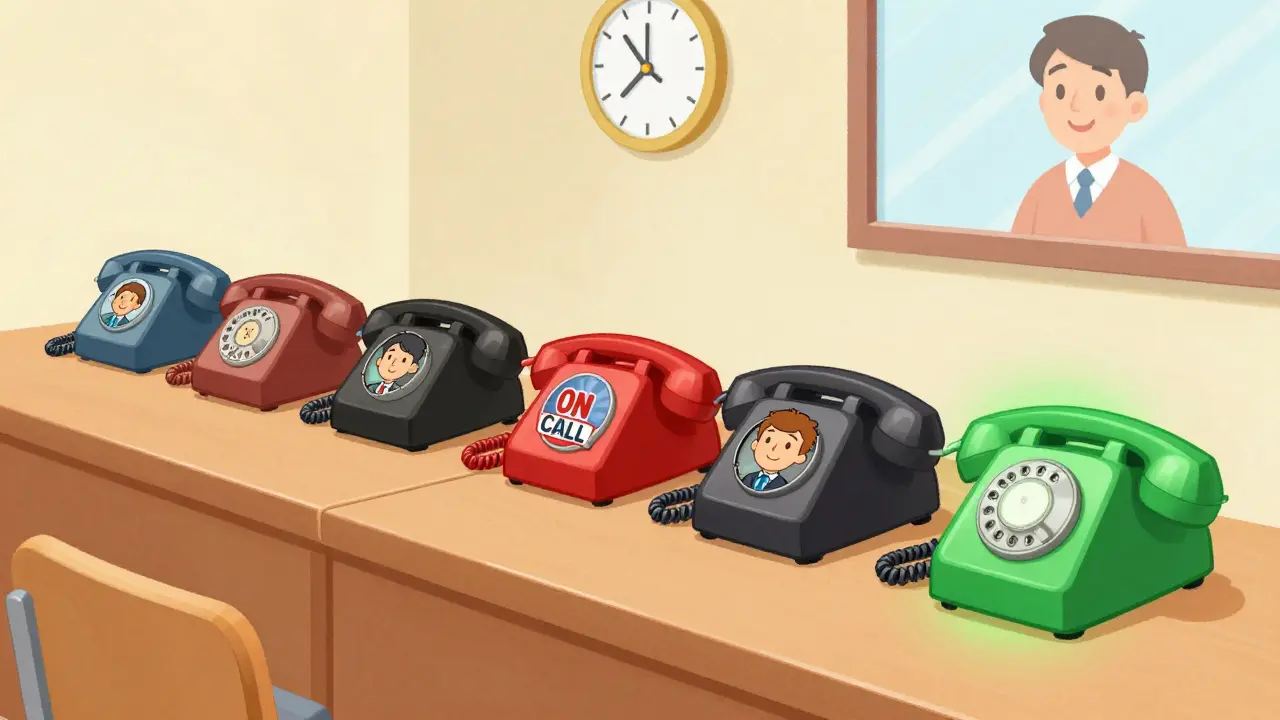
How to Set Up Ring Groups Right
Setting up a ring group isn’t just clicking “Add Users.” Here’s what you actually need to do:
- Choose your ring strategy. Use Ring All for customer service. Use Round Robin or Longest Available for technical teams. Avoid Random unless you’re a small startup.
- Enable Skip Busy Agent. This is non-negotiable. If someone’s on another call, they shouldn’t get pinged. PBXware 7 and CrossTalk Solutions both highlight this as critical. Without it, you’re forcing people to juggle calls they can’t answer.
- Set voicemail notifications correctly. CloudTalk requires an email address for each group - but make sure it only sends alerts to the agent who answered, not everyone. If your system doesn’t let you control this, switch platforms.
- Limit the number of cycles. If you’re using Round Robin or Cyclic Repetitive (like 8x8), set how many times the call should cycle before going to voicemail. Three to five rings max. After that, it’s voicemail. Don’t let it ring forever.
- Test it. Call your own number. Have a teammate answer. Check who gets a notification. Did everyone get a missed call alert? Then your settings are wrong.
Genetec’s Sipelia warns that delays between sequential rings should never be more than 10 seconds. Longer delays mean customers hang up. And if someone declines a call, the next person should ring immediately - not wait. That’s how you keep response times under 20 seconds.
What Platforms Do Best - And Worst
Not all platforms treat notifications the same. Here’s how the big ones stack up:
| Platform | Ring Strategies | Missed Call Alerts | Voicemail Notifications | Skip Busy Agent? |
|---|---|---|---|---|
| CloudTalk | Ring All, Round Robin, Random | No - only the answerer gets it | Only to answerer or admin | Yes |
| 8x8 | Ring All, Cyclic Repetitive | Varies - often to all | To group email | Yes |
| RingCentral | Ring All, Round Robin | Yes - to all by default | Separate notification groups | Yes |
| Aloware | Ring All, Round Robin, Random, Longest Available | No - only if voicemail is reached | Only to answerer | Yes |
| 3CX | Ring All, Round Robin | Yes - known bug (partially fixed) | To all members | Yes |
CloudTalk and Aloware lead here. They treat notifications like a privilege - not a default. RingCentral and 8x8 are better than 3CX, but still default to blanket alerts. If you’re choosing a platform, look at notification behavior before pricing.

What’s Coming Next
The next wave isn’t about more rings. It’s about smarter alerts.
RingCentral announced in late 2025 that they’re launching Smart Notification Groups in Q2 2026. It uses machine learning to predict who should get notified based on who usually answers calls at certain times, who’s most responsive, and who’s already busy. No more guessing. No more noise.
According to Nemertes Research, 78% of UC vendors plan to roll out context-aware notification routing by 2027. That means your phone won’t ring just because a call came in. It’ll ring because the system knows you’re the best person to take it.
This isn’t sci-fi. It’s the natural evolution of ring groups. The goal isn’t to ring everyone. It’s to ring the right person - once.
Final Tip: Less Noise, More Answers
Ring groups aren’t about having more people on standby. They’re about having fewer distractions and faster answers.
If your team is getting 10 missed call alerts for 2 actual calls, you’re not helping - you’re hurting. Go into your settings. Turn off blanket notifications. Enable skip busy. Test it. Make sure only the person who answers gets the alert.
That’s not a technical upgrade. That’s a productivity win.
And in a world where customers expect answers in under 30 seconds, that’s the only thing that matters.