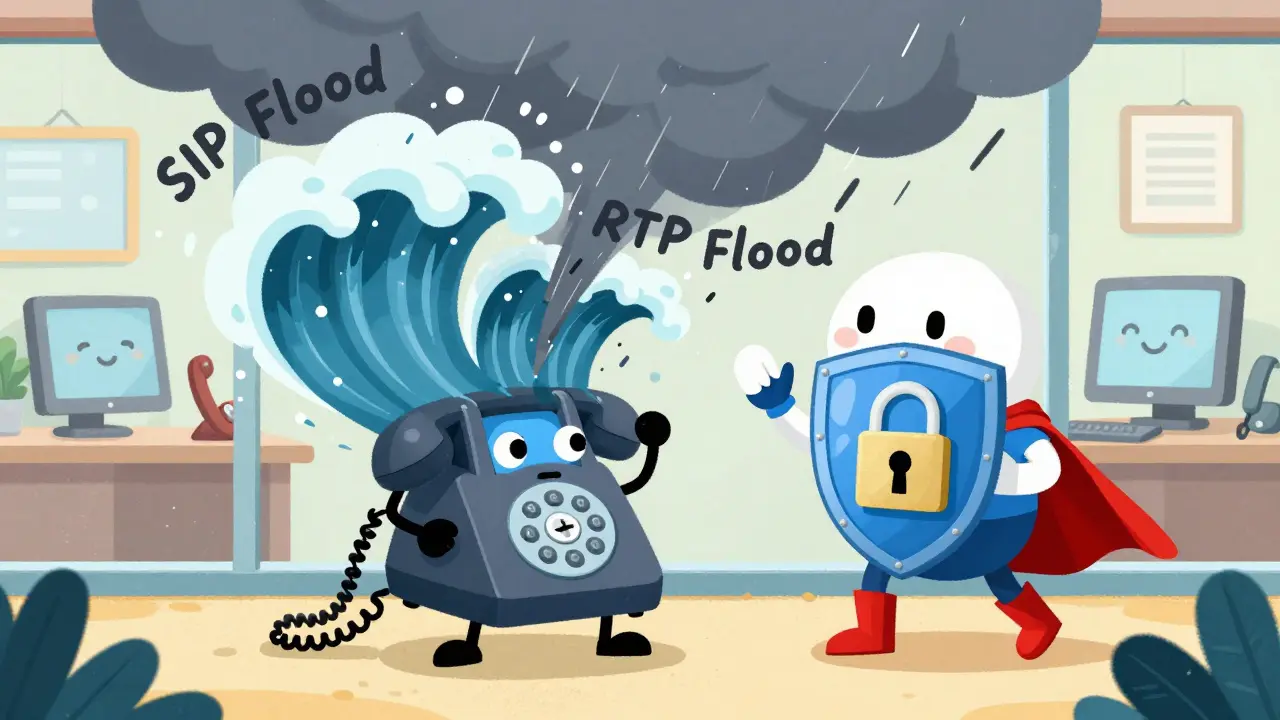
When your business phone system goes silent mid-call, it’s not a glitch-it’s likely a DDoS attack. Unlike a simple outage, Distributed Denial of Service attacks on VoIP systems don’t break hardware; they drown voice traffic in a flood of fake data. By the time you notice, calls are dropping, voicemails fail to send, and customers can’t reach you. These attacks are growing faster than most businesses realize, and traditional firewalls won’t stop them.
Why VoIP Is a Prime Target for DDoS Attacks
Voice over IP doesn’t run on phone lines-it runs on the same internet infrastructure as your website, email, and cloud apps. That’s the problem. Attackers don’t need to hack your system to disable it. They just need to flood it with traffic. VoIP systems rely on two key protocols: SIP (Session Initiation Protocol) for setting up calls, and RTP (Real-Time Transport Protocol) for carrying the actual voice data. Both use UDP, a fast but unverified connection type. That makes them easy targets.
According to Ribbon Communications, over 61% of all network attacks in early 2022 targeted UDP-based services. Attackers use botnets-networks of hacked devices-to send millions of fake SIP requests per second. Each request looks like a legitimate call attempt. Your server tries to respond to every one, burning through bandwidth and processing power. Within seconds, real calls start lagging or cutting out. In some cases, the system crashes entirely.
How DDoS Attacks Actually Break VoIP Systems
Not all attacks work the same way. Here are the three most common types:
- SIP Flood Attacks: Attackers send massive volumes of INVITE, REGISTER, or OPTIONS messages to your SIP server. These are the signals that start and manage calls. When overwhelmed, your server can’t process real calls.
- RTP Floods: Instead of targeting signaling, attackers flood your network with fake media streams. These don’t carry audio-they just consume bandwidth. Even if your SIP server is fine, your network pipes are full, and voice quality drops to static.
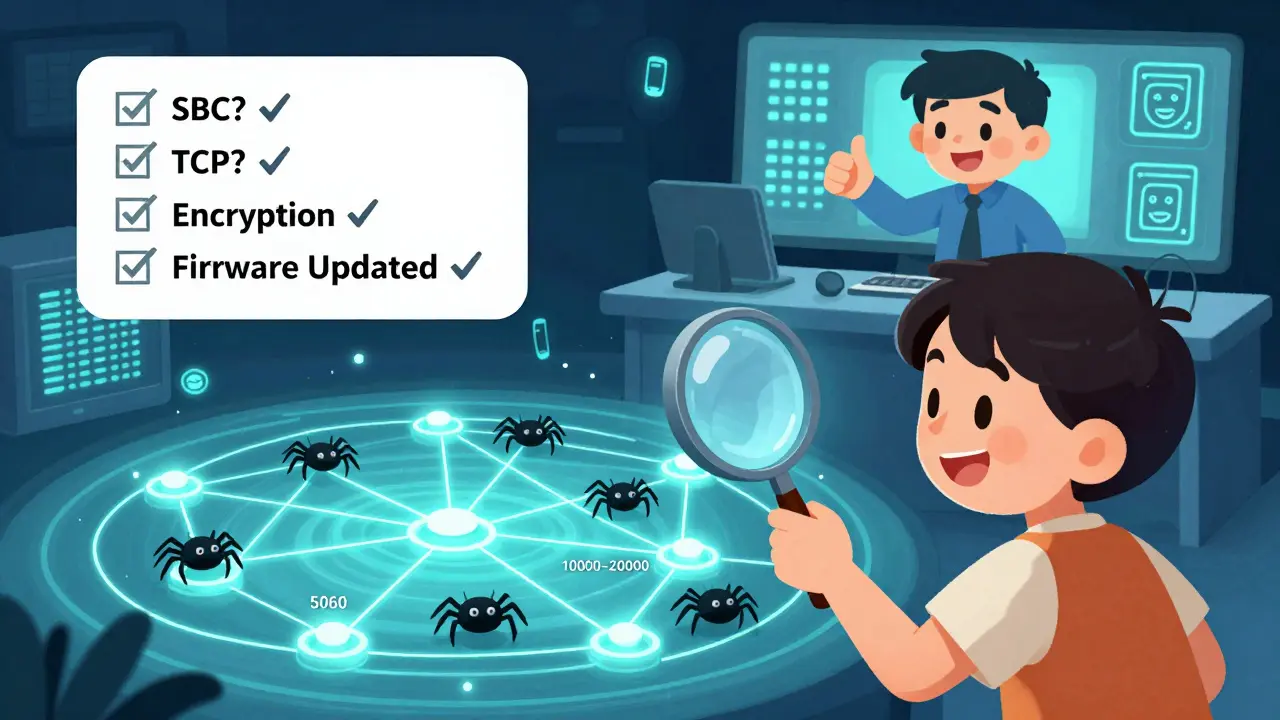
- Port Scans Before the Attack: Before launching a flood, attackers scan your network for open ports-especially UDP 5060 (SIP) and UDP 10000-20000 (RTP). If they find them unguarded, they know they’ve found a weak spot.
What makes this worse is that VoIP systems are designed for low latency. Even a 150ms delay makes a conversation feel unnatural. A DDoS attack can push delays to 2,000ms or more. Your customers don’t just lose service-they lose trust.
Why Your Firewall Won’t Save You
Most businesses think a standard firewall or antivirus software is enough. It’s not. Traditional firewalls look for known malware signatures or blocked IP addresses. DDoS attacks don’t use malware-they use legitimate-looking traffic. A SIP request from a botnet looks identical to a SIP request from your office phone.
Web Application Firewalls (WAFs), commonly used for websites, are even less effective. They’re built for HTTP traffic, not SIP and RTP. They can’t tell the difference between a real call and a flood. That’s why companies relying only on basic security see VoIP outages during attacks-even if their website stays up.
Five Essential Layers of Defense
Stopping VoIP DDoS attacks requires stacking protections. No single tool works alone. Here’s what actually helps:
1. Use a Session Border Controller (SBC)
An SBC isn’t just a router-it’s a smart gatekeeper for your VoIP traffic. It sits between your network and the public internet, filtering out bad SIP and RTP packets before they reach your server. Modern SBCs understand VoIP protocols. They can detect abnormal SIP message rates, block unrecognized endpoints, and enforce media policies.
For example, an SBC can be set to accept RTP media only if it matches a SIP session that was properly negotiated. If a packet arrives without a matching call setup, it’s dropped. This alone stops 70% of common flood attacks.
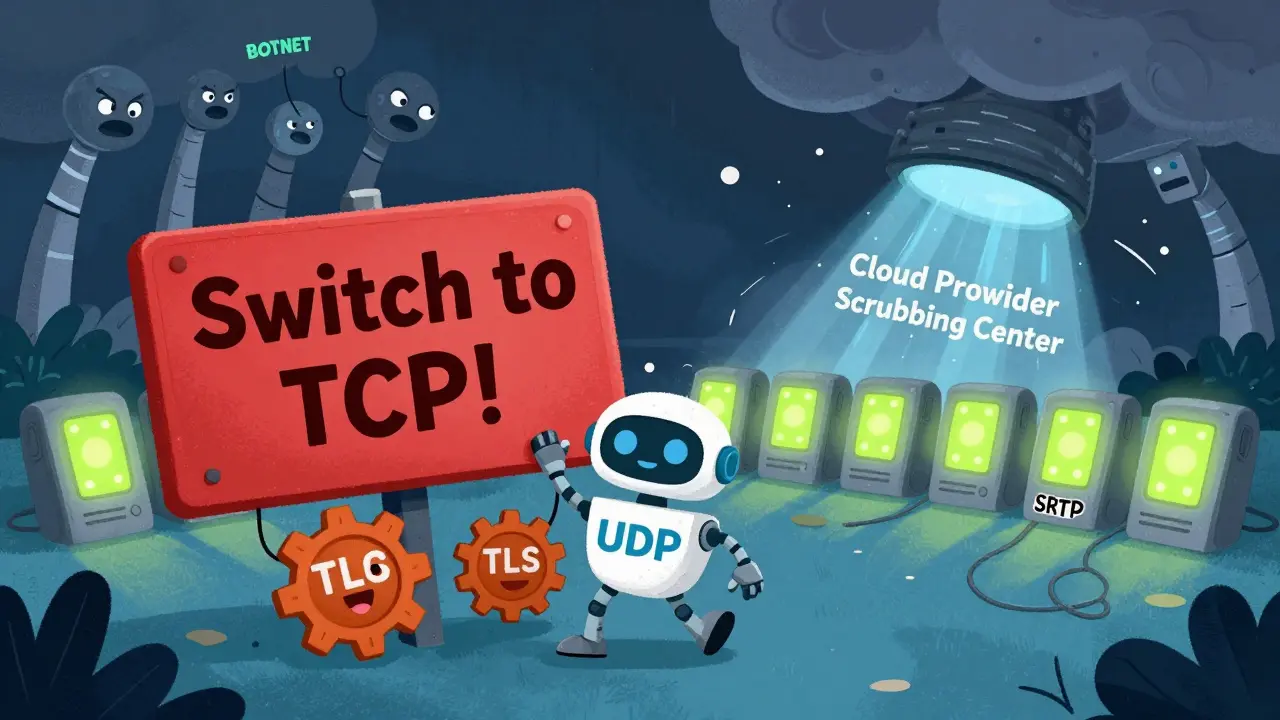
2. Switch from UDP to TCP for SIP
UDP is fast but doesn’t verify connections. TCP requires a handshake before data flows. That extra step blocks most automated floods. Ribbon Communications recommends migrating SIP transport from UDP to TCP wherever possible. Microsoft Teams Direct Routing and Operator Connect now require TCP + TLS for this exact reason.
3. Enable TLS and SRTP Encryption
TLS encrypts SIP signaling. SRTP encrypts the voice stream. Encryption doesn’t stop floods, but it stops attackers from hijacking or manipulating calls. It also prevents attackers from using your system for toll fraud-another common side effect of weak VoIP security.
4. Implement Rate Limiting and Priority Policing
Not all traffic is equal. Your SBC or router should prioritize authenticated users. For example:
- Limit SIP requests to 5 per second per IP address.
- Give priority to calls from your company’s known IP ranges.
- Throttle or block unknown sources after 3 failed attempts.
Walden University research shows this approach lets legitimate calls get through even during high-volume attacks. Attackers can’t overwhelm the system because their traffic is throttled at the edge.
5. Partner with a VoIP Provider That Includes DDoS Protection
Managing your own VoIP infrastructure is expensive and risky. Many cloud VoIP providers-like RingCentral, Vonage, and Nextiva-include built-in DDoS mitigation. Their networks have scrubbing centers that absorb millions of attack packets before they reach your business. Some even use machine learning to detect attack patterns in real time.
If your provider doesn’t mention DDoS protection in their service specs, assume they don’t offer it. Ask for documentation. If they can’t provide it, switch.
What Most Companies Miss: Monitoring and Alerts
You can’t stop what you don’t see. Set up real-time monitoring for:
- SIP request spikes (more than 200 requests/second from one IP)
- RTP packet volume (sudden increase in media traffic with no call setup)
- Port scan alerts (multiple connection attempts to SIP/RTP ports)
Use tools that send alerts to your IT team before the system slows down. Some systems can auto-trigger mitigation-like temporarily blocking a source IP-when thresholds are crossed. Don’t wait for customers to call you about dropped calls.
Don’t Forget the Basics
Even the best technical defenses fail if the basics are ignored:
- Update firmware on all VoIP phones and gateways. Outdated devices have known vulnerabilities attackers exploit.
- Use strong passwords and enable multi-factor authentication (MFA) for admin accounts.
- Disable unused ports and services on your network devices.
- Train staff to recognize vishing (voice phishing) calls. Attackers often use social engineering to get access credentials.
- Test your backup plan. If your main VoIP system goes down, do you have a secondary provider or mobile failover?
Real-World Impact: What Happens When You’re Unprepared
In 2023, a mid-sized law firm lost 14 hours of operations after a DDoS attack on their VoIP system. Clients couldn’t reach them. Emergency calls went unanswered. One case deadline was missed because the client couldn’t confirm a document signature over the phone. The firm had a firewall and antivirus-but no SBC, no SIP rate limiting, and no monitoring. Recovery cost over $87,000 in lost business and legal fees.
That’s not rare. NoJitter reports that DDoS is now the #1 attack vector targeting VoIP providers. Attackers know voice systems are critical-and often poorly protected.
Final Checklist: Are You Protected?
Answer these questions honestly:
- Do you have an SBC between your VoIP system and the internet?
- Is SIP transport running on TCP instead of UDP?
- Are SIP and RTP traffic encrypted with TLS and SRTP?
- Do you have rate limiting on SIP requests per IP?
- Is your VoIP provider offering built-in DDoS protection?
- Do you get alerts for SIP/RTP traffic spikes?
- Have you updated VoIP device firmware in the last 90 days?
If you answered ‘no’ to two or more, you’re at high risk. Fixing this isn’t about buying expensive gear-it’s about using what you already have the right way. Start with the SBC. Add encryption. Switch to TCP. Monitor traffic. You don’t need a cybersecurity team to make these changes.
Can a regular firewall stop a DDoS attack on VoIP?
No. Regular firewalls are designed for web traffic and malware detection. They can’t distinguish between real SIP calls and flood attacks because both use the same protocols. You need a VoIP-specific Session Border Controller (SBC) that understands SIP and RTP traffic patterns to effectively block these attacks.
What’s the difference between SIP flood and RTP flood?
A SIP flood targets the signaling layer-sending fake call setup requests to overload your server. An RTP flood targets the media layer-flooding your network with fake voice packets that consume bandwidth. SIP floods prevent calls from being established. RTP floods let calls start but make them unusable due to lag or silence.
Why is UDP a problem for VoIP security?
UDP is fast but connectionless-it doesn’t verify the sender. Attackers can easily spoof IP addresses and send millions of fake SIP or RTP packets without being traced. Switching to TCP for SIP transport adds a handshake that blocks most automated attacks, making it a critical security upgrade.
Should I use a cloud VoIP provider for better DDoS protection?
Yes-if they offer it. Leading cloud VoIP providers like RingCentral, Vonage, and Nextiva have global scrubbing centers that absorb DDoS traffic before it reaches your business. They also use machine learning to detect attack patterns. If your provider doesn’t mention DDoS protection in their documentation, they likely don’t provide it.
How can I tell if my VoIP system is under attack?
Watch for sudden drops in call quality, inability to make or receive calls, or spikes in SIP requests (over 200 per second from one IP). Many SBCs and network monitors alert you to these patterns. If your call logs show hundreds of failed registrations from unknown numbers, you’re likely being targeted.
Is encryption like TLS and SRTP enough to stop DDoS?
No. Encryption protects against eavesdropping and call hijacking, but it doesn’t reduce traffic volume. A DDoS attack floods your network with data-encrypted or not. You still need rate limiting, SBC filtering, and traffic prioritization to maintain service during an attack.
Next Steps: What to Do Today
Don’t wait for an attack to happen. Here’s your action plan:
- Check your VoIP provider’s security page. Do they mention DDoS protection? If not, ask.
- Log into your SBC or VoIP gateway. Is SIP transport set to TCP? If it’s UDP, change it.
- Enable TLS for SIP and SRTP for media. These are usually one-click settings.
- Set up rate limiting: allow no more than 5 SIP requests per second per IP.
- Enable alerts for SIP spikes or unusual RTP traffic.
- Update firmware on all phones and gateways.
These steps take less than a day to implement. The cost? Often zero if you’re using modern equipment. The payoff? Your phone system stays up when it matters most.