Every time a customer calls your business, it’s not just a phone ring-it’s a signal. Maybe they’re frustrated. Maybe they’re ready to buy. Or maybe they’ve hit a wall with your app and just want someone to fix it. Tracking call volume isn’t about counting numbers. It’s about understanding what those numbers mean for your team, your customers, and your bottom line.
What Exactly Is Call Volume Analysis?
Call volume analysis is the practice of measuring how many incoming and outgoing calls your business handles over time. It’s not just total calls. It’s broken down by hour, day, week, and reason. Did 300 people call about billing errors last Tuesday? That’s a red flag. Did outbound sales calls spike after a product launch? That’s an opportunity. This isn’t new. Back in the 1940s, engineers at Bell System built the first models to predict how many calls a switchboard could handle. Today, we use the same math-Erlang C formulas-to figure out how many agents you need on shift. But now, we’ve got real-time dashboards, AI predictions, and integrations with CRM systems like Salesforce and Zendesk. The goal? Reduce wait times, cut abandoned calls, and turn call volume into actionable insight-not just a number on a screen.Key Metrics That Actually Matter
Not all call data is created equal. Here’s what you should be tracking, and why:- Call Volume per Time Period - Hourly, daily, weekly trends. If your calls jump 40% every Monday morning, you need more staff then. Simple.
- Average Handle Time (AHT) - The average length of a call, including hold and after-call work. In SaaS, it’s around 6.7 minutes. If yours is 10, something’s wrong-either agents are untrained, or your knowledge base is outdated.
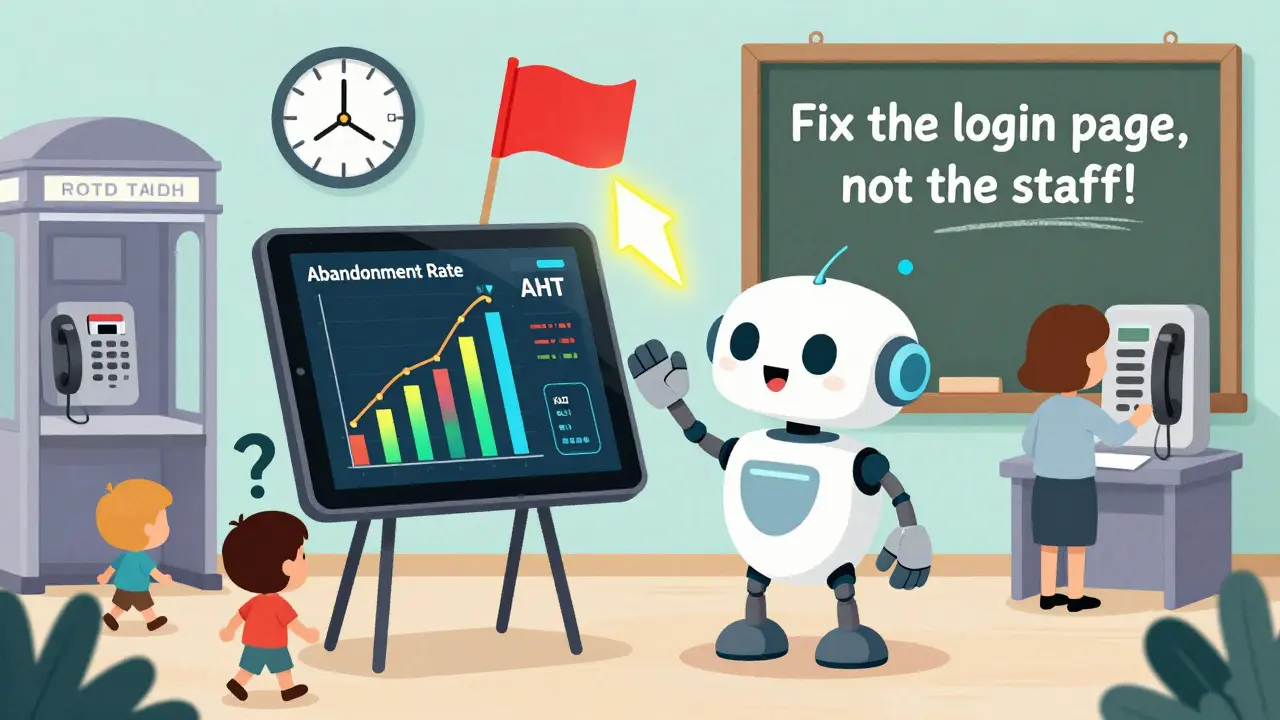
- Call Volume by Category - Group calls by reason: billing, technical issues, returns, account changes. If 60% of your inbound calls are about login problems, fix the login page. Don’t hire more agents.
- Abandonment Rate - How many people hang up before speaking to someone. Industry standard? Under 5%. If you’re at 12%, customers are walking away. That’s lost revenue.
- Peak Hours - When are you busiest? 9-11 AM? 3-5 PM? Schedule staff accordingly. No point having 15 agents at midnight when only 3 calls come in.
- Outbound Call Success Rate - How many of your follow-up or sales calls actually connect? If you’re dialing 100 numbers and only 20 answer, you’re wasting time and money.
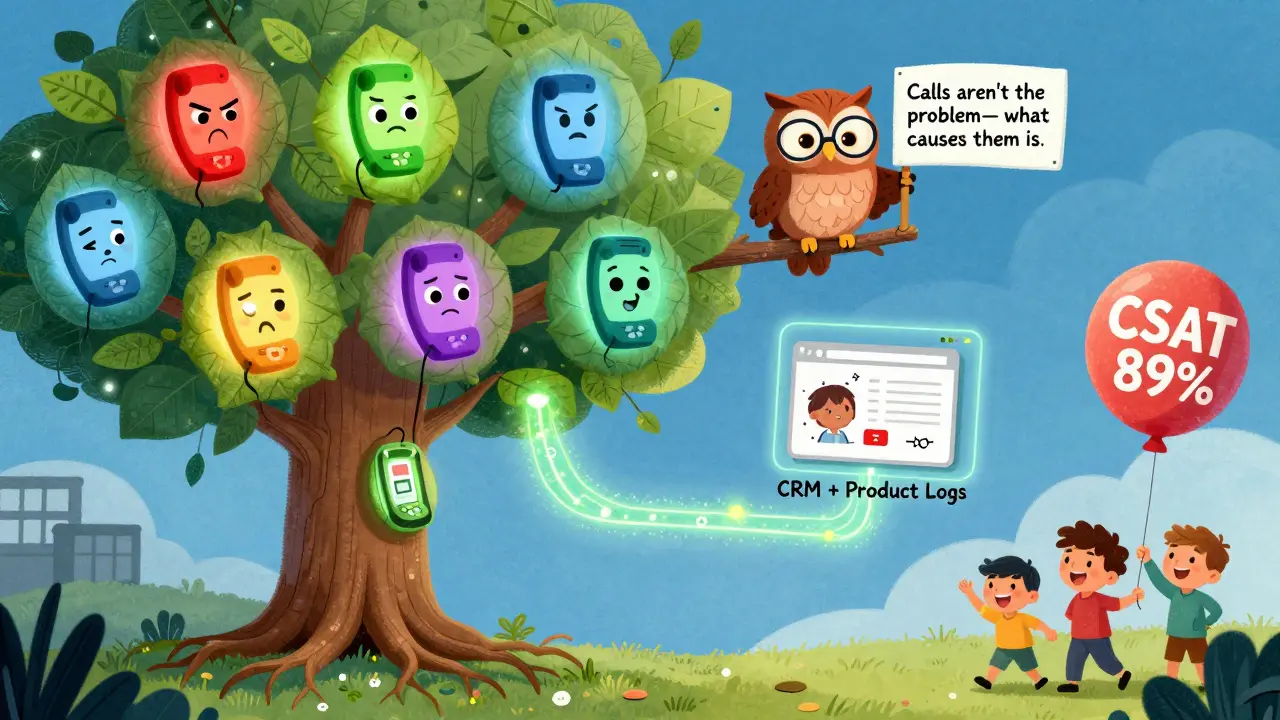
One contact center manager in Exeter reduced her team’s average wait time from 4.2 minutes to 1.7 minutes just by aligning staff shifts with peak call times. Her CSAT jumped from 78% to 89% in six months. That’s not magic. That’s data.
Why Outbound Calls Are Just as Important as Incoming
Most people think call volume = incoming calls. But outbound calls tell their own story. Are you calling customers to check in after a support ticket? That’s proactive service. Are you calling to upsell? That’s sales. Are you calling to confirm appointments? That’s operations. But here’s the catch: if you’re blasting outbound calls without context, you’re spamming. And customers hate that. The best teams link outbound calls to CRM data. For example: if a customer downloaded a pricing page but didn’t sign up, send a call within 24 hours-not a generic voicemail. If someone reported a bug and hasn’t been contacted in 48 hours, trigger an outbound follow-up. One financial services company cut abandonment rates from 12.7% to 4.3% by offering a callback option instead of making people wait on hold. That’s not just better service-it’s better economics.How to Predict Call Volume (Without Guessing)
Guessing when your call volume will spike is expensive. You either overstaff and waste money, or understaff and frustrate customers. Predictive analytics changes that. Tools like Balto, Tethr, and Five9 use historical data to forecast call volumes with 85%+ accuracy by 2026, according to Gartner. Here’s how it works:- Collect at least 90 days of historical call data. Include holidays, product launches, and system outages.
- Feed it into an AI model that looks for patterns: “Every time we release a new feature, calls about setup jump 200%.”
- Set alerts for anomalies. If your call volume suddenly spikes 50% without a known trigger, the system flags it-maybe your website is down.
One healthcare center struggled with forecasting accuracy at just 63% until they refined their model with three months of data. After that, accuracy hit 87%. The difference? They stopped treating every month the same. They started accounting for open enrollment season-when call volumes jump 22%.
What Happens When You Ignore Call Volume?
Ignoring call volume isn’t neutral. It’s costly. A major telecom company reduced call volume by 22% by tightening their IVR menu. Sounds good, right? But customers couldn’t find help. Their customer satisfaction (CSAT) dropped 15 points. Why? They cut calls without improving self-service. Forrester found that companies focusing only on reducing call volume see 18% higher customer frustration. That’s because call volume isn’t the enemy. Poor service is. If your customers are calling because your app crashes, fix the app. If they’re calling because your billing statement is confusing, redesign it. Call volume analysis helps you find those root causes.Technology You Need to Make This Work
You can’t do this with spreadsheets anymore. You need tools that talk to each other.- Cloud Contact Center Platforms - Five9, Genesys, Cisco, and Amazon Connect are the big players. Five9 leads with 24.7% market share. All offer real-time dashboards and AI forecasting.
- CRM Integration - Your call system must connect to Salesforce (v242+), Microsoft Dynamics 365 (2022 wave 2), or Zendesk (Suite 6.0). Otherwise, you’re flying blind.
- Bandwidth & Uptime - Plan for at least 100 Mbps per 50 agents. And demand 99.99% uptime. If your system crashes during a spike, you lose trust.
- Compliance - GDPR and CCPA require you to document how you store and use call data. TCPA limits outbound calling hours. Don’t ignore this.
Small businesses often skip this step. They use basic VoIP systems without analytics. Big mistake. WellReceived’s 2023 survey found that 60% of business calls go unanswered-especially among small businesses, where abandonment rates hit 8.2%. That’s more than double enterprise levels.
Implementation: What to Expect
If you’re setting this up for the first time, here’s the reality:- Timeline - Medium-sized teams (50-200 agents) usually take 6-8 weeks. Legacy system users? 10-14 weeks.
- Skills Needed - Basic SQL to pull data, understanding of statistics (trends, averages), and familiarity with your CRM.
- Training - Five9 users report an 8-12 week learning curve. Don’t rush it. Train your supervisors first.
- Initial Accuracy - Don’t expect 90% forecasts right away. Start with historical data. Refine over time.
Best practice: Start with one goal. Reduce abandonment rate. Or cut AHT by 10%. Don’t try to fix everything at once.
The Bigger Picture: Call Volume and Customer Experience
Call volume isn’t a KPI. It’s a mirror. When call volume spikes, it’s telling you something about your product, your website, your pricing, or your communication. McKinsey found that 70% of buying decisions are based on how customers feel they’re treated. If your customers are calling because they’re confused, you’re not just losing time-you’re losing trust. The best companies don’t just track call volume. They connect it to other data:- Product usage logs - Are users hitting the same error screen repeatedly?
- Website heatmaps - Are people clicking the same button 10 times?
- Churn signals - Do calls spike right before someone cancels?
Bain & Company found that companies spotting these patterns before churn happen see 5% higher retention-and that can boost profits by 25% to 95%.
What’s Next? AI, Predictions, and the End of Guesswork
By 2026, 70% of contact centers will use AI to predict call volume with 85% accuracy. Genesys already combines call volume with real-time sentiment analysis. So if 200 calls come in and 80% of them sound angry, the system flags it before managers even check the dashboard. SaaS companies are leading the charge. By Q3 2025, 68% plan to link call volume data directly to product analytics. That means if your app’s new feature causes 500 support calls, you’ll know within hours-not weeks. But here’s the warning: 43% of contact centers still have data silos. Call data sits in one system. CRM in another. Product logs in a third. Without integration, you’re just collecting noise. The future belongs to teams that don’t just count calls-but understand why they happen.What’s a good call volume target for a small business?
There’s no universal target-it depends on your team size and industry. But a good rule of thumb: aim for under 8.2% abandonment rate (the average for small businesses) and keep average handle time under 7 minutes. Focus on reducing unnecessary calls by improving your website, FAQs, and self-service tools.
How often should I review call volume data?
Check daily for trends, especially during product launches or marketing campaigns. Do a full review weekly to adjust staffing. Monthly, look at patterns tied to seasons, holidays, or product updates. If you’re using AI forecasting, let it run for at least 90 days before trusting its predictions.
Can call volume analysis reduce my staffing costs?
Yes-if you use it right. Instead of hiring 20 agents every day, you can schedule 15 during quiet hours and 25 during peaks. One company cut overtime costs by 30% by aligning shifts with predicted spikes. But don’t reduce staff just to lower call volume. Fix the root causes instead.
What’s the difference between call volume and call center occupancy?
Call volume is the total number of calls received or made. Occupancy is how busy your agents are while on calls. You can have high call volume but low occupancy if calls are short. Or low call volume but high occupancy if agents are stuck on long, complex calls. Both matter, but occupancy tells you if your team is overloaded.
Is call volume analysis only for big companies?
No. Even small teams benefit. You don’t need Five9 or Genesys. Tools like RingCentral and Nextiva offer basic analytics for under $50/month. Start simple: track daily call counts, identify your busiest hour, and add one extra person during that time. That’s all it takes to see a big difference.
Next Steps: Where to Start Today
1. Grab your last 30 days of call data. Even if it’s from Excel or your VoIP provider’s basic report. 2. Count how many calls came in vs. went out. Look for patterns. Are more calls coming in on Mondays? 3. Find your top 3 call reasons. Are people calling because of a broken feature? A confusing invoice? Fix that first. 4. Set one goal. Reduce abandonment rate to under 8%. Or cut average handle time by 1 minute. 5. Try a free tool. RingCentral, Aircall, or Dialpad offer free analytics dashboards. See what your data looks like.You don’t need a $100,000 system to start. You just need to stop guessing-and start listening.