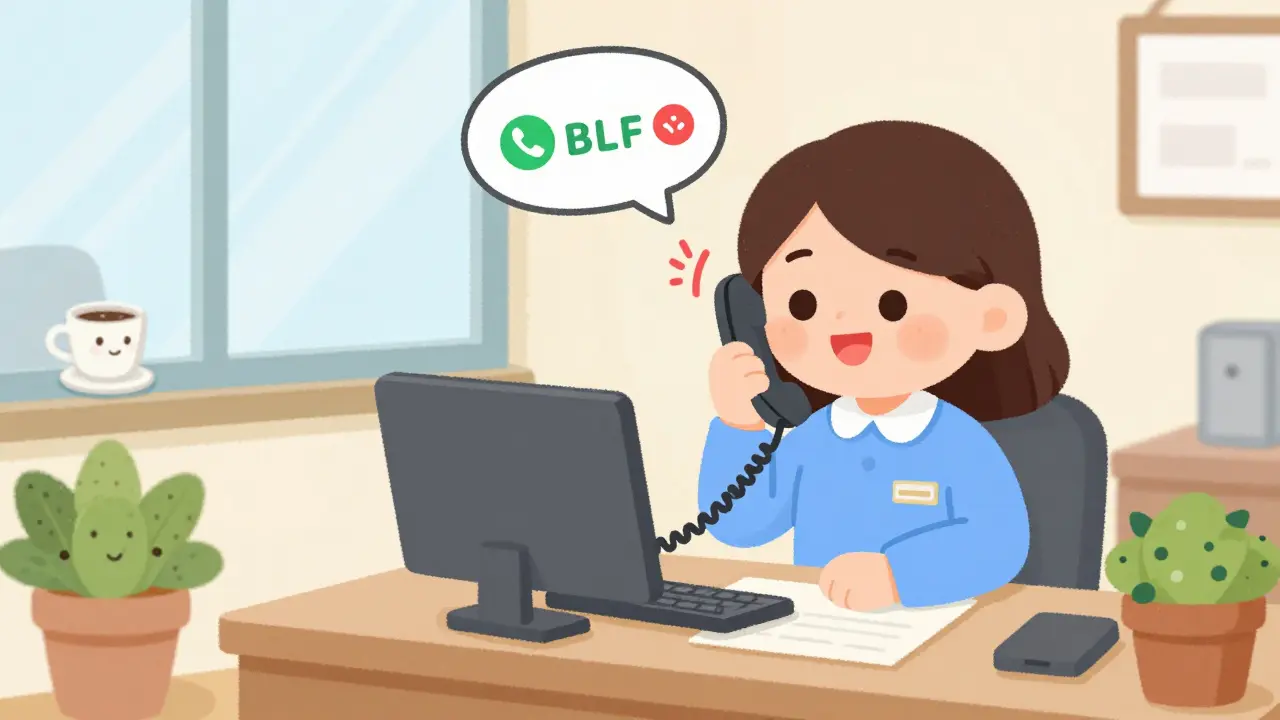
Ever been stuck on hold because you didn’t know if your coworker was even at their desk? You dial their extension, wait for an answer, and after five rings, you realize they’re in a meeting-or worse, stepped away for coffee. That’s where Busy Lamp Field (BLF) comes in. It’s not a fancy term. It’s a simple, powerful feature built into most modern VoIP phone systems that lets you see at a glance whether someone is free, on a call, or ringing. No guesswork. No interruptions. Just clear, real-time status updates right on your desk phone or softphone.
What Exactly Is BLF?
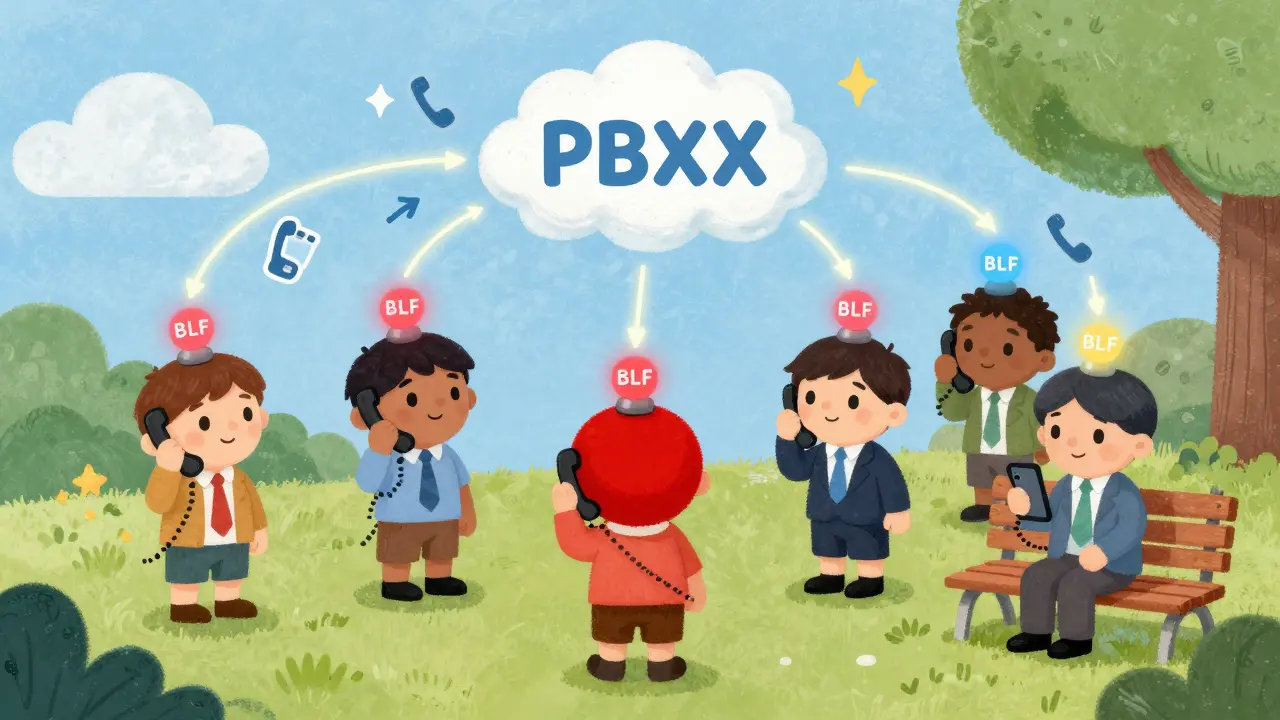
BLF stands for Busy Lamp Field. It’s a visual indicator-usually a small LED light or colored button-on your IP phone that shows the current status of another extension in your system. Think of it like a traffic light for your office phone lines. Green means available. Red means busy. Flashing red means someone’s phone is ringing and no one’s picking up. You don’t need to call, email, or walk over to find out. The light tells you.
BLF works through SIP (Session Initiation Protocol), the backbone of most VoIP systems. Your phone subscribes to status updates from the PBX. When someone picks up a call, logs out, or gets a new incoming call, the PBX sends a quick signal to your phone. Within a second, your BLF button changes color. It’s automatic, silent, and reliable.
How BLF Works in Real Life
Let’s say you’re a receptionist at a mid-sized company. You’ve got 12 BLF buttons on your phone, each assigned to a different person: the sales manager, the HR rep, the IT guy, the CFO. Normally, when a caller asks for the sales manager, you’d have to dial their extension, wait for an answer, and if they don’t pick up, you’d try again-or worse, put the caller on hold while you check their calendar or send a Slack message.
With BLF, it’s different. You glance at your phone. The button for the sales manager is flashing red. That means someone just called them, and they haven’t answered yet. You press the button. The call instantly transfers to you. You answer: “Hi, this is Sarah from reception. I’m helping with your call about pricing.” No hold time. No confusion. No wasted minutes.
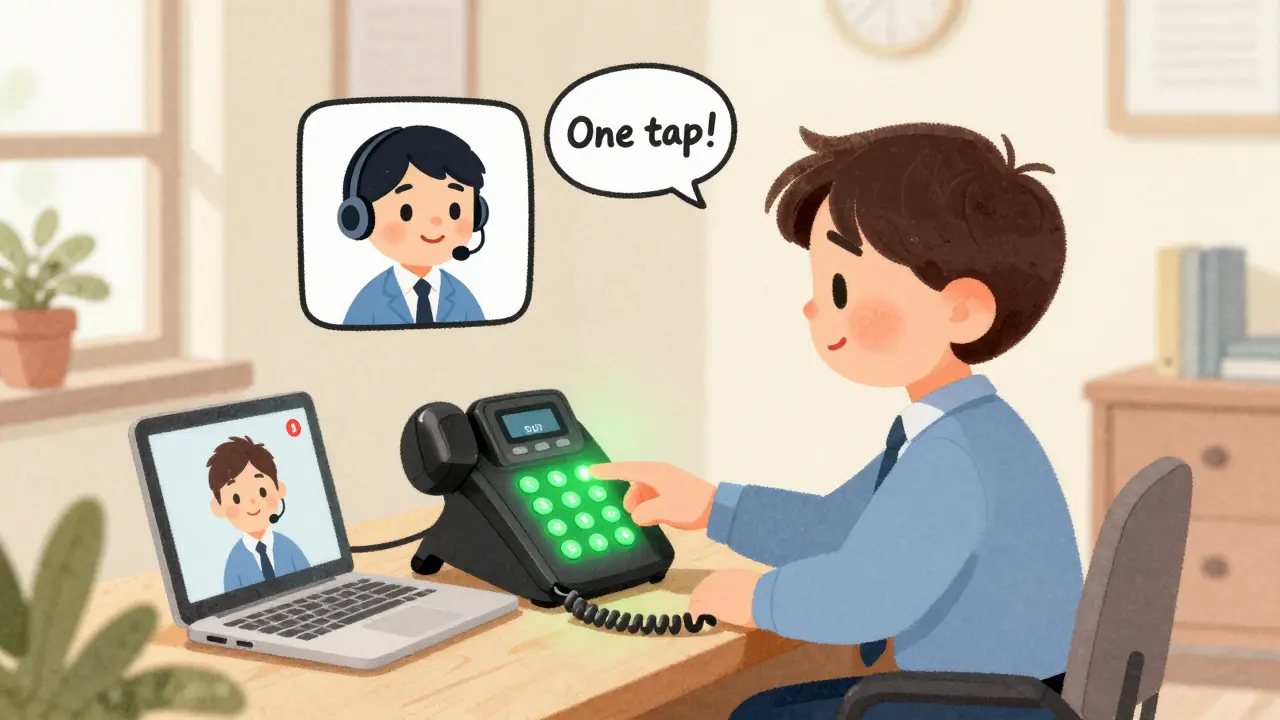
Or imagine you’re a sales rep. A customer is asking for technical support. You don’t know if the support team is free. You check your BLF button for the support desk. It’s solid green. Perfect. You press the button and transfer the call in one tap. No need to say, “Let me check if they’re available.” They are. You know it. You act on it.
Color Codes and Light Patterns
Every phone brand handles BLF lights a little differently, but most follow a standard pattern:
- Green (solid) = Extension is idle and available
- Red (solid) = Extension is currently on a call
- Red (flashing) = Incoming call is ringing but unanswered
- Off or gray = Extension is logged out, not registered, or not monitored
Some systems, like Yealink or snom phones, use blinking patterns to show if a call is being forwarded or if the person is on a video call. Others, like Poly or Cisco phones, might use different shades of green or red. The key is consistency within your system. Once you learn your phone’s pattern, you’ll read it like a language.
BLF Isn’t Just a Light-It’s a Button
Here’s the best part: each BLF button doubles as a speed dial. Press a green light? You’re calling that person. Press a flashing red light? You’re picking up their incoming call. Press a solid red light? You’re calling them while they’re on another call-useful if you need to interrupt or if it’s urgent.
This makes BLF more than a status tool. It’s a workflow accelerator. Receptionists use it to handle overflow calls. Managers use it to delegate tasks without interrupting. Customer service teams use it to balance load across agents. Even remote workers benefit-if their mobile app is synced with the PBX, they’ll see the same BLF indicators on their phone or laptop.
Who Benefits Most from BLF?
Not every team needs BLF. But these teams? They depend on it:
- Receptionists - They’re the first line of defense. BLF lets them route calls without asking, “Is John in?”
- Executive assistants - They manage their boss’s calendar and calls. BLF tells them when to answer, when to transfer, and when to let it go to voicemail.
- Sales teams - They need to hand off technical questions fast. BLF cuts transfer time from 30 seconds to one tap.
- Customer support centers - When one agent is swamped, BLF helps others jump in. No more “I’ll have to call you back.”
- Remote teams - If your mobile app shows BLF status, you know whether your teammate is available even if they’re in Tokyo or Toronto.
Even small businesses with just five employees see a drop in missed calls and a rise in customer satisfaction. One company in Raleigh switched to BLF-enabled phones and cut average call handling time by 42% in three weeks.
Setting Up BLF: What You Need
BLF isn’t magic. It needs configuration. But it’s not hard. Most modern VoIP systems-3CX, Vonage, Yeastar, Cisco, and others-support it out of the box. Here’s what you need:
- An IP phone that supports BLF (sno, Yealink, Fanvil, Poly, and Cisco models all do)
- A VoIP PBX that can send presence updates (most cloud PBXs do)
- Access to your PBX admin panel to assign which extensions to monitor
You don’t need to buy new phones if yours already has programmable buttons. Just log into your PBX, pick the extensions you want to monitor, and assign them to a button on each phone. You can set up BLF for your whole team in under 15 minutes.
Some systems let you monitor up to 50 extensions on one phone. That’s useful for large call centers or departments with dozens of users. Others limit it to 10-20. Check your phone’s specs. But even 5 BLF buttons can transform how your team handles calls.
BLF vs. Other Status Tools
You might be thinking: “Why not just use Slack or Teams status?”
Because those tools are unreliable. Someone might set their status to “Available” even if they’re in a meeting. Or they forget to change it. Or they’re on a Zoom call and don’t realize their status is still green.
BLF doesn’t lie. It shows the actual state of the phone line. If the phone is ringing, it flashes. If the phone is in use, it stays red. No manual updates. No guesswork. It’s tied directly to the phone system itself. That’s why it’s trusted in call centers, hospitals, and law firms where every second counts.
Why BLF Still Matters in 2026
With remote work, hybrid teams, and mobile apps, people assume we’ve moved past old-school phone features. But BLF hasn’t been replaced-it’s been upgraded. Modern VoIP systems now sync BLF status to mobile apps, desktop clients, and even smart speakers. You can see your coworker’s status on your laptop while working from home. Or get a notification on your phone if your boss’s line is ringing.
It’s not about nostalgia. It’s about efficiency. BLF removes friction from communication. It cuts down on wasted time. It reduces stress for staff who used to chase down colleagues. And it improves customer experience by making transfers seamless.
Companies that ignore BLF are still operating like they’re stuck in 2010. The tools are here. The tech is proven. The savings are real.
Can BLF work with mobile phones?
Yes. Many modern VoIP systems, like Vonage, 3CX, and Yeastar, sync BLF status to mobile apps. When your office extension is ringing or busy, your smartphone app shows the same color-coded indicator. This means remote workers and field staff can see colleague availability just like they’re in the office. It’s part of fixed-mobile convergence-a key feature in today’s hybrid workplaces.
Do I need special phones for BLF?
Not necessarily. Most IP phones from Yealink, snom, Fanvil, Poly, and Cisco have programmable buttons that support BLF. You don’t need expensive models. Even entry-level phones like the Yealink T22P or Cisco CP8961 include BLF support. Just make sure your PBX supports SIP presence and you have admin access to configure the extensions.
Can BLF monitor more than one person at a time?
Absolutely. A single phone can monitor up to 50 extensions, depending on the model and PBX. Most businesses use 5-15 BLF buttons per phone, assigned to key team members: managers, support staff, sales reps, and assistants. You can customize which lines appear on each phone based on role and workflow.
Is BLF only for internal calls?
No. BLF can monitor internal extensions, external lines, or even group lines like “Sales Department” or “Support Desk.” Some systems let you assign a BLF button to a hunt group or ring group, so you can see if any member of the group is available. This is especially useful for departments with shared responsibilities.
Can I use BLF without a PBX?
No. BLF requires a SIP-enabled PBX to send presence updates to your phone. It won’t work with basic VoIP services or consumer-grade apps like Zoom Phone or Google Voice unless they include advanced PBX features. If you’re using a cloud VoIP provider, check if they support SIP presence and BLF configuration. Most business-grade providers do.
Next Steps: How to Get Started
If your team is still guessing who’s available, it’s time to turn on BLF. Start here:
- Check your VoIP provider’s documentation for BLF support.
- Identify the top 5-10 extensions your team needs to monitor (e.g., managers, support, sales).
- Assign those extensions to programmable buttons on your IP phones.
- Train your team on the color codes and how to use the buttons.
- Test it. See how much faster calls get routed.
It takes less than a day to set up. The payoff? Fewer dropped calls, less frustration, and better customer service. That’s not just a feature. That’s a game-changer.