
There is nothing more frustrating than mid-sentence silence. You are explaining a critical project detail to a client, the conversation flows smoothly for ten minutes, and then-nothing. Just dead air. The call has dropped. In traditional landline systems, this was rare. In Voice over Internet Protocol (VoIP), which converts voice into digital data packets sent over your internet connection, it happens far too often.
Dropped calls are not just annoying; they damage professional credibility and disrupt business operations. According to industry leaders like Vonage, these drops are fundamentally caused by packet loss, where data packets fail to reach their destination during transmission. Unlike standard web browsing, where a missing image pixel goes unnoticed, a missing voice packet can break the entire audio stream, causing the system to terminate the session.
To fix this, you need to understand that VoIP relies on a delicate balance of speed, stability, and protocol efficiency. This guide breaks down exactly why your calls drop and provides actionable steps to prevent it, from adjusting router timeouts to implementing Quality of Service (QoS) rules.
The Technical Root Cause: Packet Loss and UDP Timeouts
At the core of every dropped VoIP call is a failure in data delivery. When you speak, your device chops your voice into tiny chunks called packets. These travel across the internet to the recipient’s device, which reassembles them into sound. If too many packets are lost, or if they arrive out of order, the call quality degrades. If the loss is severe, the call drops entirely.
A major culprit is the protocol used to send these packets: User Datagram Protocol (UDP) is a lightweight communication protocol that prioritizes speed over reliability. Nextiva points out that while UDP is faster than TCP (Transmission Control Protocol), it lacks error-checking capabilities. It does not wait for confirmation that packets arrived. If a firewall detects suspicious UDP traffic, it may silently block it, leading to unexpected call terminations.
Another technical issue involves SIP Timers (Session Initiation Protocol timers) designed to keep connections alive by sending periodic refresh requests. TEC notes that faulty SIP timers sometimes fail to detect connection failures immediately. Typically, these timers send INVITE or UPDATE requests every 10-15 minutes. If the timer is misconfigured or the network blocks these keep-alive signals, the endpoint assumes the other party has hung up and disconnects the call prematurely.
| Cause | Mechanism | Impact on Call |
|---|---|---|
| Packet Loss | Data packets fail to reach destination due to congestion or errors | Audio gaps, eventual disconnection |
| UDP Timeout | Routers/firewalls close idle UDP connections after a set time | Sudden drop during long calls |
| SIP Timer Failure | Keep-alive signals blocked or misconfigured | Premature termination despite active speech |
| Jitter | Inconsistent delay in packet arrival times | Robotic voice, choppy audio, potential drop |
Bandwidth Bottlenecks and Network Congestion
Even if your protocols are perfect, insufficient bandwidth will kill your calls. RingCentral specifies that VoIP systems require a minimum of 80-100 kilobits per second (Kbps) per concurrent call to maintain high-quality audio. If multiple employees are on calls simultaneously, or if someone starts downloading a large file, the available bandwidth shrinks rapidly.
Think of your internet connection as a highway. Voice data needs a dedicated lane. If that lane gets clogged with video streaming, cloud backups, or large software updates, voice packets get stuck in traffic. This leads to latency (delay) and jitter (variation in delay). When jitter exceeds acceptable thresholds, the VoIP system cannot reconstruct the audio stream in real-time, resulting in a drop.
Peak-time congestion is particularly problematic. During morning stand-ups or end-of-day wrap-ups, network usage spikes. Without proper management, these peaks cause temporary but frequent call drops. Monitoring tools from providers like Blue Ridge Technology can track latency, jitter, and packet loss metrics to identify these bottlenecks before they become chronic issues.

Hardware and Connection Stability: Wired vs. Wi-Fi
The physical layer of your network plays a huge role in call stability. Many businesses rely on Wi-Fi for desk phones, assuming convenience equals performance. However, Wi-Fi signals are susceptible to interference from microwaves, Bluetooth devices, thick walls, and even neighboring networks. A weak signal doesn’t just slow things down; it causes intermittent packet loss that manifests as dropped calls.
Nextiva strongly recommends using Power over Ethernet (PoE) switches to hardwire IP phones directly to the network. PoE delivers both data and electrical power through a single Ethernet cable. This eliminates Wi-Fi interference entirely and ensures consistent connectivity. Even during minor electrical fluctuations, a properly configured PoE switch can keep phones online longer than battery-powered wireless headsets.
If wiring isn’t an option, ensure your router is centrally located and uses modern standards like Wi-Fi 6. Older routers struggle to handle multiple simultaneous streams without dropping connections. Business-grade routers, as emphasized by RingCentral, are built to prioritize VoIP traffic and manage higher densities of connected devices without buckling under load.
Configuration Fixes: QoS, Firewalls, and Protocols
You don’t always need new hardware to stop dropped calls. Often, the solution lies in tweaking existing configurations. The most effective tool is Quality of Service (QoS) settings that prioritize voice traffic over less time-sensitive data. By tagging VoIP packets with a high priority label, you instruct your router to process them first, even when the network is congested. This ensures that voice data gets through while email downloads or video buffers wait their turn.
Firewall settings are another common trap. Many corporate firewalls aggressively block unknown ports to prevent security breaches. However, VoIP requires specific ports (like 5060 for SIP signaling) to remain open. Nextiva advises checking that firewalls, VPNs, or routers are not blocking access to critical VoIP ports. Additionally, look for SIP ALG (Application Layer Gateway) settings. While intended to help, SIP ALG often corrupts VoIP packets. Disabling SIP ALG on your router is a standard troubleshooting step recommended by most VoIP providers.
For persistent UDP timeout issues, consider switching your VoIP service to use TCP for transport. While slightly slower, TCP includes error-checking and acknowledgment mechanisms that make it more resilient against firewall interruptions. Some providers allow you to toggle between UDP and TCP at the account level. Contact your provider to see if increasing the UDP timeout duration or switching protocols is possible.
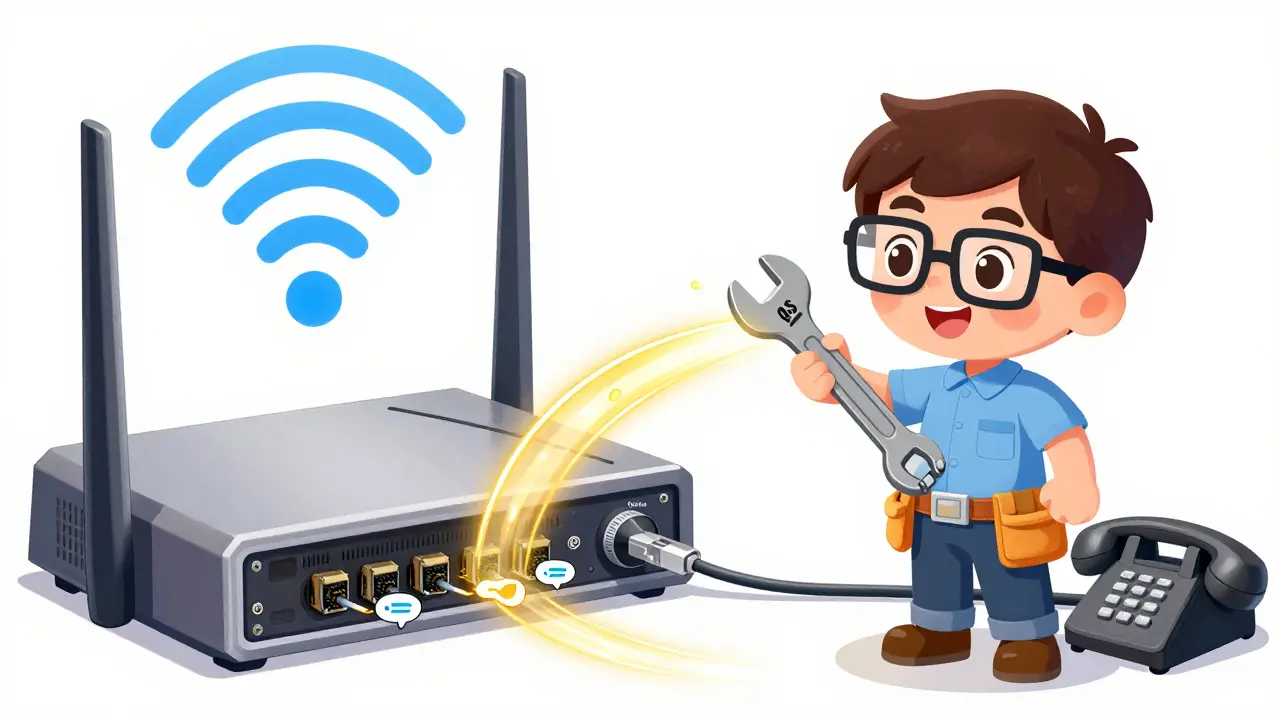
Troubleshooting Steps for Immediate Relief
When calls start dropping, act systematically. Here is a practical checklist based on guidance from Nextiva and Vonage:
- Power Cycle Your Devices: Restart your VoIP phone, router, and modem. This forces the phone to re-register with the VoIP server, clearing any stale sessions or registration timeouts.
- Test Wired Connections: Plug a laptop or IP phone directly into the router via Ethernet. If the drops stop, the issue is likely Wi-Fi interference or range.
- Check for Updates: Ensure your phone firmware and operating system are current. Vonage notes that outdated software can create incompatibilities with newer technologies like VoLTE or 5G handoffs.
- Monitor Bandwidth Usage: Use network monitoring tools to see if heavy uploads or downloads coincide with call drops. Limit non-essential bandwidth-heavy activities during peak call hours.
- Verify Firewall Rules: Confirm that necessary VoIP ports are open and that SIP ALG is disabled on your router.
Keep a log of when and where calls drop. Voiso recommends tracking frequency and location to provide concrete evidence to your IT team or VoIP provider. This data helps distinguish between local network issues and broader provider-side outages.
Provider-Level Interventions and Support
Sometimes the problem isn’t in your office-it’s in the cloud. VoIP providers manage the backend infrastructure that routes calls between endpoints. RingCentral identifies that some providers implement UDP timeouts at their level. If your internal fixes don’t work, contact your provider’s support team. Provide them with your call logs and timestamps.
Ask specifically about:
- Timeout configurations on their servers
- Known regional outages or maintenance windows
- Recommendations for bandwidth allocation based on your user count
If you are using a hybrid setup involving cellular fallback, ensure your SIM cards are active and compatible with current network standards. Voiso suggests requesting SIM replacements if signal strength remains poor despite strong Wi-Fi availability.
What is the minimum bandwidth required for VoIP calls?
RingCentral recommends a minimum of 80-100 Kbps per concurrent call for high-quality audio. For HD voice, requirements may be higher. Always ensure your total upload and download speeds exceed the sum of all active calls plus general office internet usage.
How does QoS prevent dropped calls?
Quality of Service (QoS) prioritizes voice traffic packets over other data types like emails or file downloads. By giving voice data a 'fast lane' on your network, QoS ensures that even during congestion, voice packets are transmitted first, reducing latency and packet loss.
Should I use UDP or TCP for VoIP?
UDP is the standard because it is faster and lighter, ideal for real-time audio. However, if you experience frequent drops due to firewall blocks, switching to TCP can improve reliability because it includes error-checking and connection verification, though it may add slight latency.
Why do my VoIP calls drop on Wi-Fi but not Ethernet?
Wi-Fi signals are prone to interference from walls, other electronics, and neighboring networks, causing packet loss and jitter. Ethernet cables provide a direct, shielded path for data, eliminating wireless interference and ensuring stable, consistent connectivity for voice traffic.
What is SIP ALG and should I disable it?
SIP ALG (Application Layer Gateway) attempts to inspect and modify SIP traffic passing through a firewall. It often corrupts the data, causing one-way audio or dropped calls. Most VoIP experts recommend disabling SIP ALG on your router to prevent these issues.