
Remember the last time you stared at a blank wall during a meeting? You had an idea, but explaining it in words felt like trying to describe a color to someone who couldn't see. Now imagine sketching that concept instantly while your team adds their thoughts in real-time. That is exactly what whiteboarding is a collaborative technique involving visual brainstorming on a physical or virtual canvas to capture ideas and illustrate concepts with diagrams and charts. It turns abstract thoughts into concrete visuals, making complex problems easier to solve together.
What Is Whiteboarding?
At its core, whiteboarding is about shared visual creation. Whether you are standing around a dry-erase board in an office or logging into a digital workspace from home, the goal remains the same: visualize ideas collectively. In 2026, this practice has shifted heavily toward digital platforms. Tools like online whiteboards allow teams to draw, write, and arrange ideas on a shared infinite canvas regardless of location. This digital evolution recreates the feeling of working together in person, even when participants are miles apart.
The magic happens through simultaneous contribution. Instead of taking turns speaking, everyone can add sticky notes, sketches, or text at the same time. This parallel processing speeds up ideation and ensures quieter team members have a voice. It transforms a linear conversation into a dynamic, multi-directional exchange of creativity.
Why Visual Collaboration Works Better
Human brains process visual information significantly faster than text. When you map out a workflow or cluster related ideas, you create a mental model that sticks. Traditional meetings often suffer from 'blank-page paralysis,' where no one wants to be the first to speak. A pre-prepared canvas with zones or templates removes this friction. For example, setting up columns labeled "went well," "could improve," and "action items" gives participants immediate direction.
Visuals also reduce ambiguity. A quick sketch of a user journey map clarifies assumptions better than three paragraphs of description. It allows the team to spot gaps, redundancies, or opportunities instantly. This clarity is crucial for problem-solving and project planning, as it aligns everyone’s understanding before any actual work begins.
Key Features of Modern Digital Whiteboards
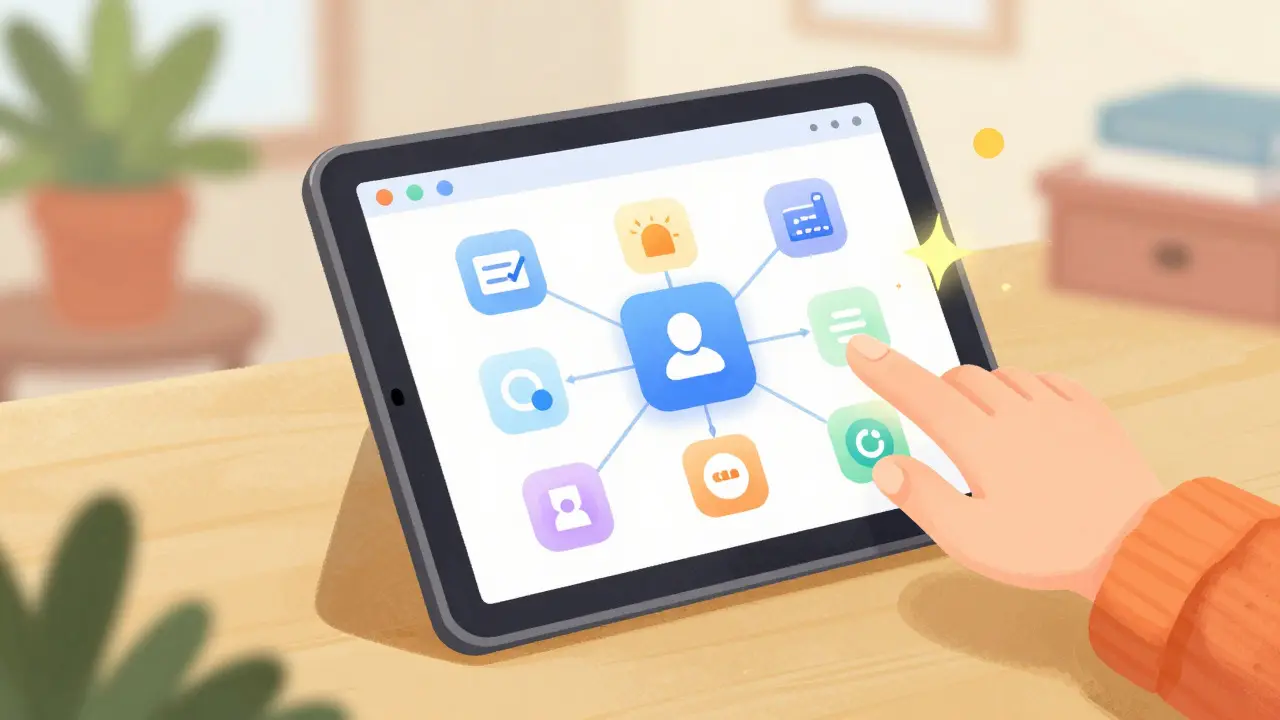
Digital whiteboarding tools have evolved far beyond simple drawing pads. Today’s platforms offer robust features designed to facilitate structured collaboration. Here is what you should look for:
- Infinite Canvas: Unlike physical boards, digital canvases expand as needed. You can zoom in on details or step back to see the big picture without running out of space.
- Real-Time Cursors: Seeing where others are pointing or drawing creates a sense of presence. It mimics the natural flow of in-person interaction.
- Sticky Notes & Templates: Pre-built frameworks for retrospectives, mind maps, or SWOT analyses save setup time and guide the session structure.
- AI Assistance: Newer tools use generative AI to convert natural language into flowcharts or automatically cluster similar sticky notes by theme. This speeds up organization and pattern recognition.
- Integration Capabilities: The best platforms connect with task managers like Jira, Asana, or Notion, turning brainstormed ideas into actionable tasks seamlessly.
| Platform | Best For | Key Differentiator | Pricing Model |
|---|---|---|---|
| Miro | Enterprise teams, agile workflows | Deep integrations, extensive template library | Freemium / Subscription |
| Figma FigJam | Designers, product teams | Seamless transition from whiteboard to design file | Free tier available |
| Microsoft Whiteboard | Microsoft 365 users | Tight integration with Teams and Office apps | Included in M365 licenses |
| Web Whiteboard | Quick, ad-hoc sessions | No sign-up required, instant access | Free |
| Canva Whiteboards | Marketing, content creation | Easy export to presentations and social posts | Freemium |
How to Run an Effective Whiteboarding Session
Having the right tool is only half the battle. Without structure, whiteboarding can devolve into chaos. Successful sessions require clear facilitation. Start by defining the purpose. Are you brainstorming new features, mapping a customer journey, or conducting a retrospective? The goal dictates the format.
Prepare the canvas beforehand. Add titles, instructions, and relevant templates. If you are doing a brainstorm, set rules like "one idea per sticky note" or "use red for problems, green for solutions." Clear instructions prevent confusion and keep everyone focused. Assign a facilitator whose job is to manage time, introduce activities, and summarize outcomes. This person doesn’t need to be the most senior; they just need to keep the energy moving.
Time-box each activity. Open-ended contribution windows lead to passive participation. Try saying, "You have three minutes to add your ideas." This creates urgency and focus. After the silent brainstorming phase, move to clustering and discussion. Group similar ideas together and vote on priorities. Finally, document the session. Export the board as a PDF or image, or record the video call. A whiteboard session that isn’t documented loses its value once the meeting ends.
Common Pitfalls to Avoid
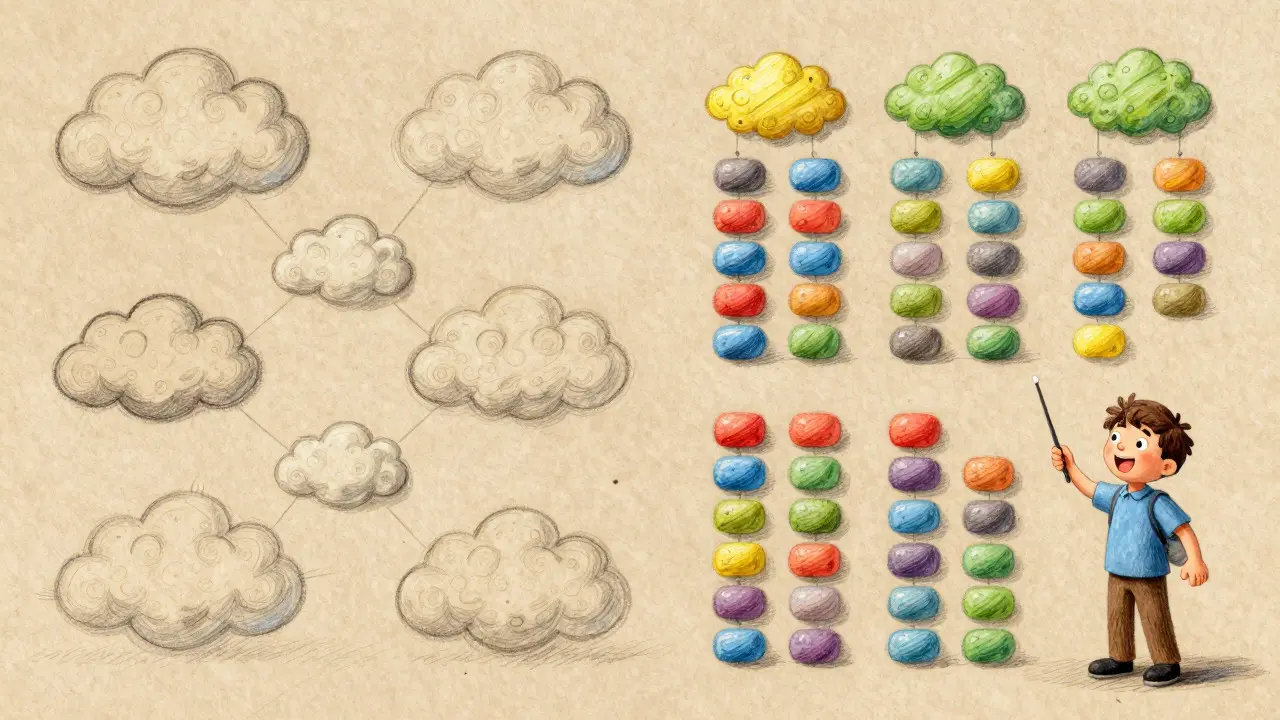
Even experienced teams make mistakes. One common error is overcrowding the canvas. Too many elements create visual noise, making it hard to find key insights. Encourage participants to be concise. Another pitfall is skipping the review phase. Don’t just dump ideas and leave. Take time to synthesize findings and assign next steps. Without follow-through, the session feels pointless.
Also, avoid forcing technology on reluctant users. If your team struggles with complex tools, start simple. Lightweight options like Web Whiteboard or Excalidraw offer low-friction entry points. Gradually introduce more advanced features as comfort grows. Remember, the tool serves the process, not the other way around.
Future Trends in Visual Collaboration
As we move through 2026, AI is reshaping whiteboarding. Generative models now help draft diagrams from text prompts, saving hours of manual drawing. AI-driven clustering identifies themes across hundreds of sticky notes instantly, highlighting patterns humans might miss. Expect deeper integration with productivity suites, making whiteboards the central hub for project initiation and planning.
Hybrid work continues to drive adoption. Teams split between offices and homes rely on digital whiteboards to maintain equal participation. The focus is shifting from standalone apps to cohesive ecosystems where whiteboarding connects directly with communication channels, task managers, and documentation tools. This seamless flow ensures ideas don’t get lost in translation.
Is whiteboarding only for creative teams?
No. While designers love it, engineers, marketers, HR departments, and executives use whiteboarding for problem-solving, process mapping, and strategic planning. Any team that benefits from visualizing complex information can use it effectively.
Do I need special software to whiteboard remotely?
Yes, digital whiteboard platforms are essential for remote collaboration. Options range from free, no-signup tools like Web Whiteboard to comprehensive suites like Miro or Microsoft Whiteboard. Choose based on your team’s size and integration needs.
How do I prevent my whiteboard from becoming messy?
Use frames or sections to organize different topics. Stick to a consistent layout. During the session, have a facilitator group related items and remove duplicates. Afterward, clean up stray elements and label clusters clearly before exporting.
Can I integrate whiteboard outputs into my project management tool?
Most modern platforms like Miro, FigJam, and Creately offer direct integrations with Jira, Asana, Trello, and Notion. You can turn sticky notes into tasks with a single click, bridging the gap between ideation and execution.
What is the best way to onboard new team members to whiteboarding?
Start with a low-stakes activity, like a fun icebreaker or a simple mind map. Provide a brief tutorial on basic tools (pen, sticky, shapes). Let them explore freely in a sandbox board before joining a structured session. Confidence grows with practice.