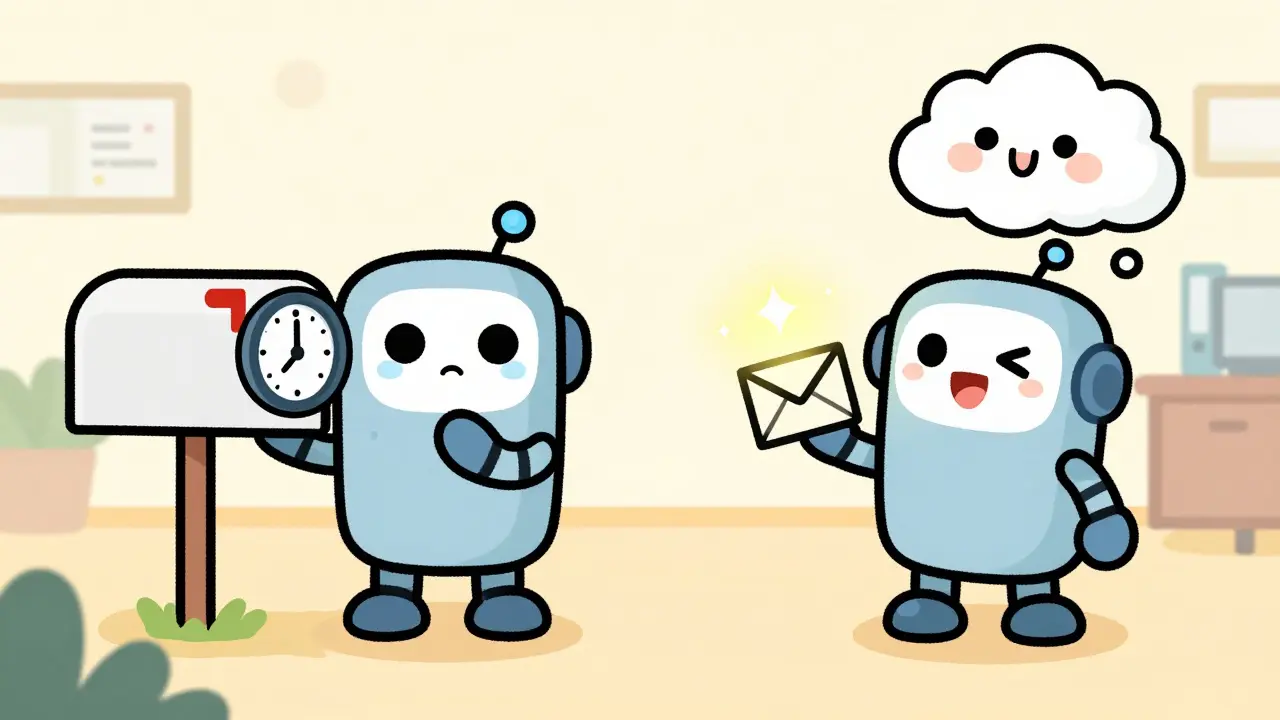
Imagine your phone rings. You pick up. The call connects. But what happens behind the scenes? In a traditional setup, your system might check every minute to see if that call happened. It’s like checking your mailbox every ten minutes just in case a letter arrived. It works, but it’s slow and wastes energy.
Now imagine a different approach. The moment the call ends, your VoIP provider instantly sends a signal to your CRM saying, “Call finished. Here are the details.” No waiting. No checking. Just instant action. This is the power of webhook integration. For businesses relying on VoIP (Voice over Internet Protocol), this shift from polling to pushing data isn’t just a technical upgrade-it’s a game-changer for customer experience and operational efficiency.
What is a webhook?
A webhook is an automated HTTP callback triggered by specific events. Unlike APIs that you have to ask for data (polling), webhooks push data to your server the moment something happens.
Why Webhooks Beat Traditional Polling
To understand why webhooks matter, you first need to look at the old way: polling. With polling, your application repeatedly asks a server, “Is there any new data?” If you set this interval to one minute, your app makes 1,440 requests a day. Most of those requests return nothing. This creates unnecessary traffic-about 1.2MB daily for a medium-sized app-and delays information by up to 60 seconds.
Webhooks flip this model. They act as “reverse APIs.” When an event occurs-like a missed call or a voicemail-the source system pushes a JSON payload directly to your endpoint. According to Red Hat’s 2024 analysis, this reduces server load by 70-90%. More importantly, it delivers notifications within 1-5 seconds. In the world of VoIP, where missing a follow-up can cost a sale, that speed difference is critical.
Consider a sales team using a VoIP platform integrated with Salesforce. Without webhooks, a lead calls, hangs up, and the rep doesn’t know until the next poll cycle. With webhooks, the rep gets a notification instantly, allowing them to follow up while the interaction is still fresh. This immediacy drives better engagement and higher conversion rates.
How Webhook Architecture Works
The anatomy of a webhook is simple but precise. It relies on three main components:
- The Trigger: An event in the source application (e.g., a call status changes to “completed”).
- The Payload: Data about the event, usually formatted as JSON, sent via an HTTPS POST request.
- The Endpoint: A unique URL on your server designed to receive and process this data.
When you set up a webhook in your VoIP provider’s dashboard, you register your endpoint URL. From that point on, whenever the specified event happens, the provider sends a POST request to that URL. Your server must respond quickly-ideally with an HTTP 200 OK status-to confirm receipt. If your server takes too long or returns an error, the provider will retry delivery, often for up to 24 hours, according to TextUs documentation.
This simplicity is both its strength and its vulnerability. Because webhooks rely on public URLs, they are exposed to the internet. This means security cannot be an afterthought. You must verify that the incoming request actually comes from your trusted VoIP provider and not a malicious actor trying to inject fake data.
Security Best Practices for VoIP Webhooks
Security incidents involving webhooks are rising. The 2023 OWASP API Security Top 10 highlighted that 37% of webhook-related vulnerabilities stemmed from improper endpoint verification. To protect your VoIP integrations, follow these core practices:
- Use HTTPS Only: Never accept webhook payloads over unencrypted HTTP. TLS 1.2 or higher is mandatory to prevent man-in-the-middle attacks.
- Verify Signatures: Most reputable providers include a signature header (often HMAC-SHA256) in their requests. Your server should recalculate this signature using a shared secret key and compare it to the received header. If they don’t match, reject the request immediately.
- Implement Idempotency: Network issues can cause duplicate deliveries. Use unique event IDs provided in the payload to ensure you process each event only once. Stripe, for example, uses an `idempotency-key` header to handle this gracefully.
- Prevent Replay Attacks: Attackers might capture a valid webhook and resend it later. Include timestamps or nonce tokens in your verification logic to ensure the request is recent and unique.
GitHub’s engineering team noted a 40% reduction in API abuse after implementing strict rate limiting and signature verification for webhooks. These measures aren’t just bureaucratic hurdles; they are essential shields for your data integrity.
Common Pitfalls and How to Avoid Them
Even experienced developers stumble when implementing webhooks. Here are the most common traps:
Ignoring Failure Handling: If your endpoint crashes or times out, the webhook provider retries. But if your server remains down for more than 24 hours, data loss occurs in 12% of cases, per TextUs. Always implement a fallback mechanism, such as logging failed payloads to a database for manual review or reprocessing.
Blocking the Response: Webhook endpoints must respond instantly. Do not perform heavy processing-like sending emails or updating complex databases-synchronously. Instead, acknowledge receipt with a 200 OK, then offload the work to a background job queue (like RabbitMQ or Kafka). This keeps your endpoint responsive and prevents timeout errors.
Neglecting Duplicate Events: Kin Lane, an API specialist, found that 73% of implementations fail to handle duplicates properly. This can lead to double-billing in payment systems or duplicate records in CRMs. Always check for existing event IDs before creating new records.
Lack of Monitoring: Webhooks are invisible by default. Without logs, you won’t know if they’re firing correctly. Use tools to track delivery success rates, latency, and error codes. Shift4’s study showed that failure rates jump to 15% during peak traffic without proper monitoring and queuing.
Webhooks vs. Message Queues
Should you use webhooks or message queues? It depends on your volume and needs. Webhooks are ideal for immediate, low-to-medium volume events (1,000-5,000 messages/second). They are perfect for user notifications, call status updates, and order confirmations.
Message queues like Apache Kafka or RabbitMQ excel in high-volume batch processing (50,000+ messages/second). They decouple producers and consumers more robustly and offer advanced features like dead-letter queues and exactly-once semantics. However, they add significant infrastructure complexity. For most VoIP integrations, webhooks provide the right balance of speed and simplicity.
| Feature | Webhooks | Polling | Message Queues |
|---|---|---|---|
| Latency | 1-5 seconds | 30-300 seconds | Milliseconds |
| Server Load | Low (event-driven) | High (constant requests) | Moderate (infrastructure overhead) |
| Complexity | Low-Medium | Low | High |
| Best For | Real-time notifications | Simple, infrequent checks | High-volume data processing |
Implementation Checklist for VoIP Developers
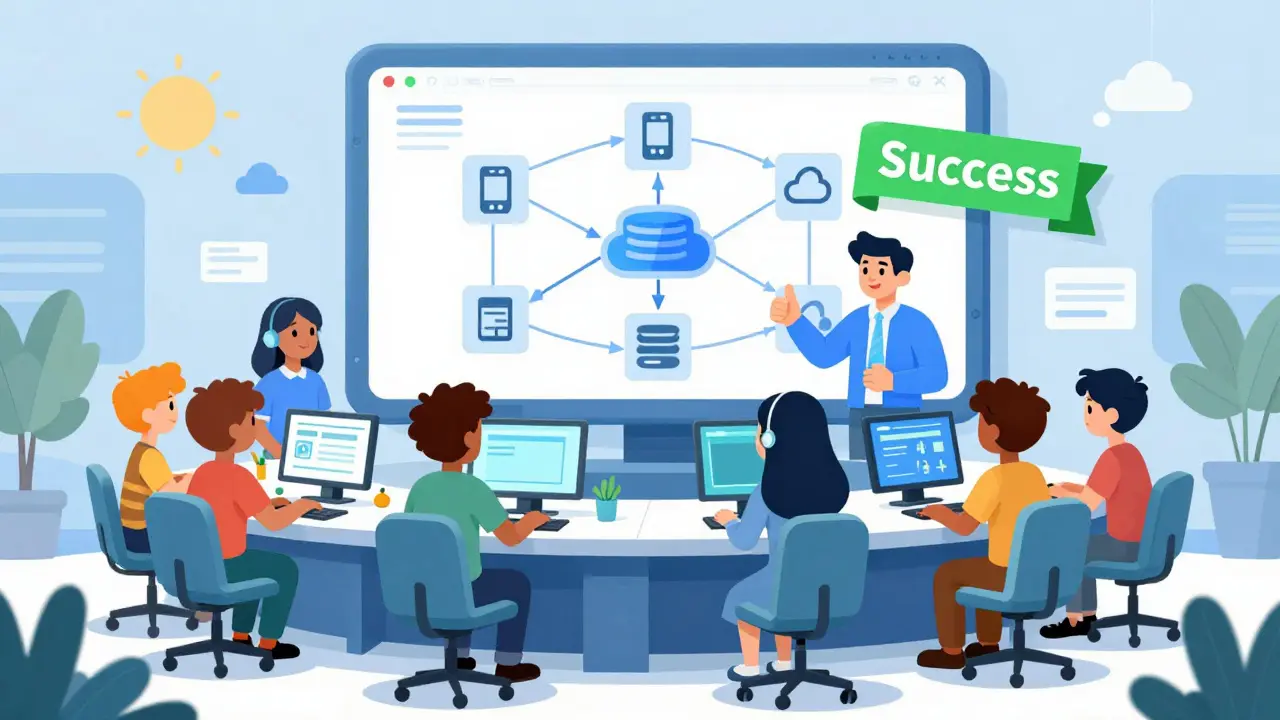
Ready to integrate webhooks into your VoIP stack? Follow this four-step process:
- Create a Secure Endpoint: Set up an HTTPS server route capable of receiving POST requests. Ensure it supports TLS 1.2+.
- Register with Provider: In your VoIP platform’s settings, add your endpoint URL and select the events you want to subscribe to (e.g., `call.started`, `call.ended`, `voicemail.received`).
- Configure Verification: Implement HMAC signature validation using the secret key provided by your VoIP vendor. Reject any request that fails this check.
- Build Resilience: Add idempotency checks using event IDs. Offload processing to a background worker. Log all incoming payloads for debugging.
Most backend engineers can implement a robust webhook system in 3-5 days. Start small-test with a single event type like `call.ended`-and expand gradually. Use sandbox environments provided by platforms like Twilio or Plivo to simulate events without affecting live customers.
Future Trends in Webhook Technology
The webhook landscape is evolving. By 2027, analysts predict 97% of enterprise SaaS providers will use webhooks as their primary event notification mechanism. Key trends include:
- Standardized Schemas: The Cloud Events specification is gaining traction, adopted by 78% of major platforms by late 2024. This reduces friction when integrating multiple services.
- AI-Powered Reliability: Providers like Google Cloud are piloting AI models that predict delivery failures with 89% accuracy, automatically rerouting payloads to ensure success.
- Enhanced Security Frameworks: Automatic certificate rotation and stricter identity verification are becoming standard, reducing the burden on developers to manage secrets manually.
For VoIP businesses, staying ahead means adopting these standards early. As webhooks become more intelligent and secure, they will enable even richer, real-time interactions between telephony systems and business applications.
What happens if my webhook endpoint goes down?
Most providers will retry sending the webhook for up to 24 hours. If your server remains unavailable beyond that, the event may be lost. Always implement a fallback logging system to capture missed events for manual reprocessing.
Do I need to respond to a webhook immediately?
Yes. You must return an HTTP 200 OK status within a few seconds (usually 5-10 seconds). Perform heavy processing asynchronously in a background job to avoid timing out the initial request.
How do I prevent duplicate webhook events?
Use the unique event ID included in the webhook payload. Before processing, check your database to see if you’ve already handled that ID. If yes, skip processing. This technique is called idempotency.
Are webhooks secure?
They can be, if configured correctly. Always use HTTPS, verify HMAC signatures, and validate the source IP address if possible. Never trust webhook data without cryptographic verification.
What is the difference between a webhook and an API?
An API is typically pull-based-you request data when you need it. A webhook is push-based-the server sends data to you when an event occurs. Webhooks are faster and more efficient for real-time notifications.