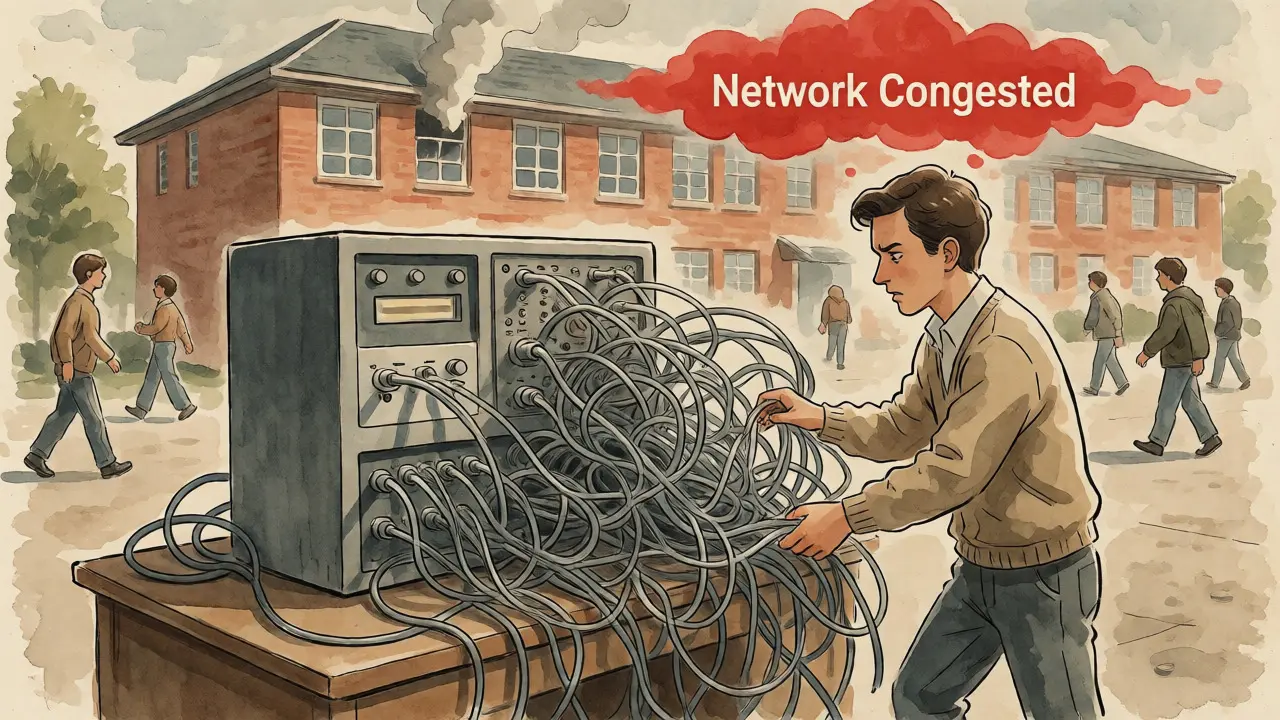
Imagine a fire alarm triggers on the fourth floor of your engineering building. The network is congested with students streaming video, and your legacy phone system relies on copper wires that haven't been touched since the 1990s. Does the call get through? In modern higher education, this isn't just a hypothetical; it's a daily operational reality. VoIP for Universities has evolved from a cost-cutting measure into critical infrastructure, blending voice, data, and safety into a single IP network. But moving thousands of extensions to the cloud or an IP-based on-premise system brings unique challenges-from emergency location accuracy to network resilience-that generic business solutions often miss.
Why Campuses Are Moving Beyond Legacy PBX
For decades, universities relied on proprietary Private Branch Exchange (PBX) systems. They were stable but rigid. If you wanted to move a desk in a residence hall, you needed a technician to rewire the jack. If you wanted to add video conferencing, you bought a separate box. Today, the value proposition of Campus-Wide Communication lies in convergence. By running voice over the same IP network as data, institutions unlock capabilities that analog lines simply cannot match.
The shift is driven by three main factors: mobility, integration, and cost predictability. Faculty members no longer want to be tethered to a physical handset; they need their office extension to follow them to their laptop, tablet, or smartphone via softphones. Administrative staff benefit from unified communications features like presence indicators and instant messaging, which reduce email clutter. Furthermore, while the initial migration requires investment, the long-term savings on line rental and maintenance are significant. For example, Teesside University reported substantially reduced call costs after migrating from an aging Siemens iSDX analog system to a VoIP platform, even while increasing their total call volume.
However, this transition is not merely a swap of hardware. It is a fundamental change in how the institution handles its most sensitive communications. When voice becomes data packets, it becomes subject to the same vulnerabilities and bottlenecks as any other network traffic. This means IT departments must treat voice quality not as a telecom issue, but as a core network engineering challenge.
Architecture Choices: Cloud, On-Premises, or Hybrid?
There is no one-size-fits-all architecture for a university. The decision usually falls between three models, each with distinct trade-offs regarding control, resilience, and cost.
| Feature | Cloud-Hosted PBX | On-Premises IP-PBX | Hybrid Model |
|---|---|---|---|
| Capital Expenditure | Low (Subscription-based) | High (Hardware & Licensing) | Moderate (Mixed) |
| Resilience | Dependent on Internet Connection | High (Local Survivability) | High (Local Backup + Cloud Features) |
| Maintenance | Provider Managed | In-House IT Team Required | Shared Responsibility |
| Emergency Location | Complex (Requires Dynamic Updates) | Easier (Static Mapping) | Flexible Configuration |
| Scalability | Instant (Add Users Online) | Limited by Hardware Capacity | Scalable with Local Constraints |
Cloud-hosted systems offer agility. You can provision new users for a summer program in minutes without touching a server rack. This model appeals to institutions looking to offload maintenance burdens. However, it creates a dependency on internet connectivity. If the campus fiber cut occurs during finals week, cloud phones go dark unless you have robust failover mechanisms.
On-premises systems provide maximum control and local survivability. Calls between buildings stay on the internal LAN, unaffected by external outages. This is crucial for large campuses with multiple sites. The downside is the heavy lifting required from the IT team: patching servers, managing hardware lifecycles, and handling disaster recovery internally. Mississippi State University’s upgrade of over 6,000 phones involved a two-year implementation effort, highlighting the labor intensity of such projects.
Hybrid architectures attempt to balance these needs. A common setup keeps core calling services locally for reliability while leveraging the cloud for collaboration tools, mobile apps, and remote workers. Duquesne University, for instance, piloted cloud softphones to support personnel communicating with students and parents, demonstrating how hybrid approaches can address specific use cases without abandoning local infrastructure entirely.
The Network Is the Phone System
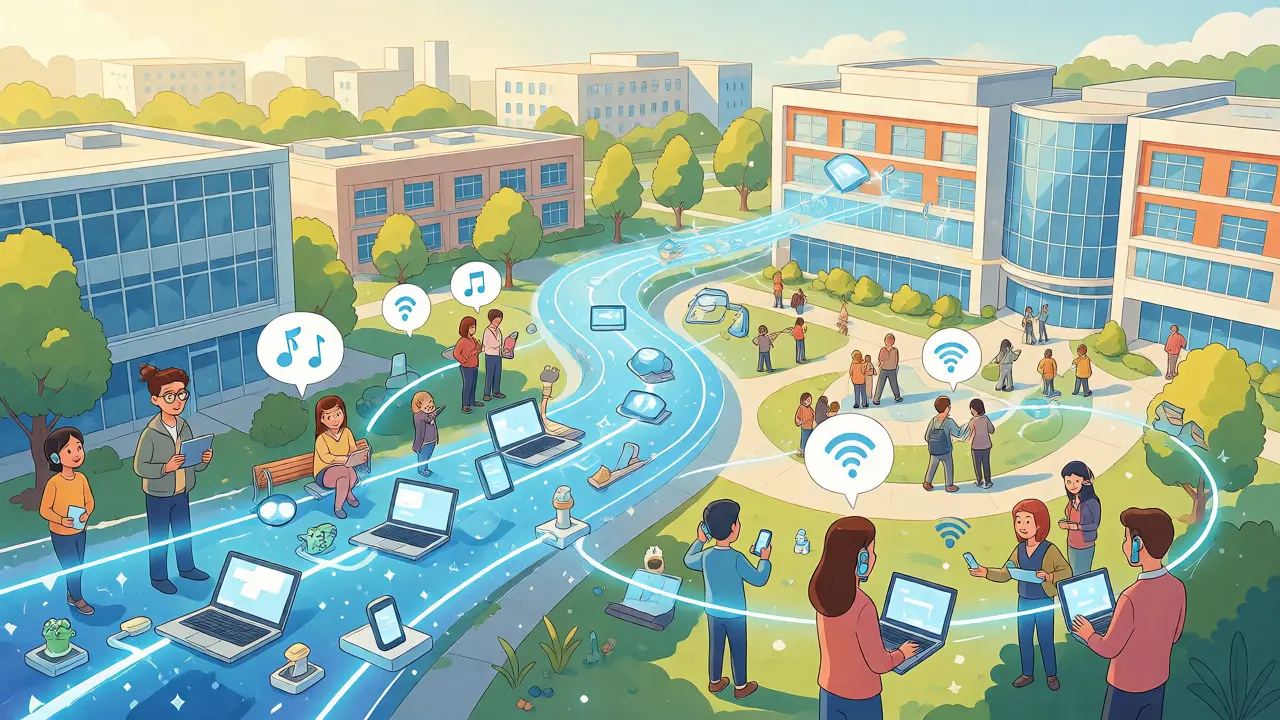
If there is one rule for successful campus VoIP, it is this: Your phone system is only as good as your network. Voice traffic is unforgiving. Unlike an email that can wait a few seconds for delivery, voice packets require real-time transmission. Latency above 150 milliseconds results in noticeable delay, and packet loss above 1% causes choppy audio.
To achieve this, universities must implement strict Quality of Service (QoS) policies. This involves marking voice packets with high priority (typically using IEEE 802.1p standards) so switches and routers handle them before bulk data transfers. Separating voice onto its own VLAN (Virtual Local Area Network) prevents broadcast storms from data devices from crashing calls. Cambridge University’s guidelines explicitly recommend this segmentation to maintain clarity during peak usage periods.
Wireless coverage is another critical factor. Many faculty and students rely on Wi-Fi calling in lecture halls and libraries. However, Wi-Fi is prone to interference and handoff issues. A student walking from a classroom to a hallway might experience dropped calls if access points aren’t properly tuned for voice roaming. Rigorous wireless site surveys are essential-not just for signal strength, but for latency and jitter consistency across the entire campus footprint.
Emergency Calling: Compliance and Safety
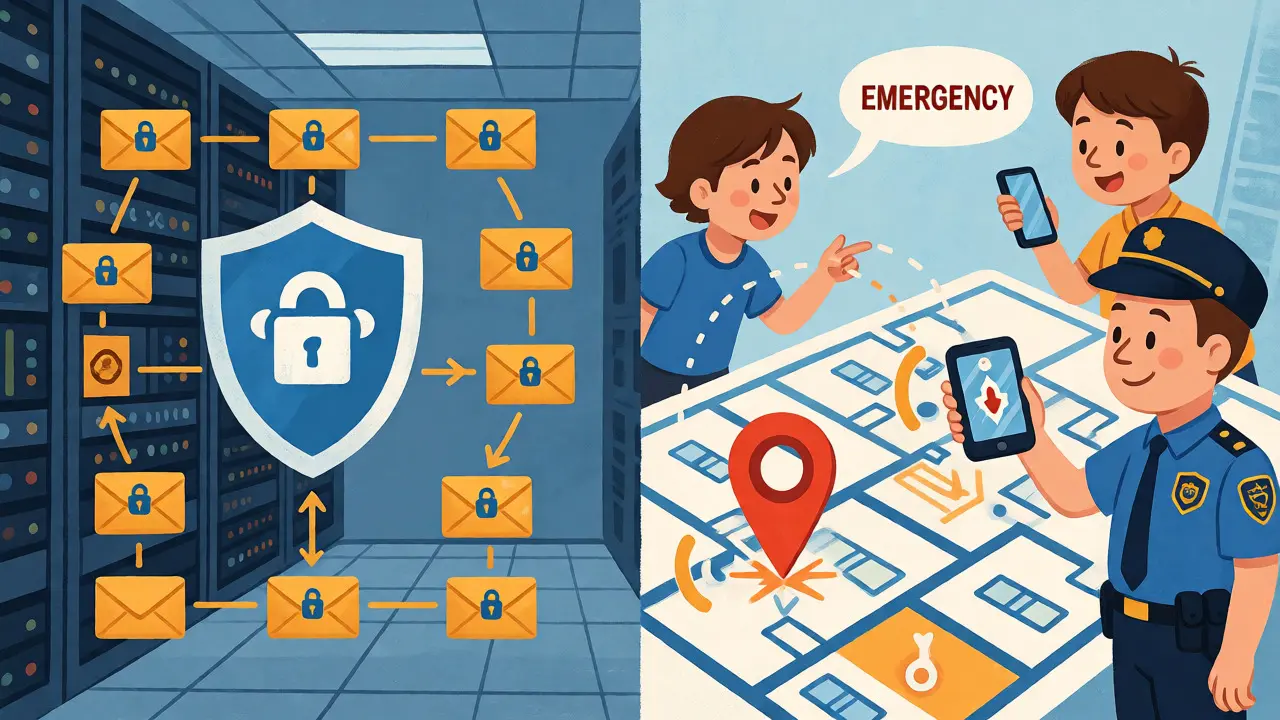
In a university setting, emergency calling is non-negotiable. Regulations like Kari’s Law and RAY BAUM’S Act in the US, and similar standards globally, mandate that direct dialing of emergency services (like 911 or 999) must work without prefixes, and that dispatchable location information must be transmitted to responders.
This is where VoIP complexity peaks. With analog phones, the location was fixed to the wall jack. With VoIP, especially when using softphones or mobile apps, the endpoint can move anywhere. How does the dispatcher know which room the caller is in?
- Fixed Devices: Desk phones connected to known switch ports can automatically report their building, floor, and room number based on pre-configured mapping tables.
- Mobile/Softphones: These require dynamic location updates. Some systems integrate with Wi-Fi triangulation or GPS, but manual entry of current location is often still necessary for full compliance.
- Notification: Systems must also alert on-campus security teams simultaneously. Centralia College, for example, integrated VoIP with InformaCast Fusion to eliminate four separate alert systems, ensuring notifications reached digital signage, mobile phones, and desk phones instantly.
Failing to configure this correctly can lead to delayed emergency responses. Testing with the Public Safety Answering Point (PSAP) is mandatory before going live. You cannot assume the default configuration works; every building layout and carrier connection requires validation.
Security and Privacy Concerns
When voice moves to IP, it inherits the threats of the open internet. SIP signaling should always be encrypted using TLS, and media streams protected by SRTP. Without encryption, eavesdropping becomes trivial for anyone with access to the network segment.
Toll fraud remains a persistent risk. Attackers scan for vulnerable SIP trunks and hijack them to make expensive international calls. Implementing strong authentication, removing default passwords, and monitoring call detail records (CDRs) for anomalies are basic hygiene practices. NIST SP 800-58 guidelines emphasize that TLS protects against integrity loss and replay attacks, making it a standard requirement rather than an optional feature.
Privacy extends beyond security. Recordings, voicemails, and transcripts contain personally identifiable information (PII). In the US, FERPA regulations govern student data privacy. Contracts with cloud providers must clearly define data ownership, retention policies, and breach notification procedures. Western Washington University’s toolkit highlights that institutions must retain direct control over protected data, even when hosted by third parties. Accessibility is also a legal and ethical imperative; systems must support screen readers, keyboard navigation, and visual alerts for hearing-impaired users.
Implementation Roadmap
Migrating a campus-wide telephony system is a multi-year project, not a weekend task. A realistic roadmap includes several distinct phases:
- Inventory and Audit: Map every existing extension, analog device (fax, elevator phones, alarms), and carrier contract. Identify dependencies.
- Network Readiness Assessment: Test wired and wireless networks for latency, jitter, and power over Ethernet (PoE) capacity. Baseline performance during peak times.
- Pilot Deployment: Select one administrative unit and one residence hall for a limited rollout. Test emergency calling, QoS effectiveness, and user acceptance.
- Phased Migration: Move departments in waves, retaining rollback capability. Train helpdesk staff early to handle user queries.
- Decommissioning: Remove legacy hardware only after verifying stability and saving historical data.
Communication is key. Faculty and staff fear losing functionality. Clear training materials and quick support channels mitigate resistance. Remember, technology fails if people don’t use it correctly.
Frequently Asked Questions
Can we keep our old analog fax machines and elevators?
Yes, but they require special handling. Analog devices like faxes, credit card terminals, and elevator intercoms cannot connect directly to IP networks. You will need Analog Telephone Adapters (ATAs) or FXS/FXO gateways to bridge these devices to your VoIP system. It is crucial to test these integrations thoroughly, as fax transmission over VoIP can be unreliable due to timing issues.
What happens to our phones if the internet goes down?
This depends on your architecture. In a pure cloud solution, phones may lose service unless they have local survivability features or cellular backup. In an on-premises or hybrid system, internal calls usually continue to work because they stay on the local LAN. External calls might fail if the SIP trunk provider is unreachable, but many systems allow for local fallback routing or alternative carriers.
How do we ensure emergency calls report the correct location?
You must maintain accurate location databases for all endpoints. For fixed desk phones, this involves mapping switch ports to physical addresses. For mobile and softphone users, the system should prompt for location updates or integrate with Wi-Fi positioning systems. Regular audits and testing with local emergency services are essential to verify that dispatchers receive precise building, floor, and room details.
Is VoIP secure enough for confidential conversations?
Yes, provided it is configured correctly. Use TLS for signaling and SRTP for media encryption to prevent eavesdropping. Additionally, segment your voice traffic on a dedicated VLAN behind a firewall. Regular vulnerability scanning and firmware updates are necessary to protect against emerging threats like toll fraud and denial-of-service attacks.
How much does a campus-wide VoIP migration cost?
Costs vary widely based on user count, device mix, and architecture choice. There is no universal price per seat. Consider total cost of ownership (TCO) over five years, including licensing, hardware, implementation labor, training, and ongoing support. Cloud models typically have lower upfront costs but higher recurring fees, while on-premises systems require significant capital expenditure but potentially lower long-term operational costs.