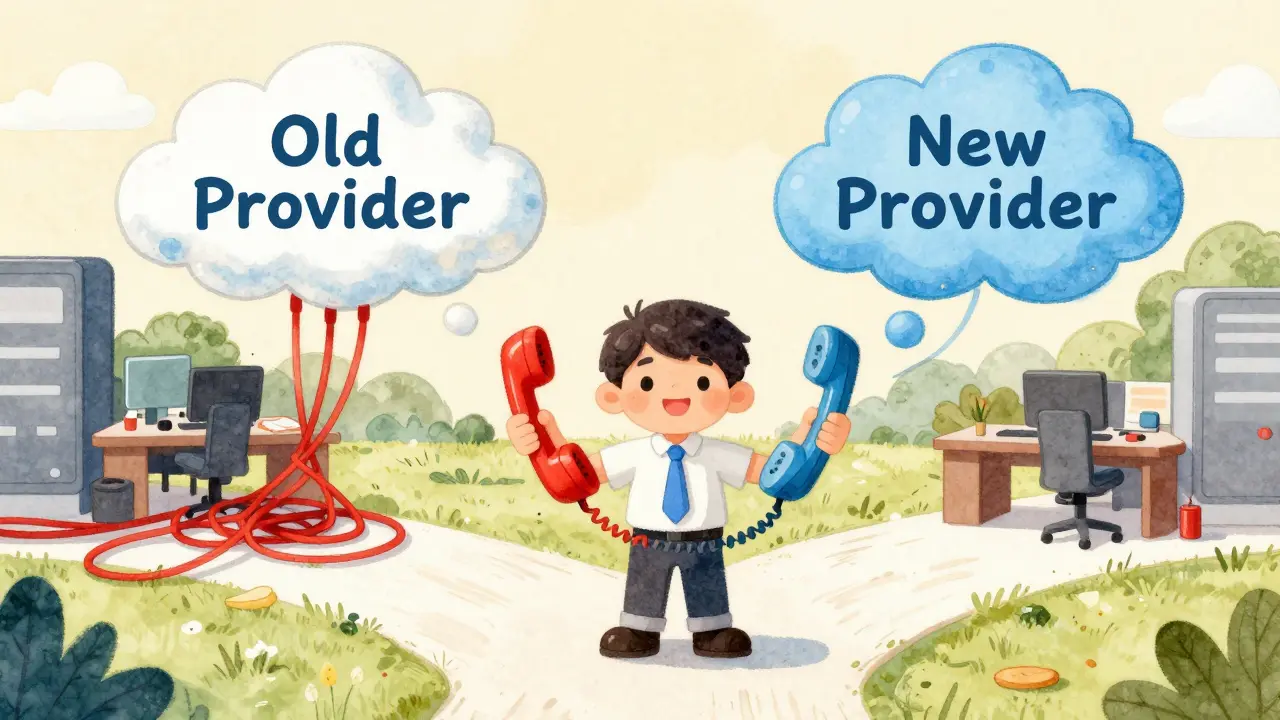
Switching cloud Voice over IP (VoIP) providers feels like changing your phone number while the world is still calling you. It’s one of the most stressful IT migrations a business can face because downtime means lost revenue, missed opportunities, and frustrated customers. If you’re planning to leave your current carrier, you aren’t just moving files; you’re moving your company’s voice identity. A solid vendor exit strategy isn’t about reacting to a bad contract-it’s about ensuring that when you do leave, your calls keep ringing and your data stays intact.
Why Leaving Your VoIP Provider Is Harder Than You Think
You might think switching VoIP providers is as simple as signing up for a new service and pointing your phones at it. In reality, cloud telephony creates deep dependencies. Your provider likely holds your caller ID reputation, your call recording history, and the routing logic for your emergency services. Unlike standard software where you can export a database and move on, voice traffic requires real-time continuity. If you cut the cord before the new line is fully live, you go dark. This phenomenon is known as vendor lock-in, and in telecommunications, it’s enforced by both technical complexity and regulatory red tape.
The biggest risk isn’t the technology itself; it’s the coordination. You need your old provider to release your numbers, your new provider to accept them, and your internet service provider (ISP) to ensure bandwidth stability during the transition. Missteps here lead to what engineers call "call flapping," where calls drop or route incorrectly because the network hasn’t updated its records yet.
The Golden Rule: Start with Number Portability
The first thing you must address is keeping your phone numbers. This process is called Local Number Portability (LNP). In the United States, this is regulated by the Federal Communications Commission (FCC), which mandates that carriers allow customers to keep their numbers when switching providers. However, "mandated" doesn’t mean "automatic."
To initiate a number port-out, you need three critical pieces of information from your current provider:
- Account Number: The specific billing account linked to the numbers.
- Authorized User Name: The person legally allowed to request the transfer.
- Service Address: The physical location associated with the line, especially important for landline-based VoIP setups.
Without these exact details, your new provider cannot submit a Letter of Agency (LOA) to the clearinghouse. The LOA is the legal document that tells your old provider to release the numbers. Once submitted, the process typically takes between 3 to 7 business days for local numbers, but international or toll-free numbers can take longer due to different regulatory bodies like the National Numbering Plan.
Pro tip: Never cancel your old service until the port is complete. If you cancel early, the numbers are deactivated and returned to the pool, meaning you lose them forever. You will be paying for two services simultaneously during this window-accept that cost as insurance against silence.
Exporting Your Voice Data: More Than Just Call Logs
When people talk about data export in VoIP, they usually think of contact lists. But your voice data includes much more. There are call recordings, IVR (Interactive Voice Response) scripts, auto-attendant menus, and detailed CDRs (Call Detail Records). These records are often required for compliance in industries like healthcare (HIPAA) or finance (PCI-DSS).
Most cloud VoIP platforms store recordings in proprietary formats or encrypted blobs that don’t play nicely outside their ecosystem. Before you sign a termination notice, check your provider’s API documentation. Can you pull CDR exports in CSV or JSON format? Can you download raw audio files?
If your provider uses SIP Trunking, the signaling data is standardized, but the media path (the actual voice stream) might be locked into their codec preferences. Ensure your new provider supports the same codecs (like G.711 or Opus) to avoid quality degradation during the switch. For call recordings, plan to migrate them to a neutral storage solution like AWS S3 or Azure Blob Storage if your new VoIP provider doesn’t offer seamless import tools.

Configuring SIP Trunks and Network Readiness
Your VoIP system relies on Session Initiation Protocol (SIP) trunks to connect your private branch exchange (PBX) to the public switched telephone network (PSTN). When exiting a vendor, you’re essentially re-routing these trunks. This requires precise configuration on your edge devices, such as Session Border Controllers (SBCs) or IP-PBX servers.
Here is the checklist for network readiness:
- Bandwidth Audit: Ensure your internet connection has enough upload/download capacity for the new provider’s recommended bandwidth per concurrent call (usually 85-100 kbps per call for G.711).
- QoS Settings: Update your router’s Quality of Service (QoS) rules to prioritize the new provider’s IP addresses. Old settings won’t apply automatically.
- Firewall Rules: Open UDP ports 5060-5061 for SIP signaling and the RTP port range (typically 10000-20000) for media streams. Block unnecessary inbound traffic to prevent fraud.
- FQDN Resolution: Verify that your PBX can resolve the Fully Qualified Domain Names (FQDNs) of the new provider’s SIP proxies. DNS issues are the #1 cause of post-migration failures.
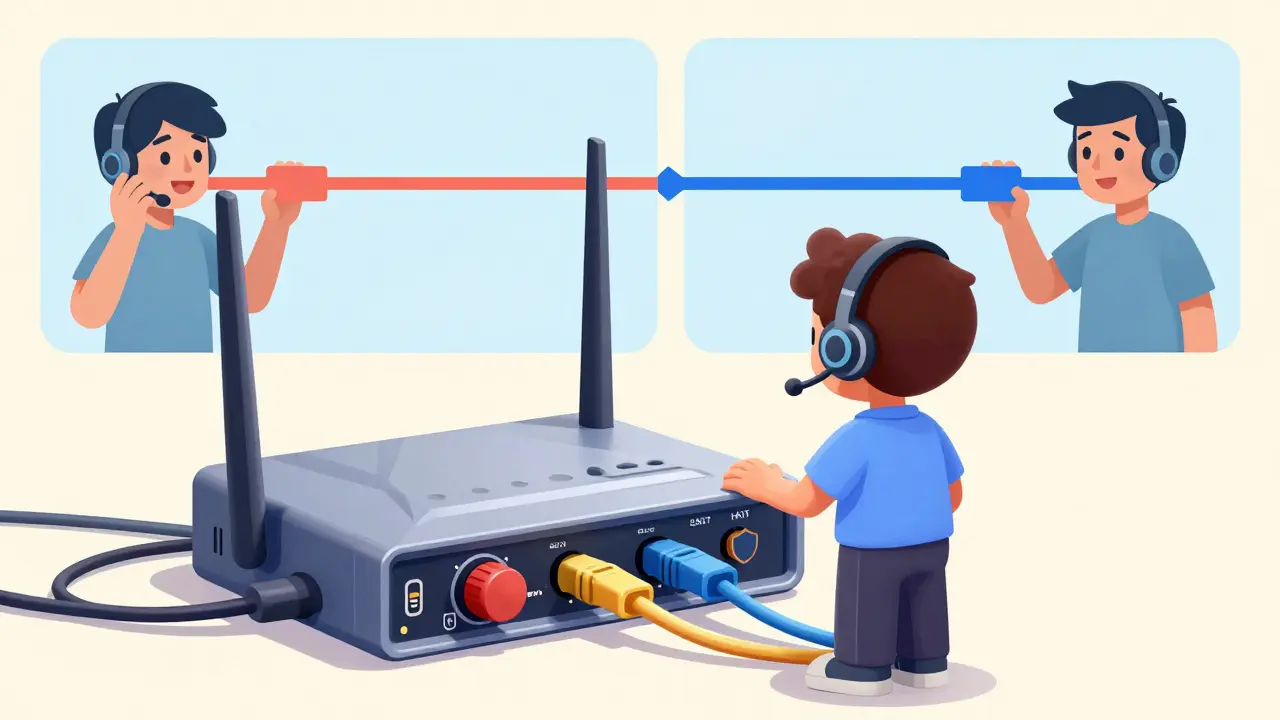
Test the new connection in parallel mode. Keep the old trunk active while sending test calls through the new one. Measure latency, jitter, and packet loss. Only switch production traffic once the new path is stable.
Handling Emergency Services (E911) Continuity
This is the non-negotiable part of your exit strategy. Enhanced 911 (E911) services require your provider to transmit your registered physical address to Public Safety Answering Points (PSAPs). If you switch providers without updating this registration, an emergency call could route to the wrong dispatch center, or worse, not connect at all.
Before the port date, verify that your new provider has collected accurate E911 addresses for every extension that makes outbound calls. In many jurisdictions, the burden of proof lies with the subscriber, not the provider. If a call fails during a crisis, you could face liability. Schedule a test call to 911 (or the local equivalent) immediately after the cutover to confirm the location data is correct. Document this test for your compliance records.
Contractual Loopholes and Hidden Fees
Review your current contract for early termination fees (ETFs). Some providers charge ETFs based on the remaining months of the contract, while others prorate based on usage. Negotiate a waiver if you’re leaving due to service level agreement (SLA) breaches. Document any past outages or performance failures as evidence.
Also, watch out for egress fees. While less common in VoIP than in general cloud storage, some providers charge for exporting large volumes of call recording data. Ask for a quote on data retrieval costs upfront. If the fee is exorbitant, consider negotiating a credit toward your final bill instead of paying cash.
| Task | Timeline | Risk Level | Key Requirement |
|---|---|---|---|
| Number Port-Out Request | Day 1-3 | High | Accurate Account Info & LOA |
| Data Export (Recordings/CDRs) | Day 1-14 | Medium | API Access or Manual Download |
| SIP Trunk Configuration | Day 7-14 | High | Network QoS & Firewall Updates |
| E911 Verification | Post-Cutover | Critical | Physical Address Validation |
| Final Billing Reconciliation | Month End | Low | Contract Review for ETFs |
Minimizing Downtime: The Parallel Run Strategy
The safest way to exit is to run both systems in parallel for a short period. This isn’t always cheap, but it buys you safety. Configure your new PBX or softphone clients to register with the new provider while keeping the old registration active. Use a small group of users (like IT staff) to make test calls on the new system. Monitor for audio issues like one-way audio or echo, which often stem from NAT traversal problems.
Once confidence is high, schedule the cutover during a low-traffic window, such as a weekend or late Friday evening. Update your DNS records for any custom domains used for Caller ID or web dialers. Finally, decommission the old hardware or licenses only after confirming zero dependency.
How long does it take to port phone numbers to a new VoIP provider?
Typically, local number porting takes 3 to 7 business days in the US. Toll-free numbers may take 5 to 10 days. International numbers vary widely by country regulations, sometimes taking weeks. Always start the process at least two weeks before your desired cutover date.
Can I keep my call recordings when switching VoIP vendors?
Yes, but you must actively export them. Most providers do not automatically transfer recordings. You will need to use their API or admin portal to download files, often in MP3 or WAV format, and store them in your own cloud storage or new provider’s platform.
What happens if I cancel my old VoIP service before the port is complete?
Your numbers will be deactivated and returned to the carrier’s pool. You will lose them permanently. To avoid this, maintain your old service until the port confirmation email arrives from your new provider.
Do I need to change my SIP trunk credentials?
Yes. Each provider assigns unique SIP credentials (username/password) and IP addresses. You must update your PBX or Session Border Controller with the new provider’s authentication details and routing rules.
Is there a penalty for leaving my VoIP contract early?
It depends on your contract terms. Many agreements include Early Termination Fees (ETFs) calculated as a percentage of the remaining monthly payments. Review your SLA for breach clauses that might waive these fees if the provider failed to meet uptime guarantees.