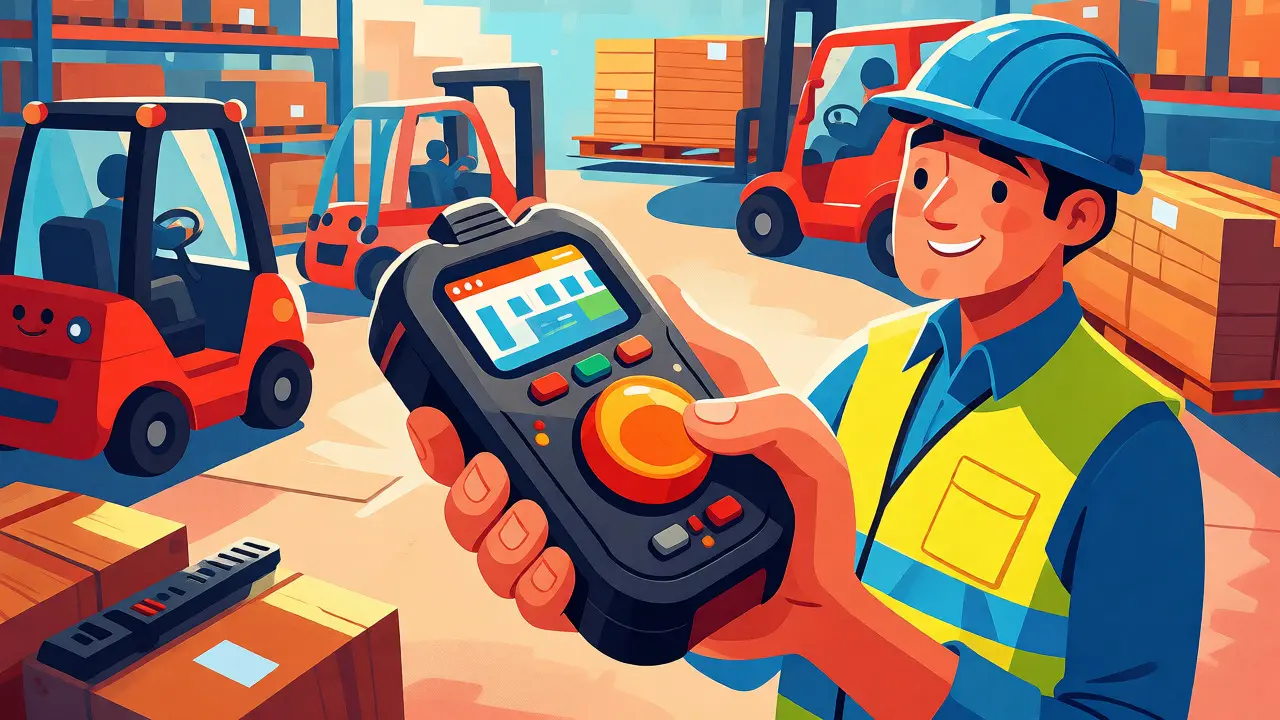
Imagine you’re a warehouse supervisor in a noisy distribution centre. You need to tell your team that pallet 402 is missing. Do you pull out a smartphone, unlock it, find the app, dial a number, wait for connection, and then shout over the hum of forklifts? Or do you press a single button on a ruggedized device and instantly speak to everyone in Zone B? For decades, two-way radios were the only answer for speed. Today, Unified Communications (UC) has changed the game by merging radio-style immediacy with cloud-based data. But getting this right requires more than just installing an app; it demands specific hardware and network planning.
If you are managing frontline staff-whether they work in logistics, healthcare, retail, or construction-you likely face a communication gap. Microsoft’s Work Trend Index revealed that 63% of frontline workers feel leadership messages don’t reach them. Worse, 55% learn new tech without formal training. This isn’t just an HR issue; it’s an operational bottleneck. The solution lies in combining push-to-talk (PTT) software with rugged devices. But which platform fits your needs? And can a standard smartphone really survive a drop onto concrete?
The Shift from Radio to Cloud PTT
Traditional land-mobile radio (LMR) systems have served us well for their simplicity. Press the button, talk, release. No setup, no login. But LMR is siloed. It doesn’t know who is speaking unless you memorize voice IDs, it doesn’t record conversations automatically, and it can’t send a photo of a damaged shelf alongside your voice message. This is where cloud-based PTT shines.
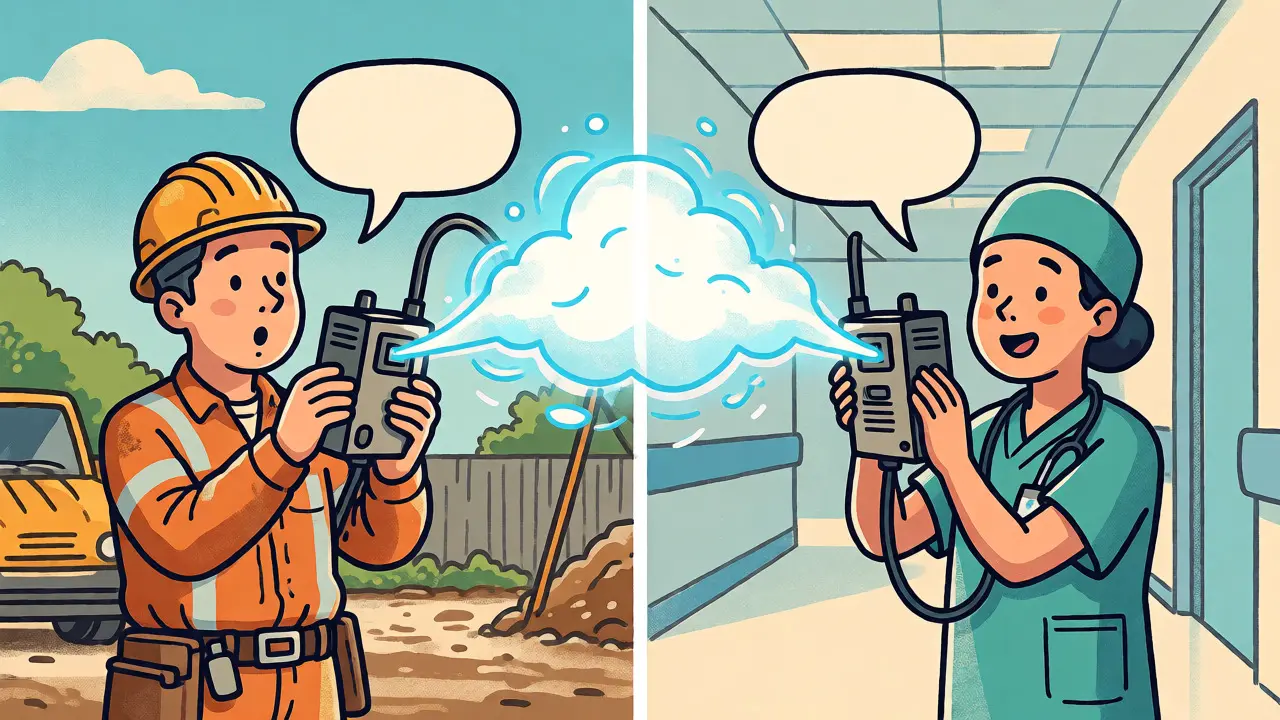
Microsoft Teams Walkie Talkie turns any Android or iOS device into a walkie-talkie. It integrates directly into the Microsoft 365 ecosystem, meaning the same identity used for email and chat works for voice. You get presence status, so you know if a colleague is available before pressing the button. Similarly, Motorola Solutions WAVE PTX offers a carrier-independent service that connects smartphones, tablets, and even traditional radios. Both platforms rely on IP connectivity-Wi-Fi or cellular-to transmit audio. This allows for global reach; a supervisor in London can talk to a worker in Manchester without expensive long-distance calls.
However, this reliance on internet connectivity is the critical difference. If your Wi-Fi drops or your cellular signal fails, the "walkie-talkie" stops working. Traditional radios often have better penetration in basements or remote areas due to lower frequency bands. Therefore, UC for frontline workers isn't always a total replacement for radio; often, it’s a hybrid layer that adds intelligence and management to voice communication.
Why Rugged Devices Are Non-Negotiable
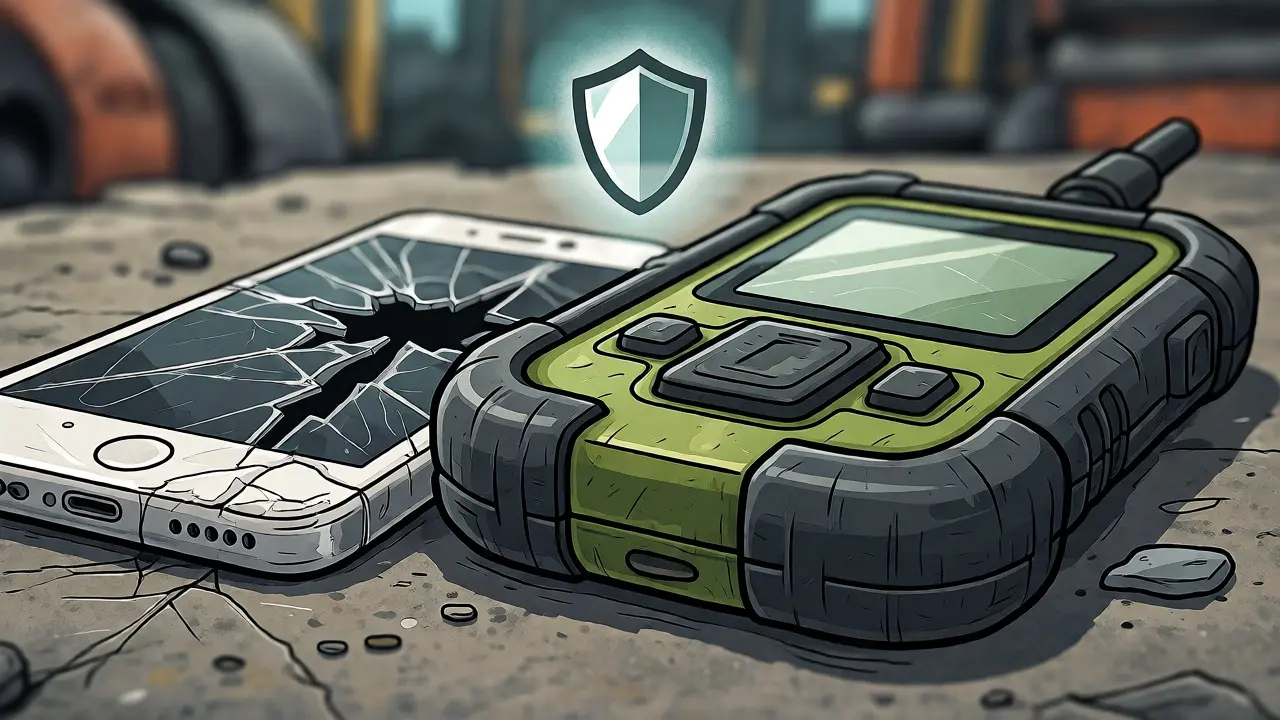
You might think, "My staff already have iPhones. Can’t we just use those?" In many cases, yes, but at a cost. Consumer phones are not built for the frontline. They slip out of gloved hands, screens crack when dropped, and batteries die mid-shift. A Samsung/IPSOS survey found that 41% of field professionals carry multiple devices because one phone can’t handle all tasks. This creates friction and slows down work.
Rugged devices solve these physical problems. Brands like Zebra, Sonim, Crosscall, and Kyocera build hardware specifically for harsh environments. These aren't just phones in thick cases; they are engineered differently.
- Durability Standards: Look for IP68 ratings (dust-tight and water-resistant up to 1.5 meters for 30 minutes) and MIL-STD-810H compliance (tested against drops, vibration, and temperature extremes). For example, the Sonim XP Pro E operates from -20°C to +55°C and survives submersion in high-pressure jets.
- Ergonomics: Physical buttons matter. Touchscreens are useless with thick gloves. Dedicated PTT keys allow users to communicate without looking at the screen, keeping eyes on the job.
- Battery Life: Frontline shifts are long. Rugged devices often feature removable, high-capacity batteries (like the 3,500 mAh unit in the Sonim XP5plus) that last full shifts, whereas consumer phones often struggle past 8 hours of heavy use.
- Audio Clarity: High-decibel speakers and noise-cancellation microphones ensure voices cut through industrial noise, something standard phone mics fail to do consistently.
Platform Showdown: Teams vs. WAVE PTX
Choosing the right software depends heavily on your existing IT landscape. There is no "one size fits all," but there are clear winners for specific scenarios.
| Feature | Microsoft Teams Walkie Talkie | Motorola WAVE PTX |
|---|---|---|
| Best For | Organizations already using Microsoft 365 | Mixed fleets (radios + smartphones) needing dispatch |
| Integration | Native with Teams Chat, Shifts, Tasks, Approvals | Carrier-independent; bridges broadband and LMR radios |
| Device Support | iOS, Android (incl. Zebra, Kyocera, Crosscall) | Android, iOS, TLK series radios, Bluetooth accessories |
| Security | Teams Admin Center policies, SSO via Azure AD | TLS 1.3, FIPS 140-3 encryption, dedicated server auth |
| Limitations | No shared channels support; requires internet | Separate subscription; reseller-based pricing |
| Key Advantage | Single identity and admin plane for all comms | Superior radio interoperability and dispatch tools |
If your company lives in Microsoft 365, Teams is the logical choice. It’s included in paid licenses, so there’s no extra software cost. You manage permissions in the same portal as your emails. However, be aware that Teams Walkie Talkie does not support "Shared Channels," which can complicate cross-company collaboration. Also, while it works on generic headsets, optimal performance comes from certified accessories.
On the other hand, Motorola’s WAVE PTX is built for mission-critical operations. If you need to connect a security guard with a TLK radio to a manager with an iPhone, WAVE handles this seamlessly. It offers advanced features like priority scanning, emergency alerts, and geofencing. But remember, this is a separate product. You pay per user, and procurement often goes through specialized resellers rather than direct enterprise agreements.
Network Reality Check: Latency and Coverage
Here is the technical truth that often gets lost in sales pitches: cloud PTT is only as good as your network. Unlike analog radio, which uses dedicated spectrum, PTT rides on public or private data networks. If your warehouse has dead zones, your PTT system will too.
Microsoft recommends strict network targets for optimal performance: round-trip latency below 300 milliseconds, jitter below 30 milliseconds, and packet loss under 1%. If your Wi-Fi is congested with streaming video or guest traffic, voice quality degrades rapidly. You might hear choppy audio or experience delays where people talk over each other because they didn’t hear the start of the transmission.
Furthermore, consider what happens during a power outage. If your Wi-Fi access points lose power, Teams Walkie Talkie goes silent. Traditional radios, especially those with repeaters on backup generators, keep working. For industries like oil and gas or mining, where safety depends on constant communication, this resilience factor is crucial. Many companies adopt a hybrid approach: using rugged smartphones with Teams for daily workflow and keeping legacy radios for emergency fallback.
Implementation Pitfalls and Best Practices
Buying the hardware is the easy part. The hard part is adoption. Remember that statistic about 55% of frontline workers learning tech without training? That’s a recipe for frustration. If a worker presses the wrong button or forgets to unmute, they won’t ask for help-they’ll just stop using the tool.
To avoid this, follow these steps:
- Audit the Environment: Before buying anything, map your coverage. Test signal strength in corners, freezers, and outdoor yards. Identify where Wi-Fi fails and whether cellular boosters are needed.
- Pilot with Real Users: Don’t test in the office. Give five devices to actual workers for a week. Measure how long it takes to initiate a call, battery drain per shift, and comfort with the form factor.
- Simplify the UI: Configure the devices to launch the PTT app immediately upon waking. Remove unnecessary apps and distractions. Use visual labels for buttons if possible.
- Define Protocols: Teach users when to use a group channel versus a private call. Establish rules for emergency usage. What happens if the network is down? Have a fallback plan.
- Manage Accessories: Ensure headsets are compatible. Wired headsets with 3.5mm or USB-C connectors often provide better reliability than Bluetooth in noisy, dusty environments where pairing issues can occur.
Also, check the licensing carefully. Microsoft recently adjusted pricing, with the M365 F3 plan rising to $10.00 per user/month in late 2026. While Walkie Talkie is included, you still need the base license. Factor in the cost of rugged devices, which can range from $500 to $1,500+ depending on specifications, plus cellular data plans.
The Future: Convergence, Not Replacement
The market for push-to-talk rugged devices is growing, estimated at $6.34 billion in 2026. We are seeing a convergence of technologies. AI-driven noise suppression is becoming standard, allowing clearer voice transmission even in jackhammer-level noise. Device analytics are helping managers understand not just who talked, but where they were and how long they spent on tasks.
Will cloud PTT replace traditional radios entirely? Probably not in the next decade. Public safety, utilities, and hazardous environments require certifications and resilience that general-purpose UC platforms are still catching up to. However, for the majority of commercial frontline roles-retail, hospitality, light manufacturing-the shift to smartphone-based PTT is inevitable. It reduces device clutter, improves data visibility, and aligns frontline communication with corporate strategy.
The key takeaway? Don’t treat PTT as just another app. Treat it as a critical infrastructure component. Choose the platform that matches your IT stack, buy the hardware that matches your physical environment, and train your people thoroughly. When done right, you bridge the gap between the boardroom and the floor, ensuring every voice is heard.
Can I use standard consumer smartphones for push-to-talk?
Yes, technically you can run apps like Microsoft Teams Walkie Talkie on standard iPhones or Androids. However, they lack durability. They are prone to damage from drops, may not function well with gloves, and typically have shorter battery life compared to ruggedized alternatives. For low-risk environments like retail, consumer phones may suffice, but for industrial settings, rugged devices are recommended.
Does push-to-talk work without internet?
No. Cloud-based push-to-talk solutions like Teams Walkie Talkie and WAVE PTX require an active internet connection via Wi-Fi or cellular data. If you enter a dead zone or the network goes down, communication ceases. Traditional analog radios do not require internet and often have better range in remote areas, making them a necessary backup for critical operations.
Is Microsoft Teams Walkie Talkie included in my current license?
Walkie Talkie is included in most paid Microsoft Teams licenses, such as Microsoft 365 Business Basic, Standard, and Premium, as well as Enterprise E1/E3/E5. It is also available in the Frontline Worker plans (F1 and F3). However, you must ensure your administrator has enabled the app permission policy in the Teams Admin Center for your users.
What is the main advantage of rugged devices over regular phones?
Rugged devices offer three main advantages: physical durability (meeting IP67/IP68 and MIL-STD standards), ergonomic design (dedicated PTT buttons usable with gloves), and extended battery life (often with swappable batteries). They are designed to withstand dust, water, extreme temperatures, and repeated drops, reducing downtime and replacement costs in harsh work environments.
How secure is cloud-based push-to-talk?
Cloud PTT is generally more secure than open analog radio. Platforms like Teams and WAVE PTX use encryption (TLS 1.3, AES) and authentication protocols. Administrators can control who joins groups, revoke access instantly if a device is lost, and integrate with corporate identity providers like Azure AD. This ensures that only authorized personnel can listen to or participate in conversations.