
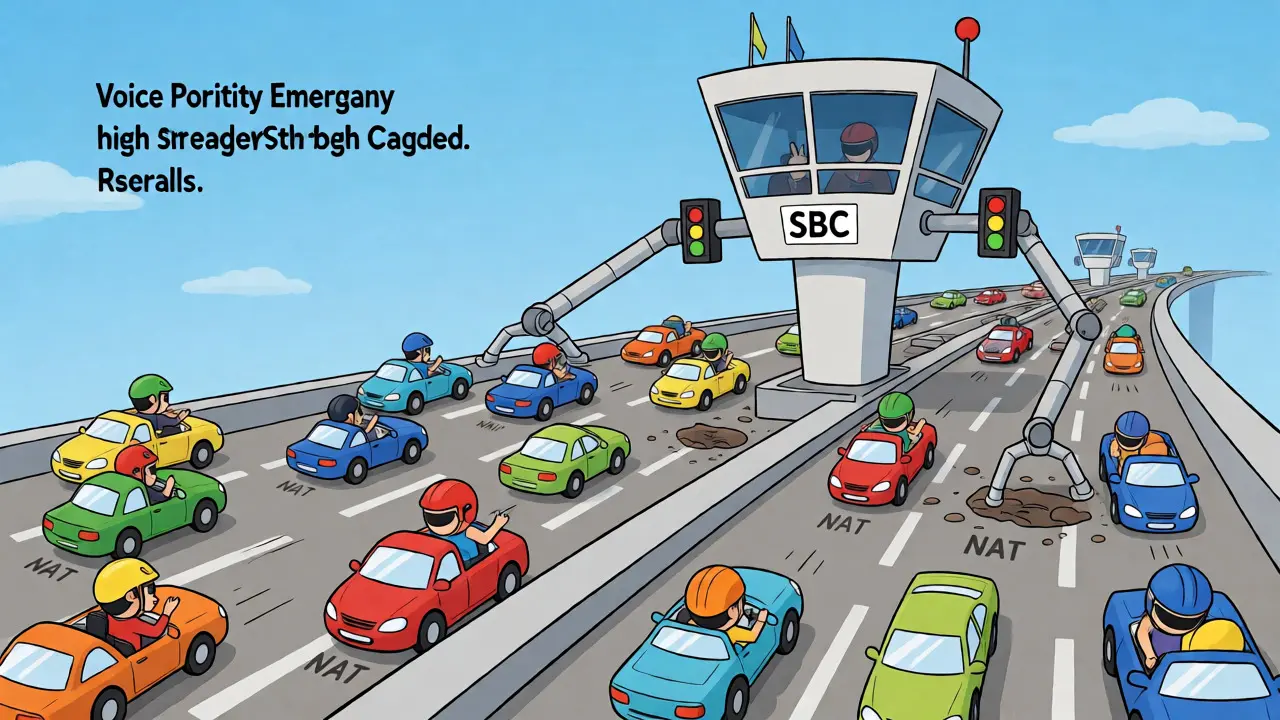
You’ve probably heard the term Session Border Controller (SBC) thrown around in telecom meetings. But what does it actually do? If you’re running a business phone system or managing carrier networks, an SBC isn’t just optional hardware-it’s the gatekeeper that keeps your calls from crashing and burning. Think of it as the bouncer at the club for your voice traffic. It checks IDs, kicks out troublemakers, and makes sure everyone gets to their table without bumping into each other. Without one, your VoIP network is wide open to hackers, poor audio quality, and weird connectivity issues that make customers hang up before they even say hello.
What Exactly Is an SBC?
An SBC is a special-purpose network element deployed at the edges of telecommunications networks. Its main job? To protect, regulate, and facilitate IP communications flows. Originally, these devices were built to guard the borders between different service provider networks. Today, they handle everything from residential home phones to massive enterprise unified communications platforms.
Here’s the core concept: An SBC sits in-line between your internal network and the outside world (like your internet service provider or a cloud telephony platform). It manages the signaling between two systems and establishes the parameters for a successful call. Unlike a standard router that just passes packets along, an SBC actually understands the conversation happening inside those packets. It terminates the inbound call, analyzes it, and then initiates a new leg to the destination. In technical terms, when used with SIP (Session Initiation Protocol), this makes the SBC a Back-to-Back User Agent (B2BUA).
The Core Roles: Security, Interoperability, and Quality
Why do you need an SBC? Because raw IP networks are messy. They weren’t designed for real-time voice. Here are the three pillars where an SBC earns its keep:
1. Security and Access Control
Your private branch exchange (PBX) shouldn’t be exposed directly to the public internet. That’s like leaving your front door unlocked. The SBC acts as a firewall specifically tuned for session traffic. It filters malicious traffic, prevents denial-of-service (DoS) attacks, and hides your internal network topology. External attackers can’t see your internal IP addresses because the SBC masks them. This topology hiding function stops reconnaissance attacks, so bad actors can’t map out your infrastructure to find weak spots.
2. Interoperability and Protocol Translation
Different vendors speak slightly different dialects of SIP. One might use a specific header format; another might expect a different codec. The SBC normalizes these differences. It translates between protocols like SIP, H.323, and MGCP if needed. More importantly, it handles codec transcoding. If your internal phones use G.711 but your carrier prefers G.729, the SBC converts the audio stream on the fly. This ensures compatibility without you having to rip out your existing handsets.
3. Quality of Service (QoS) and NAT Traversal
Network Address Translation (NAT) is a common pain point for VoIP. Home routers and corporate firewalls often break SIP signaling because they rewrite IP addresses and ports in ways that confuse voice endpoints. The SBC fixes this by manipulating SIP headers and SDP bodies to ensure packets reach their destination. Beyond fixing NAT, the SBC enforces Call Admission Control (CAC). It monitors bandwidth usage and limits simultaneous sessions to prevent network congestion. If the pipe is full, the SBC decides which calls get through based on priority rules, ensuring emergency calls always have a path.
SBC Architecture: Signaling vs. Media Paths
Not all SBCs work the same way. How they handle media (the actual voice data) versus signaling (the setup instructions) defines their architecture and performance profile. You generally have two choices:
- Signaling-Only Mode: The SBC processes the SIP messages to set up the call but lets the voice media flow directly between the endpoints. This reduces latency and processing load on the SBC but offers less control over audio quality and security.
- Full Proxy Mode: The SBC handles both signaling and media. All voice packets pass through the SBC. This gives you complete visibility, allowing for advanced features like recording, deep packet inspection, and strict QoS enforcement. However, it requires more powerful hardware to handle the throughput.
Most modern deployments lean toward Full Proxy mode for enterprise environments because the benefits of security and quality monitoring outweigh the slight increase in resource usage. For high-volume carrier peering, however, signaling-only might be preferred to maximize capacity.

How a Call Flows Through an SBC
Let’s trace a typical outbound call from an office desk phone to a mobile number via a SIP trunk. This step-by-step breakdown shows why the SBC is indispensable.
- Initiation: The user dials a number. Their desk phone sends a SIP INVITE message to the internal PBX.
- PBX Routing: The PBX determines the call should go out via the SIP trunk. It forwards the SIP INVITE to the SBC.
- SBC Inspection (Inbound Leg): The SBC receives the INVITE. It checks access control lists (ACLs) to ensure the PBX is authorized. It inspects the SIP headers for anomalies and applies any necessary header manipulation (e.g., adding privacy flags).
- NAT Correction: If the PBX is behind a NAT device, the SBC corrects the SDP information so the carrier knows exactly where to send the return media.
- Carrier Selection: The SBC consults its routing tables. It might choose a specific carrier based on Least Cost Routing (LCR) logic or failover status.
- Outbound Leg Creation: The SBC creates a new SIP INVITE message destined for the carrier’s SBC. Note that this is a new transaction; the original client doesn’t talk directly to the carrier.
- Media Negotiation: The SBC negotiates codecs with the carrier. If there’s a mismatch, it sets up transcoding resources.
- Ringing and Answer: The carrier rings the mobile phone. When answered, the SBC bridges the two legs. Voice packets now flow from the desk phone to the SBC, and from the SBC to the carrier (and vice versa).
- Teardown: When the call ends, the SBC releases resources and logs the call detail records (CDRs) for billing and analysis.
Deployment Scenarios: Where Do SBCs Fit?
The placement of an SBC depends on your network size and complexity. There are three common scenarios:
| Scenario | Placement | Primary Goal |
|---|---|---|
| Enterprise Edge | Between Corporate LAN and Internet/ISP | Security, NAT traversal, connecting on-prem PBX to Cloud/VoIP providers. |
| Service Provider Peering | Between two Carrier Networks | Interoperability, fraud prevention, wholesale voice traffic management. |
| Access Network Border | Between Residential/SMB Customers and Backbone | Aggregating thousands of small devices, enforcing policy, hiding customer details. |
For most businesses reading this, the Enterprise Edge model is the relevant one. You have a PBX (maybe Microsoft Teams Direct Routing, Cisco Unified Communications Manager, or Avaya Aura) sitting on your local network. You connect to a voice provider via the internet. The SBC sits right at that boundary, acting as the trusted intermediary.
Key Features to Look For in Modern SBCs
If you’re evaluating vendors like Ribbon, Oracle, Nokia, or Cisco, here’s what matters beyond basic connectivity:
- DDoS Protection: Can the SBC absorb volumetric attacks without dropping legitimate calls? Look for hardware-accelerated defense mechanisms.
- Lawful Intercept Support: Essential for compliance in regulated industries. The SBC must be able to mirror media streams for legal authorities without disrupting the call.
- Emergency Services (E911): Does the SBC support location-based routing for emergency calls? It needs to prioritize 911 traffic above all else during congestion.
- Unified Communications Integration: Modern SBCs need seamless integration with UC platforms like Zoom Phone, Webex, or Teams. Check for certified interoperability matrices.
- Scalability: Can you start with a virtual instance (vSBC) and scale up to physical appliances as call volume grows? Virtualization offers flexibility for hybrid cloud strategies.
Troubleshooting Common SBC Issues
When things go wrong, it’s usually one of these culprits:
- One-Way Audio: Often caused by NAT misconfiguration. Check if the SBC is correctly rewriting the SDP `c=` (connection) line. Ensure asymmetric routing isn’t causing packets to drop on the return path.
- Call Drops After 30 Seconds: Classic firewall timeout issue. Your stateful firewall might be closing the UDP port too early. Adjust the idle timeout settings on the firewall or enable SIP keep-alives on the SBC.
- No Registration: Verify DNS SRV records. The endpoint needs to find the SBC’s address correctly. Also, check TLS certificates if using secure SIP (SIPS); expired certs will block registration silently.
Frequently Asked Questions
Do I need an SBC if I use a hosted VoIP provider?
Yes, especially if you have on-premise equipment like legacy analog adapters, fax machines, or a local PBX that connects to the cloud provider. The SBC handles NAT traversal and security for those local devices. Even if you are fully cloud-hosted, some providers require an SBC for large enterprises to manage complex routing and security policies.
What is the difference between an SBC and a firewall?
A standard firewall looks at IP addresses and ports (Layer 3/4). An SBC understands application-layer protocols like SIP and RTP (Layer 7). While a firewall blocks unauthorized connections, an SBC inspects the content of the voice signaling, fixes NAT issues, translates codecs, and manages call quality. They work together: the firewall provides perimeter security, while the SBC provides session-specific intelligence.
Can an SBC improve call quality?
Indirectly, yes. By enforcing Call Admission Control (CAC), an SBC prevents network overload, which causes jitter and packet loss. It also prioritizes voice traffic over data traffic using QoS markings (DSCP). Additionally, by handling codec transcoding efficiently, it ensures that compression artifacts don’t degrade audio unnecessarily.
Is an SBC required for Microsoft Teams Direct Routing?
Yes. Microsoft Teams Direct Routing requires an SBC to connect your PSTN carrier to the Teams tenant. The SBC mediates the signaling and media between the Teams cloud and your traditional telephone lines. It is a mandatory component for this deployment model.
What happens if my SBC fails?
If you have a single SBC, all external calls will stop working. This is why high-availability setups are critical. Most enterprises deploy two SBCs in an active-passive or active-active cluster. If the primary unit fails, the secondary takes over seamlessly, often within seconds, keeping calls alive.