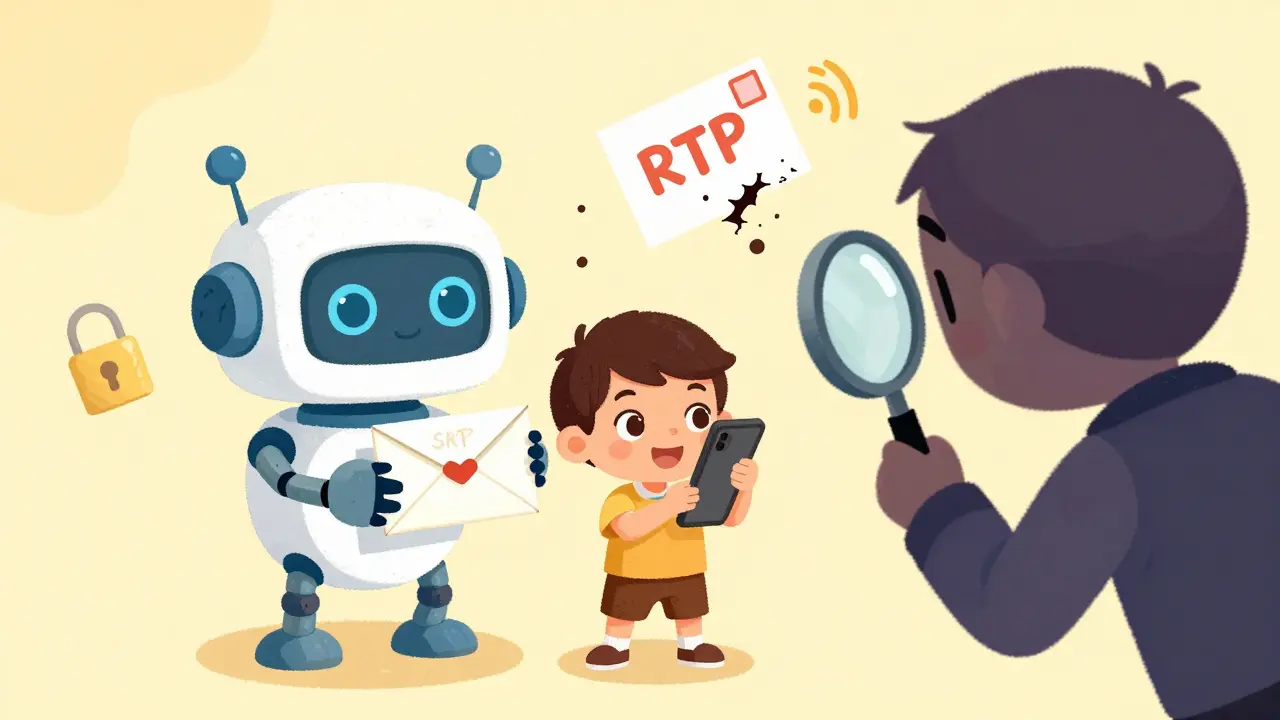
Ever wonder why your VoIP calls don’t get intercepted like old-school landlines? It’s not magic. It’s SRTP-Secure Real-Time Transport Protocol. This is what keeps your business calls, Zoom meetings, and even home video chats private. Without it, anyone on the same network could listen in, record, or even replay your conversations. SRTP fixes that. And it’s built into almost every modern VoIP system you’re using right now.
What SRTP Actually Does
SRTP isn’t a whole new protocol. It’s a security layer added on top of RTP-the standard way audio and video get sent over the internet in real time. Think of RTP like a postcard: anyone who handles it can read what’s written. SRTP turns that postcard into a sealed, tamper-proof envelope. It encrypts the audio payload, checks that the packet hasn’t been altered, and stops attackers from replaying old packets to disrupt your call.It works by intercepting RTP packets right after they’re created and before they’re sent out. On the receiving end, it reverses the process: decrypts, verifies, and delivers clean audio. The whole thing happens in milliseconds. You don’t notice it. But if SRTP wasn’t there? Your call would be as open as a radio broadcast.
How Encryption Works in SRTP
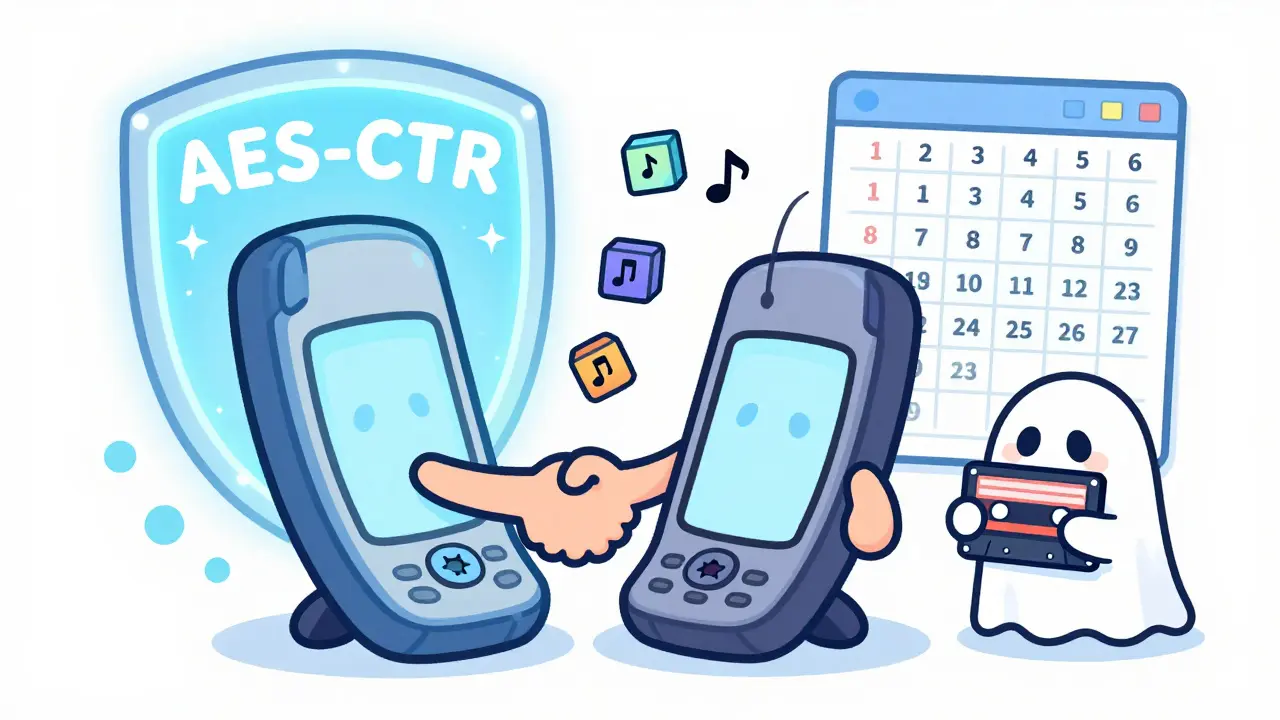
SRTP uses AES-Advanced Encryption Standard-as its default cipher. Specifically, it uses AES-CTR (Counter mode), which is fast and works well with real-time data. AES-CTR encrypts each 20-millisecond audio chunk with a unique key derived from a master key. This master key is negotiated between the two devices during the call setup, usually using TLS or DTLS. Once the call ends, the key is thrown away. No reuse. No long-term vulnerability.Here’s the catch: AES is symmetric. That means the same key encrypts and decrypts the data. Both ends must have the exact same key. That’s why the key exchange has to be secure. If someone steals the key during setup, they can decrypt everything. That’s why SRTP often pairs with DTLS (Datagram Transport Layer Security) to protect the key exchange.
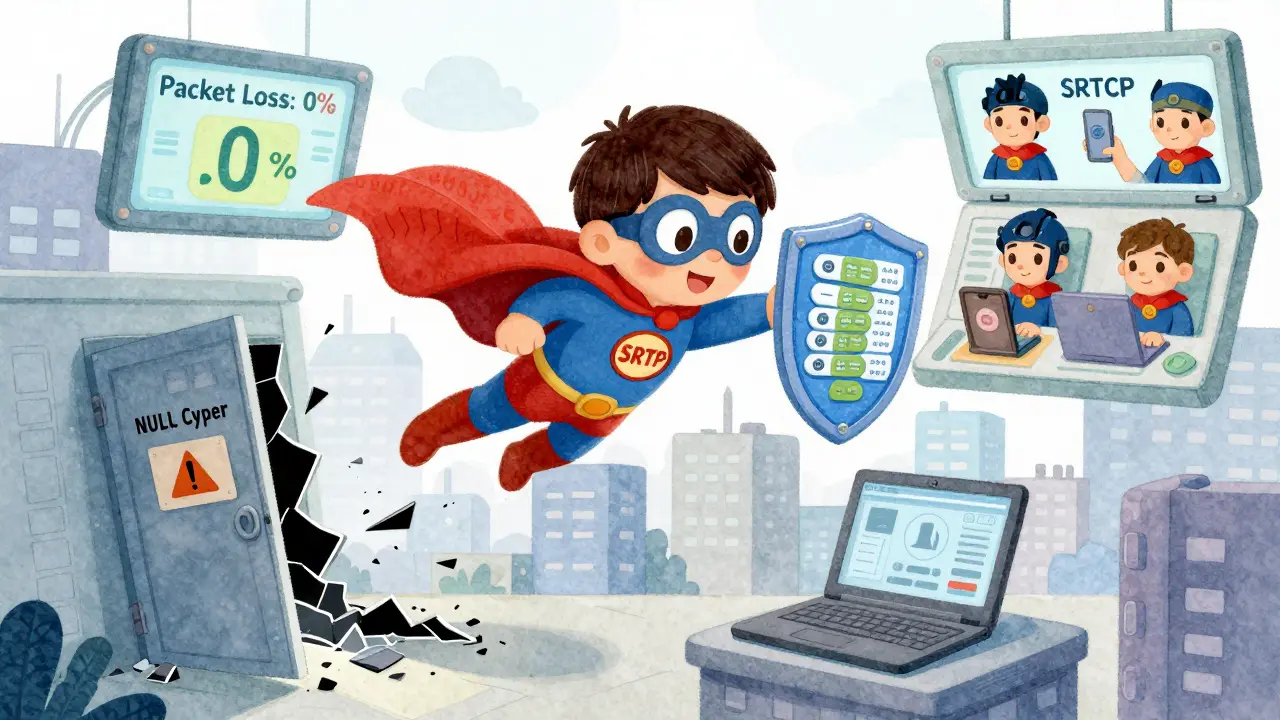
Some systems allow you to disable encryption (called NULL Cipher), but that’s like leaving your front door unlocked because you "trust" your neighborhood. Don’t do it.
Authentication: Making Sure the Call Isn’t Fake
Encryption isn’t enough. A hacker could still intercept your call and send fake packets-making it look like your colleague is saying something they didn’t. That’s where authentication comes in.SRTP adds an auth tag to every packet. This tag is a cryptographic checksum generated using HMAC-SHA1 and your session key. When the packet arrives, the receiver recalculates the tag. If it matches? The packet is real. If it doesn’t? The packet gets dropped. No warning. No delay. Just silence.
And here’s something most people miss: the RTP header isn’t encrypted. It stays in plain text. Why? Because routers and network gear need to see the sequence number, timestamp, and payload type to route the packet correctly. SRTP only encrypts the audio payload. The header stays readable so your call doesn’t break.
But that creates a risk. If an attacker changes the sequence number or timestamp, they could mess up the timing of your call-causing choppy audio or even call drops. That’s why the auth tag is so critical. It ties the unencrypted header to the encrypted payload. No match? No trust.
Replay Protection: Stopping the Echo Attack
Imagine someone records your call, then plays it back later to confuse your system. This is called a replay attack. It’s not just a theoretical threat. In 2023, a security firm demonstrated how unpatched VoIP systems in call centers were vulnerable to exactly this.SRTP stops replay attacks with a simple trick: a sequence number counter and a sliding window. Each packet gets a unique number that increments by one. The receiver keeps track of the last 64 numbers it accepted. If a packet arrives with a number outside that window, it’s rejected. Even if the attacker captures and replays a packet, the sequence number won’t match the current window. The system just ignores it.
Some systems also use "salting keys"-random values added to the key derivation process-to make it harder for attackers to precompute attacks. It’s not mandatory, but it’s a smart layer for high-security environments.
What About SRTCP?
You’ve heard of RTP, but what about RTCP? It’s the control companion to RTP. It sends feedback: packet loss stats, jitter, who’s speaking, who left the call. Without RTCP, VoIP systems can’t adapt to network conditions.SRTP has its own version: SRTCP. And here’s the rule: authentication is mandatory for SRTCP. You can’t turn it off. Why? Because if an attacker can fake RTCP packets, they can force your call to drop, mute your mic, or redirect your audio stream. That’s not just annoying-it’s dangerous in emergency calls or remote surgery setups.
SRTCP uses the same key derivation as SRTP, so you get consistent security across both media and control channels. No gaps. No blind spots.
How SRTP Is Used in Real Systems
You don’t need to configure SRTP manually. Most systems handle it automatically. Here’s how it works in practice:- WebRTC (used in Google Meet, Zoom, Microsoft Teams) always uses SRTP + DTLS for encryption. No option to disable.
- Ozeki VoIP SDK lets admins choose: None (no encryption), Prefer (encrypt if possible, fall back to clear text), or Force (block the call if encryption fails).
- Enterprise PBX systems like Asterisk or 3CX enable SRTP by default in secure mode. You can disable it, but you’ll get a warning.
One common mistake? Enabling too many codecs. SRTP adds overhead. If you use G.711, G.729, and Opus all at once, the encrypted packets can exceed the 1500-byte UDP limit. That causes fragmentation. Fragmented packets = dropped calls. Stick to Opus or G.722. They’re efficient, clear, and SRTP-friendly.
Why SRTP Beats Plain RTP
Plain RTP? It’s like sending a letter with your name, address, and credit card number printed on the outside. Anyone can read it. SRTP fixes all three problems:- Confidentiality: Audio is encrypted. No eavesdropping.
- Integrity: No tampering. Every packet is verified.
- Replay protection: No recording and replaying.
According to Maria Haider from KTH Royal Institute of Technology, even with SRTP, some cloud SIP providers still leave RTP headers exposed. That’s a gap. Headers can reveal call duration, participant IDs, or even internal network structure. It’s not enough to encrypt the audio-you need to protect metadata too.
When SRTP Isn’t Enough
SRTP secures the media stream. It doesn’t protect:- The SIP signaling (that’s why you need TLS for SIP too)
- Call logs stored on servers
- Endpoints (if someone hacks your phone, they can record you anyway)
So SRTP is one piece of a bigger puzzle. Use it with:
- TLS for SIP signaling
- End-to-end device encryption
- Regular firmware updates
Otherwise, you’re just locking the front door while leaving the window wide open.
Final Thoughts
SRTP isn’t flashy. It doesn’t have a marketing team. But it’s the quiet hero behind every secure VoIP call you make. It’s the reason you can talk about your finances, your health, or your business strategy without fearing a stranger listening in.It’s not perfect. But it’s the best we have for real-time voice. And if your VoIP provider doesn’t use SRTP? Ask why. If they can’t answer? Find someone who can.
Is SRTP the same as TLS for VoIP?
No. SRTP encrypts the actual audio and video data. TLS (or DTLS) encrypts the signaling-like the phone number you’re calling and the call setup commands. You need both. SRTP without TLS leaves your call setup open to hijacking. TLS without SRTP leaves your conversation exposed. They work together.
Can SRTP be hacked?
Not if it’s implemented correctly. AES-CTR with 128-bit keys and HMAC-SHA1 is still unbreakable with today’s tech. But if someone uses weak keys, disables authentication, or reuses session keys, it becomes vulnerable. Most breaches happen because admins turned off security features to "save bandwidth" or "fix compatibility." Don’t do that.
Does SRTP work on mobile networks?
Yes. SRTP is used in 4G/5G VoLTE and VoNR calls. In fact, mobile carriers rely on it more than Wi-Fi because cellular networks are harder to secure. The AES-f8 mode was designed specifically for mobile environments where packet loss is common. So your phone call on LTE? That’s SRTP protecting you.
What’s the difference between SRTP and SRTCP?
SRTP secures the audio/video stream. SRTCP secures the control messages-things like "I’m muted," "I’m leaving," or "Packet loss is 5%." SRTCP requires authentication by default. SRTP lets you disable it (but you shouldn’t). Think of SRTP as the conversation and SRTCP as the call manager.
Do I need to configure SRTP manually?
No, not usually. If you’re using Zoom, Teams, WebRTC, or a modern business phone system, SRTP is enabled by default. You only need to configure it if you’re running your own PBX or using a legacy system. In that case, check your settings for "SRTP Mode" and set it to "Force" or "Prefer." Never use "None."