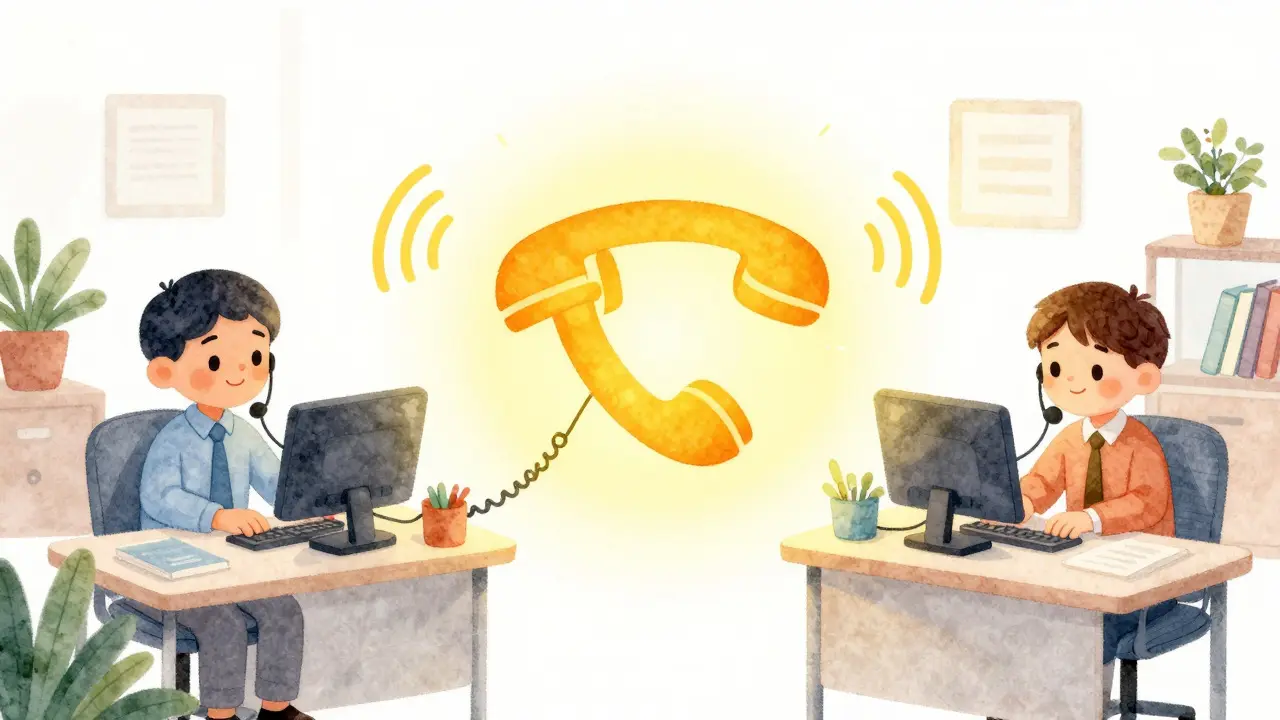
Imagine your sales team is swamped. A customer calls the main line, and instead of hearing a busy signal or waiting on hold for ten minutes, their call instantly rings the phones of three different agents at once. Whoever picks up first takes the call. No awkward silence, no dropped leads. This isn't magic; it's a ring group, one of the most practical features in modern business telephony.
If you are managing a small team or a specific department like support or accounting, understanding how to route calls effectively can save you hours of missed opportunities every week. Ring groups solve the problem of "who answers this number?" by ensuring that multiple people share the responsibility simultaneously or in a set order.
What Is a Ring Group?
A ring group is a call-routing feature in VoIP systems that allows a single phone number to ring multiple extensions or devices at the same time or in a defined sequence. Also known as hunt groups, call groups, or workgroups, this feature ensures that when a caller dials a shared number-like a general office line-the system alerts several employees until one of them answers.
Think of it like a group chat where everyone gets notified at once. In a traditional landline setup, if the front desk was busy, the call might just fail. With a VoIP ring group, the burden of answering is distributed. If Agent A is on another call, Agents B and C still hear the ring. The first person to hit "answer" grabs the call, and the ringing stops for everyone else.
This functionality has been a staple of PBX (Private Branch Exchange) systems since the early days of digital telephony. Major providers like 8x8, Yeastar, and Google Voice include ring groups as standard features because they address a fundamental need: reducing wait times and preventing missed calls without requiring complex infrastructure.
How Ring Strategies Work
Not all ring groups behave the same way. Depending on your business needs, you can configure the "ring strategy" to determine exactly how the system distributes the call. Most VoIP platforms offer two primary strategies:
- Simultaneous Ringing (Ring All): Every member of the group hears the phone ring at the exact same moment. This is ideal for teams where speed is critical, such as emergency response or high-volume sales floors. The goal here is simply to get someone on the line as fast as possible.
- Sequential Hunting (Prioritized Hunt): The system rings members one by one in a specific order. For example, it might ring the senior manager first. If they don't answer within 10 seconds, it moves to the junior associate. This works well for hierarchical structures where certain roles should have priority access to incoming calls.
Some advanced systems also support "Memory Hunt," which starts with one person and adds more participants with each step if the previous ones fail to answer. However, simultaneous and sequential remain the industry standards due to their simplicity and effectiveness.
Setting Up a Ring Group: Step-by-Step
Creating a ring group is generally straightforward and doesn't require coding skills. Most hosted VoIP providers offer a web-based admin panel where you can configure these settings in minutes. Here is a typical workflow based on common platforms like 3CX, 8x8, and Google Voice:
- Create the Group: Navigate to the "Call Handling" or "Ring Groups" section of your admin dashboard. Click "Add New Group" and give it a clear name, such as "Sales Team" or "Support Desk."
- Add Members: Search for the employees who should be part of this group. You can add internal extensions or even external mobile numbers. Remember to check your provider's limits-for instance, VoIP.ms allows up to 12 members per group, while Google Voice supports up to 50.
- Select a Strategy: Choose between "Ring All" for speed or "Sequential" for priority-based routing.
- Set Timeout Duration: Decide how long the system should ring before giving up. A default of 20 seconds is common. If no one answers within this window, the call needs a fallback destination.
- Configure Overflow: Determine what happens if the group is unanswered. Common options include forwarding to voicemail, playing a busy tone, or redirecting to another ring group or call queue.
- Assign a Number: Link an inbound DID (Direct Inward Dialing) number to the ring group. Now, anyone calling that number will trigger the group behavior.
For those who prefer automation, providers like 8x8 offer REST APIs that allow developers to manage ring groups programmatically, integrating them with CRM systems or ticketing tools for dynamic membership changes.

Ring Groups vs. Call Queues: Which Do You Need?
This is the most common question I hear from business owners. Both features handle multiple agents, but they serve very different purposes. Choosing the wrong one can lead to frustrated customers and stressed employees.
| Feature | Ring Group | Call Queue |
|---|---|---|
| Caller Experience | Hears normal ringing | Hears hold music and announcements |
| Routing Logic | Rings multiple phones at once or in order | Places callers in a line and distributes evenly |
| Agent Status | No login/logout required; rings all assigned users | Agents must log in/out; routes only to available staff |
| Reporting | Limited (answered vs. missed) | Detailed (wait times, abandonment rates, agent performance) |
| Best For | Small teams (up to ~5 users), simple routing | Large departments, contact centers, SLA-driven environments |
Use a ring group if you have a small team and just want to ensure someone answers quickly. It's lightweight, easy to set up, and requires no training for agents to "log in" to receive calls. Use a call queue if you have a larger volume of calls, need to track performance metrics, or want to provide a professional hold experience with estimated wait times. As your team grows beyond five or six people, you will likely outgrow ring groups and migrate to queues.
Common Pitfalls and Best Practices
Even though ring groups are simple, misconfiguration can lead to annoying issues. Here are some things to watch out for:
- Mobile Voicemail Leakage: If you include personal mobile numbers in a ring group, an unanswered call might forward directly to the employee's personal voicemail box. To prevent this, enable features like "Press 1 to Connect" or set a strict timeout so the call falls back to the company's central voicemail instead.
- Too Many Members: While some platforms allow dozens of members, adding too many people to a simultaneous ring group creates chaos. Everyone's phone blares at once, leading to confusion about who actually picked up. Keep groups small and focused on specific functions.
- Ignoring Overflow Rules: Always define what happens when no one answers. Sending calls to a generic voicemail without context can frustrate callers. Consider chaining the ring group to a secondary group or an IVR menu for better user experience.
- Overlapping Groups: Avoid adding the same employee to multiple active ring groups unless necessary. This can cause their phone to ring constantly for unrelated inquiries, leading to burnout.

Security and Reliability Considerations
Ring groups inherit the security protocols of your underlying VoIP platform. Since they are logical routing rules rather than standalone hardware, they rely on SIP over TLS for signaling encryption and SRTP for media encryption. Ensure your provider offers enterprise-grade security, including HIPAA or GDPR compliance if you handle sensitive data.
Reliability depends on your internet connection and the provider's uptime SLA. Look for providers that guarantee at least 99.9% uptime with geographic redundancy. If your internet goes down, consider having a backup cellular failover option integrated into your ring group configuration to keep lines open during outages.
When to Upgrade Your Setup
Start with ring groups if you are a small business or a specific department within a larger organization. They are cost-effective and easy to manage. However, monitor your call patterns. If you notice high abandonment rates, inconsistent service levels, or a need for detailed analytics, it's time to explore call queues or full contact center solutions. Platforms like 8x8 and 3CX make it relatively easy to transition from simple ring groups to more sophisticated queueing systems as your business scales.
Can I use my mobile phone in a ring group?
Yes, most VoIP providers allow you to add mobile numbers as members of a ring group. This is great for remote teams. Just be careful to configure overflow settings so calls don't accidentally go to your personal voicemail if you miss them.
What is the difference between a ring group and a hunt group?
They are essentially the same thing. "Hunt group" is an older term from legacy telephone systems, while "ring group" is the modern terminology used by most VoIP providers. Both refer to routing a single number to multiple endpoints.
How many people can be in a ring group?
It depends on your provider. VoIP.ms limits groups to 12 members, 8x8 allows up to 32, and Google Voice supports up to 50. Practically, experts recommend keeping groups under 5-6 people for optimal efficiency and clarity.
Do ring groups provide call recording?
Ring groups themselves do not record calls. However, your VoIP system can be configured to record calls that pass through the ring group. Check your provider's settings to enable automatic recording for compliance or training purposes.
Is a ring group free?
In most hosted VoIP plans, ring groups are included as a standard feature with no extra charge. They are considered basic call routing capabilities. Premium features like advanced call queues or detailed analytics may incur additional costs.