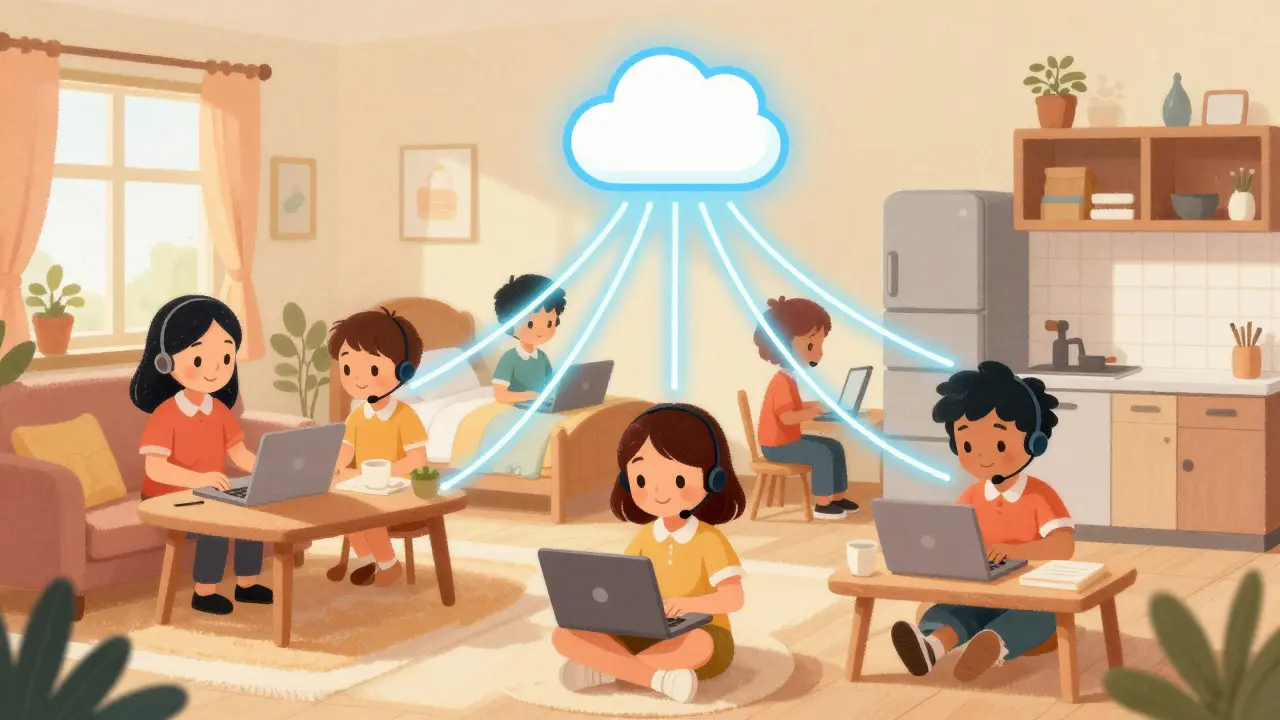
Imagine your customer service team is scattered across three time zones, yet every caller gets the same seamless experience as if they were sitting in a single office. This isn't science fiction; it's the reality of modern remote contact centers powered by Voice over Internet Protocol (VoIP) infrastructure that allows agents to log into cloud-based systems from anywhere with a stable internet connection. If you're managing a distributed team or considering moving your support operations off-site, understanding how the agent desktop and Automatic Call Distribution (ACD) work together is critical. You don't just need a phone number; you need a unified ecosystem that routes calls intelligently, tracks performance in real-time, and keeps your agents productive without physical supervision.
How Remote VoIP Infrastructure Works
At its core, a remote contact center replaces traditional on-premise PBX hardware with cloud-hosted servers. Instead of connecting phones to a local switchboard, voice data travels over the internet using VoIP protocols. This shift means the "hardware" is essentially your agent's laptop and headset, while the brain of the operation sits in a provider's data center. Companies like Vonage and Webex describe this model as part of the broader Contact Center as a Service (CCaaS) landscape, where providers host everything from routing logic to recording storage.
The magic happens when these components interact. When a customer dials in, their call hits the cloud platform first. The system captures initial data like the caller's ID and any IVR selections before passing the audio stream to an available agent. Because the infrastructure is cloud-native, adding a new agent in a different city requires zero physical cabling. You simply provision their account, send them login credentials, and they appear in the queue. This location-agnostic nature is what makes scaling up or down incredibly fast compared to legacy systems.
The Role of the Agent Desktop
The agent desktop is the interface your team interacts with daily. In a remote setup, this is typically a browser-based application or a lightweight client installed on a standard computer. It’s not just a dial pad; it’s a command center. Modern desktops display live caller information, CRM records, chat windows, and email threads all in one view. This omnichannel approach ensures that whether a customer calls, chats, or emails, the agent has full context before picking up.
For home-based workers, usability is key. The desktop must be responsive enough to handle multiple tasks without lagging, especially if the agent is also monitoring social media or internal tickets. Platforms like Talkdesk and Five9 emphasize "agent-centric" experiences, meaning the UI is designed to minimize clicks and maximize screen space for customer data. Since remote agents often provide their own hardware, compatibility with common operating systems like Windows and macOS is a non-negotiable requirement. You want a tool that runs smoothly in Chrome or Edge, avoiding the need for heavy proprietary software that might conflict with other business applications.
Automatic Call Distribution (ACD) from Home
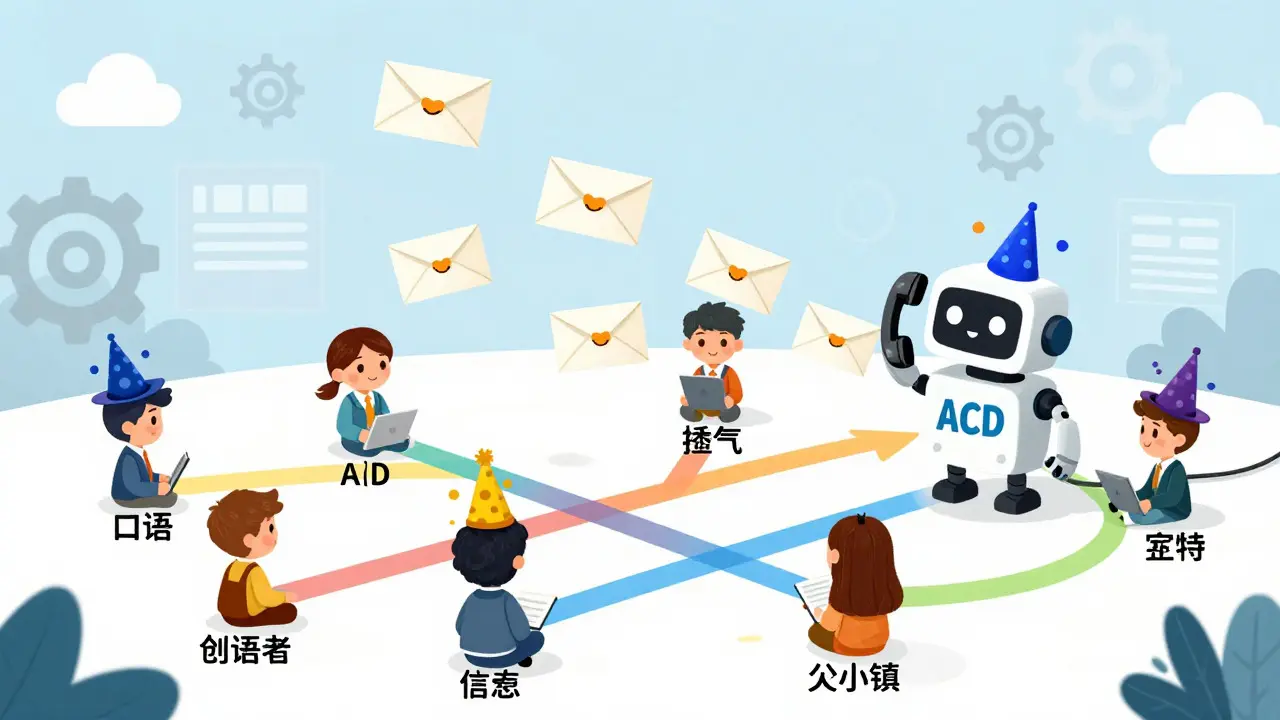
Automatic Call Distribution (ACD) is the engine that decides which agent answers a specific call based on predefined rules. In a traditional office, this might mean sending calls to the next free line. In a remote environment, ACD becomes much more sophisticated. It uses skills-based routing to match callers with agents who have specific expertise, language capabilities, or even VIP status flags. For example, if a caller speaks Spanish and needs technical support, the ACD bypasses generalists and finds the best-matching bilingual technician, regardless of whether they are in New York or London.
Modern ACD systems also handle overflow and priority. If all high-priority agents are busy, the system can route the call to a backup pool or play a hold message with estimated wait times. This prevents overload and ensures no call goes unanswered. Because the ACD lives in the cloud, it sees the entire global workforce as a single resource pool. An agent logging in from home at 9 AM EST is treated exactly the same as an agent logging in from an office at 3 PM GMT. This unified view allows for better load balancing and shorter wait times for customers.
Choosing the Right CCaaS Platform
With the market projected to grow significantly, choosing the right vendor is crucial. Several platforms dominate the remote-ready space, each with distinct strengths. Here’s how some leading options compare:
| Platform | Key Strength | Notable Feature | G2 Rating (Approx.) |
|---|---|---|---|
| Genesys Cloud CX | Advanced AI Routing | Predictive algorithms for complex routing | 4.3 / 5.0 |
| NICE CXone | Omnichannel Suite | Integrated workforce optimization | 4.2 / 5.0 |
| Five9 | Global Scale & Stability | Serves 150+ countries, strong reliability | 4.1 / 5.0 |
| Talkdesk | User Experience | AI-powered intelligent routing & CRM integrations | 4.4 / 5.0 |
| Amazon Connect | Cost Efficiency | Pay-as-you-go serverless model | 4.0 / 5.0 |
Notice that ratings vary slightly depending on the review source and timeframe, but most hover around the 4.0 to 4.4 range. Five9, for instance, serves over 3,000 organizations and is praised for its stability, though some users note the pricing structure can be complex. Talkdesk often scores higher on ease of use, making it a favorite for teams that prioritize a smooth agent experience. Amazon Connect appeals to tech-savvy companies looking for granular control and lower costs through usage-based billing rather than per-seat licenses.
System Requirements and Home Office Setup
Before deploying agents at home, you need to ensure their setups meet minimum standards. Most employers require agents to supply their own computer, headset, and internet connection. A typical baseline includes a dual-core processor, 8GB of RAM, and a broadband connection with at least 10 Mbps download and upload speeds. Latency should ideally be under 50ms to prevent echo or dropped words during calls.
Beyond hardware, security is paramount. Since agents are accessing corporate data from unsecured home networks, platforms like Talkdesk offer features such as Talkdesk Guardian to manage access controls and monitor device health. You might also consider providing corporate laptops to ensure consistent performance and easier IT support. While many roles are 100% virtual, some companies still require occasional visits for equipment pickup or training, so factor this into your hiring criteria.

Measuring Success: Key Performance Metrics
Managing a remote team means you can’t walk over to check on someone. You rely on data. The most critical metrics for a remote VoIP contact center include:
- First Call Resolution (FCR): The percentage of issues resolved on the first interaction. High FCR indicates effective routing and well-informed agents.
- Average Speed of Answer (ASA): How long callers wait before reaching an agent. In remote environments, poor ASA often signals misconfigured ACD rules or insufficient staffing.
- Customer Satisfaction Score (CSAT): Direct feedback from customers after the call. This is the ultimate measure of whether your remote setup delivers value.
- Average Handle Time (AHT): The total time spent on a call, including talk time and after-call work. Monitoring AHT helps identify training needs or workflow bottlenecks.
Real-time dashboards in platforms like Genesys and NICE allow supervisors to see these metrics live. If ASA spikes during a peak hour, you can immediately re-route traffic or bring in additional agents. This level of visibility is what makes remote management feasible and effective.
Frequently Asked Questions
Do remote agents need special hardware?
No special servers are needed at home. Agents typically use a standard laptop or desktop with a USB headset. The heavy lifting is done by the cloud platform, so the local machine only needs to run a web browser or lightweight client app.
How does ACD know which agent to pick?
ACD uses routing rules based on agent skills, availability, and past performance. For example, it can prioritize agents who speak the caller's language or have high CSAT scores. Some advanced systems use AI to predict the best match dynamically.
Is VoIP reliable enough for professional customer service?
Yes, provided the internet connection is stable. Modern VoIP platforms use redundant data centers and adaptive bitrate technology to maintain call quality. Most enterprise-grade CCaaS providers guarantee 99.9% uptime, making them as reliable as traditional landlines.
Can I mix remote and office-based agents?
Absolutely. Cloud ACD pools all agents into a single queue regardless of location. A caller doesn't know if they're talking to someone in the lobby or working from a cafe. This hybrid model offers maximum flexibility for staffing shifts and coverage.
What are the main risks of going remote?
The primary risks are inconsistent internet quality and lack of direct supervision. Mitigate these by setting strict bandwidth requirements for agents and using real-time analytics to monitor performance. Regular check-ins and clear KPIs help maintain accountability without micromanagement.