
When a customer calls your business, they don’t care about your VoIP system’s technical specs. They care about one thing: how long they wait. If they’re stuck in a queue for more than a minute, they hang up. And if this happens often, they stop calling altogether. That’s where Queue Service Level (SL) comes in-it’s the heartbeat of your call center’s performance.
What Exactly Is Queue Service Level?
Queue Service Level measures the percentage of calls answered within a set time limit. For example, if your SLA says "80% of calls answered within 30 seconds," then every day you check: out of 100 calls, how many were picked up in 30 seconds or less? That number is your Service Level. It’s not just about speed. It’s about reliability. A high SL means customers aren’t left waiting. A low SL means frustration, abandoned calls, and lost business. In VoIP systems, this metric is tracked automatically through your call center dashboard. You’ll see it in reports like "Queue Stats" or "Stats Grid"-no guesswork needed. Here’s the catch: the system doesn’t count abandoned calls as answered. So if 100 calls come in, 85 are answered in 30 seconds, and 10 are hung up before being picked up, your Service Level isn’t 85%. It’s 85% of the 90 calls that were answered (since 10 were abandoned). That gives you 94.4%. But if your SLA target is 90%, you’re still in the clear.What’s the Standard SLA Time?
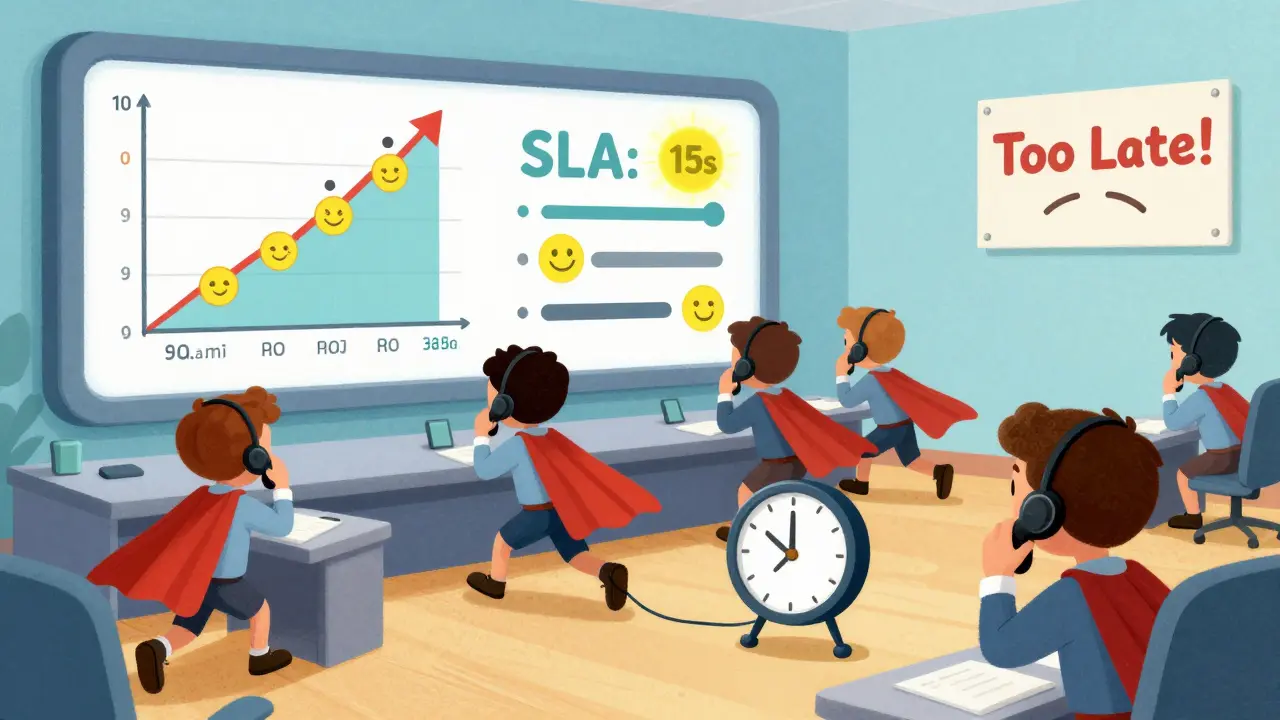
Most VoIP platforms default to a 60-second target. That’s the baseline. But here’s the truth: 60 seconds is too long for most businesses. Customers today expect answers in under 20 seconds. Studies show that after 20 seconds, abandonment rates climb sharply. After 45 seconds, nearly half of callers hang up. That’s why top-performing call centers set their SLA between 15 and 30 seconds. Think about it: if you’re a bank, a hospital, or even a small e-commerce store, a 60-second wait feels like an eternity. You wouldn’t let a customer stand in a physical line for that long. Why would you let them wait on a call? The good news? Most VoIP systems let you adjust this. In SpectrumVoIP, for instance, there’s a simple slider in the Call Center settings. You drag it to 20, 25, or 35 seconds. The system recalculates everything automatically. No coding. No IT tickets.How SLA Targets Affect Your Bottom Line
Setting your SLA too high-like 10 seconds-sounds impressive. But if you don’t have enough agents, you’ll constantly miss it. That leads to service credits (penalties), unhappy customers, and damaged reputation. Setting it too low-like 90 seconds-might make your numbers look good. But customers will notice. They’ll leave. And they’ll tell others. The sweet spot? Base your SLA on real data. Look at your historical call volumes. What time of day has the most traffic? Are you getting 200 calls between 9 a.m. and 11 a.m.? Then your SLA during those hours should be tighter than at 3 p.m. when only 30 calls come in. One UK-based logistics company did this. They used to use a flat 60-second SLA all day. After analyzing their call patterns, they switched to:- 15 seconds: 8 a.m. - 11 a.m.
- 25 seconds: 11 a.m. - 4 p.m.
- 45 seconds: 4 p.m. - 8 p.m.
What Happens When You Miss Your SLA?
SLAs aren’t suggestions. They’re contracts. If you promise 90% of calls answered in 20 seconds-and you hit 82%-you owe your customers something. Most VoIP providers include earn-back clauses and penalty structures in their SLAs. If you miss your target, you get a service credit-usually a percentage of your monthly fee. For example, if you miss your SLA for one week, you get 10% off next month. Miss it for three weeks? 30% off. But here’s what most people miss: the real cost isn’t the credit. It’s the lost trust. A customer who hangs up once may come back. A customer who hangs up three times? They’re gone for good. That’s why real-time alerts matter. When a call sits in queue longer than your SLA, your system should ping your supervisor. Not tomorrow. Not in a daily report. Right now. That way, you can:- Reassign agents from a quieter queue
- Temporarily increase overtime
- Activate an overflow line to another location
How to Set Realistic SLA Targets
Don’t guess. Don’t copy what your competitor does. Build yours from data. Follow this simple process:- Look at the last 90 days of call volume and answer times.
- Find your peak hours. What’s the average wait time then?
- Calculate your current SLA. Are you hitting it?
- Ask your team: what’s the longest a customer should wait before they’re likely to hang up?
- Set your SLA 5 seconds below that number. It’s a buffer for spikes.
- Review every month. Adjust if staffing, volume, or customer feedback changes.
SLA Isn’t Just About Answer Time
A full SLA covers more than queue performance. It should also define:- System uptime (99.9% or better)
- Response time for support tickets
- How outages are reported
- How credits are calculated
- Who’s responsible if a third-party service fails
What to Do When SLA Falls Short
If you’re consistently missing your SLA, don’t panic. But don’t ignore it either. Start with these fixes:- Check your call routing. Are calls going to the right queues? Are skills-based routing rules working?
- Review agent training. Are they taking too long on calls? Are they using scripts or knowledge bases?
- Look at hold music and automated messages. A simple "Your call is important to us" with an estimated wait time reduces abandonment by up to 22%.
- Use IVR wisely. Don’t bury callers in menu options. If they want sales, let them go straight there.
- Consider AI chatbots for simple queries. If 30% of your calls are "Where’s my order?" or "What are your hours?", a bot can handle those-freeing agents for complex issues.
Final Thought: SLA Is a Customer Promise
Your Queue Service Level isn’t a number on a dashboard. It’s a promise you made to your customers. And every time you break it, you lose a little more of their trust. The best call centers don’t chase perfect numbers. They chase consistent reliability. They set SLAs they can live with. They monitor them daily. And they fix problems before customers notice. If you do that, your SLA won’t just be a metric. It’ll be your reputation.What’s the difference between Service Level and Abandon Rate?
Service Level measures the percentage of calls answered within your target time. Abandon Rate measures the percentage of calls hung up before being answered. They’re linked: if 100 calls come in, 90 are answered, and 10 are abandoned, your Service Level is based on the 90 answered calls-not the original 100. A high abandon rate drags down your effective service level, even if answered calls are fast.
Can I set different SLA targets for different times of day?
Yes, and you should. Most VoIP platforms let you create time-based SLA rules. For example, set 20 seconds for 8 a.m. - 5 p.m. on weekdays, and 60 seconds for weekends or holidays. This matches real demand and avoids overstaffing during slow periods.
How often should I review my SLA?
Review it monthly. If your call volume changes by 20% or more, or if customer feedback drops, adjust your SLA immediately. SLAs aren’t set-and-forget. They need to evolve with your business.
Do I need a VoIP provider with an SLA?
Absolutely. If your VoIP provider doesn’t offer an SLA, that’s a red flag. It means they’re not accountable for uptime, call quality, or outages. Look for providers offering at least 99.9% uptime with clear penalty clauses. Without an SLA, you have no recourse if service fails.
What’s a realistic SLA for a small business with 5 agents?
For a small team handling 80-120 calls per day, aim for 25-30 seconds during peak hours. If you’re getting over 150 calls, you’ll need to add automation, overflow routing, or part-time staff. Pushing for 15 seconds with only 5 agents will lead to burnout and missed targets.