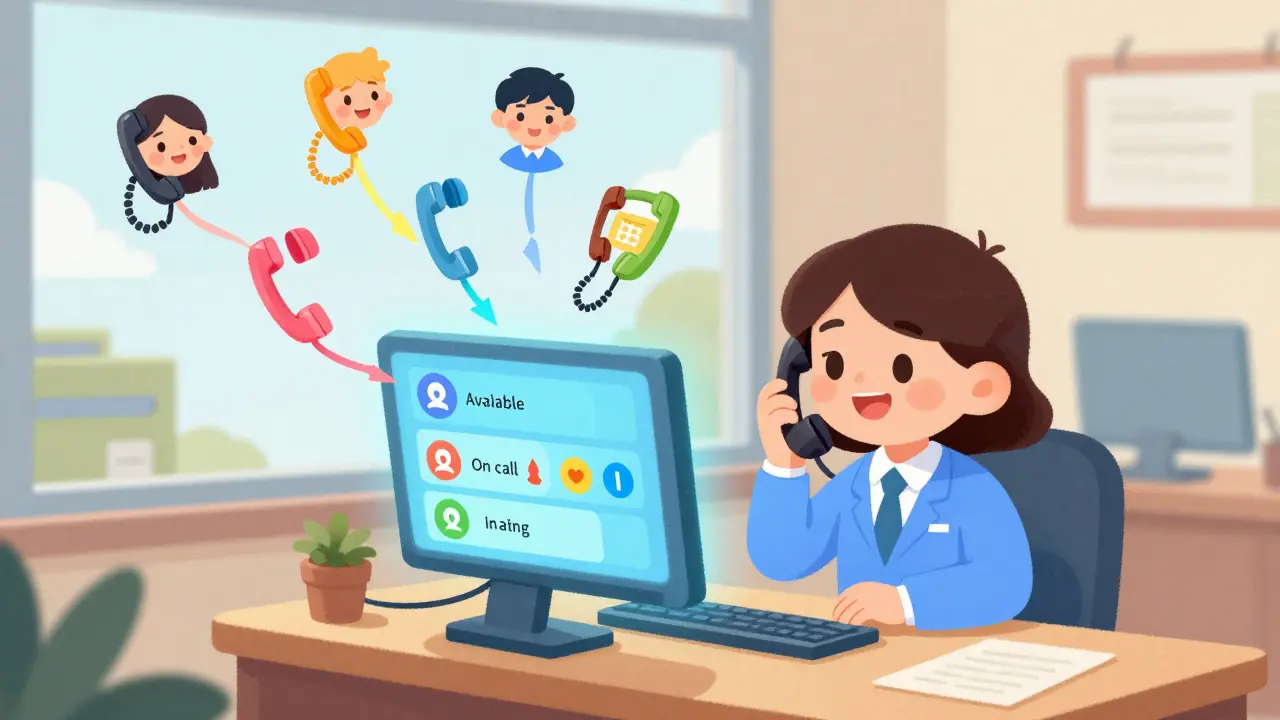
Imagine this: It’s 10:17 a.m. and your front desk phone is ringing off the hook. Five calls are waiting in queue, two are on hold, one is from a client who just emailed saying they’re on the line, and someone’s trying to reach the sales team-except the only person who knows their extension is out to lunch. This isn’t a bad day. This is the norm for businesses without a proper VoIP operator console.
Traditional phone systems make you press buttons, hunt for extensions, and guess who’s available. Modern VoIP operator consoles change that. They turn your receptionist, front desk, or call center agent into a command center operator-with one screen, one click, and full control over every incoming and outgoing call.
What Exactly Is a VoIP Operator Console?
A VoIP operator console isn’t a phone. It’s a software interface-usually web-based or desktop-that gives one person full command over all incoming calls. Think of it as the air traffic control tower for your business phone system. Instead of answering one call at a time, the operator sees everything: who’s calling, who’s available, who’s on hold, and where calls should go.
It’s not just for receptionists anymore. Call centers, multi-location offices, and even administrative teams use these consoles to keep communication flowing without chaos. The core idea? Automate the boring stuff so humans can focus on what matters-like helping customers, not just transferring calls.
How It Works: The Real-Time Dashboard
Open the console and you’re met with a clean, live dashboard. On the left, a directory shows every employee, their photo, and their status: Available, On a Call, In a Meeting, or Do Not Disturb. On the right, incoming calls appear with caller ID, name, and even notes from previous interactions. No more guessing if Sarah is free-just look.
When a call comes in, you don’t pick up. You route. A single drag-and-drop move transfers the call to the right person. No dialing extensions. No scrolling through menus. Just click and go. If the person is busy, the system automatically sends the call to voicemail or a queue. You can even park a call with one click and come back to it later-no one gets lost.
Auto Attendant: The 24/7 Virtual Receptionist
Before VoIP, auto attendants were robotic. You had to press 1 for sales, 2 for support, 3 for… well, you got the idea. Modern operator consoles use AI-powered auto attendants that understand natural speech. A caller says, “I need pricing for the Pro plan,” and the system replies: “Here’s the link to our Pro plan pricing,” then sends it via text-all while the call stays connected.
This isn’t sci-fi. Tools like MyAIFrontDesk and RingCentral’s AI features do this daily. They answer FAQs, schedule appointments, and even transcribe voicemails into readable text. That means if a call comes in at 2 a.m., your business still sounds professional. No one’s left hanging.
Call Routing That Actually Makes Sense
Random call distribution? Outdated. Smart routing is the norm now. The console doesn’t just send calls to the next available person. It sends them to the right person.
- Technical support? Automatically routed to the IT team.
- Account inquiries? Sent to billing specialists.
- Urgent call from a VIP client? Bypasses the queue and rings directly to the manager.
It works because the system learns. Over time, it recognizes patterns. If 80% of calls from a certain number are about billing, it starts routing them there automatically. You don’t need to train it manually-it adapts.
Supervision and Quality Control
Supervisors don’t just watch. They coach-in real time.
With silent monitoring, a manager can listen to any active call without the caller knowing. If an agent is struggling, the supervisor can whisper advice into their earpiece-no disruption, no embarrassment. “Just ask if they’ve tried resetting the router,” the manager whispers. The agent nods, asks, and solves the issue. That’s live training, and it works.
Plus, every call gets logged. How long did it take to answer? How many transfers? Did the caller hang up? Dashboards show trends: which agents have the highest satisfaction scores, which queues are backed up, which hours are busiest. You don’t need to guess where problems lie. The data tells you.

Restricted Calls and Security
Public phones at the front desk? Big risk. Someone could accidentally dial international numbers and rack up $500 bills. Operator consoles solve this with restricted call rules.
Only authorized users can make long-distance or international calls. If a guest tries to dial out, the console blocks it-and alerts the operator. The operator can then approve the call with a single click. No extra hardware. No locked phones. Just smart, secure control.
Integration: More Than Just a Phone System
The best operator consoles don’t live in isolation. They connect to your CRM, calendar, and email.
When a call from “John Smith” comes in, the console pulls up his full profile in Salesforce: last purchase, open tickets, even his preferred contact method. The operator doesn’t have to ask. They already know.
Microsoft Teams users get this built-in through the Bridge Operator Console. Webex integrates with its calling platform. RingCentral syncs with HubSpot. The result? No more switching between apps. One screen. One workflow. One less thing to mess up.
Who Actually Uses This?
It’s not just big companies. Even small businesses with 10 employees benefit.
- Front desks in hospitals, law firms, and property management offices use it to handle 50+ calls a day without missing anyone.
- Call centers use it to balance load, monitor agents, and reduce average handle time by 30%.
- Remote teams across time zones stay connected. A call to your New York office can be answered by someone in Texas or Florida.
- Administrative staff stop being human switchboards. They start being problem-solvers.
One dental office in Raleigh switched from a legacy system to a Webex operator console. Before: 12 missed calls a day. After: 2. Their front desk now has time to call patients back-instead of just answering phones.
Setup? It’s Faster Than You Think
No IT degree needed. Cloud-based operator consoles require zero hardware. Just log in through a browser. Plug in your existing VoIP phones. Assign users. Done.
Some vendors say setup takes under 10 minutes. That’s not marketing fluff. One user in Charlotte configured their entire console-including CRM sync and auto attendant rules-during their lunch break.
Why This Isn’t Just a Fancy Phone
Old phone systems were about answering. New operator consoles are about orchestrating.
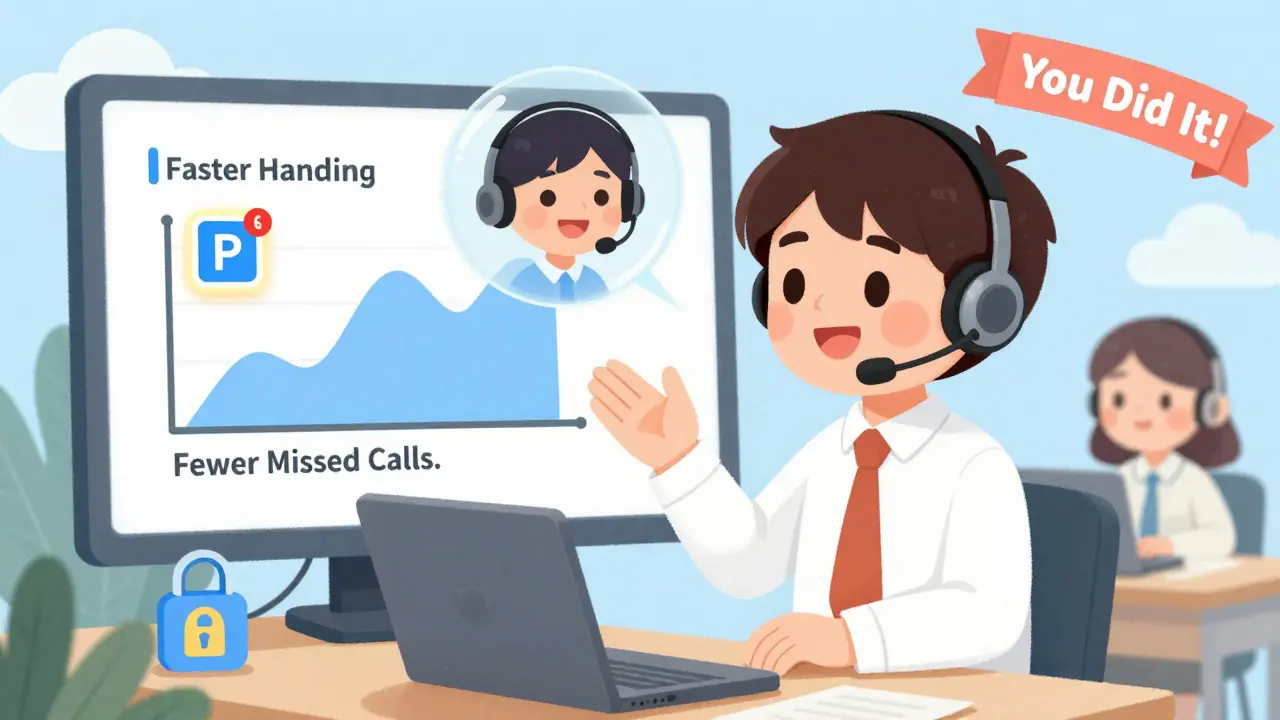
They cut down missed calls. They reduce average wait time. They free up staff to do work that actually moves the business forward. And they do it all without hiring an extra person.
If your receptionist is still memorizing extensions or writing down voicemail messages on sticky notes, you’re not just using outdated tech-you’re losing money.
Real-World Impact: Numbers That Matter
Here’s what businesses see after switching:
- 40-60% reduction in missed calls
- 35% faster average call handling time
- 25% fewer transfers needed per call
- 70% of operators report lower stress levels
That last one isn’t a fluke. When you’re not drowning in calls, you’re not burned out. And happy staff = happy customers.
What to Look For in a Console
Not all operator consoles are built the same. Here’s what to prioritize:
- Drag-and-drop call transfer - no typing extensions allowed.
- Live presence status - real-time availability for everyone.
- CRM integration - your calls should know your customers.
- AI auto attendant - handles off-hours calls and simple questions.
- Supervisor tools - whisper coaching and silent monitoring.
- Cloud-based access - no software install, works from anywhere.
Top vendors like Cisco, RingCentral, Webex, and NextPointe all deliver these-but compare their dashboards. The best one feels like using your phone, not fighting it.
Final Thought: It’s Not About Technology. It’s About People.
VoIP operator consoles don’t replace humans. They empower them. They turn busy receptionists into skilled communicators. They let call center agents focus on solving problems-not dialing numbers. They give managers insight instead of guesswork.
If your business handles more than 20 calls a day, you’re already paying for this in lost time, missed opportunities, and frustrated staff. The right operator console doesn’t just fix the problem. It turns your phone system into a competitive advantage.
Can an operator console work with my existing VoIP system?
Yes. Most modern operator consoles are designed to integrate with standard VoIP platforms like Cisco, RingCentral, Microsoft Teams, and Webex. You don’t need to replace your phones-just connect them to the console software. Cloud-based systems work with both hosted and on-premise VoIP setups.
Do I need special hardware to use an operator console?
No. Operator consoles are software-based. You access them through a web browser or a desktop app. All you need is a computer, tablet, or even a smartphone with internet access. Your existing VoIP phones continue to work as-is.
How does call parking work in a VoIP operator console?
Call parking lets you put a call on hold with one click and retrieve it later from any device. The console shows you which calls are parked, who they’re from, how long they’ve been waiting, and even any notes you attached. You can pick up the call from your desk phone, mobile app, or another computer-no need to remember a number.
Can AI really handle calls without human help?
Yes, for common requests. AI auto attendants can answer FAQs, schedule appointments, send pricing links, and transcribe voicemails-all without human input. They’re not meant to replace complex conversations, but they handle 60-70% of routine inquiries, freeing up staff for higher-value interactions.
Is this only for large companies?
No. Small businesses benefit just as much. A dentist’s office with 3 employees, a law firm with 5 staff, or a property manager handling 50 units-all use operator consoles to stop being human switchboards and start being service providers. Setup takes minutes, and pricing starts under $15/user/month.
Can supervisors really listen in without the caller knowing?
Yes. Silent monitoring lets supervisors listen to live calls without any indication to the caller. This is standard in enterprise-grade systems and is used for quality assurance, training, and compliance. Some systems also allow whisper coaching-where the supervisor can speak to the agent without the customer hearing.