
Imagine your sales team is on a hot streak. The phones are ringing off the hook, and suddenly-silence. No calls getting through. No voicemail. Just a dead line while potential revenue evaporates. This nightmare scenario is exactly why minimizing downtime during a VoIP switch is not just an IT task; it is a critical business survival strategy.
Moving from legacy copper lines or old on-premise PBX systems to modern Voice over Internet Protocol (VoIP) or cloud-hosted solutions is inevitable. But voice is a Tier-1 workload. Unlike a slow-loading email server, a broken phone system stops money from entering your building. According to industry estimates, enterprise IT downtime can cost upwards of USD 5,600 per minute. While that figure covers all IT outages, telephony failures often carry higher reputational damage because customers expect you to be reachable, period.
The good news? You do not have to accept risk as the price of progress. With careful planning, redundant infrastructure, and a staged approach to number porting, you can migrate with near-zero interruption. Here is how to plan a switch that keeps your business talking.
Assess Your Network Before You Buy Anything
Most failed VoIP migrations start with bad network assumptions. You might think your current internet connection is fine because YouTube streams smoothly, but video streaming buffers in the background. Voice does not buffer. It demands immediate delivery.
To ensure stability, you need to measure your actual bandwidth usage. A standard rule of thumb is allocating at least 80-100 kbps of bandwidth per concurrent call using G.711 codecs. If you have 50 employees making calls simultaneously, you need roughly 4-5 Mbps dedicated solely to voice traffic, plus overhead for data.
Check these three metrics:
- Bandwidth: Ensure your link is not saturated. Keep average utilization below 70% during peak hours to leave room for voice bursts.
- Jitter: This is the variation in packet arrival time. It should stay below 30 milliseconds. High jitter makes voices sound robotic or chopped up.
- Latency: The round-trip time for data. Aim for under 150 milliseconds. Higher latency causes awkward pauses where people talk over each other.
If your current internet fails these tests, do not proceed with the switch until you upgrade. Consider a dedicated fiber line for VoIP if your office has high call volume. For smaller setups, segmenting your network into a separate VLAN for voice traffic ensures that large file downloads by one employee do not steal bandwidth from a critical sales call.
Build Redundancy Into Your Infrastructure
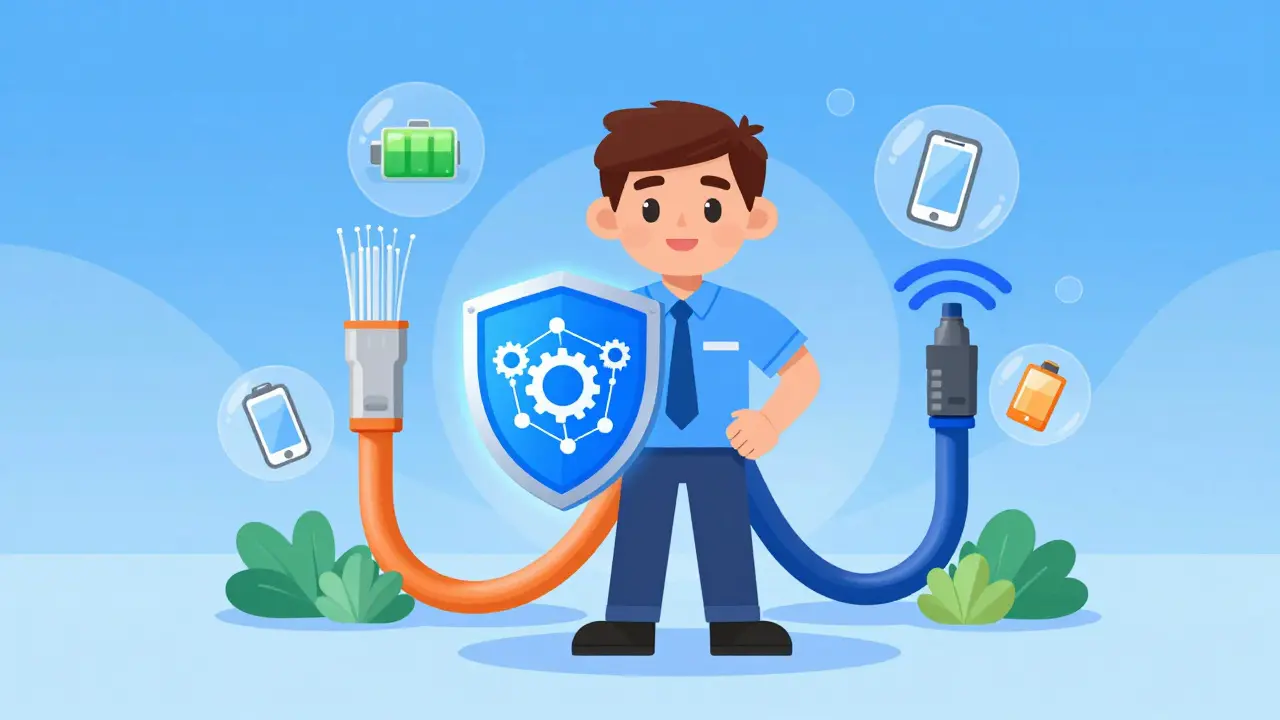
Relying on a single point of failure is dangerous. In a traditional analog phone system, power came from the central exchange. With VoIP, every device-from the router to the desk phone-needs electricity and internet access. If the power goes out or the ISP drops, your phones die.
You must build layers of redundancy:
- Dual Internet Connections: Install two ISPs using different technologies (e.g., Fiber + Cable or Fiber + 5G). Configure your firewall or SD-WAN appliance to automatically failover to the secondary line if the primary link drops. This switch should happen in seconds, unnoticed by callers.
- Power Backup (UPS): Connect your modem, router, core switch, and IP phones to Uninterruptible Power Supply units. A pure sine wave UPS ensures clean power for sensitive electronics. Size them to keep critical equipment running for at least 30-60 minutes, giving you time to troubleshoot or wait for power restoration.
- Mobile Failover: Use softphone apps on employee mobile devices. If the office internet dies, staff can switch their phones to cellular data and continue taking calls via the VoIP app. Configure "Find-Me/Follow-Me" rules so incoming calls ring both the desk phone and the mobile app simultaneously.
This multi-layered approach ensures that even if one component fails, the conversation continues. It transforms a potential crisis into a minor technical hiccup.
Strategic Number Porting: The Core of the Switch
Number porting is the process of transferring your existing phone numbers from your old carrier to your new VoIP provider. This is where most businesses get tripped up. If you port numbers incorrectly, calls route to nowhere, or worse, they go to your old disconnected system.
Avoid the temptation to port everything at once. Instead, use a phased approach:
- Start Small: Port non-critical internal extensions or department lines first. Test the new system’s dial plan, voicemail, and call routing with low-stakes traffic.
- Parallel Run: Keep your old system active while the new one runs. This "parallel operation" allows you to verify that every feature works before cutting the cord on the legacy system.
- Schedule Wisely: Submit port requests for dates when call volume is lowest, typically weekends or late evenings. Most carriers allow a "Firm Order Commitment" window of 2-4 hours. Plan your cutover activities within this tight slot.
- Verify Details: Double-check the Letter of Agency (LOA) forms. A single typo in an account number can delay porting by days. Work closely with your new provider’s provisioning team to confirm receipt and status.
Once the pilot group confirms the new system is stable, schedule the bulk porting of mission-critical lines like main reception numbers and sales queues. Always maintain the old service for at least 48 hours after the final port as a safety net.
Selecting the Right Provider and Architecture
Not all VoIP providers are created equal. When evaluating vendors, look beyond the monthly price per user. Scrutinize their Service Level Agreements (SLAs).
A robust SLA should guarantee at least 99.99% uptime. This translates to less than four minutes of allowable downtime per month. Some premium providers offer "five nines" (99.999%), which limits downtime to about 26 seconds a month. However, read the fine print: does this guarantee cover only the cloud platform, or does it include connectivity issues?
Consider these architectural choices:
| Architecture Type | Downtime Risk Profile | Best For |
|---|---|---|
| Hosted/Cloud PBX | Low (Provider manages redundancy) | Small to mid-sized businesses seeking simplicity |
| On-Premise IP PBX | Medium (You manage hardware failures) | Organizations requiring strict data control |
| Hybrid System | Very Low (Redundant paths) | Large enterprises transitioning gradually |
For most organizations, a Hosted or UCaaS (Unified Communications as a Service) model reduces internal complexity. The provider handles geo-redundant data centers, meaning if one server farm goes down, another takes over instantly. Ensure your chosen vendor offers features like automatic call forwarding to backup locations and disaster recovery protocols.
Training and Change Management
Technical perfection means nothing if your staff cannot use the new system. Poor training leads to "perceived downtime," where employees believe the system is broken because they don’t know how to transfer calls or check voicemail.
Invest in role-specific training sessions lasting 30-60 minutes. Create quick-reference guides for common tasks. During the first few days after cutover, assign a "floor support" person-either from IT or a trusted super-user-to help colleagues navigate the new interface. This human touch reduces frustration and prevents small confusion issues from escalating into major support tickets.
Finally, test your disaster recovery plan annually. Simulate a network outage and verify that calls reroute to mobile apps or backup sites as expected. Regular testing ensures that when a real emergency happens, your team knows exactly what to do.
How long does number porting take?
Porting times vary by region and carrier. In the US, Local Number Portability (LNP) typically takes 5-14 business days. Simple transfers might occur in 24 hours, while complex multi-line ports can take longer. Always submit requests well in advance of your target cutover date.
Can I keep my old phone numbers when switching to VoIP?
Yes. Through a process called number porting, you can transfer almost all existing landline and mobile numbers to your new VoIP provider. You will need to provide account details and authorization forms to your new provider to initiate the transfer.
What happens to my calls if the internet goes down?
If you have configured failover settings, calls will automatically redirect to designated backup destinations such as mobile phones, voicemail, or alternate office lines. Without these settings, calls may go straight to voicemail or fail entirely depending on the provider's default behavior.
Do I need a special router for VoIP?
While consumer routers can work for very small offices, business-grade routers are recommended. They support Quality of Service (QoS) settings, which prioritize voice traffic over other data, ensuring clear call quality even during network congestion.
Is VoIP secure enough for business use?
Yes, provided you follow security best practices. Reputable providers use encryption (TLS/SRTP) and Session Border Controllers (SBCs) to protect against attacks. You should also use strong passwords, keep firmware updated, and limit SIP exposure to the public internet.