
Picture this: you are hosting a call with fifteen people. Half of them have their microphones on. One person is typing loudly. Another has put their line on hold, and now everyone is listening to elevator music instead of the presentation. By minute ten, nobody knows who is talking, decisions are stalled, and the energy in the room-or rather, across the bridge-has completely vanished.
This isn't just bad luck; it's a failure of structure. Managing large group conference calls is a distinct skill that requires strict facilitation rules, technical discipline, and proactive engagement strategies to prevent chaos and maintain productivity among five or more participants. Unlike a quick two-person chat where you can rely on natural conversation flow, a large audio bridge amplifies every background noise and every moment of silence. If you treat a group of twenty like a group of three, the meeting will collapse under its own weight.
The good news? You don't need expensive video hardware or complex software to fix this. The tools for managing large groups have been available since the early days of digital telephony. What you need is a system. This guide breaks down exactly how to set up, run, and close large audio meetings so that they actually result in decisions, not just noise.
The Setup: Before Anyone Dials In
Most large call failures happen before the first person speaks. If you invite everyone who might be "interested," you guarantee bloat. The golden rule for any group exceeding five people is ruthless curation. Only invite those crucial to the conversation or decision-making process. Oversized groups dilute responsibility. When everyone is responsible, no one is responsible.
Once your list is trimmed, send an agenda. Not a vague topic like "Project Update," but specific stages: Opening, Discussion Points A and B, Decision Making, and Closing. Include the exact time allocated for each stage. For example, if the call is sixty minutes long, state clearly that discussion point A gets fifteen minutes. This sets expectations immediately.
You also need to manage the technology side proactively. Send the dial-in numbers or application links at least twenty-four hours in advance. If you are using a specific VoIP platform that requires users to download an app or configure headset settings for optimal audio clarity, provide instructions. Ask participants to join two minutes early. This buffer allows the host to troubleshoot audio issues without delaying the entire group. Waiting for twenty people to connect while one person struggles with their microphone is the fastest way to lose momentum.
Audio Hygiene: The Non-Negotiables
In a small meeting, a buzzing cordless phone is annoying. In a large group call, it is destructive. Audio quality scales poorly with participant count. When you have ten people on a bridge, the weakest link degrades the experience for everyone. Here is how to enforce audio hygiene:
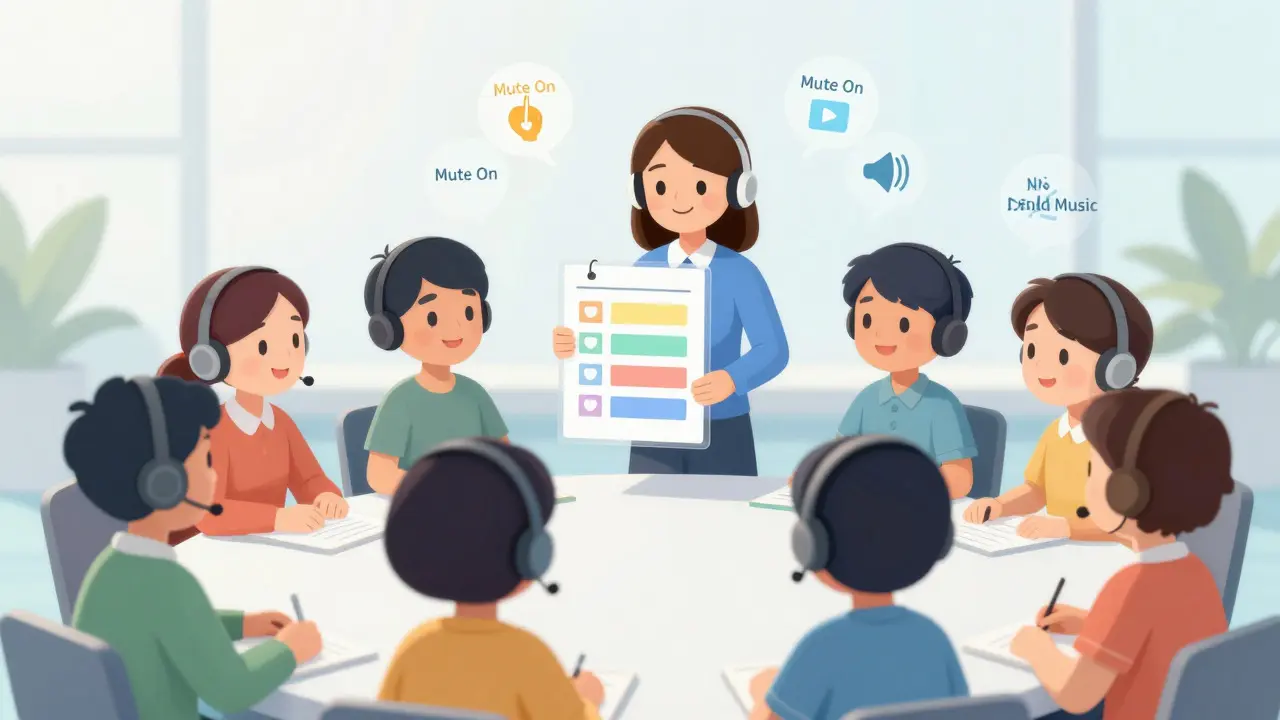
- Mute by Default: Start the call by asking everyone to mute their lines. The only person speaking should be the host or the current presenter. Background noise from open microphones-fans, keyboards, pets-creates a cumulative static that makes speech intelligibility drop significantly.
- Ban Hold Music: Explicitly forbid placing lines on hold. If someone needs to take another call, they must leave the conference bridge entirely. Hold music floods the shared audio channel, drowning out the speaker. It is a common mistake that ruins professional credibility instantly.
- Headsets Over Speakerphones: Encourage high-quality headsets. Speakerphones often pick up echo, especially in rooms with hard surfaces. On a large bridge, echo from one participant can cause feedback loops that make the call unintelligible for all others.
- Silence Notifications: Remind attendees to turn off email and messaging alerts. A sudden ping or chime from a smartphone distracts the entire group. In a sixty-minute call, these interruptions can occur dozens of times, fracturing attention spans.
These rules sound basic, but most hosts fail to announce them explicitly. Assume nothing. State the ground rules in the first thirty seconds of the call.
Facilitation Techniques for Control
Managing a large group requires active facilitation, not passive listening. You cannot rely on organic turn-taking. In a physical room, people use eye contact and body language to signal when they want to speak. On an audio-only bridge, those cues disappear. Without intervention, confident speakers will dominate, while quieter voices vanish.
Use the "Go Around the Circle" technique. Even on a phone call, you can mentally map the participant list. Deliberately call on people who haven't spoken yet. Use their names: "Sarah, what are your thoughts on this timeline?" This draws attention and ensures balanced participation. It prevents the scenario where three people talk for forty-five minutes while seventeen listen silently.
Control the flow of questions. In large groups, interruptions derail the agenda. Announce upfront that questions will be taken at the end of each section or at the very end of the call. If someone interrupts, politely acknowledge them and say, "Let's park that question and come back to it after we finish this point." This keeps the discussion moving forward without dismissing contributors.
Track time visibly. Perform explicit time checks. At the halfway point, tell the group, "We are at thirty minutes; we have covered half the agenda." With fifteen minutes remaining, warn them to wrap up discussions. With five minutes left, shift strictly to closing actions. This pacing helps participants adjust their contributions and prevents the common issue of running overtime because one topic dragged on.
Combating Disengagement and Multitasking
Let's be honest: large audio calls are boring. Without visual stimuli, participants drift. They check emails. They browse the web. You can often hear this happening through keyboard clacking or long silences. To combat this, you need to inject interaction.
Break up long monologues. No single voice should speak for more than ten to fifteen minutes without a pause. Rotate speakers if possible. Invite guest presenters for specific segments to vary the tone. Visual aids help too. Even in an audio-only call, sending slides or documents in advance gives listeners something to look at, anchoring their attention to the content rather than their inbox.
For groups larger than ten, consider temporary breakout sessions. Have pairs of participants drop off the main bridge, call each other directly to discuss a specific problem, and then rejoin to report back. This mimics the side conversations that happen naturally in physical meetings and increases engagement without overwhelming the main audio channel.
Encourage note-taking. Suggest that participants use pen and paper instead of typing. Typing creates noise and invites distraction. Writing notes forces focus. Remind them that if the meeting is worth their time, they should be present in "body and mind," not just physically connected.

Closing and Follow-Up
A large group call is only successful if it leads to action. The closing phase is critical. Summarize key decisions made during the call. Assign clear owners to next steps. Instead of asking everyone individually if they understand-which takes forever in a large group-use a protocol like "Silence means assent." If no one objects within five seconds, assume agreement.
Ask participants to announce when they are leaving or returning to the call. In groups exceeding ten people, voice recognition becomes difficult. Knowing who is still on the line helps the host gauge attendance and ensure key stakeholders are present for final decisions.
Send a follow-up email within twenty-four hours. Include the recording (if available), the updated agenda, and the action items with deadlines. This documentation closes the loop and holds people accountable. Without it, the effort invested in the large call dissipates quickly.
| Phase | Action Item | Why It Matters |
|---|---|---|
| Preparation | Invite only essential participants | Reduces bloat and increases accountability |
| Preparation | Send detailed agenda with timings | Aligns expectations and manages time |
| Start | Enforce mute-by-default policy | Eliminates background noise and echo |
| During | Perform time checks (halfway, 15 min, 5 min) | Keeps the group on track and aware of pacing |
| During | Call on silent participants by name | Ensures balanced contribution and engagement |
| Closing | Summarize decisions and assign owners | Converts discussion into actionable outcomes |
Common Pitfalls to Avoid
Even experienced managers stumble here. One major error is allowing the agenda to be hijacked by off-topic discussions. Politely intervene: "That's an important point, but let's table it for a separate discussion so we stay on schedule." Another pitfall is ignoring technical issues. If audio drops, address it immediately. Don't pretend it didn't happen. Silence confuses participants.
Finally, avoid the "all-or-nothing" mindset regarding video. While video adds engagement, it is not always necessary. Pure audio calls remain highly effective for routine updates and brainstorming, provided the facilitation is strong. Don't force video if bandwidth is limited or if participants prefer the flexibility of audio. Focus on the quality of the interaction, not the medium.
How many people is too many for a conference call?
There is no hard limit, but facilitation difficulty increases significantly after five participants. Groups of 10-20 require strict agendas and active moderation. Beyond 20, consider splitting into smaller breakout groups or using a webinar format where audience interaction is limited to Q&A.
What should I do if someone puts their line on hold?
Address it immediately and politely. Say, "It sounds like John is on hold; please leave the bridge and rejoin if you're ready to continue." Hold music disrupts the entire group and signals disengagement. Establish this rule at the start of the call to prevent it.
Is video better than audio for large groups?
Video can improve engagement by providing visual cues, but it requires higher bandwidth and more preparation. For large groups, audio-only calls are often more efficient and accessible. Use video selectively for presentations or when non-verbal communication is critical. Good audio facilitation matters more than the presence of video.
How do I handle dominant speakers in a large call?
Interrupt politely and redirect. Say, "Thanks for that insight, Mark. Let's hear from Lisa next." Actively monitor who is speaking and deliberately call on quieter participants. Use a round-robin approach to ensure everyone has a chance to contribute, preventing a few voices from monopolizing the airtime.
Should I record large group conference calls?
Yes, if possible. Recordings serve as valuable references for absentees and help verify decisions made. However, always inform participants at the start of the call that it is being recorded for compliance and reference purposes. Check local privacy laws to ensure consent requirements are met.