
The Rise of Flexible Workspaces
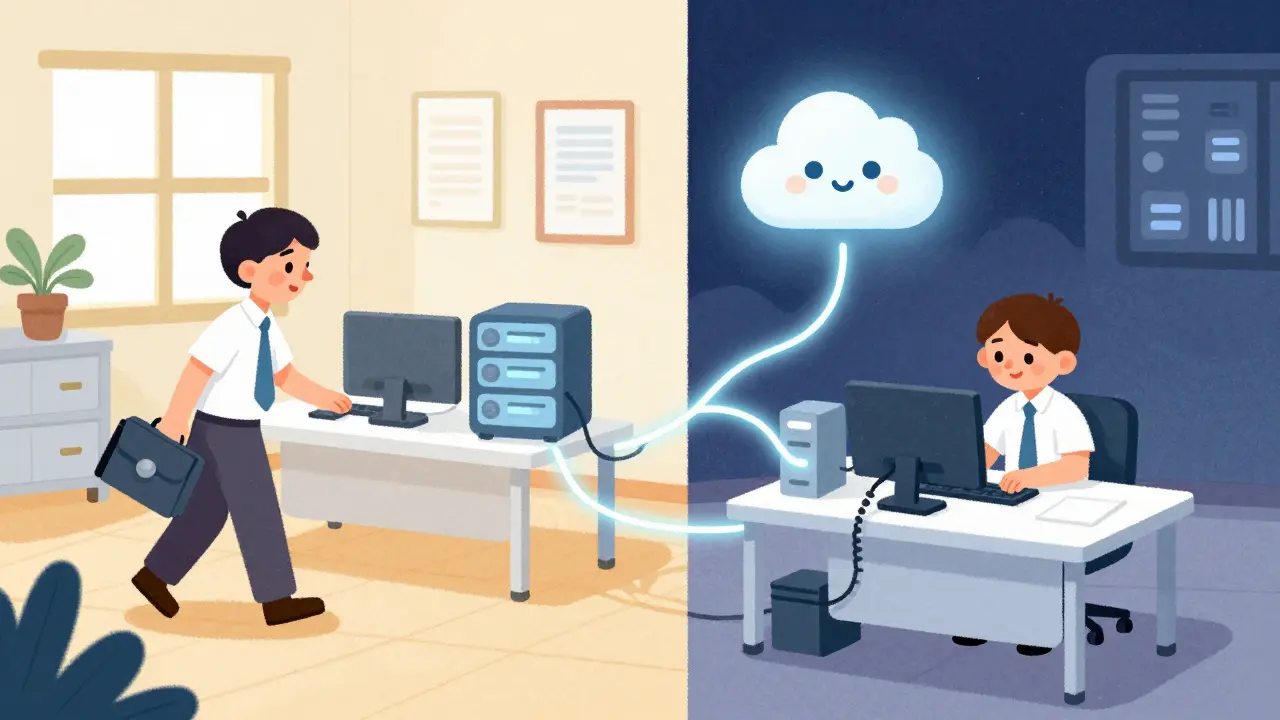
You walk into your office on a Monday morning. There isn't a desk reserved with your nameplate on it. Instead, you grab a seat wherever there's space. You sit down, pick up the handset, and log in. Within seconds, that device knows who you are, pulls up your voicemail, and lets your colleagues call your extension number directly. This setup is called Hot Deskinga workplace arrangement where employees do not have a permanent assigned desk and share workstations among themselves.Desk Sharing. But how does the phone know it's you? That is where Extension Mobilitya telephony feature allowing users to log into any compatible IP phone using their credentials to temporarily activate their personal line settings. comes into play.
Companies today are trying to save money on real estate. With hybrid work becoming standard, sitting at the same desk every day isn't always necessary. However, losing your direct connection to communication tools is frustrating. VoIP systems solve this by decoupling your identity from the hardware. When you log out, the phone resets. When you return next week, another colleague sits there. They log in with their code, and suddenly they control the device.
Quick Summary
- What is it: A VoIP feature letting staff share phones while keeping unique extensions.
- How it works: Users authenticate via username and PIN to download profiles to the local device.
- Main benefit: Reduces hardware costs significantly since fewer phones are needed than staff members.
- Key platforms: Supported by major systems including Cisco Unified Communications Manager, Zoom Phone, and Yeastar PBX.
- Security: Requires strict PIN management to prevent unauthorized access to call logs.
Understanding the Core Concept
To get this right, you need to understand the separation of the physical device and the logical configuration. In a traditional phone system, the extension lives on the phone. If you swap the handsets, you swap the numbers. Hot desking breaks this link. The logic resides in the server, not the box on the desk. When you plug into a shared port, you request the system to apply your specific user profile to that hardware.
Voice over IPA technology that allows voice calls and multimedia sessions over the internet protocol network rather than traditional copper wires. enables this flexibility because digital signals can be rerouted dynamically. The server holds the master list of permissions. For example, does this user have permission to call international numbers? Does the line appear on the main reception? These settings travel with your login, not the desk.This functionality goes by several names. You might hear "Hotel Mode" in hospitality environments. Some manufacturers call it "Roaming." The industry standard term remains Extension Mobility. The primary goal is continuity. Whether you are in Conference Room A or the open-plan bullpen, your contact information stays the same for anyone calling you.
How Login and Logout Functionality Works
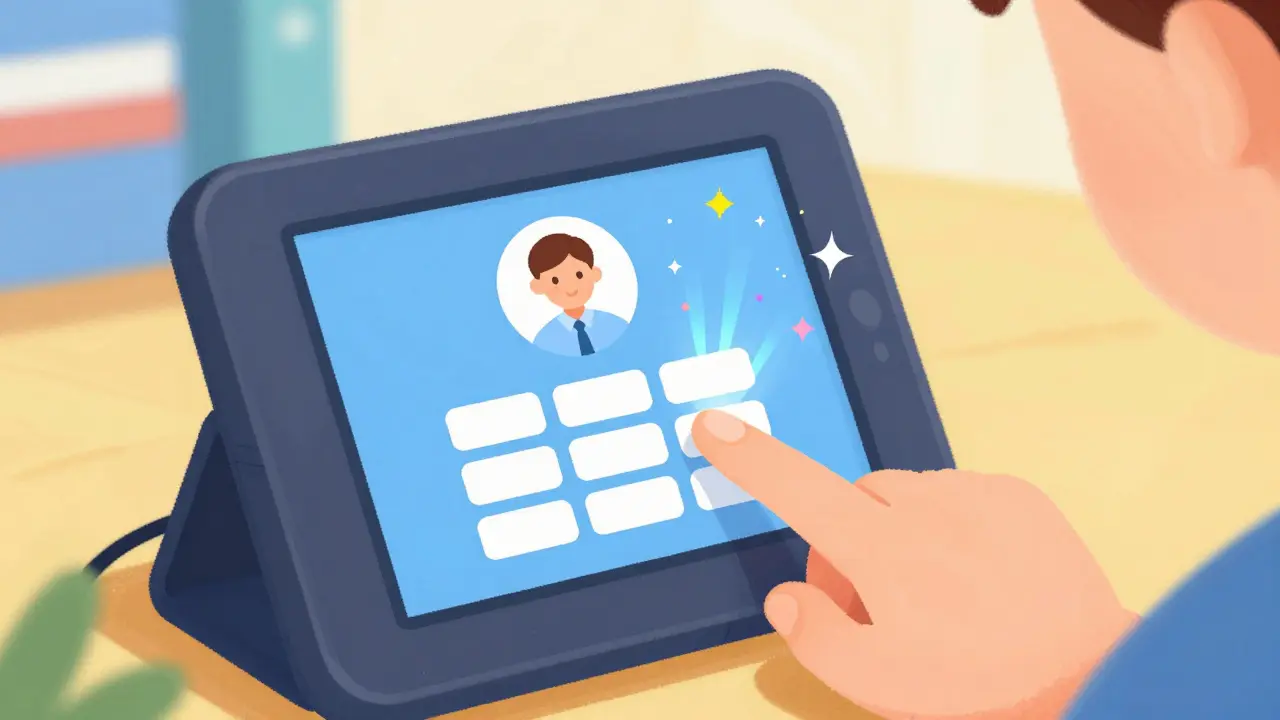
The process sounds complex, but from a user perspective, it is usually just two screens. You need a valid UserId and a six-digit PIN code. This credential set proves you own the extension you are requesting to load.
- Initial State: Every shared phone starts in a neutral state. Often displaying a generic logo or a default department number.
- Authentication: Press the 'Features' or 'Apps' button on the touchscreen. Select Mobility. Enter the ID and PIN.
- Provisioning: The device contacts the PBX server. The server verifies credentials.
- Download: Once verified, the phone downloads the XML configuration file specific to that user. This includes speed dials, voicemail settings, and ring tones.
- Operation: The phone now operates exactly like the user's home base.
- Termination: Log out by pressing the logout icon or leaving the station idle past a timeout threshold. The device wipes the memory of that session.
If you forget to log out, most modern systems have a timer. For safety, companies often set this to 10 minutes of inactivity. The system assumes you went to lunch and locks the device back to the default pool. This protects the person who walks into that desk next.
Implementation Across Major Platforms
Different vendors handle the handshake differently. Understanding these differences helps you choose the right equipment for your office size.
Cisco Unified Communications ManagerA widely used enterprise software that manages call flows and supports features like Extension Mobility for large organizations., often known as CUCM, set the standard years ago. Their architecture relies heavily on Device Profiles. If your company uses Cisco IP Phones (like the 8800 series), this is often seamless. You configure the User profile once in the web interface, then assign that profile to multiple potential devices.Zoom Phone Integration
In recent years, cloud providers have overtaken on-premise servers. Zoom Phone supports a similar workflow. You provision the desk phone in the portal as a "Shared Device." You then assign multiple licenses or seats that can log into that MAC address. This is popular with small businesses that don't want to maintain a private PBX server. Zoom handles the heavy lifting of updating the app versions on the handset so the login screen always looks consistent.
SIP Trunk Providers
Not everyone buys proprietary hardware. Many use generic SIP-enabled handsets connected to a trunk provider like SipgateA provider offering VoIP services including SIP trunks for connecting softphones to public switched telephone networks. or similar carriers. In this case, the login mechanism is often manual. You might type your SIP credentials into the phone manually each time. This lacks the "load profile" magic but achieves the same basic goal of reusing hardware.
Why Companies Adopt Extension Mobility
There are three strong drivers for switching to this model.
Cost Reduction
The biggest factor is financial. Dedicated phones cost money. A good enterprise handset ranges from $200 to $500. If you have 500 employees, that is a significant capital expenditure. In a flex-office, you might only need 30% of those desks occupied daily. By purchasing 150 phones instead of 500, you slash the hardware budget instantly. You also save on wiring; you aren't running a dedicated Ethernet cable to every single cubicle.
Space Optimization
Rental rates for commercial property remain high. If you can fit more people in less square footage because the desks are shared, your overhead drops. This requires trust that the technology works. If the login process is clunky, productivity tanks. Staffers shouldn't waste 5 minutes configuring a line just to answer a customer query.
Call Center Efficiency
Shift work is the original killer app for this tech. Night shift agents sit in the morning agent's chair. Without extension mobility, they would need their own lines. With it, they use the existing infrastructure. In hospital settings, doctors might move between patient rooms. Each room has a phone, but the doctor needs their own private line to receive urgent alerts regardless of which room they are currently treating.
Comparing Models
| Feature | Dedicated Desk | Hot Desking (Mobility) |
|---|---|---|
| Hardware Cost | High (1 Phone per Employee) | Low (Shared Pool) |
| Personalization | Fully Customizable Hardware | Virtual Profile Load |
| Setup Time | IT Admin Provisioning Required | User Self-Service Login |
| Flexibility | Fixed Location | Dynamic Location |
| Maintenance | Reboot Individual Units | Reset Profile upon Logout |
Potential Challenges
While attractive, nothing is perfect. One issue is hygiene and familiarity. People get attached to specific setups. A shared phone might have sticky keys or worn buttons from prior users. Cleaning protocols become vital when hundreds of hands touch the same keypad.
Another friction point is password security. If someone steals a PIN code, they can impersonate an employee entirely. They can hide caller IDs or access call logs containing sensitive numbers. Organizations should enforce a policy where the default admin PIN is changed immediately upon installation of new units. Regular audits of login history help spot anomalies, such as a user logging in from the wrong building.
Sometimes profiles fail to load. This is often a network issue. If the DHCP scope for the subnet doesn't point the boot loader to the provisioning server correctly, the phone won't find the script to pull the extension. Troubleshooting this usually involves checking VLAN settings. Voice traffic needs separate Quality of Service priority from general web traffic to avoid choppy audio during the provisioning phase.
Advanced Use Cases: Mobility Extensions
Some systems push this further. Look at Yeastar S-SeriesVoIP PBX appliances often featuring mobile client apps and advanced mobility routing options. or similar UC platforms. They offer a "Mobile Extension" capability. This turns your smartphone into the office extension. While distinct from physical hot desking, it follows the same philosophy. Your presence moves wherever you go.
The API aspect deserves attention for developers. The Extension Mobility APIAn XML-based HTTP interface allowing applications to trigger login/logout events remotely without user interaction. exists in many enterprise systems. This means you can build apps. Imagine a hotel kiosk where a guest checks in, scans a QR code, and automatically gets the room phone configured to their cell number automatically via the API. No PIN entry required. The API bridges the gap between the booking software and the phone stack.
Best Practices for Deployment
If you are rolling this out across your office, don't just flip the switch. Test the battery levels of wireless headsets that connect to these docks. Wireless connections often fail on shared units due to encryption key mismatches. Stick to wired headsets initially for stability.
Train the staff clearly. Show them the logout procedure. Leaving a profile logged in creates a security hole. The next person to sit there could dial your direct line to your boss while pretending to be you. Clear signage on the back of the monitors reminds users to log off before cleaning up.
Frequently Asked Questions
Can I use hot desking with analog phones?
No, traditional analog handsets cannot support Extension Mobility because they lack a CPU and processing power to run the login authentication scripts. You require IP phones or digital terminals with embedded processors to verify credentials.
Does the phone reboot after login?
Generally, no. Modern systems download the profile configuration in the background. The user sees the screen update, but the device does not power cycle. This ensures service availability remains uninterrupted.
What happens if I lose my PIN?
Contact the IT administrator. They can reset the PIN from the main console or PBX administration portal. Avoid writing the PIN on the phone itself or sticking it to the monitor, as this compromises security for shared devices.
Do mobile phones work with this feature?
Only if the system specifically supports Mobile Extension or Client Apps. Physical hot desking applies to office desk phones. Mobile extensions turn a smart device into a virtual IP phone that behaves identically to the desk unit.
Is this secure enough for banks or healthcare?
Yes, provided you enforce strict logout policies and potentially Multi-Factor Authentication (MFA) if supported by the vendor. The system ensures that only the verified owner loads the specific permissions associated with that extension.