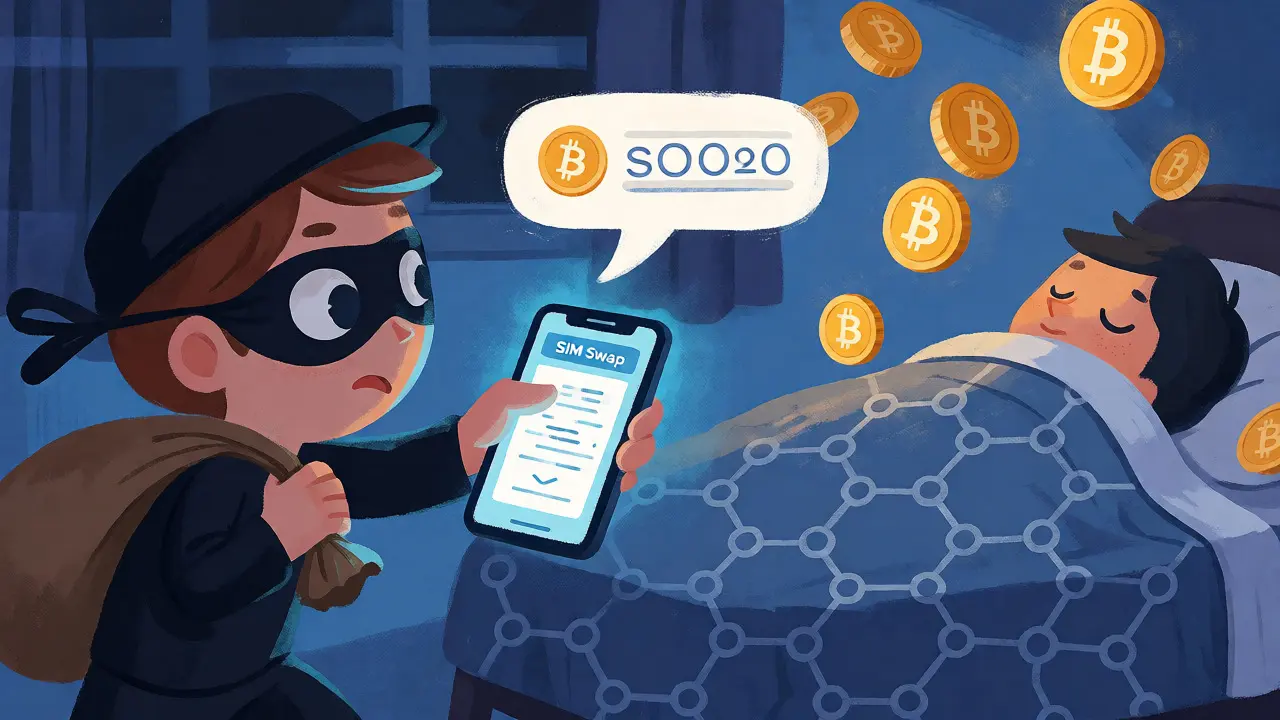
Imagine waking up to find your Bitcoin gone. Not because you forgot your password, but because someone else logged in before you did. This isn't a hypothetical scenario; it's the reality for thousands of cryptocurrency holders every year. In 2025 alone, the FBI reported over $11 billion in losses linked to digital assets, with account takeovers driving a significant portion of that damage. The culprit? Often, it’s weak two-factor authentication.
If you’re still relying on text message codes to protect your exchange account, you’re leaving the back door open. It’s time to upgrade. But with terms like FIDO2, WebAuthn, and passkeys flying around, choosing the right hardware can feel overwhelming. Let’s cut through the noise and look at exactly how hardware keys work, why they beat SMS, and how to set them up so you never get locked out.
Why Text Messages Fail Crypto Users
For years, SMS was the gold standard for extra security. You enter your password, get a code via text, and type it in. Simple, right? But simple is often vulnerable. The biggest threat here is SIM swapping. Attackers trick your mobile carrier into moving your phone number to their device. Once they have your number, they intercept your 2FA codes. They don’t need your password if they can reset it using the SMS link sent to their new SIM.
There’s another issue: phishing. If a hacker clones the login page of Coinbase or Kraken, they can ask you to enter your SMS code. When you do, they instantly relay it to the real site and log in as you. The code works, but the context is wrong. NIST standards explicitly state that manually entered one-time passwords are not phishing-resistant because they aren’t tied to the specific website you’re visiting. For a high-value asset class like crypto, where transactions are irreversible, this gap is too risky to ignore.
The Hardware Key Advantage: Phishing Resistance
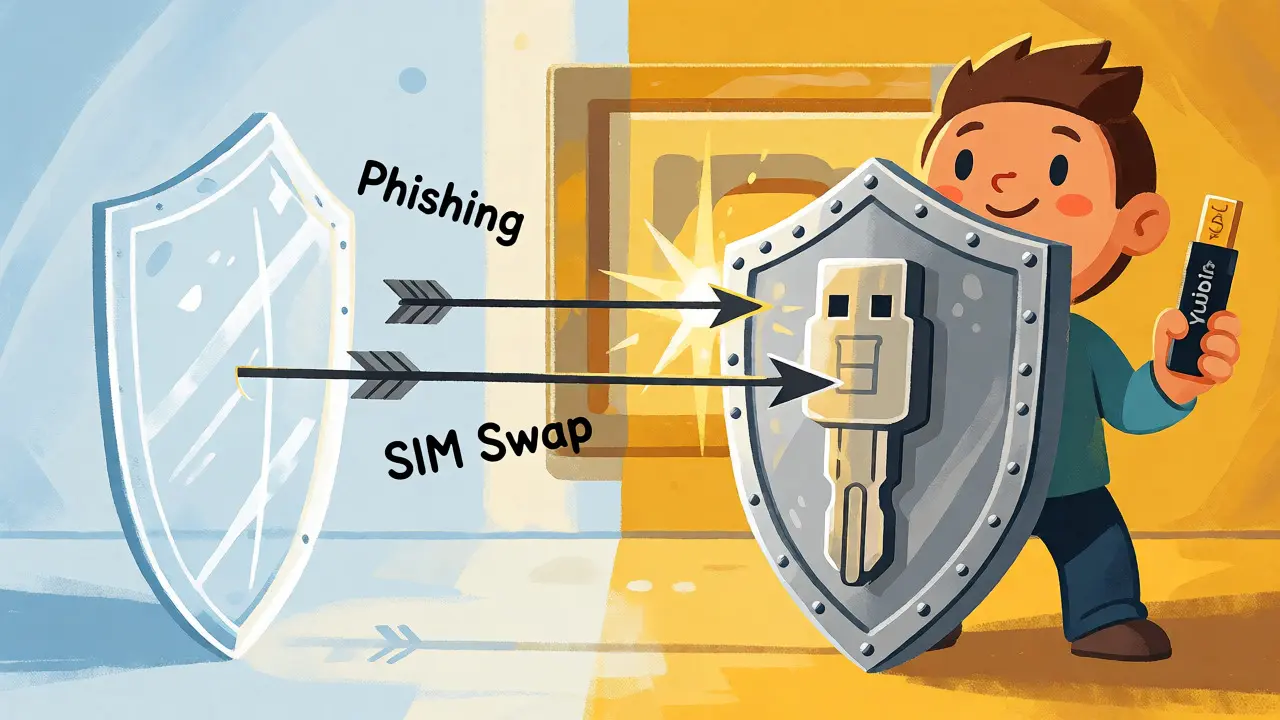
So, what fixes this? A physical device. Specifically, a hardware security key is a physical device that uses public-key cryptography to verify your identity without exposing secret codes. Unlike SMS or app-based codes, these keys use protocols like FIDO2 and WebAuthn. Here’s the magic: when you register a key, it creates a unique cryptographic pair. The private part stays inside the key, never leaving the device. The public part goes to the exchange.
When you log in, the exchange sends a challenge. Your key signs it using its private key. Crucially, this signature is bound to the domain name (e.g., coinbase.com). If you’re on a fake site (coinbase-login.com), the key refuses to sign because the origin doesn’t match. This makes hardware keys inherently phishing-resistant. Google’s research backs this up: while SMS blocked about 76% of targeted attacks, hardware keys blocked 100% in their studies. That difference matters when your life savings are on the line.
Passkeys vs. Physical Tokens: What’s the Difference?
You might have heard of "passkeys." Aren’t they the same thing? Sort of, but not quite. A passkey is a credential stored in your device’s secure enclave-like an iPhone, Android phone, or Windows Hello system. It uses the same underlying technology (FIDO2/WebAuthn) but lives in software rather than a separate USB stick.
| Method | Phishing Resistance | Cost | Risk Factors |
|---|---|---|---|
| SMS Code | Low | $0 | SIM swaps, interception, social engineering |
| Authenticator App (TOTP) | Medium | $0 | Relay phishing, device loss, malware |
| Platform Passkey | High | $0 | Device compromise, cloud sync issues |
| Hardware Security Key | Very High | $40-$90 | Physical loss, compatibility issues |
Platform passkeys are convenient. You just touch your FaceID button, and you’re in. However, they rely on the security of your primary device. If your phone is hacked, your passkey could be compromised. A roaming hardware key, like a YubiKey, adds a layer of separation. Even if your computer has malware, the private key remains isolated inside the hardware token. For serious crypto investors, carrying a physical key is worth the minor inconvenience of plugging it in.
Choosing the Right Hardware Key
You don’t need the most expensive gadget on the market. You need one that supports FIDO2 and fits your devices. The industry leader is Yubico, with their YubiKey 5 series. These keys support multiple protocols, including FIDO2, U2F, and OTP. A basic YubiKey 5C NFC costs around $58-$88 depending on the model and retailer. It connects via USB-C and NFC, making it compatible with modern laptops and phones.
Do you need all those features? Probably not. If you only care about logging into exchanges, a cheaper FIDO-only key from brands like Feitian or Thetis might suffice. These can cost under $40. However, check compatibility first. Ensure the key works with your browser and operating system. Also, buy directly from the manufacturer or an authorized reseller. Counterfeit keys exist, and a fake won’t protect you.
One critical rule: always buy two. Losing your only hardware key is a nightmare scenario. Keep one on your keychain for daily use and store the second in a safe or bank deposit box. This redundancy ensures you can recover access if the primary key breaks or gets lost.
Step-by-Step Setup Guide
Setting up hardware keys requires careful planning. Don’t rush this process. Follow these steps to avoid lockouts:
- Secure Your Email First: Before touching your exchange settings, enable a hardware key for your email provider (Gmail, Outlook, etc.). Why? Because most exchanges allow password resets via email. If hackers control your email, they can bypass your exchange 2FA.
- Update Everything: Ensure your browser, OS, and firmware are current. Outdated software can cause handshake errors with new keys.
- Register the Primary Key: Go to your exchange’s security settings. Look for "Security Key" or "Passkey." Insert your new key and follow the prompts. You’ll likely need to touch the key to confirm registration.
- Register the Backup Key: Immediately add your second key. Do not skip this step. Test both keys by logging out and logging back in.
- Disable SMS Last: Only remove SMS-based 2FA once you’ve confirmed both hardware keys work reliably. Some exchanges keep SMS as a fallback option; disable it if possible to close that attack vector.
- Enable Withdrawal Protections: Hardware keys protect login, not necessarily withdrawals. Turn on address allow-listing and withdrawal delays. Use a separate "Master Key" or funding authenticator if your exchange offers it (Kraken does this well).
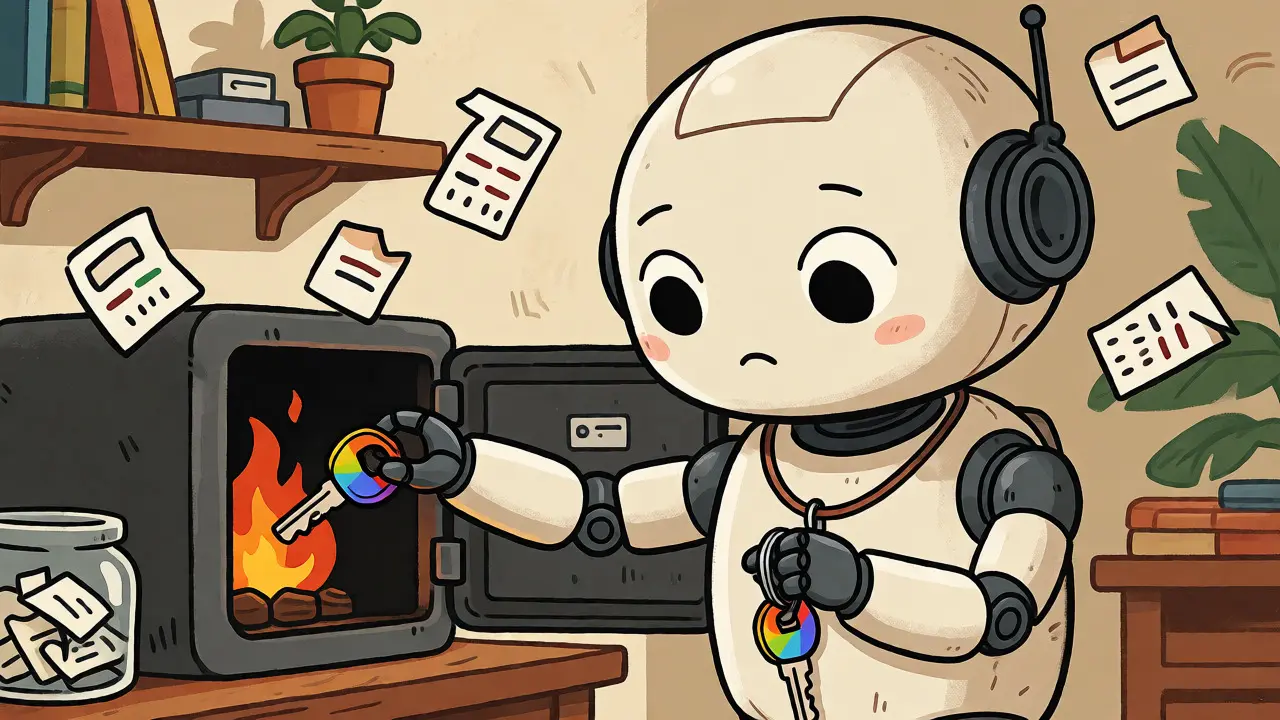
- Store Recovery Codes Offline: Write down any recovery codes provided during setup. Store them on paper in a fireproof safe. Never save them in cloud notes or screenshots.
Common Pitfalls and Limitations
A hardware key isn’t a magic shield against every scam. It protects account access, but it doesn’t verify transaction details. Malware on your computer could change the destination address of a withdrawal after you’ve clicked "Confirm." To combat this, always double-check the recipient address on a trusted device. Consider using a hardware wallet (like Trezor or Ledger) for long-term storage, which displays the address on its own screen.
Another risk is operational error. Did you register the key correctly? Can you actually log in? Many users disable SMS too quickly and then find themselves locked out because their browser didn’t recognize the key. Always test thoroughly before removing other methods. Also, be wary of "support" messages asking you to plug in your key unexpectedly. Legitimate exchanges rarely ask for urgent action via chat.
Finally, remember that convenience often trades off with security. Platform passkeys are easier to use than USB keys, but they tie your crypto security to your Apple ID or Google account. If those accounts are compromised, your crypto is at risk. For maximum safety, keep your primary authentication factor independent of your main device ecosystem.
Frequently Asked Questions
Is a hardware key better than an authenticator app?
Yes, for high-value accounts. Authenticator apps generate codes that can be phished. If you type a valid TOTP code into a fake site, attackers can use it immediately. Hardware keys bind the response to the correct website domain, preventing this type of relay attack.
What happens if I lose my hardware key?
If you registered a backup key, simply use that to regain access. If you didn’t, you may face a lengthy identity verification process with the exchange. This is why registering two keys simultaneously is the golden rule of hardware authentication.
Can I use a passkey instead of a physical key?
Yes, many exchanges now support platform passkeys stored on your phone or computer. They offer similar phishing resistance to hardware keys. However, they depend on the security of your device and its cloud backup. Physical keys provide better isolation from device-level malware.
Which hardware key should I buy for crypto?
The YubiKey 5 series is the industry standard due to broad compatibility and reliability. If budget is tight, ensure any alternative key explicitly supports FIDO2 and WebAuthn. Avoid older U2F-only keys unless your exchange specifically requires them.
Does a hardware key protect my seed phrase?
No. A hardware key secures your exchange login. Your seed phrase belongs to your self-custody wallet. These are separate systems. Protecting your exchange account doesn’t stop someone from stealing funds if they compromise your private keys or sign a malicious smart contract.