
Imagine this: a severe storm knocks out power and internet to your primary call center site in Manchester. The phones go silent. For most traditional businesses, that means lost revenue and angry customers waiting on hold. But for a modern VoIP call center using remote agent failover, the calls don’t stop. They simply reroute to agents working from home or a backup location, often within seconds. This isn’t just a theoretical safety net; it’s the standard for business continuity in 2026.
If you’re running a contact center, relying on a single physical site is a gamble. One flood, one fiber cut, or one regional power outage can bring operations to a halt. The solution lies in decoupling your voice infrastructure from your physical walls. By leveraging cloud-hosted platforms and dynamic SIP trunking, you can ensure that when the building goes dark, the conversation continues. Let’s break down how to build a resilient architecture that keeps your lines open, no matter what happens outside.
The Core Problem: Why Physical Sites Fail
Traditional PBX systems are tied to hardware. If that hardware loses power or connectivity, it dies. You might have a generator, but do you have redundant internet? Do you have a second fiber line coming into the building from a different street? Most small-to-mid-sized centers don’t. Even if they do, a regional event like flooding can isolate an entire neighborhood.
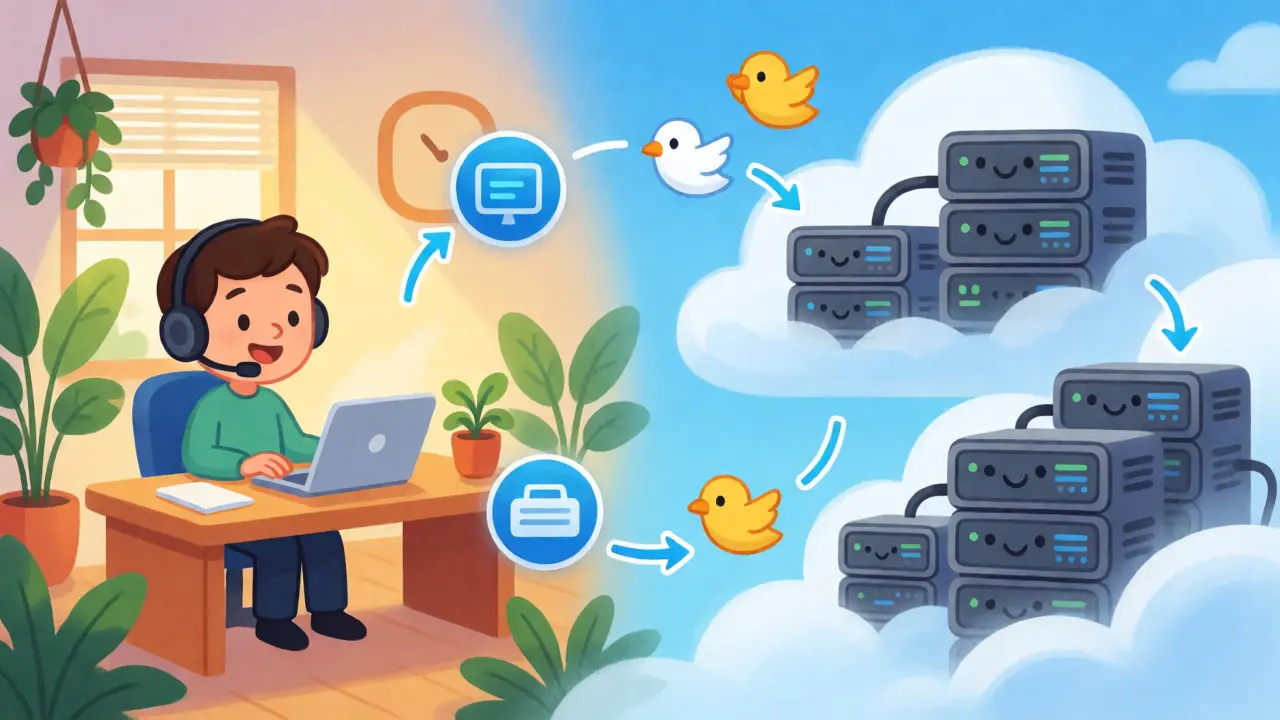
Remote agent failover solves this by removing the dependency on a specific geographic location for human resources. It assumes that agents will need to work from anywhere-home, a co-working space, or a secondary office-if the primary hub becomes inaccessible. The challenge isn’t just moving the people; it’s ensuring their softphones connect securely to the cloud platform without dropping active calls or losing customer data context.
How Cloud CCaaS Enables Resilience
The backbone of modern disaster recovery is Contact Center as a Service (CCaaS). Unlike legacy on-premise solutions, CCaaS platforms like Five9, Genesys Cloud, or Amazon Connect run on hyperscale clouds such as AWS or Microsoft Azure. These providers replicate data across multiple availability zones. If one data center fails, traffic shifts automatically to another region with minimal latency.
This geographic redundancy is critical. When your primary site goes down, the cloud platform remains reachable via the public internet. Your agents don’t need to log into a local server; they log into a web-based dashboard. As long as they have a stable connection, they retain full functionality: queue management, CRM integration, and call recording. This shift turns your call center from a fixed asset into a flexible network.
| Feature | On-Premise PBX | Cloud CCaaS |
|---|---|---|
| Failover Speed | Hours to Days (Manual intervention) | Seconds (Automatic routing) |
| Agent Location Dependency | High (Must be on-site or VPN to site) | Low (Internet-connected device only) |
| Redundancy Cost | High (Duplicate hardware, generators) | Low (Included in subscription) |
| Scalability During Crisis | Limited by hardware capacity | Elastic (Add licenses instantly) |
SIP Trunking and Dynamic Routing
While the platform handles the logic, SIP trunking handles the transport. A robust disaster recovery plan requires more than just one SIP provider. You need multi-carrier redundancy. If Carrier A suffers a regional outage, your system should automatically route inbound calls through Carrier B.
This is where dynamic failover comes into play. Modern SBCs (Session Border Controllers) monitor the health of primary trunks. If the heartbeat signal stops, the SBC reroutes media streams to backup paths. For outbound calls, if the primary path fails, the system can switch to a secondary IP address or even fall back to cellular gateways for critical numbers. This ensures that whether the failure is at the carrier level or the enterprise edge, the voice channel remains alive.
Securing the Remote Agent Endpoint
Moving agents off-site introduces security risks. An agent working from a home Wi-Fi network is more vulnerable than one behind a corporate firewall. To mitigate this, you must enforce strict endpoint security. This isn’t optional; compliance standards like PCI-DSS and HIPAA demand it.
- VPNs: Require all remote agents to connect via a secure Virtual Private Network. This encrypts both signaling and media streams.
- Softphone Hardening: Use approved softphone clients that support TLS for signaling and SRTP for media encryption. Avoid unmanaged personal devices unless they are enrolled in MDM (Mobile Device Management).
- Data Isolation: Ensure that customer data displayed on screen is masked or restricted to prevent shoulder-surfing in non-office environments.
Without these controls, a disaster recovery scenario could turn into a data breach scenario. The convenience of remote access must never compromise the integrity of customer information.
Building the Failover Workflow
Technology alone doesn’t guarantee uptime. You need a defined operational workflow. Here is a step-by-step approach to implementing remote agent failover:
- Risk Assessment: Identify your single points of failure. Is it power? Internet? Building access? Map these to potential threats like storms, fires, or pandemics.
- Define Trigger Points: Decide exactly when failover activates. Is it after 15 minutes of downtime? Or immediately upon a fire alarm? Automate this where possible.
- Configure Routing Rules: Set up IVR menus that inform callers of delays while simultaneously routing them to remote queues. Update caller ID policies so remote agents appear professional.
- Equip Agents: Provide every agent with a backup headset, a mobile hotspot, and a tested laptop configuration. Test their ability to log in from a residential broadband connection.
- Regular Drills: Schedule quarterly tests. Simulate a site outage and force all agents to work remotely. Measure time-to-productivity and identify bottlenecks.
A common mistake is assuming that "it works in theory." In practice, home routers drop connections, and ISPs throttle bandwidth during peak hours. Testing reveals these gaps before a real crisis hits.

The Role of AI in Continuity
As we move further into 2026, AI-driven virtual agents are becoming a key layer in disaster recovery. When human agents are overwhelmed or unavailable due to widespread disruption, AI bots can handle routine inquiries. Platforms now allow you to deploy custom AI agents that answer FAQs, take messages, or triage urgent issues.
This hybrid model reduces the load on human staff during spikes. For example, if a natural disaster causes a surge in calls, an AI agent can instantly acknowledge receipt and provide status updates, freeing human agents to handle complex cases. This automation ensures that even if your human workforce is partially offline, the service level agreement (SLA) for response time remains intact.
Troubleshooting Common Pitfalls
Even well-planned systems encounter issues. Here are three frequent problems and how to fix them:
- Jitter and Latency: Remote agents on unstable Wi-Fi may experience choppy audio. Mitigate this by prioritizing voice traffic on their home router or requiring wired Ethernet connections for critical roles.
- Authentication Loops: Sometimes, switching networks causes softphones to lose registration. Ensure your SIP settings support keep-alives and re-registration retries.
- CRM Sync Delays: If the cloud platform syncs slowly with your CRM, agents may lack customer context. Pre-cache essential customer data locally on the agent’s device where security permits.
Addressing these technical nuances upfront prevents minor annoyances from escalating into major service disruptions.
Final Thoughts on Business Continuity
Disaster recovery is no longer about buying a backup generator and hoping for the best. It’s about architectural resilience. By combining cloud-native CCaaS, redundant SIP trunks, and secure remote access, you create a system that bends but doesn’t break. The goal is simple: keep the customer talking, regardless of where the agent is sitting. Start assessing your current setup today, because the next outage won’t wait for you to be ready.
What is the difference between failover and disaster recovery?
Failover is the automatic technical process of switching to a backup system when the primary one fails. Disaster recovery is the broader strategic plan that includes failover, plus communication protocols, employee training, and business continuity processes to restore normal operations after a significant disruption.
Do remote agents need special software for failover?
Yes, typically a softphone client provided by your CCaaS vendor. This software connects to the cloud platform over the internet. It must support secure protocols (TLS/SRTP) and be pre-configured to handle network changes seamlessly, allowing agents to log in from any location.
How much does remote agent failover cost?
Costs vary, but cloud CCaaS models often reduce total cost of ownership compared to maintaining redundant on-premise hardware. You pay for licenses and usage. The main additional costs are for secure remote access tools (like ZTNA or advanced VPNs) and potentially higher bandwidth requirements for home offices.
Can AI replace human agents during a disaster?
AI can handle high-volume, low-complexity tasks like status checks and basic FAQs, reducing load on humans. However, it cannot fully replace human empathy and problem-solving skills required for complex issues. It acts as a buffer, not a complete replacement.
How often should I test my VoIP disaster recovery plan?
At least twice a year. Technology changes, and staff turnover occurs. Regular drills ensure that agents know how to switch modes and that the technical routing rules still function correctly under simulated stress conditions.