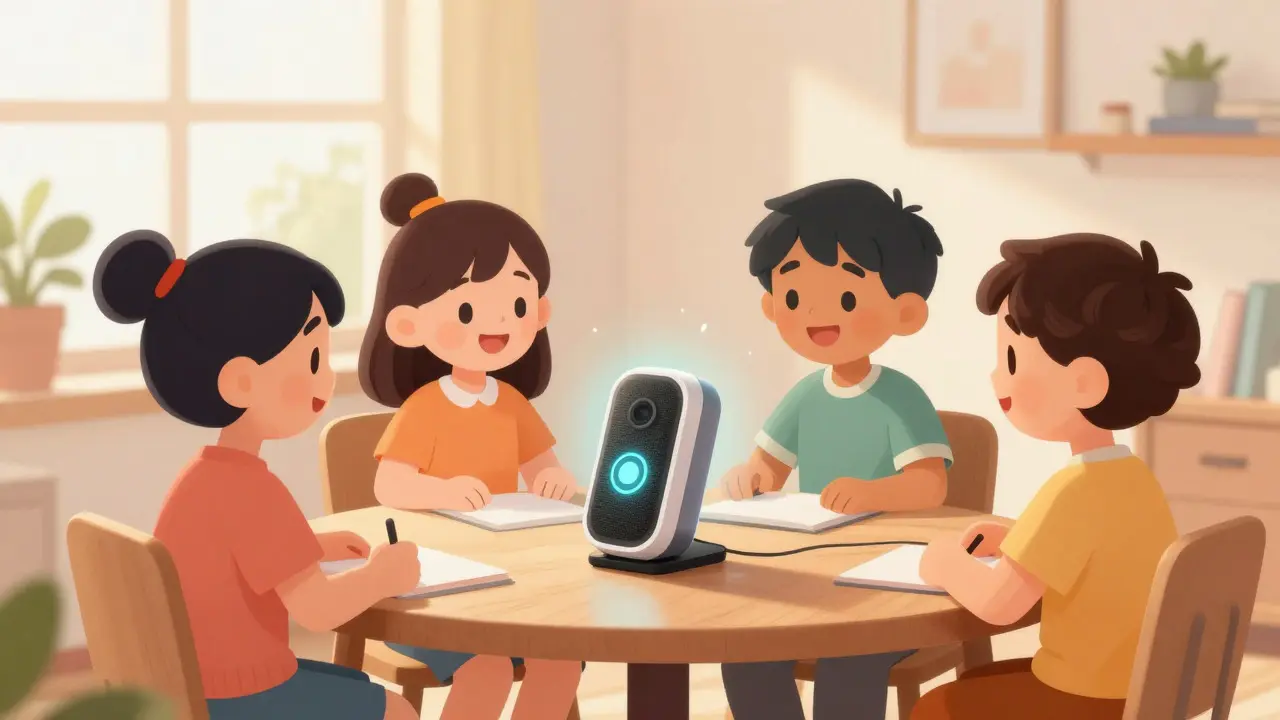
Picture this: you are leading a critical strategy meeting with four colleagues around your desk. You need everyone to hear the client clearly, and the client needs to hear every decision without asking you to repeat yourself because of background noise or echo. This is exactly where desktop speakerphones earn their keep. They bridge the gap between personal headsets and bulky room systems, offering hands-free clarity for small groups.
If you have been relying on your laptop’s built-in microphone, you know it often picks up keyboard clatter and struggles to capture voices sitting further away. A dedicated VoIP speakerphone solves this by using specialized hardware designed specifically for voice transmission over internet protocols. In this guide, we will look at what makes these devices work, review top options like the industry-standard Jabra Speak 750, and help you decide if upgrading your audio setup is worth the investment for your workflow.
Why Dedicated Hardware Beats Built-In Microphones
You might wonder why you need extra hardware when your computer already has a mic and speakers. The answer lies in how sound travels and how software processes it. Laptop microphones are designed to pick up your voice from inches away. When you place them in the center of a table, they struggle to capture people sitting two meters away. Worse, they often pick up the sound coming out of your own speakers, creating that annoying echo that frustrates remote participants.
Dedicated desktop speakerphones use a technology called Acoustic Echo Cancellation (AEC). This digital signal processing identifies the audio playing out of the speaker and subtracts it from what the microphone records. The result is clean audio for the person on the other end. Additionally, these devices feature omnidirectional microphone arrays. Instead of listening in one direction, they capture sound from 360 degrees, ensuring that everyone around the table is heard equally. For VoIP calls, which compress audio data to save bandwidth, having a clear input signal is crucial to prevent robotic or garbled speech.
The Gold Standard: Jabra Speak 750 Analysis
When discussing desktop speakerphones for VoIP, the Jabra Speak 750 is frequently the first name that comes up. It has become a staple in offices worldwide because it balances portability with robust performance. Released initially in 2014 and updated through various revisions into 2026, it remains a highly relevant option for modern unified communications.
| Feature | Specification |
|---|---|
| Microphone Pickup | 360° Omnidirectional, up to 2.3 meters |
| Speaker Output | 10W Peak / 2W RMS |
| Battery Life | Up to 11 hours talk time |
| Connectivity | USB-A (wired) and Bluetooth 4.2 |
| Weight | 301 grams (10.62 oz) |
| Dimensions | 131 mm diameter x 38 mm height |
What sets the Speak 750 apart is its dual-mode connectivity. You can plug it directly into your laptop via the included USB cable for a stable, driver-free connection that works instantly with Windows and macOS. Alternatively, you can pair it via Bluetooth to your smartphone or tablet. This flexibility means you can take the device from a boardroom to a coffee shop without changing your setup. The battery life of 11 hours is more than enough for a full day of back-to-back meetings, and it charges fully in about three hours via USB.
For organizations using specific platforms, Jabra offers certified variants. The Microsoft Teams version ensures optimized integration with Teams' wideband codecs and call controls. If you use Cisco or Avaya, the Unified Communications (UC) model is designed to meet those certification standards. This isn't just marketing; certified devices often handle latency and packet loss better than generic USB audio devices, resulting in smoother conversations.
Understanding Connectivity: USB vs. Bluetooth
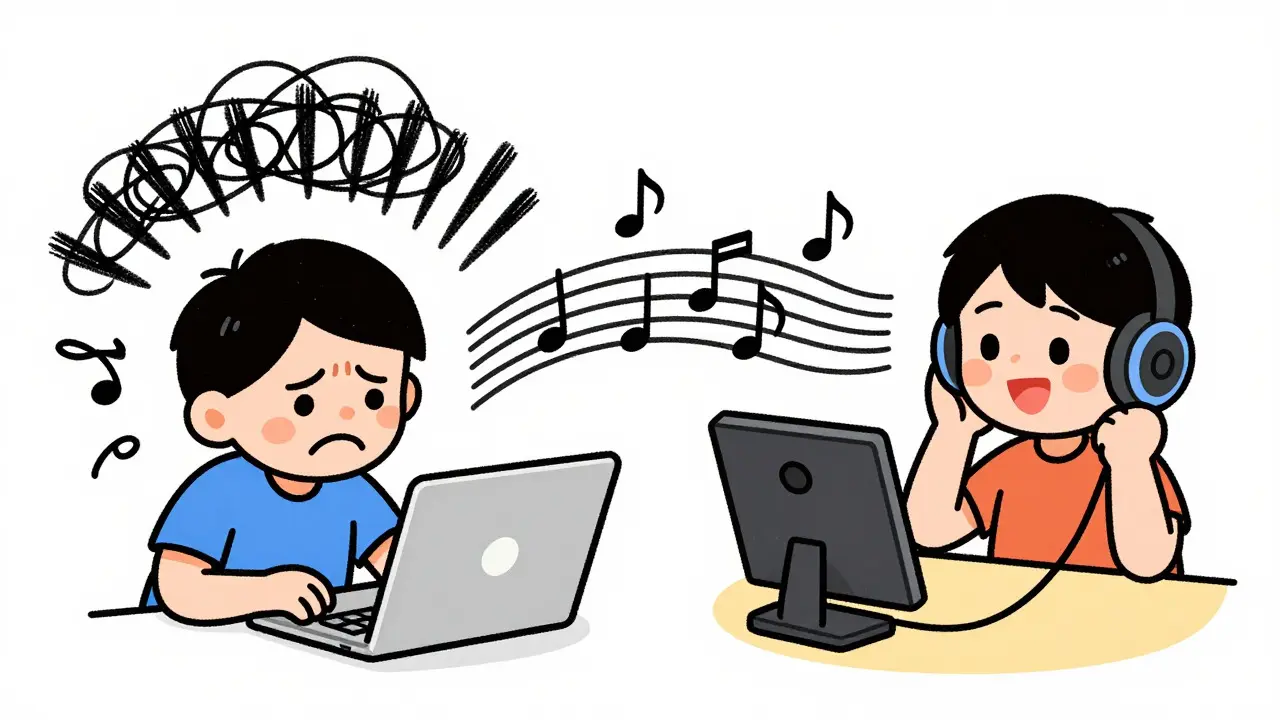
Choosing between wired and wireless connections depends on your environment and security requirements. The Speak 750 uses a fixed USB 2.0 cable. While some newer competitors offer detachable cables or USB-C ports, the fixed cable ensures durability and eliminates the risk of losing connectors. For VoIP softphones on a PC, the USB connection provides the lowest latency and highest reliability. It powers the device simultaneously, so you don't need to worry about battery drain during long sessions.
Bluetooth 4.2 allows you to connect wirelessly to mobile devices. The Speak 750 supports standard profiles like HFP (Hands-Free Profile) and A2DP (Advanced Audio Distribution Profile). This means you can answer calls from your phone while the speakerphone sits on the table. However, Bluetooth can sometimes introduce slight latency or quality drops if there is significant interference. For critical business calls where every millisecond counts, sticking to the wired USB connection for your primary computer is usually the safer bet. Use Bluetooth for secondary devices or when mobility is the priority.
Acoustic Performance and Noise Reduction
Clear audio is not just about volume; it is about intelligibility. The Speak 750 features a signal-to-noise ratio (SNR) of +70 dB. In plain English, this means the microphone is very sensitive to human speech but good at ignoring lower-level background noises. Combined with integrated noise reduction algorithms, it filters out steady-state sounds like air conditioning hum or distant traffic.
However, no consumer-grade speakerphone can completely eliminate sudden, loud noises like a slamming door or heavy typing right next to the mic. To get the best results, place the speakerphone in the center of the table, equidistant from all participants. Keep it away from direct airflow from vents and avoid placing it on vibrating surfaces. The full-duplex audio capability allows people to speak naturally, interrupting each other slightly as they would in person, without the audio cutting out constantly.
Market Trends and Future-Proofing Your Setup
The market for conference speakerphones is growing rapidly, driven by hybrid work models. Reports from 2024 to 2026 show valuations ranging from $600 million to over $2 billion globally, reflecting increased demand for professional home office equipment. As you look at buying options today, consider future-proofing. While the Speak 750 is excellent, newer models in the market are beginning to adopt USB-C connectivity and Bluetooth 5.2, which offers better range and energy efficiency.
If your current laptop only has USB-C ports, using the Speak 750 requires a USB-A to USB-C adapter. This adds bulk and potential points of failure. If you plan to upgrade your computers soon, you might want to look at newer speakerphones that natively support USB-C. However, for most users, the cost of a simple adapter is negligible compared to the proven reliability of established models like the Speak 750. Always check compatibility lists provided by manufacturers to ensure the device works seamlessly with your specific VoIP provider, whether it's Zoom, Teams, Webex, or Skype for Business.
Practical Setup and Maintenance Tips
Setting up a desktop speakerphone should be straightforward. For the Jabra Speak 750, simply plug the USB cable into your computer. Most operating systems recognize it automatically as an audio input/output device. You may need to select it as your default microphone and speaker in your VoIP application settings. For Bluetooth pairing, press and hold the Bluetooth button until the LED flashes, then select the device from your phone or tablet's Bluetooth menu.
Maintenance is minimal but important. Clean the fabric cover regularly to remove dust, which can muffle sound. Avoid using harsh chemicals. Store the device in a protective case if you transport it frequently to protect the buttons and speaker grille. Firmware updates are occasionally released to improve compatibility with new versions of UC platforms. Check the manufacturer's website or partner portals for updates, especially if you notice any connectivity issues after a software update on your computer.
Is the Jabra Speak 750 compatible with Microsoft Teams?
Yes, there is a specific variant called the Jabra Speak 750 MS that is certified for Microsoft Teams. This version ensures optimized audio parameters and seamless integration with Teams' call controls. The standard UC version also works well but may require manual selection in audio settings.
How many people can sit around the Jabra Speak 750?
The Speak 750 is designed for small huddle rooms or desks. Its microphone pickup radius is approximately 2.3 meters, making it ideal for 3 to 6 people sitting closely together. For larger groups, you may need a device with beamforming microphones or a ceiling-mounted array.
Can I use the Speak 750 with my iPhone or Android phone?
Absolutely. You can connect via Bluetooth 4.2 to both iOS and Android devices. This allows you to take calls from your mobile phone hands-free using the speakerphone. Just ensure you pair the device correctly and set it as the active audio route in your phone's dialer app.
Does the Speak 750 have a mute button?
Yes, it features a dedicated mute button. When muted, an LED indicator lights up to provide visual confirmation to all participants around the table that the microphone is off. This helps prevent accidental sharing of private conversations.
How does the Speak 750 compare to newer USB-C speakerphones?
Newer models may offer USB-C connectivity and Bluetooth 5.2, providing better range and faster charging. However, the Speak 750 remains a reliable choice with proven acoustic performance. If you have USB-A ports or use adapters, the difference in audio quality for typical VoIP calls is often negligible. Choose USB-C models if you want to reduce cable clutter and future-proof against USB-A phase-outs.