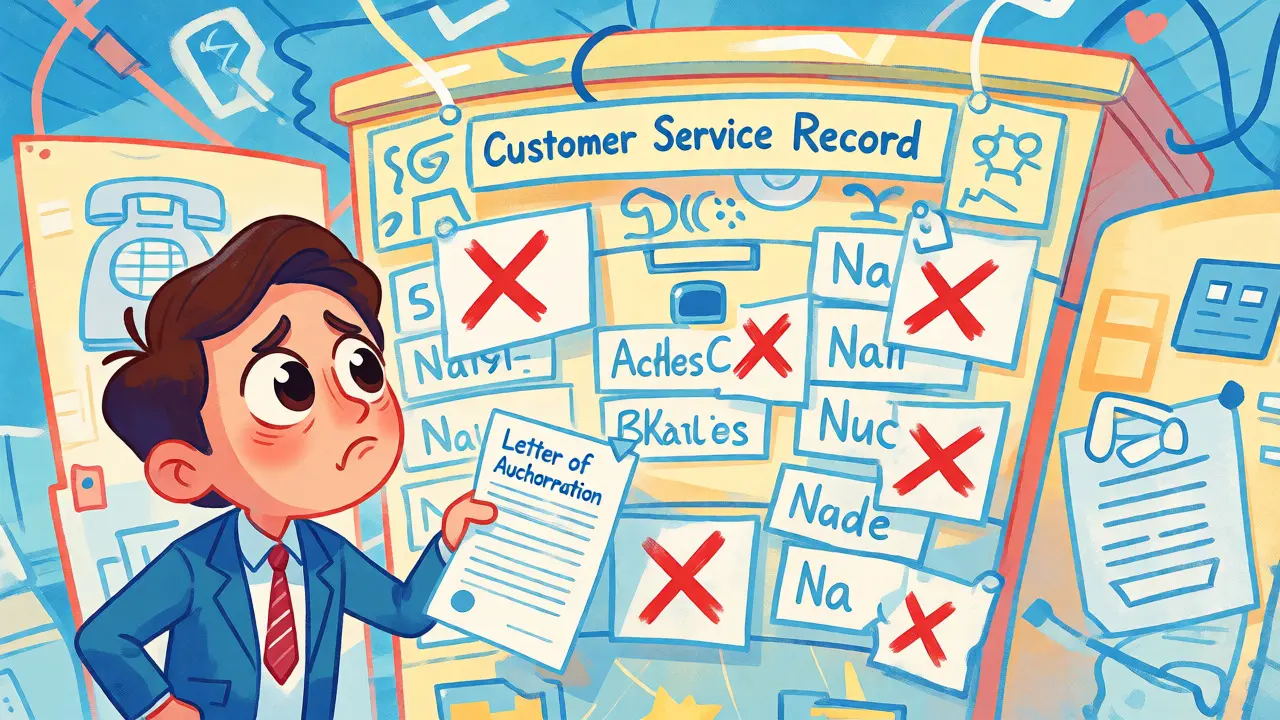
You’re trying to move your business phone numbers to a new carrier. You’ve signed the Letter of Authorization (LOA), paid the fees, and waited days-only to get a rejection notice saying "Data Mismatch." Frustrating? Absolutely. But here’s the thing: most rejections aren’t because the losing carrier is being difficult. They happen because the data you submitted doesn’t match their records character-for-character.
The Customer Service Record, or CSR, is the key document that holds the truth about your account on the losing side. It’s not just a bill; it’s the authoritative database entry the old carrier uses to verify who you are and which numbers you own. If your LOA says "Suite 4B" but their CSR says "Ste 4B," you might be rejected. This guide breaks down exactly how to use the CSR to stop those headaches before they start.
What Exactly Is a Customer Service Record?
Think of the CSR as the birth certificate for your telephone service. When you ask your current provider (the "losing carrier") for a CSR, they pull up the internal record that defines your account. This isn't always the same info printed on your monthly invoice. The CSR contains specific fields that the gaining carrier needs to populate the Local Service Request (LSR).
Why does this matter? Because the FCC rules require the losing carrier to validate that the person requesting the port actually controls the numbers. They do this by comparing the data in your LOA against the data in their CSR. If there’s a discrepancy, the system flags it. According to industry documentation, a CSR typically includes:
- Telephone Numbers: The exact list of numbers being ported.
- Billing Telephone Number (BTN): The primary number associated with the account billing.
- Account Name: The legal name registered with the carrier.
- Service Address: Where the lines physically terminate (not necessarily where you receive mail).
- Account Number: The unique identifier for your billing account.
- Line Features: Details like call waiting, forwarding, or special routing codes.
It’s crucial to understand that wireless carriers often don’t provide CSRs in the same way landline or VoIP providers do. For mobile ports, you’ll usually rely on an Account PIN and recent invoices. But for wireline and VoIP transfers, the CSR is king.
The #1 Reason for Rejections: Address Mismatches
If you take one thing away from this article, let it be this: 60% of port-in rejections are caused by address mismatches. That statistic comes from Bandwidth, a major wholesale voice platform, and while it’s vendor-specific, it aligns with what most porting specialists see daily.
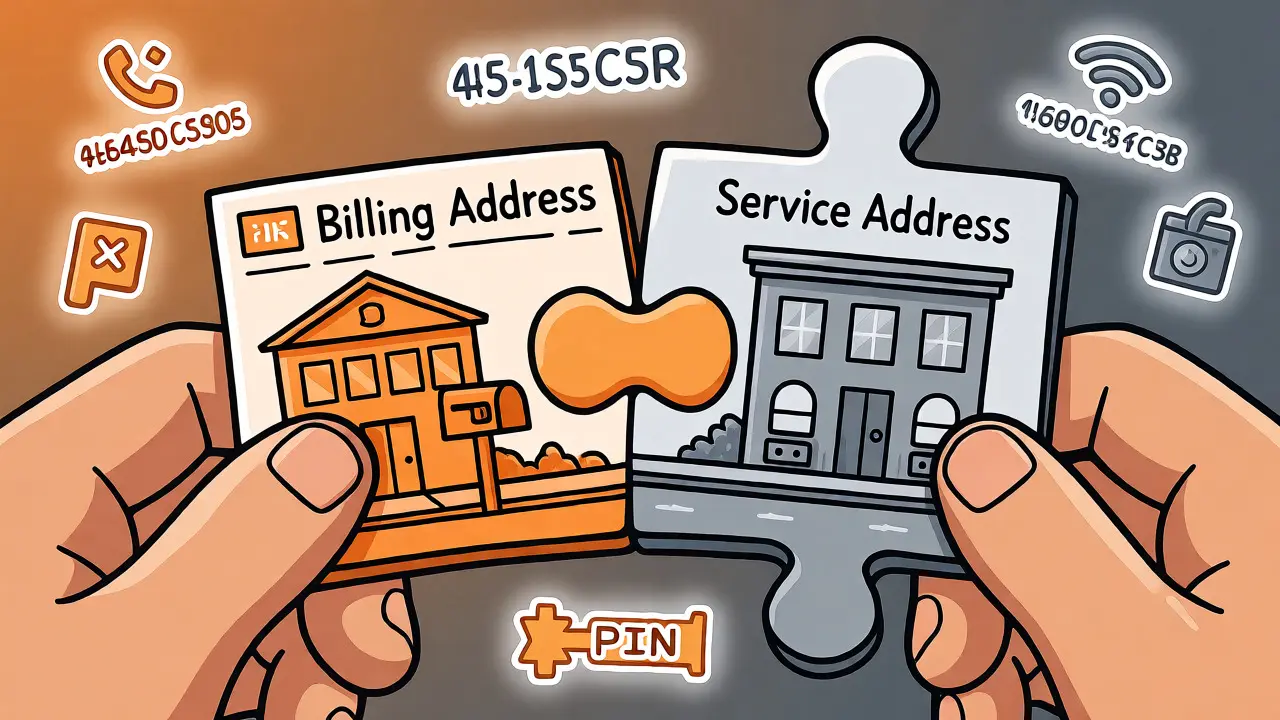
Here’s why addresses trip people up. Your company might send bills to a corporate headquarters in New York, but the phone lines physically run into a branch office in Boston. On your invoice, the "Billing Address" shows New York. On the CSR, the "Service Address" shows Boston. If you copy the Billing Address into your LOA, the losing carrier sees a mismatch and rejects the request.
| Field | Where to Find It | Common Mistake | Risk Level |
|---|---|---|---|
| Service Address | CSR / Carrier Portal | Using Billing/Mailing Address instead | High |
| Account Name | CSR / Legal Docs | Using DBA (Doing Business As) instead of Legal Entity | Medium |
| BTN | CSR / Invoice Header | Picking a random number instead of the primary BTN | High |
| ZIP Code | CSR | Typo or using ZIP+4 incorrectly | Medium |
| Account Number | CSR / Invoice | Omitting leading zeros or prefixes | Low |
Don’t try to "fix" the address. If the CSR says "123 Main St., Flr 2," write "123 Main St., Flr 2" in your LOA. Do not change "Flr" to "Floor." Do not remove punctuation. Carriers’ validation systems are rigid. They look for exact string matches in many cases, especially for critical fields like the BTN and Account Number.
How to Get the CSR (And Why You Should)
Some gaining carriers say, "We can port without a CSR." Technically, yes, you can submit an LSR without it. But should you? Probably not. Submitting blind increases the chance of rejection, which delays your project by weeks. Getting the CSR upfront is a safety net.
Here’s how to request it:
- Contact the Losing Carrier: Call customer support or log into your portal. Ask specifically for a "Customer Service Record" or "Port Out Record."
- Verify Identity: Be ready to provide the Account Number and PIN. Some carriers will only release the CSR to the authorized account holder, not to a third-party agent.
- Request PDF Format: If possible, ask for a PDF. A screenshot or email text body might not contain all metadata needed if you need to dispute a rejection later.
- Check the Date: Ensure the CSR is current. If you moved last month but haven’t updated the carrier, the CSR might still show the old address.
Note that response times vary. The FCC suggests losing carriers return CSRs within 24 hours for small requests (1-50 numbers), but this isn’t always enforced strictly. Plan for at least 2-3 business days to get this document.
Building a Bulletproof LOA Using CSR Data
The Letter of Authorization (LOA) is the contract between you, the gaining carrier, and the losing carrier. It’s where the data matching happens. Here’s how to fill it out so it passes scrutiny.
1. Use the Exact Legal Name: If your business is registered as "Smith Consulting LLC," do not write "Smith Consulting." If the CSR lists a parent company name, use that. Mismatched entity names are a top rejection cause after addresses.
2. Copy the BTN Carefully: The Billing Telephone Number is the anchor for the account. It’s not necessarily the main reception line-it’s the number tied to the billing cycle. Check the CSR header or the top of your invoice. If you guess wrong, the entire port fails.
3. Handle Multi-Account Ports Correctly: Are you moving numbers from three different accounts? You cannot combine them into one LOA unless the losing carrier allows it. Usually, you need separate LOAs for each distinct Account Number and BTN combination. Mixing numbers from different accounts in one request leads to immediate rejection.
4. Include the Port-Out PIN: Many carriers now require a PIN for security. If your CSR doesn’t show it, call support and reset it. Make sure the PIN in the LOA matches exactly. Case sensitivity matters for alphanumeric PINs.
5. Sign and Date Properly: An unsigned LOA is invalid. A stale LOA (older than 30 days) might also be rejected. Keep signatures legible and dates clear.
What to Do If You Get Rejected
Despite your best efforts, rejections happen. Don’t panic. The key is to diagnose the problem quickly rather than resubmitting blindly.
When you receive a rejection code, look for these common culprits:
- Open Orders: Did you recently order a new line or feature change? The losing carrier blocks ports while other orders are pending. Wait for those to complete.
- Freezes: Did you place a temporary freeze on the account? Remove it before porting.
- Data Mismatch: Compare the rejection reason field-by-field against the CSR. Was it the address? The name? The BTN?
- Incomplete LOA: Missing signature, missing date, or unclear handwriting.
If the rejection says "Data Mismatch," do not just resubmit the same paperwork. Go back to the source. Call the losing carrier again. Ask them to read out the exact Service Address and Account Name they have on file. Update your LOA to match that verbatim. Then resubmit.
Keep a history of rejections. If you’re fighting a stubborn carrier, having a trail of corrected submissions helps escalate the issue to their engineering or regulatory team.

Automation and Modern Porting Tools
Manual CSR checking is tedious, especially for large enterprises moving hundreds of numbers. Fortunately, modern VoIP platforms are automating this.
Providers like Telnyx and Bandwidth offer APIs that can automatically request a CSR from the losing carrier during the port submission process. These tools compare the data you entered against the retrieved CSR and flag mismatches instantly. Instead of waiting days for a human review, you get feedback in minutes.
However, automation has limits. If the BTN or Account Number is completely wrong, the API won’t find a CSR to compare. It relies on accurate initial lookup data. So even with automation, getting the basics right in step one saves massive amounts of time later.
International and Wireless Caveats
Remember, the CSR concept is primarily a US wireline/VoIP artifact. If you’re porting numbers in Canada, you’ll likely deal with an "Equipment Record" instead, particularly with Bell or Telus. The principles are similar-match the data-but the document name and availability differ.
For wireless-to-wireless ports in the US, you rarely get a formal CSR. Instead, you rely on the Mobile Identification Number (MIN) or ESN/MEID and the account PIN. The validation logic is tighter around the PIN and less about physical addresses. Don’t expect a detailed CSR printout for a cell phone transfer.
Do I legally need a CSR to port my numbers?
No, it is not a strict legal prerequisite for submitting a Local Service Request (LSR). However, it is highly recommended. Without a CSR, you are guessing at the data the losing carrier expects, which significantly increases the risk of rejection due to data mismatches.
Can I use my latest invoice instead of a CSR?
An invoice can help, but it’s risky. Invoices often display the Billing Address, whereas the CSR displays the Service Address. Since address mismatches are the top cause of rejections, relying solely on an invoice can lead to failure. Always try to get the actual CSR.
How long does it take to get a CSR?
FCC guidelines suggest losing carriers should provide CSRs within 24 hours for requests involving 1-50 numbers, 48 hours for 51-200, and 72 hours for over 200. In practice, this varies by carrier efficiency and whether weekends/holidays intervene.
What if my company name changed recently?
You must update the name with your losing carrier first. The CSR must reflect the current legal name. If you submit an LOA with the new name but the CSR still has the old one, the port will likely reject due to a name mismatch.
Does owing money prevent me from porting?
Generally, no. Under FCC rules, a losing carrier cannot refuse to port numbers solely because you owe an outstanding balance or termination fee. They can, however, reject the port if the authentication data (like the PIN or account number) is incorrect.