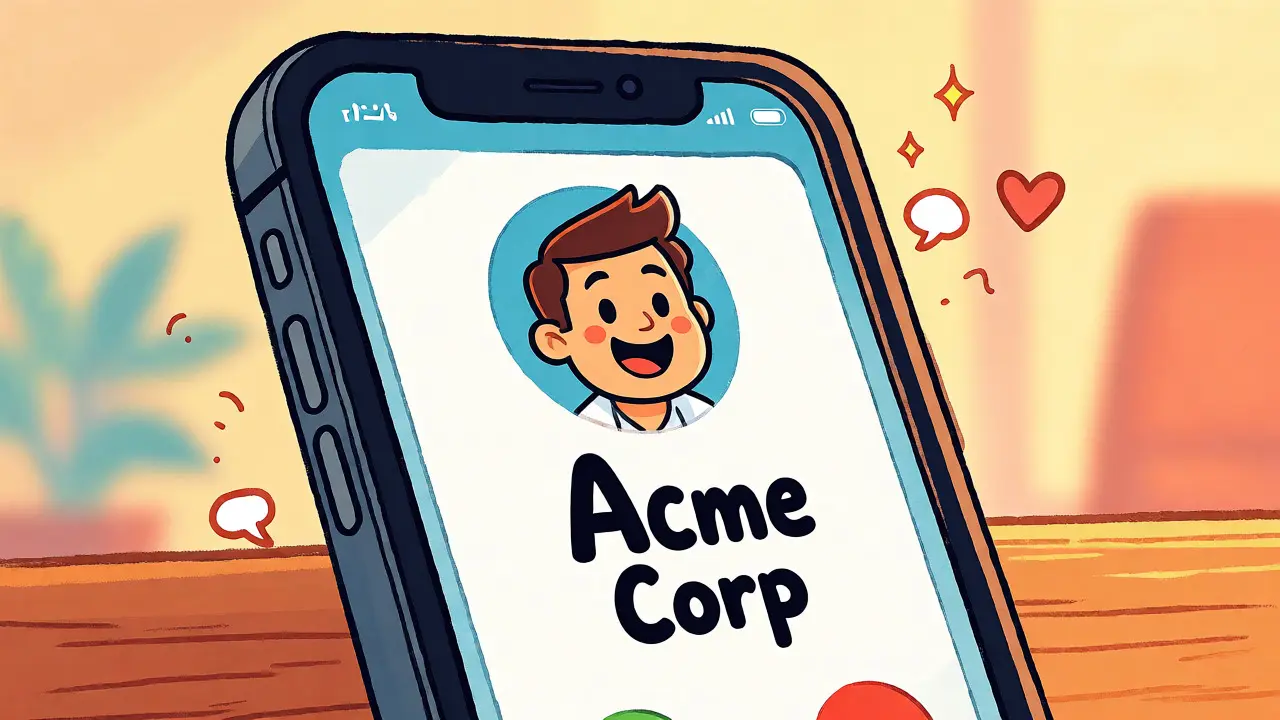
You dial a prospect. Their phone rings. They look at the screen, see a random number from a different area code, and hit decline before you even say hello. Sound familiar? This is the silent killer of outbound sales and customer service teams. You want your customers to see CNAM (Caller ID Name), not just digits. But getting that business name to show up consistently is trickier than it looks.
CNAM is the telephone-network function that associates a telephone number with a short textual name. It’s what allows your VoIP system to display "Acme Corp" instead of "555-0199." However, unlike sending an email where you control the sender line, CNAM relies on legacy databases and carrier cooperation. If you’re running a business on VoIP, understanding how this works-and where it breaks-is critical for keeping your answer rates high.
What Exactly Is CNAM?
Think of CNAM as a digital business card stored in a massive, fragmented phone book. When you place a call, your VoIP provider sends your number. The recipient’s carrier then checks its own database (or queries a central one) to find the name associated with that number. If they find it, they show it. If they don’t, or if their policy says otherwise, they show nothing but the number.
This isn't a real-time handshake between you and the caller. It’s a lookup. And because there are thousands of carriers, each with different caching rules and privacy settings, the result is often inconsistent. One person sees your name; their colleague, using a different mobile carrier, sees only digits.
The 15-Character Limit and Formatting Rules
Before you try to squeeze your full legal entity name into the field, know this: the standard US CNAM limit is 15 characters. That includes spaces and punctuation. Yes, fifteen. That’s tight.
- Keep it simple: Use your brand name, not your legal LLC name. "Nike Inc" fits; "Nike International Ltd" does not.
- Avoid special characters: Most providers reject ampersands (&), hashtags (#), asterisks (*), and question marks (?). Stick to letters, numbers, periods, commas, and spaces.
- No generic labels: Providers like Twilio will reject names that are just city/state combos (e.g., "Austin TX") unless it’s a legitimate business identity.
- Case sensitivity varies: Some systems force all caps, others respect your input. Test it.
If your name is longer than 15 characters, it gets truncated. "Global Logistics Solutions" might become "Global Logistic," which looks sloppy and unprofessional. Choose wisely.
Why Your Name Doesn’t Always Show Up
This is the biggest frustration for VoIP users. You registered your name. You waited 48 hours. You called your friend on Verizon, and it worked. You called your mom on T-Mobile, and she saw a number. Why?
Three main reasons explain this inconsistency:
- Carrier Policies: Many major US mobile carriers treat CNAM as an opt-in feature for consumers. If the user hasn’t enabled it in their account settings, the network won’t perform the lookup, regardless of whether your name is registered.
- Caching Delays: Carriers cache name records to save processing power. If you change your name, some carriers update within 24-72 hours. Others might hold onto the old record for 30-45 days or longer. There is no universal refresh rate.
- Toll-Free Limitations: Standard CNAM registration usually doesn’t work for toll-free numbers (800, 888, etc.). These numbers often rely on different routing logic and may never display a custom name on mobile devices.
LiveVox reports that in some environments, CNAM delivery success on cellular phones can drop below 1%. While that’s an extreme case, it highlights the fragility of relying solely on traditional CNAM for mobile-heavy audiences.

CNAM vs. STIR/SHAKEN: Don’t Confuse Them
You’ve probably heard of STIR/SHAKEN. It’s mandatory now for most VoIP providers. But does it fix your caller name issue? No.
| Feature | CNAM | STIR/SHAKEN |
|---|---|---|
| Purpose | Displays a text name (e.g., "MyBusiness") | Verifies the phone number is authentic |
| Mechanism | Database lookup by terminating carrier | Cryptographic signature attached to call |
| Guarantees | None. Depends on carrier support. | Proves the caller owns the number. |
| Spam Labeling | Does not prevent "Spam Likely" tags | Helps reduce false spam flags |
STIR/SHAKEN proves you aren’t spoofing the number. CNAM tells people who you are. You need both. A verified number (A-level attestation) without a name still looks suspicious. A name without verification can be easily spoofed by scammers, eroding trust.
How to Register CNAM on Major VoIP Platforms
Most modern CPaaS (Communications Platform as a Service) providers make registration straightforward, though the interface varies. Here’s how it typically works across popular platforms:
- Twilio: Go to Trust Hub > Registrations > CNAM. You’ll need your EIN (Employer Identification Number) or DUNS number to verify your business identity. Once submitted, link the registration to your specific phone numbers.
- Telnyx: Navigate to your Phone Numbers dashboard. Select a number, enable "CNAM Listing," and enter your 15-character name. Changes apply per number.
- Plivo: Use the console to map a CNAM to one number or bulk-apply it to multiple numbers. Note that Plivo charges for inbound CNAM lookups if you enable that feature, which is separate from outbound registration.
Remember: Registration is free or low-cost on many platforms, but the *lookup* fee (when someone calls you and their carrier checks the name) might be charged to the receiving carrier or passed through depending on your plan.
The Rise of Branded Calling: A Better Alternative?
If CNAM feels too unreliable for your sales team, look at Branded Calling (also known as Rich Call Data or RCD). This is the new generation of caller ID.
Unlike CNAM, branded calling services partner directly with carriers (like AT&T, Verizon, T-Mobile) to push verified data to the handset. This means:
- Logos: Your company logo appears next to the name.
- Call Reason: You can specify "Appointment Reminder" or "Sales Call."
- Consistency: Higher delivery rates on mobile networks because the data travels with the call signaling, not via a separate database dip.
Services like Hiya Connect, First Orion INFORM, and TNS Enterprise Branded Calling offer this. The cost is higher-often $0.07 to $0.14 per call-but the impact on answer rates can be significant. Hiya claims branded calls get a 25% answer rate versus the industry average of 4-6%. Even if those numbers vary, the trend is clear: visual branding builds trust faster than text alone.
Implementation Checklist for Maximum Visibility
Don’t just set it and forget it. Follow these steps to ensure your CNAM strategy actually works:
- Use Local Numbers: People answer local area codes more often. Pair a local number with a correct CNAM for best results.
- Verify Business Info: Ensure your name matches your official registrations (EIN/DUNS). Mismatches cause rejections.
- Test Across Carriers: After registering, call test numbers on Verizon, AT&T, T-Mobile, and a landline. Record what displays.
- Wait for Propagation: Allow 24-72 hours for initial updates. Re-test after two weeks to catch slower caches.
- Monitor Reputation: High call volume with short durations triggers spam filters. Keep your calling patterns natural.
- Consider Branded Calling: If mobile answer rates are critical, budget for a branded calling service alongside CNAM.
By treating CNAM as one layer in a broader identity stack-combined with STIR/SHAKEN and good calling habits-you turn anonymous digits into recognizable conversations.
Can I use any name I want for CNAM?
No. The Truth in Caller ID Act prohibits misleading names. You cannot impersonate another business, use a government agency name, or choose a deceptive label. Providers also enforce character limits (15 chars) and formatting rules (no special symbols).
Why does my CNAM show on landlines but not mobiles?
Many mobile carriers treat CNAM as an optional feature for subscribers. If the user hasn't enabled it, the carrier skips the database lookup. Additionally, mobile networks have stricter anti-spam protocols that may suppress unverified or poorly cached names.
How long does it take for a CNAM change to appear?
Initial propagation takes 24-72 hours. However, due to carrier caching practices, some networks may display the old name for 30-45 days or longer. Always test calls to multiple carriers after making changes.
Does CNAM prevent my calls from being marked as Spam?
Not necessarily. Spam labeling is driven by call reputation, volume, duration, and user complaints. CNAM only provides the name. To avoid spam flags, you need proper STIR/SHAKEN attestation, consistent calling behavior, and a clean complaint history.
Is CNAM available for toll-free numbers?
Standard CNAM registration generally does not support toll-free numbers (800, 888, etc.) for outbound display on mobile devices. Toll-free calls often show only the number or a generic carrier name. Branded calling services are a better option for toll-free visibility.