
Why Your VoIP Calls Sound Like They’re Falling Apart
You pick up the phone to take a call. The voice is clear at first. But thirty seconds later, the speaker starts stuttering. Then they sound like a chipmunk. Finally, the audio cuts out entirely. You didn’t drop packets. Your bandwidth is fine. So what went wrong?
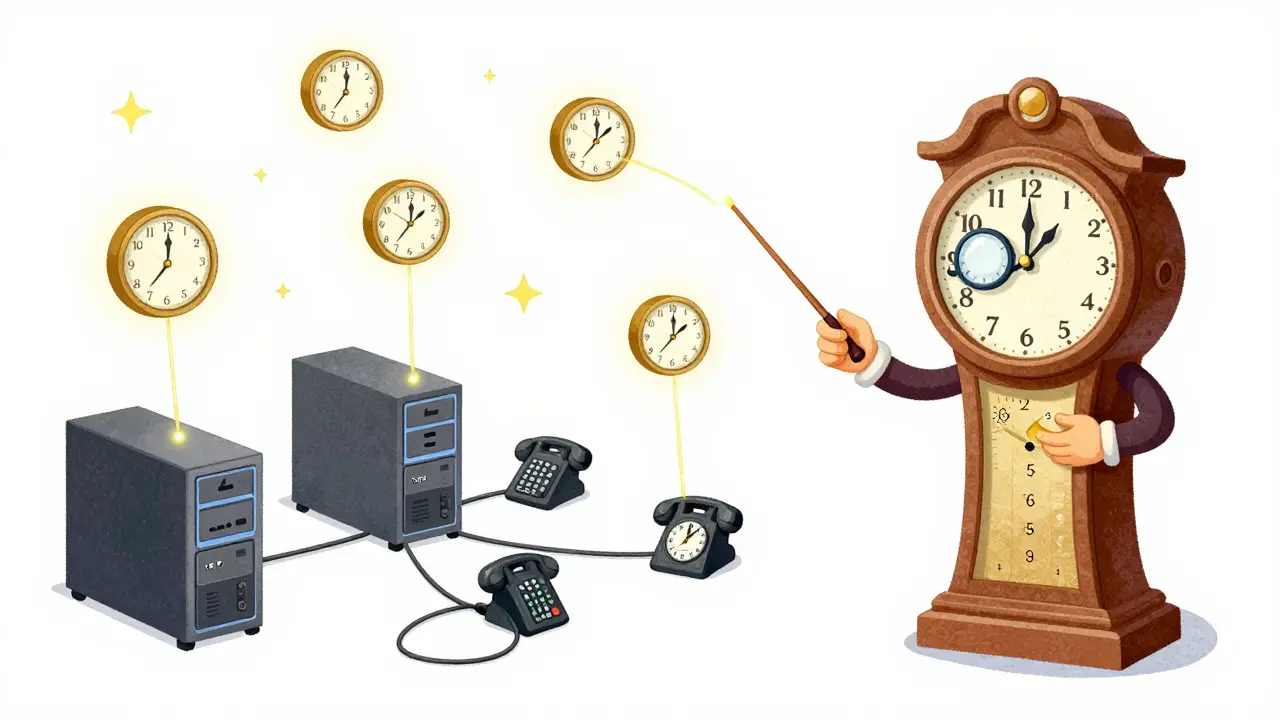
The culprit isn’t usually bandwidth-it’s time. Specifically, it’s clock synchronization. In Voice over IP (VoIP), every device has its own internal clock. If those clocks aren’t perfectly aligned, your digital audio stream falls apart. This phenomenon is known as timing drift.
When you send a voice call over the internet, you aren’t sending analog sound waves. You are sending data packets wrapped in the Real-time Transport Protocol (RTP). These packets contain timestamps that tell the receiver exactly when each sample of audio was captured. If the sender’s clock runs slightly faster than the receiver’s clock, or if the network introduces variable delays (jitter), the receiver doesn’t know whether to play the audio immediately or wait. Without proper synchronization, the audio buffer either empties too fast (causing gaps) or fills up too much (causing echo and delay).
To fix this, engineers rely on a combination of protocols: Network Time Protocol (NTP) to align system clocks, and RTCP (RTCP, or RTP Control Protocol) to manage the flow of media. Understanding how these pieces fit together is the key to stable, high-quality VoIP communications.
The Core Problem: Independent Clocks in a Shared Network
Imagine two musicians playing in an orchestra. One uses a metronome set to 120 beats per minute. The other uses a metronome set to 121 beats per minute. At the start of the song, they are in sync. But after ten minutes, they are completely out of rhythm. That is exactly what happens in VoIP without synchronization.
In a typical VoIP setup, the sender captures audio samples at a specific rate-often 8,000 Hz for standard telephony or 48,000 Hz for high-definition audio. Each sample is assigned a timestamp based on the sender’s local hardware clock. However, crystal oscillators in network cards and servers are not perfect. They drift. A cheap oscillator might gain or lose milliseconds every hour. Over the course of a long conference call or a streaming session, these small errors accumulate.
This is where Timing Drift becomes critical. Drift occurs when the difference between the sender’s clock and the receiver’s clock grows large enough to disrupt playback. If the receiver plays samples too quickly, the audio speeds up and eventually skips chunks. If it plays them too slowly, the audio slows down, creating unnatural echoes and increasing latency until the buffer overflows.
RTP itself does not solve this problem. RTP timestamps are relative-they only count how many samples have passed since the stream started. They do not tell you what time it is in the real world. To bridge the gap between "relative sample count" and "real-world time," we need external references.
How NTP Anchors VoIP to Reality
Network Time Protocol (NTP) is the backbone of time synchronization across the internet. Originally designed in the 1980s, NTP allows computers to synchronize their clocks with highly accurate atomic clocks via a hierarchy of servers. For VoIP, NTP provides the "wall-clock" reference that all devices can agree on.
Here is how it works in practice:
- Server Configuration: Your VoIP server (like Asterisk, FreePBX, or Cisco Unified Communications Manager) is configured to query reliable NTP pools (e.g., pool.ntp.org). It adjusts its system clock to match the NTP source, typically achieving accuracy within a few milliseconds on a LAN and tens of milliseconds over the public internet.
- Endpoint Alignment: Ideally, endpoints (phones, softphones) also sync with NTP. While not always strictly required for simple point-to-point calls, it is crucial for multi-party conferences where multiple streams must be mixed together.
- Timestamp Mapping: When the VoIP application generates an RTP packet, it tags it with a timestamp derived from the NTP-synchronized system clock. This ensures that the timestamp reflects real-world time, not just the device’s local drift.
If your server’s clock is drifting because it isn’t talking to an NTP server, or because the machine is overloaded and dropping interrupts (a common issue in underpowered virtual machines), your RTP timestamps will be wrong. The result? Jitter buffers at the receiving end get confused, leading to choppy audio.
RTCP: The Traffic Cop for Media Streams
NTP gives us a shared clock, but it doesn’t manage the actual media flow. That job belongs to RTCP (RTP Control Protocol). Think of RTP as the truck carrying the cargo (audio/video), and RTCP as the dispatcher tracking the trucks’ locations and speeds.
RTCP sends periodic control packets alongside the media stream. The most important of these for synchronization are the Sender Reports (SR). An SR packet contains two critical pieces of information:
- NTP Timestamp: The current wall-clock time (in NTP format) when the report was sent.
- RTP Timestamp: The corresponding RTP sequence number/sample count at that exact moment.
By pairing these two values, the receiver can calculate a mathematical mapping between RTP timestamps and NTP time. Even if the sender’s clock drifts slightly, the receiver can detect the drift by comparing successive Sender Reports. It then adjusts its playout schedule accordingly.
For example, if the receiver notices that the RTP timestamps are arriving faster than the NTP timestamps suggest they should, it knows the sender’s clock is running fast. The receiver can then slow down its playback rate slightly or adjust its jitter buffer to compensate, keeping the audio smooth.
The Role of Jitter Buffers in Compensating for Drift
Even with NTP and RTCP, networks are messy. Packets arrive out of order, some are delayed, and others are lost. This variability is called Jitter. To handle jitter, receivers use a jitter buffer.
A jitter buffer holds incoming packets for a short period before playing them out. This pause allows late-arriving packets to catch up, smoothing out the stream. There are two types of jitter buffers:
- Static Buffers: Fixed delay. Simple, but inefficient. If the network is calm, you waste latency. If the network spikes, you still get glitches.
- Adaptive Buffers: Dynamic delay. The buffer size changes based on real-time network conditions and clock drift detected via RTCP.
In modern VoIP systems, adaptive buffers are essential. They use the NTP/RTP mapping from RTCP Sender Reports to determine the correct playout time. If the buffer detects that the sender’s clock is drifting, it adjusts the playout rate to match, preventing the buffer from underflowing (running out of data) or overflowing (building up too much delay).
Human perception is surprisingly sensitive to audio-video sync issues. Studies show that humans can tolerate about ±40 milliseconds of offset between audio and video. Beyond that, the brain perceives the mismatch as an error. In pure audio calls, excessive delay (latency) above 150-200ms makes conversation difficult, causing people to talk over each other. Proper clock synchronization keeps these numbers in check.
| Component | Primary Function | Accuracy Target | Common Failure Mode |
|---|---|---|---|
| NTP | Aligns system clocks to global time | Milliseconds (LAN) Tens of ms (Internet) |
Server overload, dropped interrupts, poor stratum sources |
| RTP Timestamps | Orders samples within a stream | Sample-level precision | Drift due to unstable local oscillators |
| RTCP Sender Reports | Maps RTP time to NTP time | Dependent on NTP accuracy | Infrequent reporting intervals, packet loss of RTCP |
| Jitter Buffer | Smooths out network variance | < 40ms deviation | Underflow (choppy audio) or Overflow (high latency) |

Advanced Scenarios: Multi-Party and Inter-Stream Sync
Point-to-point calls are relatively straightforward. Things get complicated when you add more participants or mix different media types. Consider a video conference with three people, or a broadcast scenario where audio and video must stay perfectly lip-synced.
In these cases, Inter-Destination Media Synchronization (IDMS) comes into play. Defined in RFC 7272, IDMS ensures that multiple receivers experience media events at the same time. This is crucial for live broadcasts or collaborative editing sessions.
IDMS relies on extended RTCP reports. Participants exchange information about their media arrival and presentation times. A controller then calculates a common target playout point and distributes it to all participants. This requires extremely precise clock synchronization. If one participant’s NTP clock is off by even a few milliseconds, the entire group’s synchronization suffers.
Additionally, consider leap seconds. NTP handles leap seconds by inserting an extra second into the day. If your VoIP stack doesn’t handle this correctly, it can cause abrupt jumps in timestamps, leading to significant audio artifacts or call drops. Modern implementations must be aware of these edge cases.
Troubleshooting Common Synchronization Issues
If you are experiencing audio glitches, here is a checklist to diagnose clock-related problems:
- Check NTP Status: Log into your VoIP server and run
ntpq -porchronyc tracking. Are you synchronized to a reliable source? Is the offset low? If the offset is high or fluctuating wildly, your timestamps will be unreliable. - Monitor System Load: High CPU usage can cause the operating system to miss hardware interrupts. This leads to clock drift even if NTP is configured correctly. Use tools like
toporhtopto ensure your server isn’t overwhelmed. - Inspect RTCP Statistics: Look at the RTCP Sender Reports. Are they being sent regularly? If RTCP packets are being blocked by firewalls or QoS policies, the receiver cannot adjust for drift.
- Analyze Jitter Buffer Logs: Most VoIP platforms log jitter buffer statistics. Look for frequent underflows (indicating the buffer is emptying too fast) or sudden increases in buffer size (indicating the system is trying to compensate for massive jitter or drift).
- Verify Endpoint Clocks: Ensure that IP phones and softphones are also syncing with NTP. Some older devices may use local clocks that drift significantly over time.
Looking Ahead: Precision Time Protocol (PTP)
While NTP is sufficient for most VoIP applications, emerging demands for ultra-low latency and high-fidelity audio (such as in professional broadcasting or industrial IoT) are driving interest in Precision Time Protocol (PTP), defined in IEEE 1588. PTP can achieve microsecond-level accuracy, far surpassing NTP’s millisecond precision.
However, PTP requires specialized hardware support and careful network configuration. For general business VoIP, NTP remains the standard. As networks evolve, we may see hybrid approaches where PTP is used for core infrastructure and NTP for edge devices, ensuring robust synchronization across diverse environments.
What causes timing drift in VoIP calls?
Timing drift is caused by differences between the sender's and receiver's internal clocks. Hardware oscillators are not perfect and can gain or lose time over periods. Additionally, network jitter and variable packet delays can exacerbate the perceived drift if the jitter buffer cannot compensate effectively.
Is NTP necessary for a single VoIP call?
Strictly speaking, a simple point-to-point call can function without NTP if the duration is short and the clocks don't drift significantly. However, for reliability, especially in longer calls or conference bridges, NTP is essential to maintain accurate timestamps and prevent cumulative errors.
How does RTCP help with synchronization?
RTCP Sender Reports provide a mapping between RTP timestamps and NTP wall-clock time. Receivers use this mapping to detect clock drift and adjust their playout schedules, ensuring smooth audio playback despite minor timing discrepancies.
What is the impact of a poorly configured jitter buffer?
A static or misconfigured jitter buffer can lead to either high latency (if the buffer is too large) or choppy audio (if the buffer is too small and underflows). Adaptive buffers that respond to RTCP data are preferred for handling dynamic network conditions and clock drift.
Can firewall settings affect clock synchronization?
Yes. Firewalls often block UDP port 123, which is used by NTP. If NTP traffic is blocked, devices cannot synchronize their clocks. Additionally, blocking RTCP ports (usually the RTP port + 1) prevents the exchange of synchronization reports, leading to unmanaged drift.