
You are in a meeting, your phone is on silent, and you know that missed call could cost you a client. Or perhaps you are traveling and need your office landline to ring on your smartphone so you don't miss urgent updates. This is where call forwarding, also known as call diversion, becomes essential. It is a standard telephony feature that redirects an incoming call from the number dialed by the caller to a different destination, such as your mobile device.
This feature exists across all telephone switching systems, from traditional PSTN (Public Switched Telephone Network)Network) lines to modern VoIP platforms. Whether you use a carrier like Verizon or T-Mobile, or a unified communications tool like Microsoft Teams, the goal remains the same: ensure your calls reach you, no matter where you are.
How Call Forwarding Works
When someone dials your number, the network switch checks if you have any forwarding rules configured. If you do, the system sends the call to your specified destination instead of ringing your original phone. For example, if you forward your work line to your mobile, the caller hears your mobile ringing, not your desk phone.
The process happens at the network level for most carriers. This means the setting lives with your provider, not just on your handset. When you activate it via a star code or app, your phone sends a signal to the carrier’s servers. The server then handles the redirection for every subsequent call until you turn it off.
| Action | Code | Description |
|---|---|---|
| Activate Unconditional Forwarding | *72 [Number] # | Sends all calls immediately to the new number. |
| Deactivate Forwarding | *73 | Stops forwarding and returns calls to the original line. |
| Disable All Forwarding Types | ##002# | Cancels unconditional, busy, no-answer, and unreachable forwarding. |
Types of Call Forwarding
Not all forwarding is created equal. You can choose how and when calls get redirected based on your needs.
- Unconditional (Always Forward): Every call goes directly to the destination. Your original phone never rings. Use this when you are away for an extended period or switching numbers temporarily.
- Forward on No Answer: The call rings your original phone first. If you don’t pick up after a set time (e.g., 15 seconds), it forwards to your mobile. This is ideal for staying reachable while still trying to answer from your primary device.
- Forward on Busy: If you are already on another call, the system redirects the new caller to your backup number.
- Forward on Unreachable: If your phone is off, out of service, or has no signal, calls go to your designated mobile device.
Platforms like Microsoft Teams add more granularity. You can set simultaneous ring, where both your desktop app and mobile phone ring at the same time. You can also create call groups of up to 25 people, ensuring that if one person misses a call, others in the group receive it.
Setting Up Call Forwarding on Smartphones
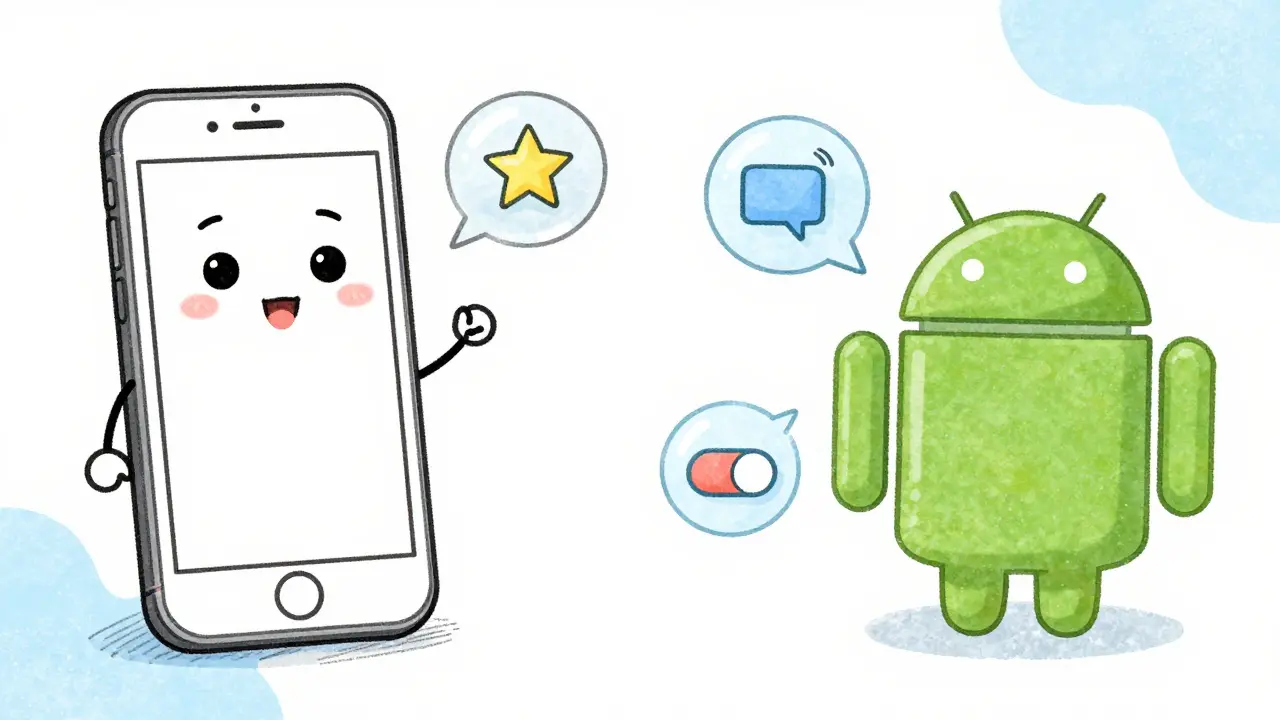
Most users prefer configuring forwarding through their phone’s settings rather than memorizing codes. Here is how to do it on major platforms.
iPhone Setup
- Open Settings.
- Scroll down and tap Phone.
- Select Call Forwarding.
- Toggle the switch to On.
- Enter the mobile number you want calls forwarded to.
Your iPhone will communicate with your carrier to enable this. Note that if your phone dies or loses connection, you cannot change these settings via the app. You would need to use your carrier’s website or app.
Android Setup
- Open the Phone app.
- Tap the three-dot menu icon and select Settings.
- Go to Supplementary services or Call forwarding.
- Choose the type of forwarding (e.g., Always forward, Forward when unanswered).
- Enter the destination number and tap Enable.
Android devices often provide more conditional options right in the interface, allowing you to fine-tune when calls divert to your secondary mobile device.
Remote Call Forwarding: Managing Without Your Phone
What if you lose your phone or forget it at home? You can still manage forwarding remotely. Most major carriers offer web portals or apps for this purpose.
For instance, Verizon allows users to log into the My Verizon app or website, select their device, and update call forwarding settings without touching the physical phone. Similarly, virtual phone providers like Quo (formerly OpenPhone) let administrators build complex call flows. You can set rules to forward calls during business hours to one mobile number and after hours to another, all managed from a dashboard.
AT&T offers a specific feature called "Remote Access to Call Forwarding." Users dial a special access number, enter a PIN, and then input the forwarding details. This is particularly useful for landlines that require physical access to dial activation codes.
VoIP and Unified Communications
In a business context, call forwarding is rarely just about sending calls to one mobile. It is part of a broader strategy involving Unified Communications as a Service (UCaaS).
Microsoft Teams, for example, integrates deeply with call handling. Admins can configure policies that allow users to forward calls to voicemail, external numbers, or colleagues. The platform supports timeouts (up to 60 seconds) before forwarding, giving you control over how long a call rings on your primary endpoint before moving to your mobile.
Virtual PBX systems take this further. They act as the central hub for your business number. Instead of relying solely on carrier-level forwarding, the cloud service applies routing rules. This means you can forward calls based on time of day, caller ID, or even IVR (Interactive Voice Response) selections, ultimately terminating the call on an employee’s mobile device.

Pricing and Costs
One common concern is whether call forwarding costs extra. For most major U.S. carriers like Verizon and T-Mobile, basic call forwarding is included in all plans at no additional monthly fee. However, be aware of usage charges.
If you forward a call from a local landline to a mobile phone in a different area, your carrier may treat the leg between the landline and the mobile as a long-distance call, depending on your plan. In many modern unlimited plans, this distinction has blurred, but it is worth checking your specific terms. Virtual phone services like Quo typically include forwarding in their subscription models, offering predictable pricing without per-minute surprises.
Limitations and Troubleshooting
Call forwarding is powerful, but it has limits. The biggest issue arises when your phone is dead or offline. Since the forwarding instruction is sent from the device to the carrier, a dead phone cannot send new instructions. If you anticipate being offline, set up forwarding beforehand or use your carrier’s web portal.
Another common problem is accidental activation. If you hear a beep before your greeting or notice calls going to voicemail unexpectedly, check your forwarding status. Dialing ##002# on most networks disables all forwarding types instantly. If that doesn’t work, consult your carrier’s support page for specific deactivation codes.
Also, keep in mind that some older landline systems do not support remote forwarding. You may need to physically dial *72 from the landline itself to activate it. This is why virtual phone numbers are gaining popularity-they decouple your business number from physical hardware, allowing flexible mobile redirection from anywhere.
Does call forwarding work if my phone is turned off?
Yes, if you have set up "Forward on Unreachable" or "Always Forward" before turning your phone off. The carrier’s network handles the redirection. However, you cannot activate or change forwarding settings using the phone app if the device is powered down. You must use your carrier’s website or app.
Is call forwarding free on Verizon and T-Mobile?
Yes, basic call forwarding is included at no extra monthly cost on most Verizon and T-Mobile plans. However, standard calling rates may apply for the duration of the forwarded call, especially if it involves long-distance or international legs.
How do I stop call forwarding immediately?
Dial *73 on your phone to deactivate unconditional forwarding. To disable all types of forwarding (busy, no answer, unreachable), dial ##002#. Alternatively, you can turn it off via your carrier’s app or online account portal.
Can I forward calls to multiple phones at once?
Standard carrier call forwarding usually sends calls to one number at a time. However, VoIP platforms like Microsoft Teams or virtual PBX systems like Quo allow simultaneous ringing to multiple devices or call groups, ensuring higher answer rates.
Will the caller know their call is being forwarded?
Generally, no. The caller sees the original number they dialed on their screen. They do not see the destination mobile number unless you have configured specific caller ID settings in advanced VoIP systems.