
You hand an employee a company laptop, but they bring their own phone. Now that same employee is taking business calls on a personal Android or iPhone, connected to home Wi-Fi, while sitting in a coffee shop with public internet access. It’s convenient, sure. But who owns the data? Who controls the encryption? And if that phone gets stolen, does your entire call history walk out the door?
This is the reality of Bring Your Own Device (BYOD) for remote teams using Voice over IP (VoIP). It’s not just about saving money on hardware; it’s about balancing flexibility with a serious security headache. If you’re running a distributed team, you need a policy that doesn’t just say "be careful," but actually enforces security without turning your employees into spies in their own pockets.
The Real Risks of Personal Devices in Business VoIP
Let’s be honest: personal devices are messy. Unlike corporate-issued laptops, you don’t control the operating system updates, the apps installed, or the network the user connects to. When an employee uses a softphone app on a personal device, several things can go wrong that wouldn’t happen on a managed desk phone.
- Insecure Networks: Home Wi-Fi might be fine, but public hotspots often lack proper encryption. Without protection, voice packets can be intercepted.
- Malware and Rooting: A rooted Android or jailbroken iOS device bypasses sandbox protections. Malicious apps could potentially access microphone permissions or stored credentials.
- Data Leakage: Call recordings, voicemails, and contact lists stored locally on a personal device mix with personal photos and messages. Deleting the app doesn’t always scrub the cache.
- Identity Theft: If a user reuses passwords across apps, a breach in a social media app could compromise their VoIP login.
NIST Special Publication 800-46 Revision 2 highlights that personally owned devices must be secured according to an organizational threat model. You can’t assume trust just because the device belongs to a trusted employee.
Zero Trust Is Not Just a Buzzword Here
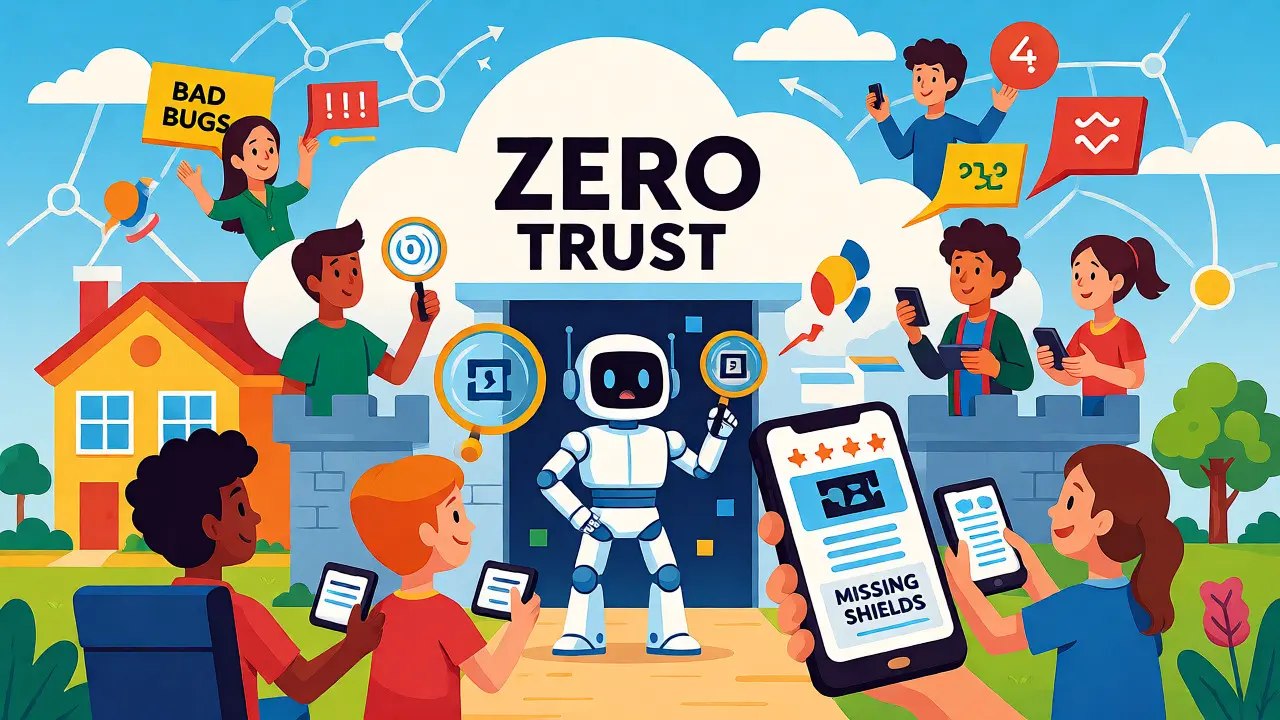
The old model of "inside the firewall means safe" is dead. For BYOD VoIP, you need a Zero Trust approach. This means never trusting a connection implicitly, even if it comes from an employee’s known device. Every request to connect to the cloud PBX must be authenticated and authorized based on context.
What does this look like in practice? Instead of just asking for a username and password, your system checks:
- Device Compliance: Is the OS version up to date? Is disk encryption enabled? Is the device jailbroken?
- User Identity: Did the user log in with phishing-resistant MFA (like FIDO2 keys) rather than just SMS codes?
- Location and Behavior: Is the user logging in from a country where they’ve never been before? Are they making unusual call patterns?
If any of these checks fail, the VoIP application should block access or restrict features. For example, allow calling but block downloading call logs or exporting contacts.
| Approach | Security Level | Employee Privacy | IT Control | Best For |
|---|---|---|---|---|
| Unmanaged BYOD | Low | High | Minimal | Contractors, low-sensitivity roles |
| Managed App Container | Medium-High | Medium | App-level only | Most remote employees |
| Full MDM Enrollment | High | Low | Device-wide | Executives, high-security needs |
| Corporate-Owned Device | Very High | N/A | Total | Regulated industries, sensitive data |
Implementing Application-Level Security
You probably don’t want to install heavy Mobile Device Management (MDM) software on your employees’ personal phones. They’ll hate it, and privacy laws (especially GDPR in Europe and similar regulations elsewhere) make full-device monitoring tricky. The sweet spot is application-level security via a managed container.
A managed container isolates the VoIP app and its data from the rest of the phone. Think of it as a secure bubble within the personal device. Inside this bubble, IT controls:
- Credentials: Stored securely, not accessible by other apps.
- Cache: Call logs and voicemail files are encrypted and deleted when the user leaves the company.
- Permissions: The app can use the microphone and camera, but cannot access the photo gallery or contacts unless explicitly permitted.
- Network: Traffic from the app can be forced through a secure tunnel or require specific TLS/SRTP settings.
If the device is lost, you perform a "selective wipe." This deletes only the corporate container, leaving personal photos and apps untouched. This distinction is crucial for maintaining employee trust and complying with privacy regulations like the UK Data Protection Act 2018.
Encryption: The Non-Negotiable Baseline
Voice traffic is real-time data. If it’s not encrypted, anyone on the same network can listen in. Standard SIP signaling should always use Transport Layer Security (TLS), and the actual voice media streams must use Secure Real-time Transport Protocol (SRTP).
Don’t rely solely on VPNs for VoIP security. While a VPN encrypts the tunnel, it doesn’t necessarily protect against eavesdropping at the endpoint if the local storage isn’t encrypted. Furthermore, routing VoIP through a VPN can introduce latency and jitter, degrading call quality. Modern cloud VoIP providers support direct TLS/SRTP connections, which are more efficient for mobile users switching between Wi-Fi and cellular data.
Check your provider’s documentation. Do they enforce SRTP by default? Can you disable unencrypted fallback options? If your provider allows "best effort" encryption, turn it off. Force strict encryption modes.
Emergency Calling and Location Accuracy
This is the part everyone forgets until it’s too late. Traditional landlines provide automatic location information to emergency services. With BYOD VoIP, the caller’s location is dynamic. An employee might be working from a hotel in London one day and a café in Manchester the next.
Your policy must address how emergency calls are handled. Does your VoIP system support E911 (or E112 in Europe)? How do users update their registered location? Some systems allow users to set a temporary location profile, but this relies on human memory. In a panic, will they remember to update their address before dialing 999?
Consider requiring a backup physical phone for critical roles, or ensuring your VoIP platform integrates with location services to automatically register the device’s GPS coordinates during an emergency call. Note that GPS accuracy indoors can vary, so this isn’t foolproof.

Privacy and Legal Considerations
You own the business data, but the employee owns the device. This creates a legal gray area. Under GDPR and similar laws, you are the data controller. You are responsible for protecting personal data processed on the device, even if you don’t own the hardware.
Key questions to answer in your policy:
- Monitoring: What data do you collect? Call metadata (who called whom, when, duration) is usually acceptable. Recording audio content requires consent and clear notification.
- Retention: How long do you keep call logs and recordings? Define this clearly.
- Termination: What happens when an employee quits? You need a process to revoke access immediately and ensure no corporate data remains on the device.
The Information Commissioner’s Office (ICO) recommends proportionality. Don’t track location history if you don’t need to. Don’t scan personal folders. Keep monitoring focused on security threats, not productivity surveillance.
Building Your BYOD VoIP Policy: A Checklist
Ready to draft your policy? Start with these core components:
- Eligibility: Which job roles are allowed to use BYOD for VoIP? Exclude highly sensitive roles if necessary.
- Device Standards: Minimum OS versions (e.g., iOS 15+, Android 10+). No rooted/jailbroken devices.
- Authentication: Mandatory Multi-Factor Authentication (MFA). Prefer app-based or hardware tokens over SMS.
- Application: Approved softphone clients only. Automatic updates required.
- Network: Recommendation to avoid public Wi-Fi for sensitive calls, or require a secure app tunnel.
- Support: What level of IT support is provided? Usually limited to the VoIP app, not the whole phone.
- Reimbursement: Do you pay for data usage or device wear-and-tear? Be transparent.
- Incident Response: Steps for reporting a lost or stolen device. Who to call, what to do first.
Next Steps and Troubleshooting
Rolling out BYOD VoIP isn’t a one-time setup. It requires ongoing maintenance.
Pilot First: Don’t deploy to everyone at once. Pick a small group of tech-savvy users. Run them through the enrollment process, test emergency calls, check audio quality on different networks, and gather feedback.
Monitor Metrics: Track call quality scores (MOS), dropped call rates, and support tickets related to the softphone. If audio issues spike, investigate whether it’s a network problem or a device compatibility issue.
Review Regularly: Threat landscapes change. New malware targets mobile devices. Operating systems update. Review your policy annually to ensure it still meets security standards and legal requirements.
Is BYOD safer than issuing company phones?
Generally, no. Company-owned devices offer tighter control over hardware, software, and data erasure. However, BYOD can be made secure enough for most business needs using application containers and conditional access policies. The trade-off is cost and convenience versus absolute control.
Can I remotely wipe a personal phone if an employee leaves?
With modern Mobile Application Management (MAM) solutions, yes, but typically only the corporate container. This removes the VoIP app, credentials, and cached data without deleting personal photos or apps. Full device wipes are rare in BYOD scenarios due to privacy concerns.
Do I need a VPN for remote VoIP on BYOD?
Not necessarily. Modern cloud VoIP platforms use TLS and SRTP for end-to-end encryption. A VPN can add unnecessary latency and complexity for mobile users. Use a VPN only if you have specific internal network resources the VoIP client needs to access directly.
How do I handle emergency calls from personal devices?
Configure your VoIP system to require users to register a current location. Some advanced systems use GPS to auto-update this. Always inform employees that emergency location accuracy may vary compared to a fixed landline, and consider providing a backup method for critical roles.
What if an employee uses a public Wi-Fi hotspot?
Public Wi-Fi poses risks like man-in-the-middle attacks. Ensure your VoIP app forces TLS/SRTP encryption. Additionally, use conditional access policies that might block high-risk actions (like exporting call logs) when the device is on an unknown network.