
Ever tried to take a client call on your laptop using the built-in microphone while your coworker is discussing lunch plans three feet away? It’s a nightmare. You sound like you’re broadcasting from inside a tin can, and they can’t hear you over the background noise. For anyone working remotely or in an open office, a standard consumer headphone just doesn’t cut it when you’re running VoIP softphones like Microsoft Teams, Zoom, or RingCentral.
The difference between a "good enough" audio experience and a professional one often comes down to two things: connection type and microphone quality. Are you tethered to your desk with a reliable USB cable, or do you need the freedom of Bluetooth? And does that headset actually talk to your software, or are you fighting with drivers every time you plug it in?
Key Takeaways
- USB is king for reliability: If you stay at a desk, wired USB headsets offer zero battery anxiety and consistent call controls without pairing issues.
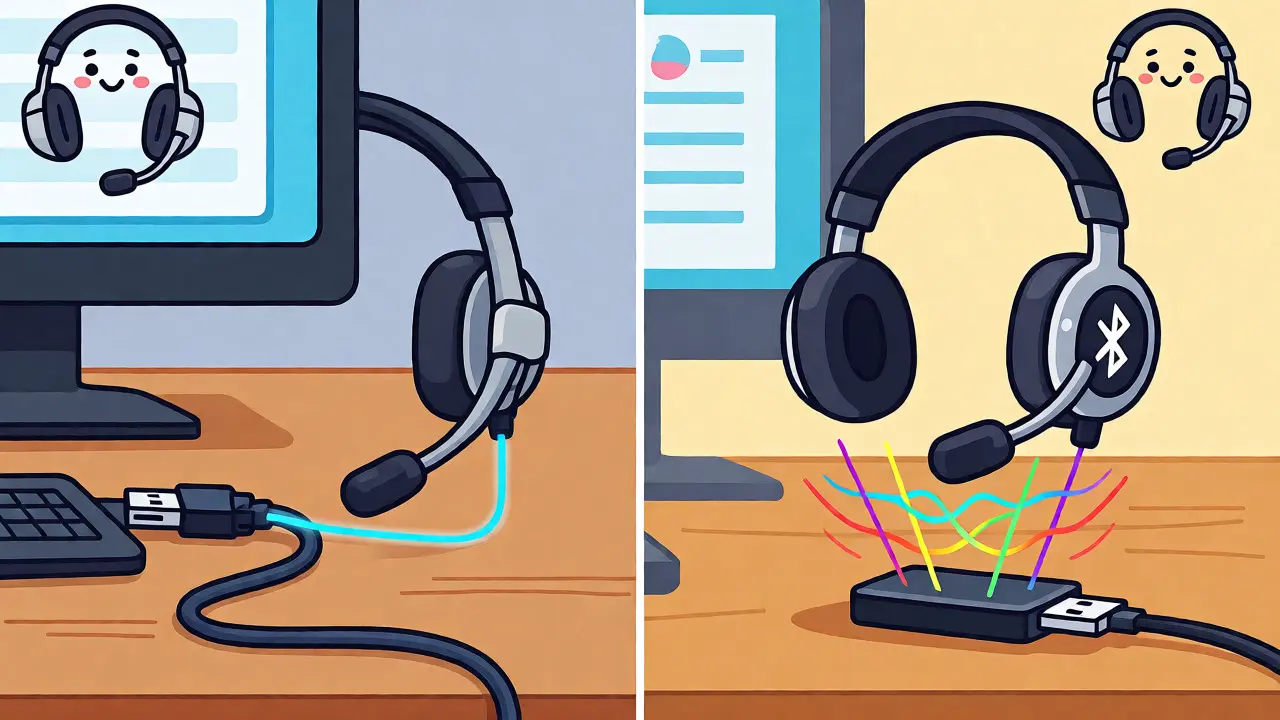
- Bluetooth needs a dongle: For wireless work, always use the manufacturer’s USB receiver rather than your computer’s built-in Bluetooth for better latency and control integration.
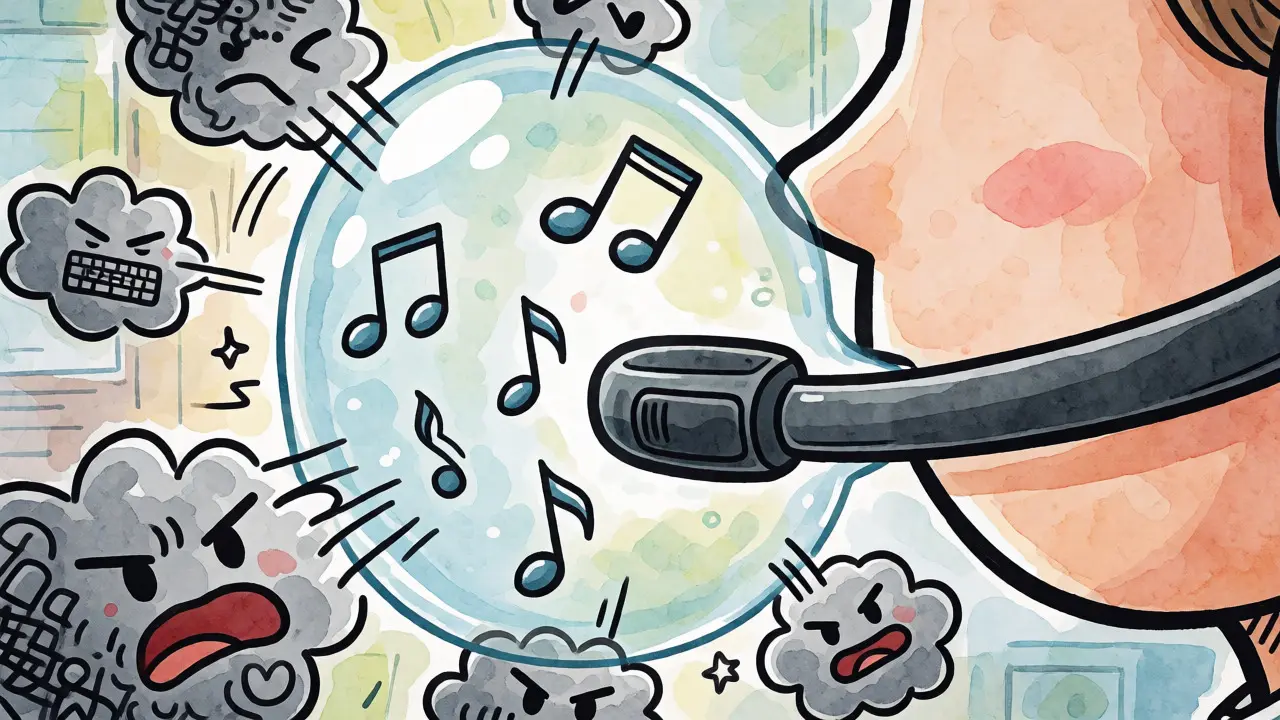
- Boom mics beat earbuds: In noisy environments, a dedicated boom microphone with noise cancellation outperforms boomless consumer headphones every time.
- Certification matters: Look for "Microsoft Teams Certified" or similar badges if you rely on specific button functions (like mute sync) within your softphone app.
Why Connection Type Changes Everything
Let’s clear up the biggest misconception: not all wireless connections are created equal. When you connect a generic Bluetooth headphone to a Windows PC or Mac, the system often switches to a lower-quality "hands-free profile" to handle the microphone. This crushes audio quality, making music sound muddy and voices robotic. Worse, it can cause lag during video calls.
This is why business-grade Bluetooth headsets come with their own USB dongles. These receivers create a dedicated, high-bandwidth channel that bypasses your computer’s internal Bluetooth stack. They support advanced codecs and allow for seamless switching between your computer and mobile phone. If you choose Bluetooth, budget for the dongle-it’s not optional if you want professional results.
On the other hand, USB headsets appear as digital audio devices. There’s no pairing dance, no battery charging, and no interference from your neighbor’s microwave. For fixed desks, contact centers, or anyone who hates troubleshooting, USB is the path of least resistance. But if you walk around the house while talking or move between meeting rooms, you’ll feel tethered.
Top Picks for Fixed Desks: The USB Champions
If you don’t need to wander, save your money and go wired. You get better audio fidelity and absolute reliability for less cash.
Logitech Zone Wired 2: The Best Value Workhorse
At around $130, the Logitech Zone Wired 2 is arguably the smartest buy for most remote workers. It plugs directly into USB-C (with a USB-A adapter included) and works instantly on both Windows and macOS. Logitech packed this thing with adaptive hybrid Active Noise Cancellation (ANC), which is rare at this price point for a wired model. It effectively dampens keyboard clatter and distant chatter.
The real star here is the dual AI-based noise-canceling microphones. They isolate your voice surprisingly well, even in moderately busy home offices. It’s certified for Microsoft Teams, Zoom, and Google Meet, meaning the mute button on the cable actually talks to your software. If you mute via the headset, your status changes in Teams. That small detail saves embarrassment during long meetings.
| Headset Model | Connection Type | Battery Life (Talk) | Noise Cancellation | Best For |
|---|---|---|---|---|
| Logitech Zone Wired 2 | USB-C / USB-A | N/A (Wired) | Adaptive Hybrid ANC | Fixed desks, value seekers |
| Jabra Evolve2 40 | USB-A / USB-C | N/A (Wired) | Passive Isolation | Call centers, simple deployments |
| Jabra Evolve2 65 Flex | Bluetooth + USB Dongle | ~20 hours | Active ANC | Mobility, hybrid work |
| Poly Voyager Focus 2 | Bluetooth + BT700 Dongle | Up to 25 hours | Acoustic Fence (4-mic) | Loud open offices |
| Jabra Evolve2 75 | Bluetooth + USB Dongle | Up to 25 hours | Advanced ANC | All-day premium comfort |
Jabra Evolve2 40: The No-Nonsense Standard
If you manage IT for a company deploying 50 headsets, you don’t want surprises. You want the Jabra Evolve2 40. It’s ugly, it’s basic, and it works flawlessly. Available in USB-A or USB-C variants, it features three digital MEMS microphones that provide clear voice pickup without needing heavy software processing.
It lacks ANC, relying instead on passive isolation from its on-ear design. This makes it lighter and cooler to wear for eight-hour shifts. It’s heavily certified across platforms-Teams, Zoom, Cisco, Mitel-so you know the buttons will map correctly. For administrative staff or customer service reps who sit still, this is the gold standard for durability and clarity.
Going Wireless: Freedom Without the Fumble
Wireless isn’t just about convenience; it’s about ergonomics. Being able to stand up, stretch, or grab a coffee without dragging your laptop creates a healthier workday. But you must pick the right tech.
Jabra Evolve2 65 Flex: The Portable Powerhouse
The Jabra Evolve2 65 Flex solves the biggest complaint about business headsets: bulk. It folds up into a compact shape, making it perfect for people who commute or move between hot-desking stations. Despite its size, it doesn’t skimp on features. It uses Bluetooth 5.2 paired with the Jabra Link 380 dongle for rock-solid connectivity.
You get up to 20 hours of talk time with ANC on, which covers a full work week plus some overtime. The dual-device connectivity is a game-changer: you can be on a Teams call on your PC while simultaneously connected to your smartphone. If someone calls your cell, you can answer without taking off the headset. Just note that it’s on-ear, so if you have larger ears or prefer deep cup isolation, test it first.
Poly Voyager Focus 2: The Noise Killer
Do you work in a loud open-plan office where colleagues talk constantly? Your microphone might pick up everything but your voice. Enter the HP Poly Voyager Focus 2. Its secret weapon is "Acoustic Fence" technology, using four microphones to create a virtual bubble around your mouth. Anything outside that bubble gets filtered out aggressively.
It’s pricier, hovering around $250-$260, but for noisy environments, it’s worth every penny. It also offers impressive range-up to 50 meters-so you can walk to the printer without dropping the call. The retractable boom mic means you can hide it when listening to music, keeping it looking sleek. However, it requires the Poly Lens software for optimal setup, so ensure your IT team allows third-party driver installations.
Jabra Evolve2 75: The Premium All-Rounder
If budget isn’t a constraint and you want the best of everything, look at the Jabra Evolve2 75. It combines the portability of the 65 Flex with the over-ear comfort and superior ANC of larger models. It’s designed for people who spend 6+ hours a day on calls.
The memory foam ear cushions are significantly more comfortable for long sessions. Battery life stretches to 25 hours of talk time, and fast charging gives you four hours of use from a 15-minute charge. It’s heavier than the Flex, but the trade-off is excellent passive isolation and active noise cancellation that blocks out HVAC hums and traffic. It’s the definitive choice for executives or power users.
Mac vs. Windows: Specific Considerations
While most modern headsets claim cross-platform compatibility, macOS has quirks. Apple restricts microphone permissions strictly. After plugging in a new headset, check System Settings > Privacy & Security > Microphone to ensure your softphone (e.g., Zoom.app) has access. If it’s unchecked, you’ll see the waveform moving but send silence.
For Windows users, the issue is usually driver conflicts. Always install the vendor’s management software (Logi Tune, Jabra Direct, Poly Lens). These tools aren’t just bloatware; they handle firmware updates and button mapping. Without them, your "mute" button might just mute the volume locally rather than signaling the softphone to mute the line.
Also, be wary of using AirPods or other consumer TWS (True Wireless Stereo) buds for serious VoIP work. While convenient, they often lack the wideband microphone quality needed for professional calls and can disconnect randomly during intensive CPU tasks. Stick to dedicated business headsets for critical communications.
Deployment Tips for IT Managers and Individuals
Buying the headset is step one. Making it work reliably is step two. Here is a quick checklist before you finalize your purchase or deploy a fleet:
- Test the Dongle: If buying wireless, plug the USB receiver into different ports. Some USB 3.0 ports emit radio frequency interference that disrupts 2.4GHz Bluetooth signals. Use a USB extension cable if necessary to move the dongle away from the computer chassis.
- Check Port Availability: Do your computers have USB-A or USB-C? The Logitech Zone Wired 2 includes both adapters, but many others assume one or the other. Mismatched connectors mean extra dongles.
- Firmware First: Before distributing headsets, update the firmware on each unit using the vendor’s desktop app. Out-of-the-box firmware often has bugs related to mute synchronization or battery reporting.
- Pilot Group: Never buy 100 units without testing 5. Give them to your loudest users and your quietest users. See how the noise cancellation performs in both scenarios.
Remember, the "best" headset is subjective. A lightweight mono-headset might be perfect for a receptionist who needs to hear the room, while a heavy-duty stereo ANC headset is vital for a developer coding in a shared space. Match the tool to the task, not just the spec sheet.
Do I really need a USB dongle for a Bluetooth headset?
Yes, for professional use. Using your computer's built-in Bluetooth forces the audio into a low-quality hands-free mode, degrading sound and causing latency. The manufacturer's USB dongle maintains high-fidelity audio and enables proper button controls within softphones like Teams or Zoom.
Can I use consumer headphones like AirPods for VoIP?
You can, but it's not recommended for business. Consumer headphones often lack the specialized microphone arrays needed for noise suppression and may disconnect frequently. They also typically don't integrate with softphone mute buttons, requiring you to click the mouse to mute.
What is the difference between ANC and noise-canceling microphones?
ANC (Active Noise Cancellation) helps *you* hear by blocking background noise from reaching your ears. Noise-canceling microphones help *others* hear you by filtering out background noise before sending your voice. For VoIP, microphone noise cancellation is often more important than ANC.
Are these headsets compatible with Mac and PC?
Most business headsets listed here are cross-platform. However, some advanced features (like custom EQ or firmware updates) may require installing specific software (like Jabra Direct or Logi Tune) which runs on both OSs. Always verify the specific model's documentation for macOS support details.
How long should a VoIP headset battery last?
Look for at least 20-25 hours of talk time. This ensures the headset lasts through a full workweek (assuming ~8 hours/day) with occasional breaks. Remember that enabling ANC and using the busylight feature will reduce this runtime significantly.