
Picture this: it’s your third hour on a back-to-back Zoom call. Your ears are burning, your head feels like it’s being squeezed by a vice, and you just realized the person on the other end has been asking you to repeat yourself for the last ten minutes because your dog barked. Sound familiar?
Choosing the right VoIP headset isn’t just about picking something that looks cool on your desk. For remote workers, sales teams, and customer support agents, your headset is your lifeline. It needs to disappear on your head so you can focus, while simultaneously ensuring your voice comes through crystal clear, regardless of whether your kid is screaming or the dishwasher is running.
In 2026, the market is flooded with options ranging from $30 wired plugs to $400 wireless systems. But most reviews miss the two things that actually matter for all-day wear: physical comfort and microphone noise suppression. Let’s cut through the marketing fluff and look at which headsets actually deliver on those promises.
The Core Criteria: Why Comfort and Mic Quality Rule
Before we talk brands, we need to agree on what makes a headset "good" for VoIP. Unlike music headphones, where bass response matters, a VoIP headset has one job: transmit human speech clearly while blocking out the world around you.
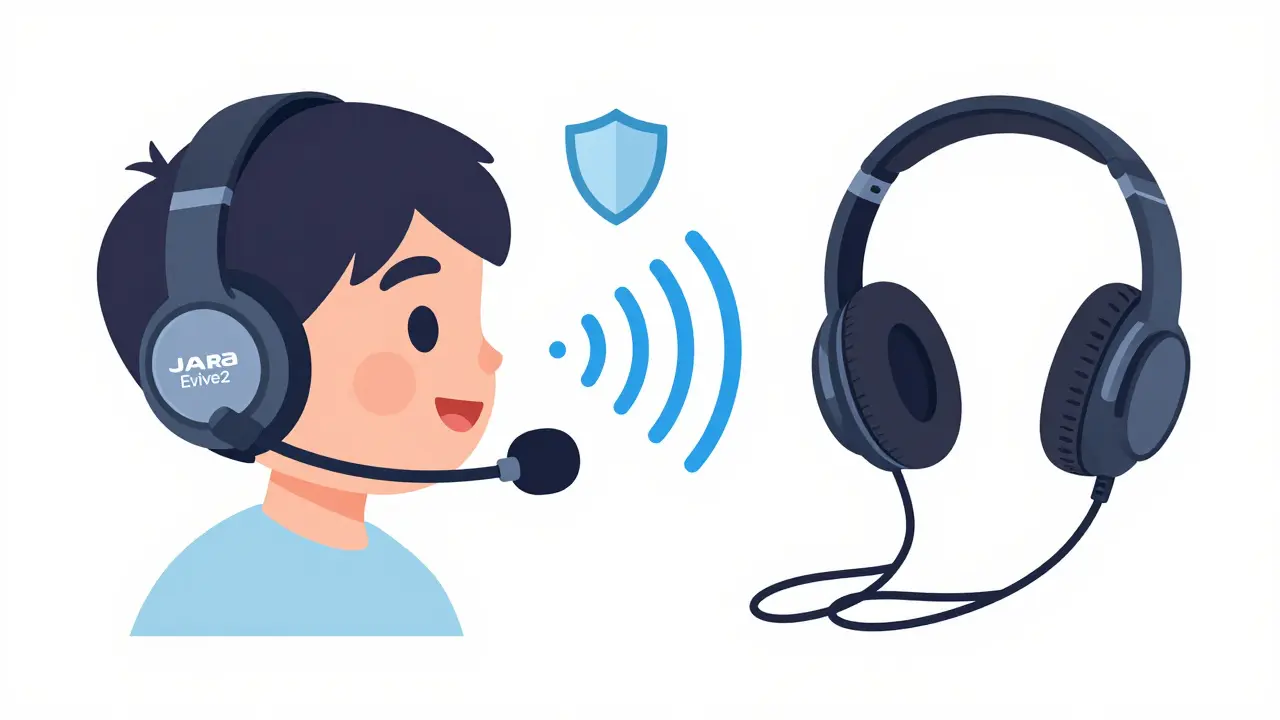
Microphone quality is defined by directionality and digital signal processing (DSP) noise reduction. A good mic uses boom arms to stay close to your mouth, capturing your voice directly while ignoring ambient noise. Bad mics pick up keyboard clacks and HVAC hums, making you sound unprofessional.
Comfort is determined by weight distribution, clamping force, and ear cushion material. Over-ear designs generally win here because they distribute weight across the headband rather than pressing into the sensitive cartilage of your ear. If you’re on calls for four hours a day, an on-ear or in-ear design will likely cause fatigue or pain by mid-afternoon.
- Connection Type: USB for plug-and-play simplicity; Bluetooth for mobility; DECT for maximum range and stability.
- Form Factor: Over-ear for long sessions; On-ear for compactness; In-ear for minimal visibility.
- Noise Cancellation: Active Noise Cancellation (ANC) blocks outside noise for you; Noise-Suppressing Mics block your background noise for the listener.
Top Recommendations for Remote VoIP in 2026
Based on expert testing from sources like TechRadar, RTINGS, and Headset Advisor, here are the top contenders categorized by how they solve specific remote work problems.
1. Jabra Evolve2 75: The Best All-Rounder
If you want one headset that does everything well without breaking the bank, the Jabra Evolve2 75 is currently the gold standard. TechRadar named it the best VoIP headset overall in their 2025 roundup, and it holds up strong in 2026.
This is a premium Bluetooth UC (Unified Communications) headset. It features over-ear cushions that are soft enough for all-day wear and Active Noise Cancellation (ANC) to help you focus. The real star, however, is the boom microphone. It tucks away when not in use but extends to provide excellent voice isolation. It’s certified for Microsoft Teams and Zoom, meaning the buttons on the headset map correctly to call controls in those apps-a small detail that saves massive amounts of frustration.
| Feature | Detail |
|---|---|
| Connectivity | Bluetooth 5.1 + USB-A Dongle |
| Battery Life | Up to 13 hours |
| Mic Type | Retractable Boom with Noise Reduction |
| Best For | Hybrid workers needing balance of comfort and clarity |
2. Plantronics/Poly Savi 8220: The King of Range
Do you pace around your house while on calls? Do you have a large home office setup? Then Bluetooth might be frustrating you with dropouts. Enter the Plantronics Savi 8220, a DECT-based system.
AudiophileOn lists this as an "easy recommendation" for 2026. DECT technology operates on a dedicated 1.9 GHz band, offering a range of up to 300 feet with zero interference from Wi-Fi routers or microwaves. This headset connects via a base station to your computer. You get the freedom to walk into the kitchen or backyard without losing connection. The microphone quality is professional-grade, designed specifically to filter out office chatter and background noise. It’s heavier than the Jabra, but the comfort is exceptional for long shifts.
3. Yealink HA64 Pro: For Sales Teams and Managers
If you are in sales or managing a remote team, the Yealink HA64 Pro offers unique advantages. Headset Advisor highlights this model for its dual connectivity: it uses both DECT and Bluetooth.
This means you can roam around your house using DECT for stability, but also pair directly to your mobile phone via Bluetooth if you step outside the DECT range. Crucially, it supports a "conference mode" where a manager can pair their headset to yours for live coaching during calls. This feature is rare and invaluable for training new remote reps. The mic quality is tuned for high-volume calling environments.
4. EPOS Impact 1000 Series: Pure Bluetooth Comfort
For users who strictly work from a desk or nearby chair and don’t need DECT range, the EPOS Impact 1000 series is a fantastic option. It is designed purely for computer and mobile use-no desk phone connectivity here.
The standout feature is the modular design. You can swap out the ear cushions. If you find the standard on-ear pads uncomfortable after an hour, you can buy over-ear cushions to replace them. This modularity allows you to customize the fit for your specific head shape. The active noise-canceling microphone performs exceptionally well in noisy home environments, making it a favorite among customer service agents working from coffee shops or busy living rooms.
5. Sony WH-1000XM6: The Consumer Crossover
Here is a controversial pick: a consumer music headphone. RTINGS’ 2026 tests ranked the Sony WH-1000XM6 as the best Bluetooth device for phone calls among all devices tested, including business headsets.
Why consider it? If you already own these for travel and music, you might not need a second headset. The ANC is industry-leading, creating a silent bubble for you. The integrated microphones have impressive noise handling algorithms. However, note that because it lacks a boom mic, it struggles slightly more than dedicated office headsets in very loud environments. It’s a great choice if you value a single device for life, but a dedicated boom mic is still safer for mission-critical client calls.
6. Logitech H390: The Budget Baseline
Not everyone needs wireless freedom. The Logitech H390 is a wired USB headset that costs a fraction of the others. OnSIP recommends this for remote workers who prioritize affordability and simplicity.
It plugs into any USB-A port and works instantly with almost any VoIP softphone. There are no batteries to charge, no pairing issues, and no range limits. The microphone is decent for quiet home offices, and the comfort is adequate for shorter call durations. If you are equipping a large team on a tight budget, this is the logical starting point.
DECT vs. Bluetooth: Which Should You Choose?
This is the biggest decision point for remote workers. Here is the breakdown:
| Factor | Bluetooth | DECT |
|---|---|---|
| Range | Short (10-30 ft) | Long (up to 300 ft) |
| Interference | High (Wi-Fi/Microwave conflicts) | Low (Dedicated frequency) |
| Setup | Simple (Pair directly to PC/Phone) | Complex (Requires Base Station) |
| Latency | Variable | Consistently Low |
| Cost | $50 - $200 | $200 - $400+ |
Choose Bluetooth if you sit mostly at your desk, travel frequently, or need to switch between laptop and smartphone easily. Models like the Jabra Evolve2 75 or EPOS Impact 1000 excel here.
Choose DECT if you have a large workspace, experience frequent Bluetooth dropouts, or make high-volume calls where audio stability is non-negotiable. The Poly Savi 8220 and Yealink HA64 Pro are the leaders here.

Optimizing Your Setup for Best Results
Even the best headset will fail if configured poorly. Follow these steps to ensure your VoIP quality is top-tier:
- Set Default Devices: Go into your OS sound settings and set your headset as the default input and output. Do this before opening your VoIP app.
- Adjust Mic Gain: Most softphones (Zoom, Teams, Slack) have a microphone level slider. Test your volume. If it’s too low, you’ll shout. If it’s too high, you’ll distort and pick up background noise.
- Enable Sidetone: Sidetone lets you hear your own voice in your ears. Without it, people tend to raise their voices unconsciously. Keep it at a low setting so you don’t feel unnatural.
- Update Firmware: Brands like Jabra and Poly release firmware updates that improve noise cancellation algorithms. Check their companion apps monthly.
Frequently Asked Questions
Is a wired headset better than wireless for VoIP?
Wired headsets offer zero latency and no battery anxiety, making them reliable for critical calls. However, modern DECT and high-end Bluetooth headsets have closed the gap significantly. Wireless is preferred for mobility and reducing cable clutter, provided you choose a model with strong noise suppression.
Do I need a boom microphone for remote work?
Yes, for professional VoIP calls. Boom microphones stay close to your mouth, capturing voice clearly while rejecting background noise. Integrated microphones (like on consumer headphones) rely on software algorithms to isolate voice, which can struggle in noisy environments like homes with pets or kids.
What is the difference between DECT and Bluetooth headsets?
DECT uses a dedicated radio frequency (1.9 GHz) and requires a base station connected to your computer. It offers superior range (up to 300 feet) and stability with no interference from Wi-Fi. Bluetooth connects directly to devices, offering greater convenience and lower cost but shorter range and potential interference.
Can I use gaming headsets for VoIP calls?
You can, but they are often optimized for stereo game audio rather than mono voice clarity. Many gaming headsets lack the advanced noise-canceling microphones found in dedicated UC (Unified Communications) headsets. They may also be heavier and hotter for all-day wear.
How do I fix echo during my VoIP calls?
Echo is usually caused by sound leaking from your speakers back into your microphone. Using a headset solves this physically. If you still hear echo, check your VoIP app settings to ensure "Acoustic Echo Cancellation" is enabled. Also, lower your speaker volume and ensure your microphone gain isn't set too high.