Why Your VoIP System Needs a UPS
If your business relies on VoIP phones, a power outage isn’t just an inconvenience-it’s a communication blackout. No electricity means no calls, no voicemails, no customer support. Even a short outage can cost you sales, trust, and time. That’s why a UPS with the right battery pack isn’t optional-it’s essential.
Unlike regular computers, VoIP systems need to stay online during outages because they’re your lifeline to customers. A router, switch, modem, and IP phones all draw power. When the grid fails, they all go dark unless you’ve got backup. A UPS keeps them running, but not all UPS units are built the same. The key question isn’t just whether you need one-it’s how long it will last.
How UPS Runtime Actually Works
Runtime isn’t magic. It’s math. The formula is simple but often misunderstood:
Battery capacity (Ah) × Voltage (V) × Number of batteries × Efficiency ÷ Total Load (W) = Runtime in hours
But here’s what most people miss: manufacturers don’t let batteries drain completely. Safety circuits cut power when the battery hits 10-35% remaining. That means your 30-minute estimate? It’s really 20-25 minutes in practice.
Other factors matter too:
- Inverter efficiency (usually 85-90%)
- Power factor of connected devices
- How much power the UPS itself uses while running
- Age of the battery (they lose capacity over time)
So if you’re using a calculator that doesn’t account for these, your numbers are optimistic. Real-world runtime is always lower.
Three Realistic Scenarios for VoIP Backup
You don’t need to plan for the worst-case scenario unless you’re in a remote area with no generator. Most businesses fall into one of three setups:
1. 10-15 Minutes: Safe Shutdown Only
This is the bare minimum. If you’re in an office with a generator that kicks in within a minute or two, 10-15 minutes gives you time to save work, log out, and shut down cleanly. No calls during the outage? Fine. You just avoid data loss and system corruption. This setup works for small offices with no critical 24/7 needs.
2. 15-30 Minutes: Generator Handoff
If you have a backup generator, you need just enough UPS runtime to bridge the gap. Generators take 30-60 seconds to spin up and stabilize. A 20-minute UPS gives you a buffer in case the generator fails to start. This is common in mid-sized businesses, clinics, and call centers. You keep phones alive until the generator takes over.
3. 2+ Hours: Full Battery Dependence
This is for places without generators-rural offices, warehouses, schools, or emergency response centers. If you’re relying on batteries alone, you need serious capacity. A 1200W load with two external battery packs can stretch to over 50 minutes. But for 2 hours? You’ll need a larger UPS base unit plus multiple external packs. It’s expensive, but it’s the only way to keep your VoIP system running through a full night outage.
What Devices Are You Really Backing Up?
Most people think: “I just need to back up the phones.” But VoIP isn’t just phones. It’s a chain:
- IP phones (each draws 5-10W)
- VoIP gateway or PBX (50-150W)
- Network switch (20-50W)
- Router (15-30W)
- Modem (10-20W)
- Wireless access points (20-40W each)
- IP cameras or access control systems (if connected)
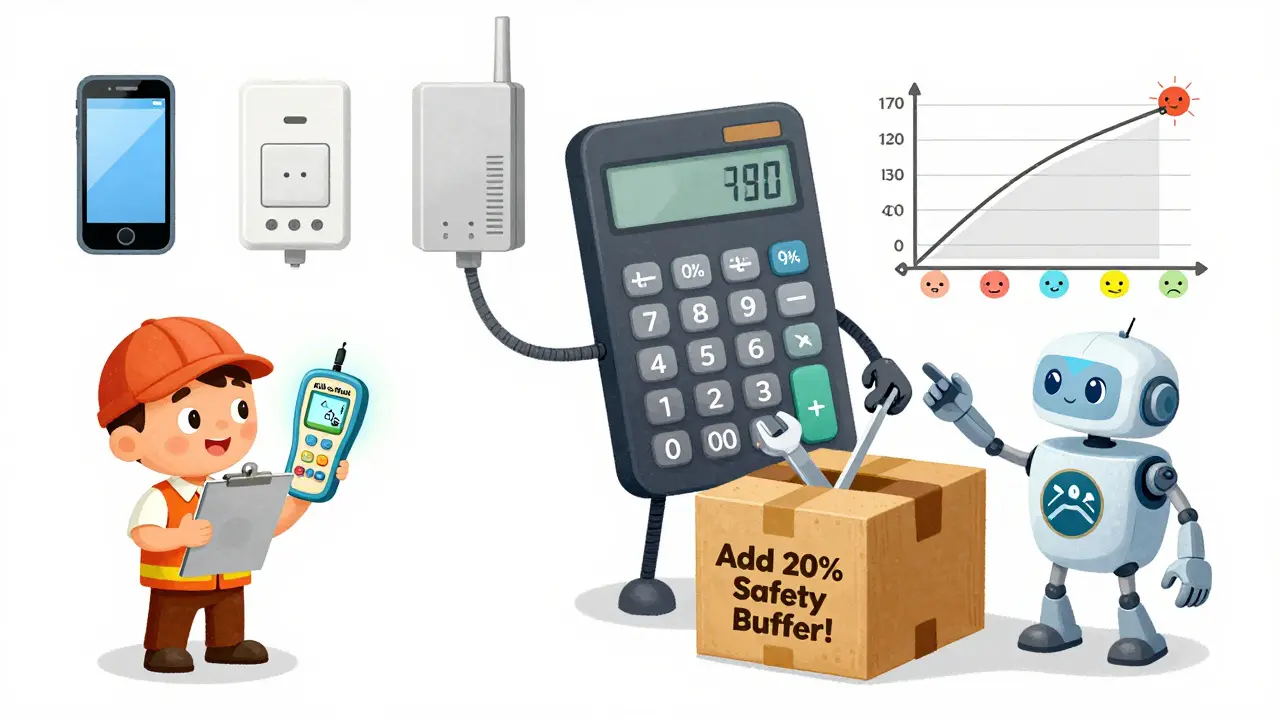
Tripp Lite’s VoIP UPS Finder tool accounts for all of this. It’s not just about the number of phones-it’s about the total wattage. Add up every device that needs to stay alive. Don’t guess. Measure. Use a kill-a-watt meter on each device. Plug them in one at a time. Write down the numbers. Then add 20% for safety.
How to Size Your UPS Correctly
Here’s a simple rule: never run a UPS at 100% capacity. Aim for 60-70% of its max rating. Why? Because:
- Battery life lasts longer
- The UPS runs cooler
- You leave room for future expansion
Example: If your total load is 800W, don’t buy a 1000W UPS. Go for 1200W or 1500W. That 20-30% buffer makes a big difference in performance and longevity.
Also, check the VA rating. Watts and VA aren’t the same. For VoIP gear, use the watt rating. Most VoIP devices have a power factor close to 1, so VA ≈ Watts. But if you’re unsure, use the higher number.
External Battery Packs: The Secret to Longer Runtime
Here’s the biggest myth: buying a bigger UPS gives you longer runtime. Not always. UPS capacity (watts) and battery runtime (minutes) are separate.
You can have a 1500W UPS that only lasts 8 minutes. Or you can have a 1500W UPS with two external battery packs that lasts 90 minutes. The UPS handles the power. The batteries handle the time.
External packs snap onto the base unit. They don’t increase capacity-they increase endurance. That’s why companies like APC and CyberPower sell them. It’s modular. You start with a base unit, measure your load, then add packs as needed.
Real example: A desktop computer at 1200W runs 30 minutes on the base UPS. One external pack? Only 32 minutes. Two packs? 53 minutes. Why the small jump? Because the UPS is already near its max load. The extra battery helps, but not as much as you’d think. For VoIP, which usually draws less than 500W, adding two packs can easily double or triple your runtime.
Real Runtime Numbers from APC Smart-UPS
APC’s SMT2200 model gives us real data:
- 50W load → 8 hours 51 minutes
- 200W load → 1 hour 52 minutes
- 500W load → 24 minutes
- 1980W load → 24 minutes
Notice something? At 500W and 1980W, runtime is the same. Why? Because the UPS hits its maximum power output. It can’t deliver more than 2200W. So once you’re near that limit, adding more load doesn’t change runtime-it just drains the battery faster. This shows why oversizing your UPS matters. A 1500W unit for a 500W load gives you hours. A 2200W unit for the same load gives you even more.

Tools to Calculate Your Needs
Don’t guess. Use a calculator. Here are the best ones:
- Tripp Lite VoIP UPS Finder-specifically designed for VoIP, IP cameras, WAPs, and access systems. Input device counts, it calculates total load, recommends models.
- Battery Backup Power’s Generic Calculator-enter load in watts, battery voltage, Ah, number of batteries. Tells you estimated runtime. Includes warnings about cutoff thresholds.
- CyberPower UPS Runtime Calculator-select your model, input load, get minutes. Simple and accurate.
Use two tools. Compare results. If they’re wildly different, check your load numbers again. Always round up.
What Happens When the Battery Dies?
Good UPS units don’t just shut off. They give you warnings:
- Beeping pattern changes
- LED indicators flash red
- Network alerts (if managed)
Some enterprise UPS systems can trigger automatic shutdowns on connected servers or VoIP gateways via software. That’s ideal. It prevents data corruption and ensures clean shutdowns.
But if you’re using a basic consumer-grade UPS? It just cuts power. Phones die. Calls drop. Customers hear silence. That’s why managed UPS systems are worth the cost for VoIP environments.
Maintenance and Battery Life
Batteries degrade. Even if you never use them, they lose capacity over time. Most UPS batteries last 3-5 years. After that, runtime drops sharply.
Test your UPS every 6 months. Unplug it. Let it run on battery. Time how long it lasts. Compare it to the original specs. If it’s down to 60% of its original runtime, replace the battery. Don’t wait for a failure.
Keep the UPS in a cool, dry place. Heat kills batteries. A closet above the server rack? Bad. A ventilated network cabinet? Good.
Final Checklist: Are You Ready?
Before you buy, ask:
- Have I measured every device that needs backup? (Phones, switches, routers, access points)
- Have I added 20% extra to the total load for safety?
- Have I chosen a UPS with 60-70% headroom above my load?
- Do I need external battery packs to reach my target runtime?
- Have I tested the runtime with a real power outage simulation?
- Do I have a plan to replace batteries every 3-5 years?
If you answered yes to all, you’re set. If not, you’re one outage away from chaos.