
Imagine answering a customer call while staring at a blank screen. You ask for their name, account number, and the reason they are calling. They repeat details you already have in your database. The customer gets frustrated. You lose time. This outdated workflow is exactly what modern Agent Desktop solutions eliminate.
In today’s fast-paced contact centers, speed and context are everything. An Agent Desktop is not just a softphone; it is a unified workspace that merges telephony, customer data, and support tools into one interface. By integrating Computer Telephony Integration (CTI), Customer Relationship Management (CRM) systems, and Knowledge Bases, businesses can transform chaotic call handling into a streamlined, efficient process.
What Is an Agent Desktop?
An Agent Desktop is a software interface that consolidates communication controls, customer records, and operational tools into a single screen for contact center agents. Unlike traditional setups where agents juggle separate applications for phone calls, email, and ticketing, the Agent Desktop brings everything together.
The core value lies in reducing application switching. Every time an agent clicks away from a CRM to check a phone status or opens a new tab to find a help article, they lose focus and time. Studies show that task-switching can reduce productivity by up to 40%. An integrated desktop keeps the agent in flow state, allowing them to handle more calls with higher quality.
Key components of a robust Agent Desktop include:
- Softphone Controls: Buttons to answer, hang up, hold, transfer, and conference calls directly on the screen.
- Screen Pop: Automatic display of caller information when a call arrives.
- Unified Inbox: Viewing voice, chat, and email interactions in one timeline.
- Embedded Tools: Access to knowledge bases, case management, and CRM fields without leaving the main window.
Understanding CTI: The Engine Behind the Scenes
To understand how an Agent Desktop works, you need to look under the hood at Computer Telephony Integration (CTI). CTI is the technology that connects a computer system with a telephone network, allowing software to control phone functions.
Historically, phone systems were isolated hardware units. CTI broke down these walls by converting the computer into a virtual phone extension. In a VoIP environment, this integration is seamless because both the voice data and the IT infrastructure travel over the same internet protocol.
Here is how CTI powers the Agent Desktop experience:
- Data Synchronization: When a call comes in, the CTI server identifies the caller ID and sends this data to the agent’s computer.
- Command Execution: The agent clicks "Answer" on their screen. The CTI signal instructs the VoIP switch to connect the call to that specific softphone instance.
- Event Logging: As soon as the call ends, the CTI system logs the duration, outcome, and timestamp, pushing this data automatically into the CRM.
Without CTI, agents would still need physical handsets or disconnected softphones, forcing them to manually type call notes and search for customer records. CTI makes the phone an intelligent part of the digital workflow.
CRM Integration: Context Is King
The most critical feature of any Agent Desktop is its ability to talk to your CRM (Customer Relationship Management) system. Whether you use Salesforce, HubSpot, Zoho, or Microsoft Dynamics, the goal is the same: give the agent immediate access to the customer’s history.
This is achieved through two primary methods: embedded dialers and side-by-side integration.
Embedded Dialers
An embedded dialer lives inside the CRM record page. When an agent views a customer profile, they see a small widget with call controls. Clicking the phone number initiates a click-to-dial action. This method is excellent for sales teams who spend most of their time within the CRM. It requires zero context switching because the telephony function is hidden within the platform they already know.
Side-by-Side Integration
For support teams, a side-by-side view is often better. The Agent Desktop sits next to the CRM window. When a call arrives, the CTI triggers a "screen pop" that pulls the relevant CRM record into the Agent Desktop. This allows agents to see call controls and customer data simultaneously without cluttering the CRM interface with phone buttons.
Benefits of deep CRM integration include:
- Automated Call Logging: No more manual entry. Every call is recorded as an activity in the CRM.
- Click-to-Dial: Agents click numbers in the CRM to place outbound calls instantly.
- Real-Time Data Updates: Changes made during the call reflect immediately in the central database.
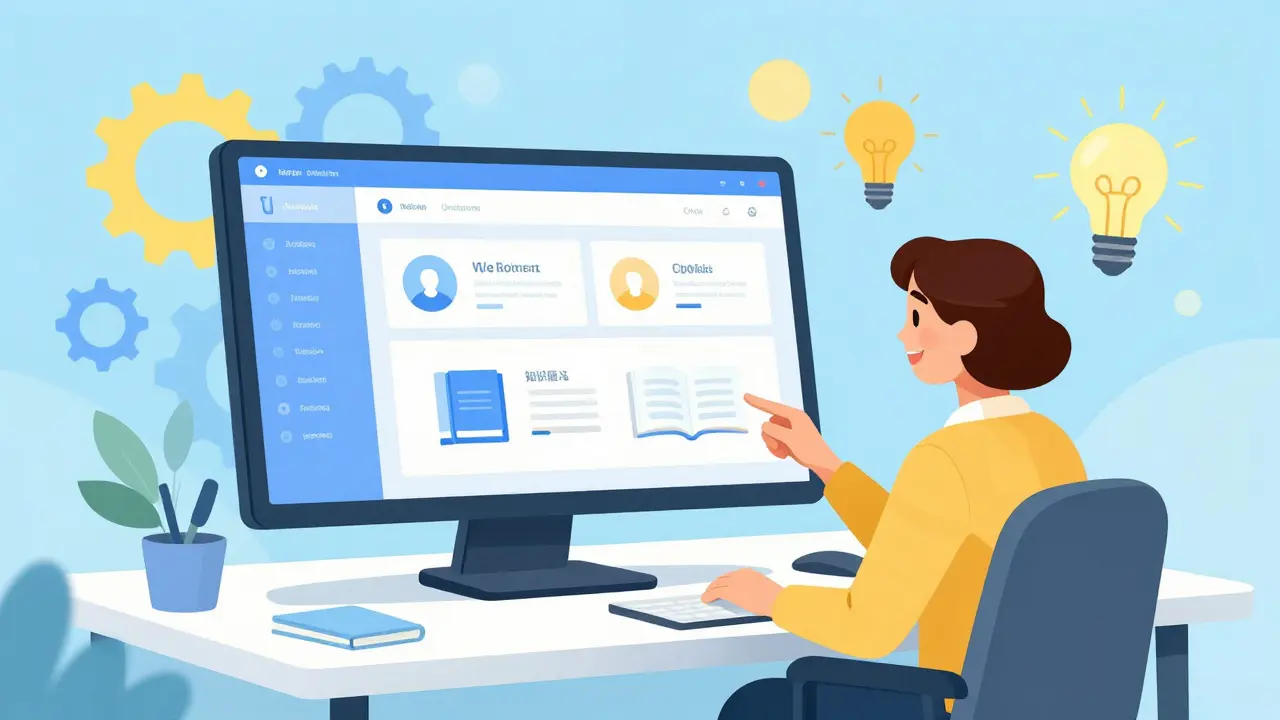
Knowledge Base Integration: Faster Resolution
Awareness is power, but only if you can access it quickly. Integrating a Knowledge Base into the Agent Desktop ensures agents have instant access to articles, troubleshooting guides, and product specs.
In a non-integrated setup, an agent might need to open a browser, navigate to a wiki site, search for a keyword, and hope the right article appears. This adds precious seconds to every interaction. With integration, the Knowledge Base becomes a searchable panel within the Agent Desktop.
Advanced systems even use AI to suggest relevant articles based on the conversation topic or the customer’s previous tickets. For example, if a customer calls about a billing error, the system might automatically highlight the "Refund Policy" article. This reduces Average Handle Time (AHT) and improves First Contact Resolution (FCR).
CTI Connectors vs. Full Agent Desktops
Not all integrations are created equal. Businesses often confuse simple CTI connectors with comprehensive Agent Desktop solutions. Understanding the difference is crucial for choosing the right tool.
| Feature | CTI Connector | Full Agent Desktop |
|---|---|---|
| Scope | Narrow: Focuses only on telephony-CRM link | Broad: Integrates multiple channels and tools |
| User Interface | Minimalistic dialer embedded in CRM | Dedicated, customizable dashboard |
| Customization | Limited; relies on CRM layout | High; drag-and-drop widgets and layouts |
| Omnichannel Support | Voice only (typically) | Voice, Chat, Email, SMS, Social |
| Best For | Sales teams using one CRM heavily | Contact centers with complex workflows |
If your team only needs to make calls from Salesforce and log them, a CTI connector like Aircall’s embedded app might suffice. However, if your agents handle complaints, require access to external databases, manage cases, and need to pull up knowledge base articles, a full Agent Desktop is necessary.

Technical Implementation and Compatibility
Implementing an Agent Desktop requires careful attention to compatibility. Not all VoIP providers offer open APIs for CTI integration. Before selecting a platform, verify that it supports standard protocols like SIP (Session Initiation Protocol) and offers SDKs (Software Development Kits) for custom integrations.
Major players like Genesys and Cisco provide robust SDKs that allow developers to build tailored Agent Desktop experiences. These tools enable features such as:
- Supervisor Assist: Managers can listen in or barge into calls with a single click.
- Blind vs. Warm Transfers: Controlling how calls are handed off between agents.
- Call Recording Triggers: Automatically recording calls based on keywords or outcomes.
For smaller businesses, pre-built integrations are often easier. Platforms like Aircall, RingCentral, and Zoom Phone offer out-of-the-box connections with popular CRMs. These solutions require minimal configuration-often just installing an app from the CRM’s marketplace and authenticating the account.
Measuring Success: Key Metrics
How do you know if your Agent Desktop integration is working? Look at these key performance indicators (KPIs):
- Average Handle Time (AHT): Should decrease as agents spend less time searching for information.
- First Contact Resolution (FCR): Should increase because agents have immediate access to answers via the Knowledge Base.
- Agent Satisfaction: Reduced friction leads to lower stress and higher retention rates.
- Data Accuracy: Automated logging eliminates human error in call records.
By unifying CTI, CRM, and Knowledge Base resources, you create a powerful ecosystem that empowers your team to deliver exceptional customer experiences efficiently.
What is the difference between CTI and an Agent Desktop?
CTI (Computer Telephony Integration) is the underlying technology that connects phone systems to computers. An Agent Desktop is the user interface that utilizes CTI along with other tools like CRM and Knowledge Bases to provide a unified workspace for agents. Think of CTI as the engine and the Agent Desktop as the car.
Can I integrate my existing VoIP provider with Salesforce?
Yes, most major VoIP providers offer native integrations with Salesforce. These usually come in the form of an embedded dialer or a sidebar app. You should check your provider’s integration marketplace to see if a pre-built solution exists, which saves development time.
What is Screen Pop functionality?
Screen Pop is a feature where the Agent Desktop automatically displays relevant customer information (such as their name, account history, or past tickets) on the agent's screen as soon as a call arrives. This eliminates the need for agents to ask for basic details or manually search for records.
Is an Agent Desktop suitable for small businesses?
Absolutely. While large enterprises use highly customized desktops, small businesses benefit from cloud-based Agent Desktop solutions that offer pre-built integrations. These are affordable, easy to set up, and provide immediate improvements in efficiency and customer service.
How does Knowledge Base integration improve call handling?
It reduces the time agents spend searching for answers. Instead of leaving the call screen to browse a website or internal wiki, agents can search and view articles directly within the Agent Desktop. Some advanced systems even suggest articles based on the conversation context, speeding up resolution times.